3938
Multi: Stroboscopic Flash
With stroboscopic ash, a rapid series of ashes is red. It can
be used to capture a multiple images of a moving subject in a sin-
gle photograph.
You can set the ring frequency (number of ashes per sec. ex-
pressed as Hz), the number of ashes, and the ash output.
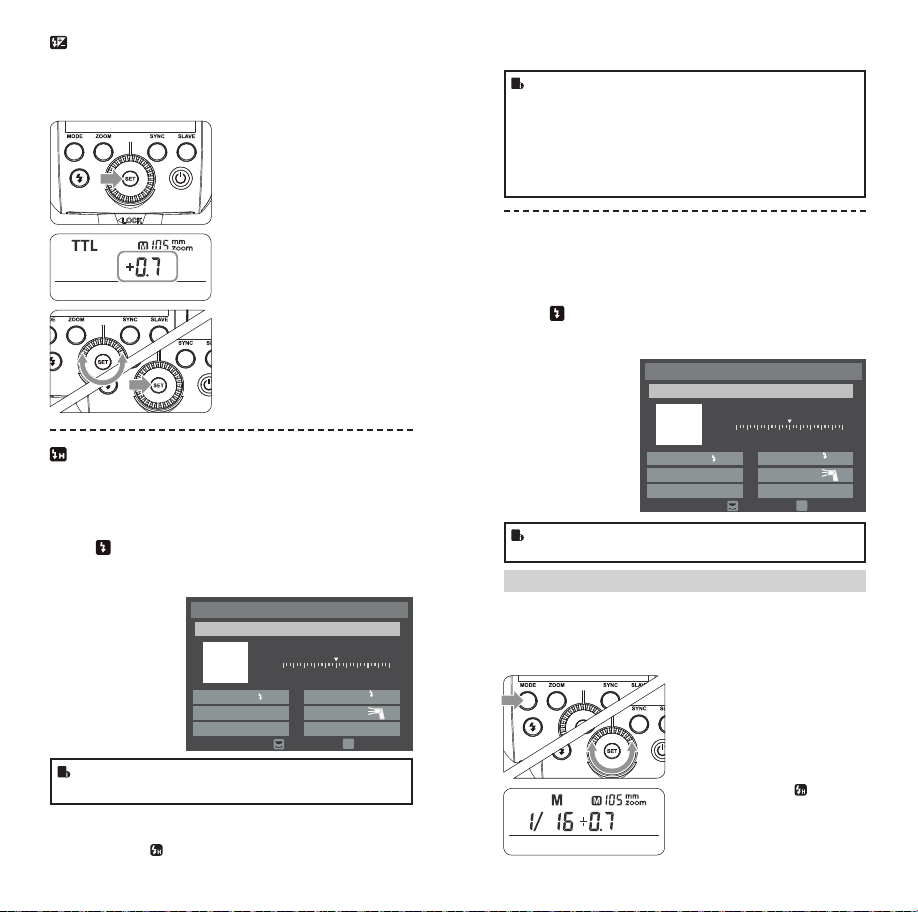
3Set the ash frequency and
ash times.
•Press the SET Button to
select the ash frequency.
Turn the Select Dial to set
the number.
•Press the SET Button
again to select the ash
times. Turn the Select Dial
to set the number.
Calculating the Shutter Speed
During stroboscopic ash, the shutter remains open until the r-
ing stops. Use the formula below to calculate the shutter speed
and set it with the camera.
Number of Flashes / Flash Frequency = Shutter Speed
For example, if the number of ashes is 10 and the ring frequen-
cy is 5 Hz, the shutter speed should be at least 2 seconds.
•To avoid overheating and deteriorating the ash head, do
not use stroboscopic ash more than 10 times in succes-
sion. After 10 times, allow the camera ash to rest for at
least 15 minutes. If you try to use the stroboscopic ash
more than 10 times in succession, the ring might stop
automatically to protect the ash head. If this happens,
allow at least 15 minutes’ rest for the camera ash.
•Stroboscopic ash is most effective with a highly reec-
tive subject against a dark background.
•Using a tripod and a remote control is recommended.
•Stroboscopic ash can be used with“bulb”.
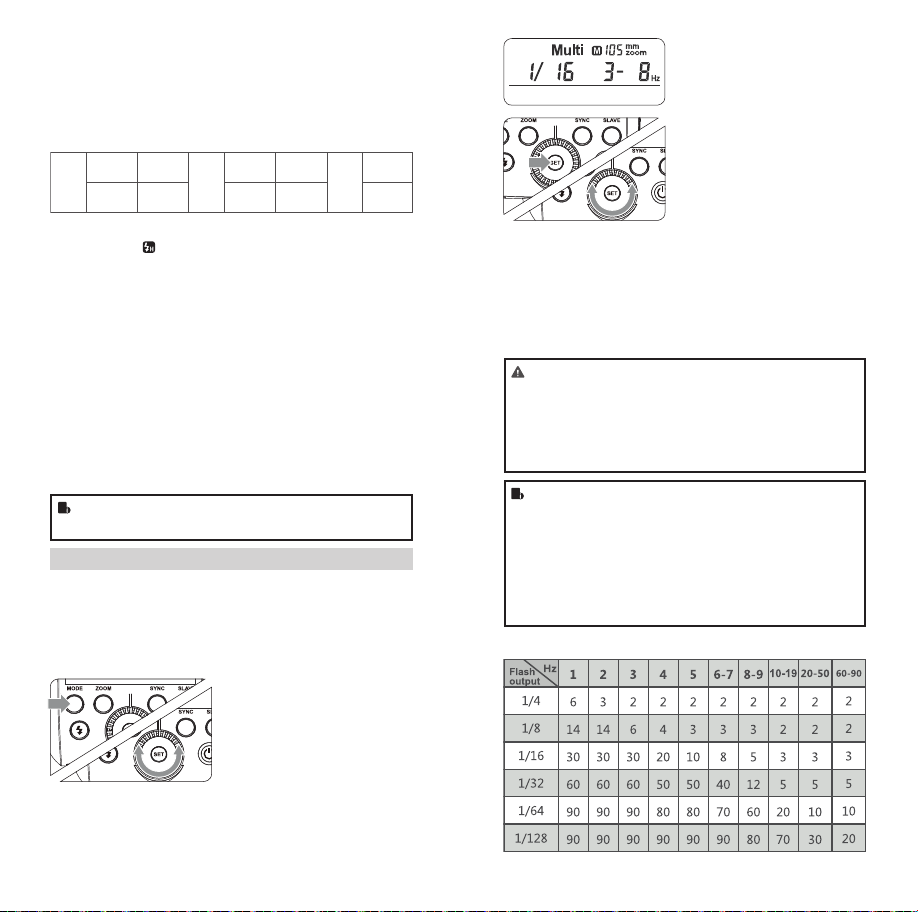
•If the number of ashes is displayed as “--”, the ring
will continue until the shutter closes or the battery is ex-
hausted. The number of ashes will be limited as shown
by the following table.
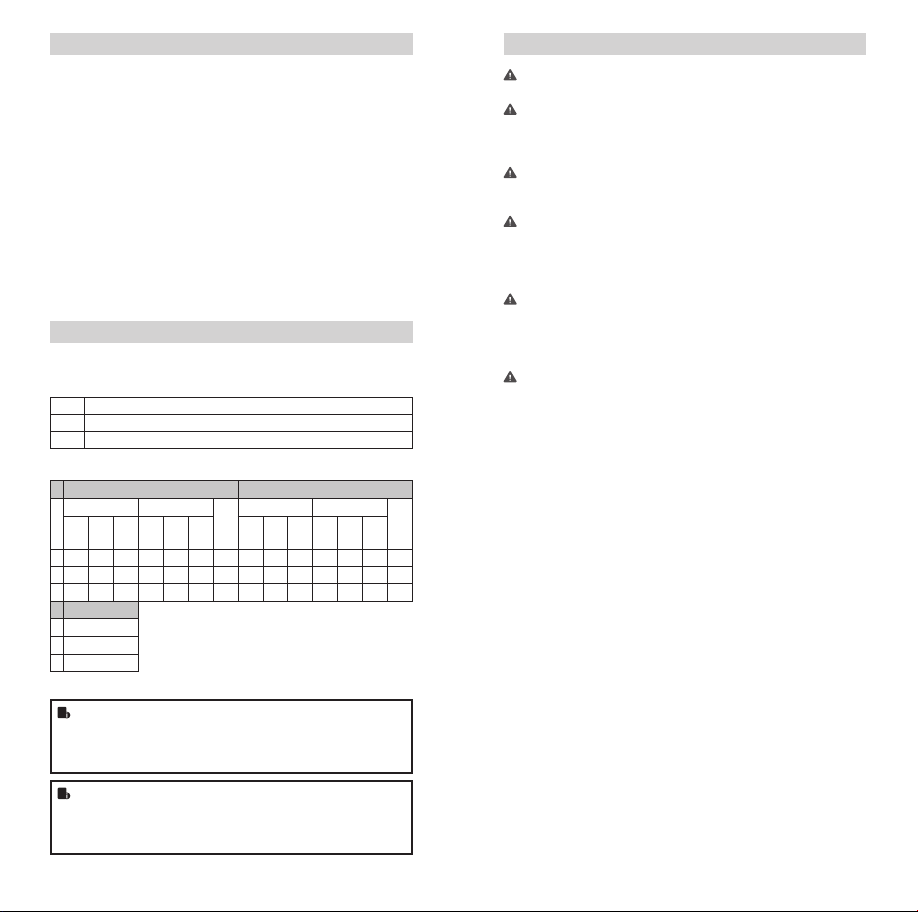
Maximum Stroboscopic Flashes:
Flash Output Range
The following table makes it easier to see how the stop changes
in terms of f/stop when you increase or decrease the ash output.
For example, when you decrease the ash output to 1/2, 1/2-0.3,
or 1/2- 0.7, and then increase the ash output to more than 1/2,
1/2+0.3, 1/2+0.7, and 1/1 will be displayed.
Figures displayed when reducing ash output level
1/41/2
1/1
1/1-0.3
1/2+0.7
1/1-0.7
1/2+0.3
1/2-0.3
1/4+0.7
1/2-0.7
1/4+0.3
······
······
Figures displayed when increasing ash output level
In the M mode, high-speed sync and second curtain sync
functions can be achieved.
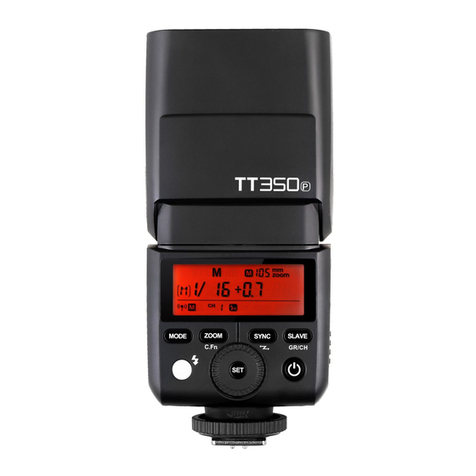
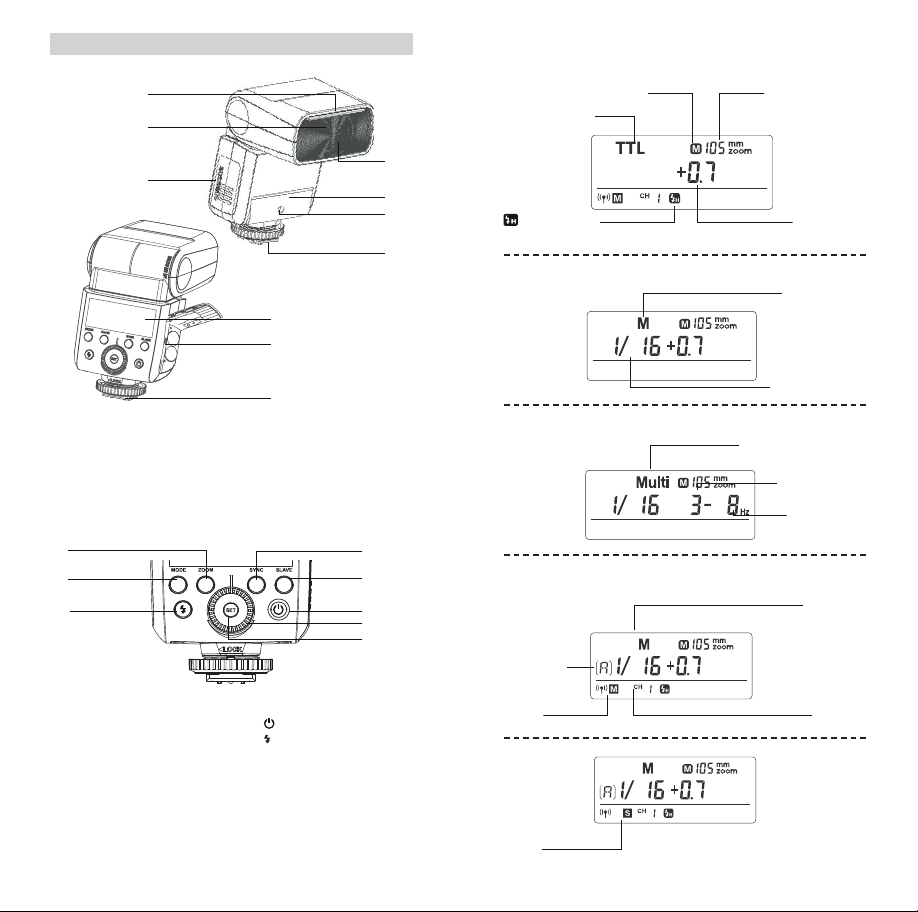
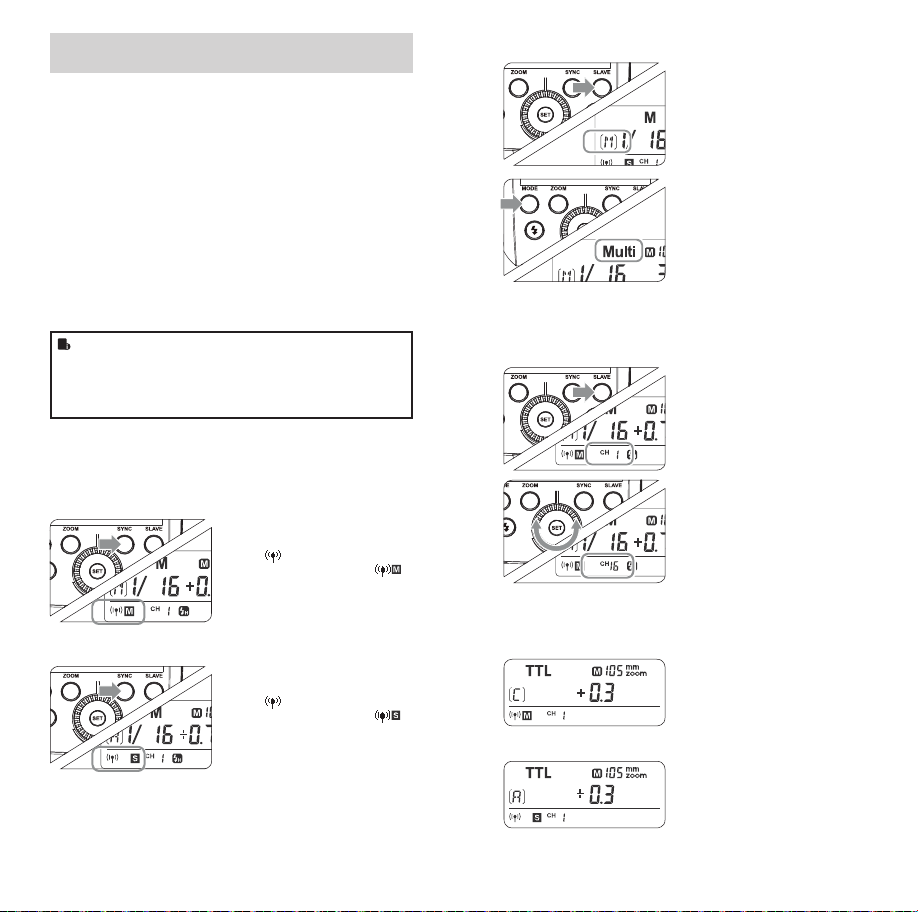
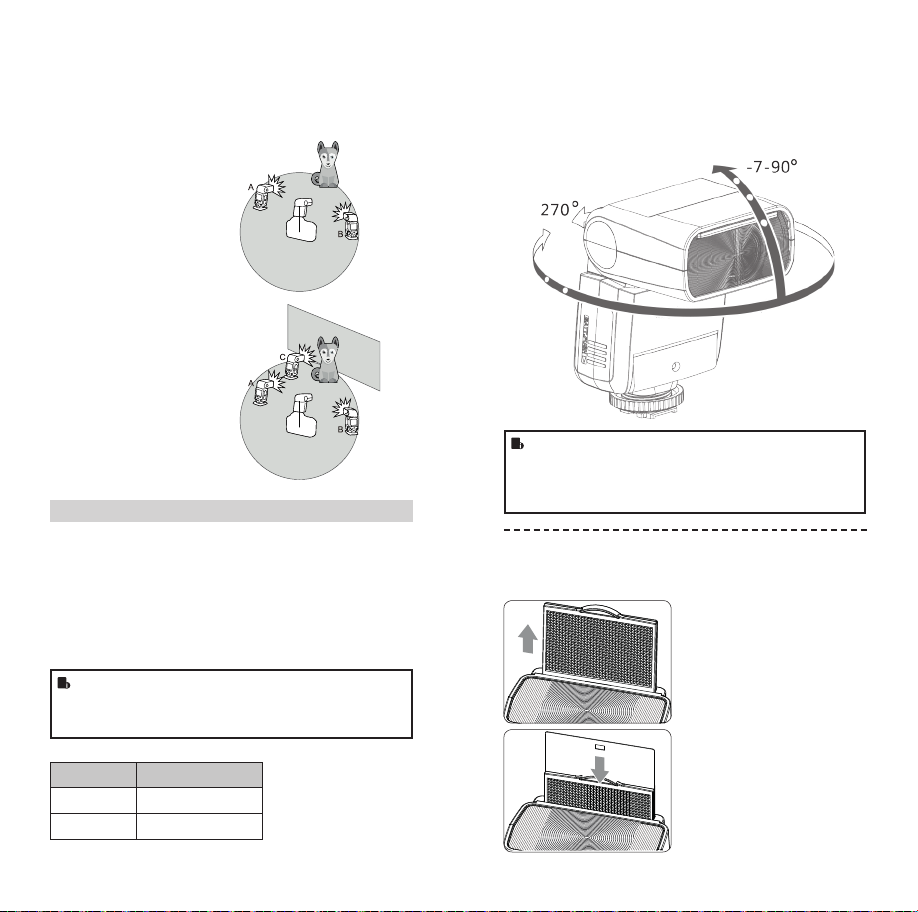
Optical S1 Secondary Unit Setting
In M manual ash mode, press the <SLAVE > button so that this
ash can function as an optic S1 secondary ash with optic sen-
sor. With this function, the ash will re synchronously when the
main ash res, the same effect as that by the use of radio trig-
gers. This helps create multiple lighting effects.
Optical S2 Secondary Unit Setting
Press the < SLAVE> button so that this ash can also function as
an optic S2 secondary ash with optic sensor in M manual ash
mode. This is useful when cameras have pre-ash function. With
this function, the ash will ignore a single “preash” from the
main ash and will only re in response to the second, actual ash
from the main unit.
•S1 and S2 optic triggering and off camera high-speed
mode are only available in M manual ash mode.
1Long press the < MODE >
button for 2 seconds so that
<Multi > is displayed.
2Turn the Select Dial to
choose a desired ash
output.
FR36_BDA_Fuji 171005.indd 38-39 06.10.2017 15:08:48