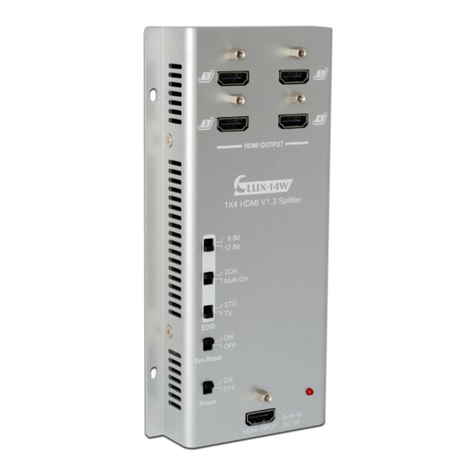
7. Operation Controls and Functions
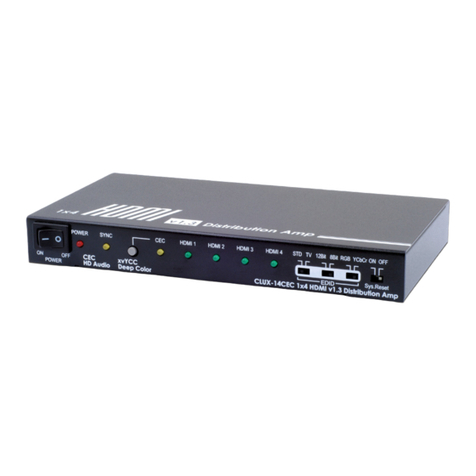
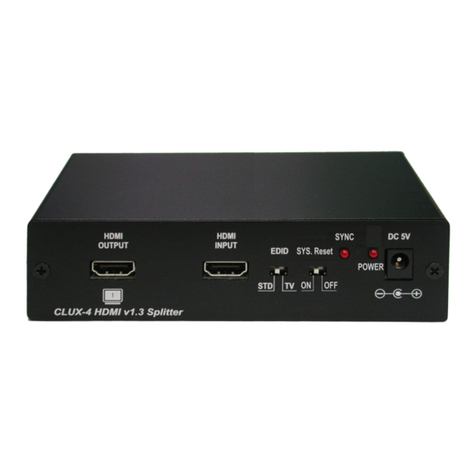
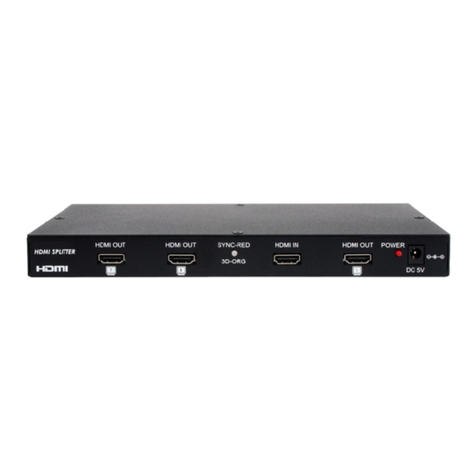
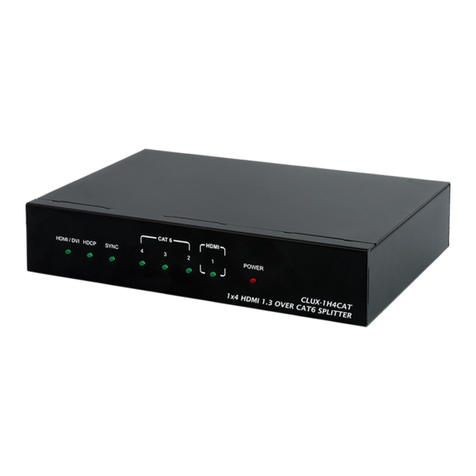
7.1 Front Panel ① HDMI OUTPUT 1~4:
Connect your LCD TV or HD monitor with
HDMI cables.
② EDID selection:
STD/TV – By switching to STD you can
select both deep color and audio
channel functions, if switching to TV the
unit first reads the TV’s EDID and will then
send an image from the connected
source.
Note: When in STD mode it is suggested
to switch deep color to 8-bit in order to
operate displays at long distances.
2CH/MultiCH – Supports 2 channel or
Multi audio channels. This option is only
available when EDID is in STD mode.
Note: When Multi CH is selected the TV/
display must also support this function,
otherwise the TV/display will have no
audio output, unless the HDMI output is
connected to AVR and then to the TV/
display.
8/12 bit – Supports 8 or 12 bit deep color.
This is only available when EDID is in STD
mode.
Note: When HDMI output has both 8-bit
and 12-bit displays, in order to ensure
all outputs will display properly it is
suggested to switch to 8bit display.
On the other hand, when all outputs are
within the same bit range of 8 or 12 bits
then it is advised to switch all outputs
to the same bit ratio. The splitter will not
function properly if the display bit ratios
are different.
③ Sys. Reset: System reset function.
It is suggested to always have this
function switched off except when
doing a system reset. By switching this
on the system will reset each TV to HDMI
1 within 8~10 minutes (TV must support
CEC), switching this OFF means CEC
bypass.
Note: The system reset function only
works when the display has a built in
CEC function.
④ Power & LED: Power switch on/off, the
red LED will switch on when power is on.
⑤ HDMI INPUT: Connect your source
device with HDMI cables.
HDMI NPUT DC 5V
1
2
3
4
1X4 HDMI V1.3 Splitter
HDMI OUTPUT
EDID
Power
Sys.Reset
ON
OFF
8 Bit
12 Bit
2CH
Multi CH
STD
TV
ON
OFF
LUX-14W
①
②
③
④
⑤
4