Cyrusher Sports Team
www.cyrusher.com
8/ 18
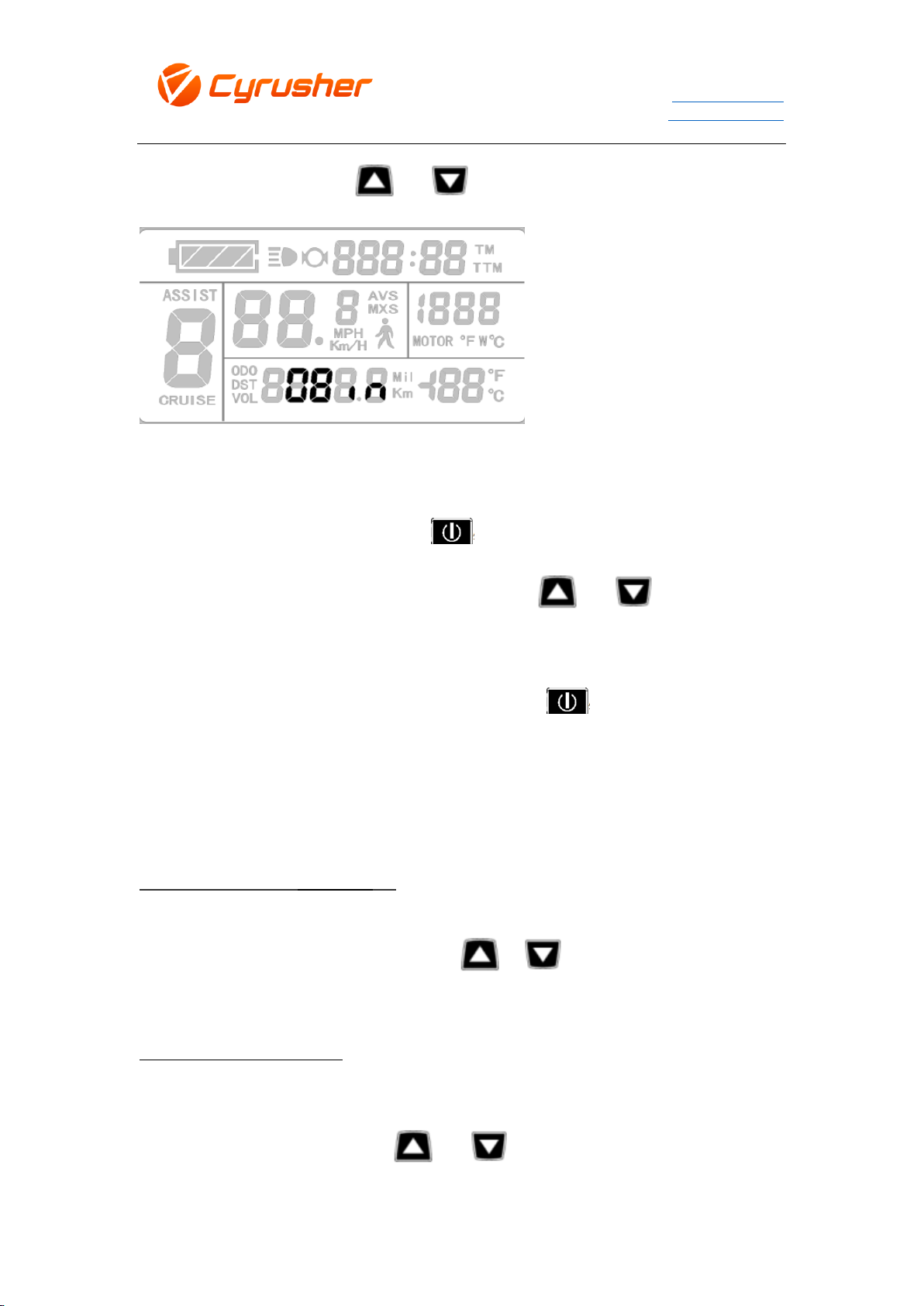
the rim data is flashing, press or to change the data of rim diameter.
10. Speed Unit Preference Setting
After setting wheel rim diameter, press to switch speed unit changes setting. When
you see the MPH/ Km/H and Mil/Km are flashing, press or to change Speed
Unit you prefer.
Please note above setting from 8 to 10, need to press one time or hold on for 2
seconds to turn off after each setting to save changed data. If no movement on setting
button over 1 minute, the bike computer will go to the default working screen and all
your changed setting data will not be saved.
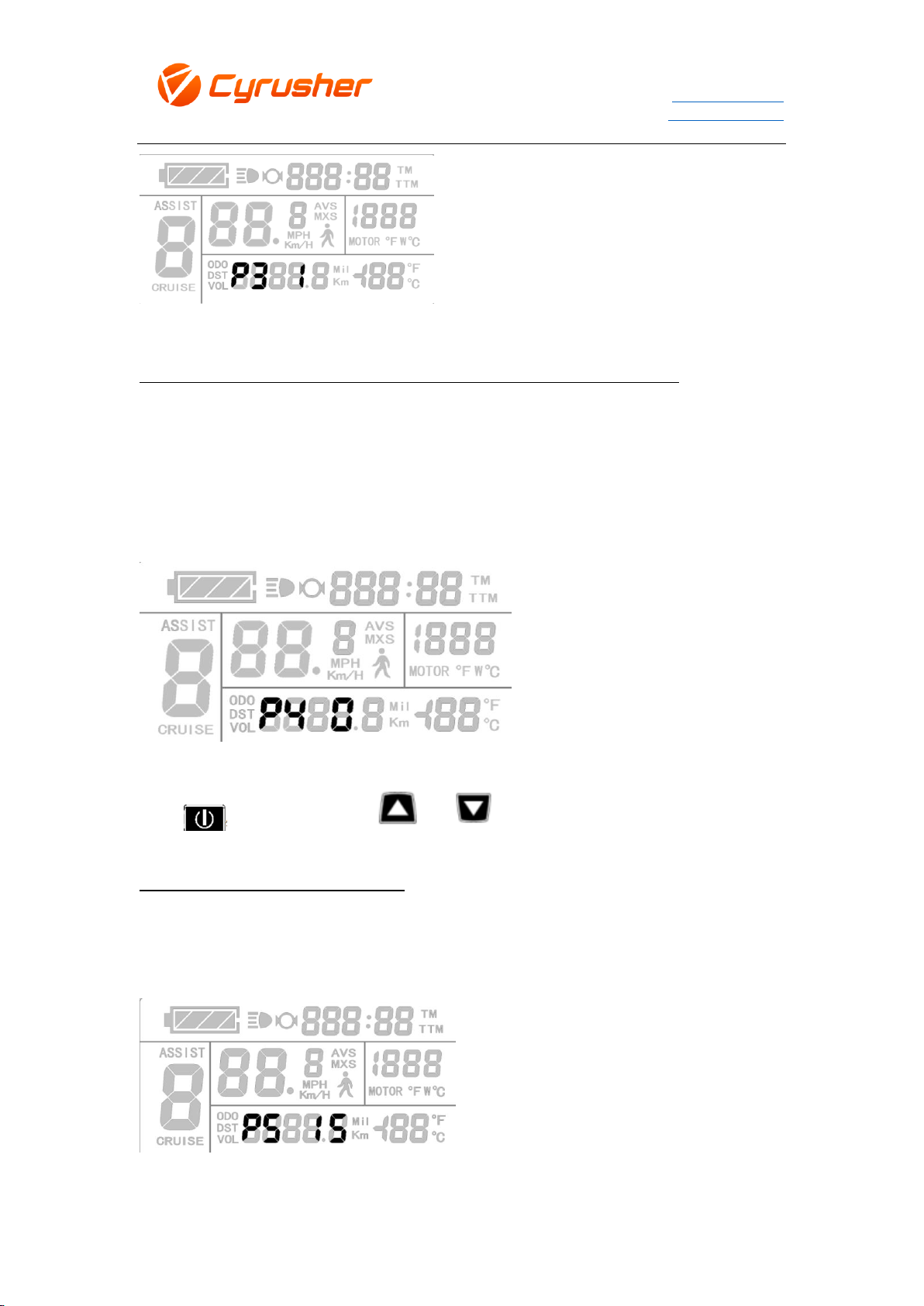
P Level Setting Code Operation:
After Speed Unit Preference Setting, press + together for 2 seconds to enter
the P Level Code setting model.
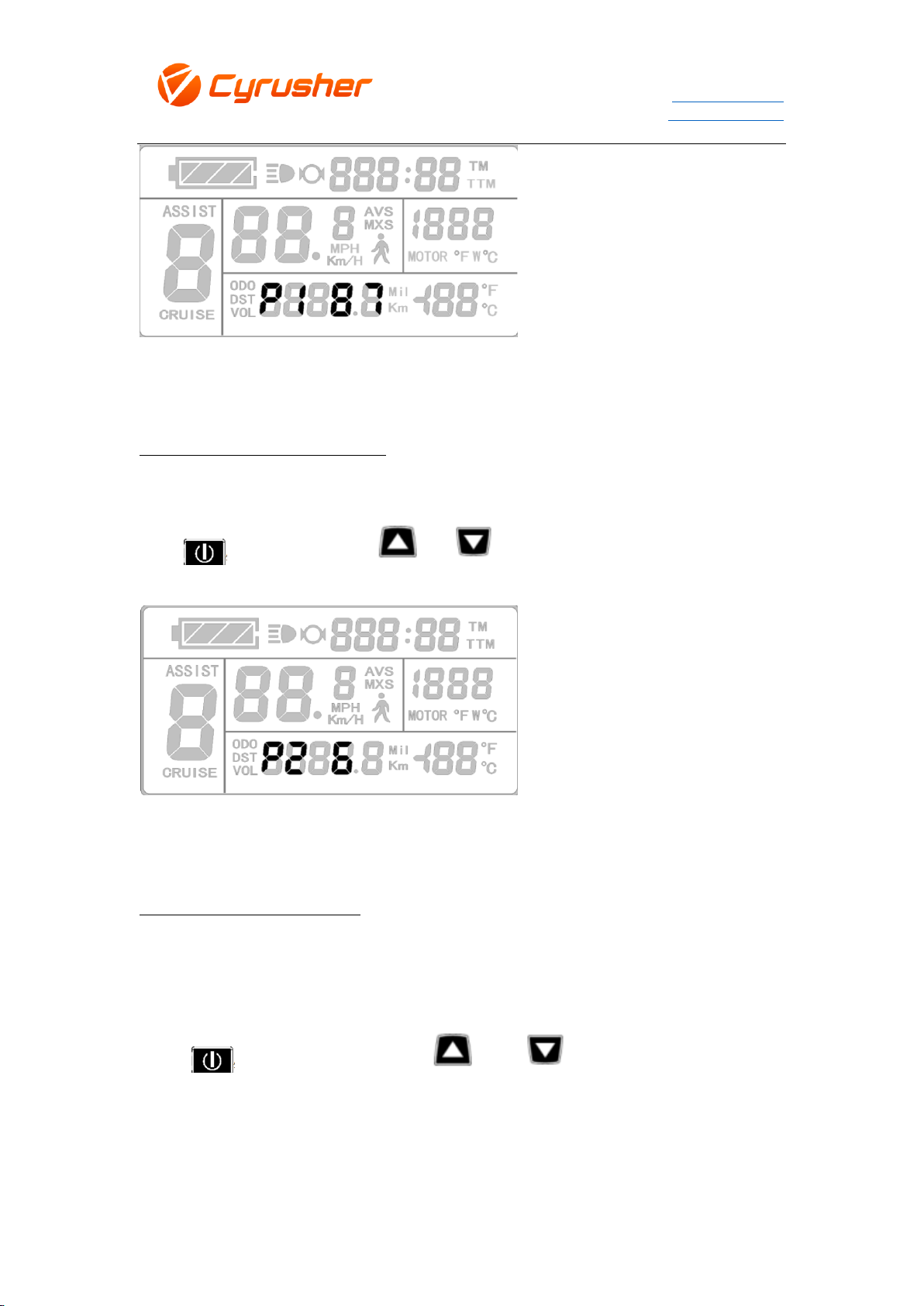
P 1: Motor Feature Setting
Range:1-255. XF800 default code is 87;
When you see P1 is flashing, press or to change data required.