
CZone Network Bridge Interface Installation guide

• Provides power isolation between two independent
CAN networks:
- Allows one bus to be powered off while the other remains
operational, (power saving i.e. drop out electronics over
night but keep CZone bus running)
- Allows two different power supplies to be used, i.e. CZone
network run from Domestic batteries while connected to
an Engine monitoring network which derives power from
Engine battery supply
- Can be used to assist with voltage drop issues on long
networks i.e. install NBI in centre of bus and connect power
supplies either side (at midpoint of each network)
• Allows NMEA 2000 and proprietary messages to pass between
two independent CAN networks
• Filters and stops any corrupt NMEA messages from passing from
one network to the other
• Can be used to expand a network when the node limit maximum
has been reached (a node is a device connected to and operating
on the NMEA 2000 network) – When the 40 node limit has been
reached (or bus load is too great) a NBI can be fitted to allow a
further 40 nodes to be added to the network
• Should one bus “lock up” the NBI will prevent the second bus from
becoming corrupted ie protects mission critical control network
from becoming corrupted by any faults on the secondary monitor-
ing network
• LED repeater on case for network status reporting
• Dimensions L69mm x W69mm H50mm (L2.75” x W2.75” x H2”)
Features:
Network Bridge Interface (NBI)
For more information contact BEP | ph: +64 9 415 7261 | email: [email protected] | www.bepmarine.com
BEP Part Number 80-911-0057-00

Network Bridge Interface (NBI)
For more information contact BEP | ph: +64 9 415 7261 | email: [email protected] | www.bepmarine.com
BEP Part Number 80-911-0057-00
Wiring:
Important: Ensure network terminators are fitted at end of each network
Other CZone Recording Equipment manuals
CZone
CZone Signal Interface Guide
CZone
CZone Control 1 Operating manual
CZone
CZone COI Operating manual
CZone
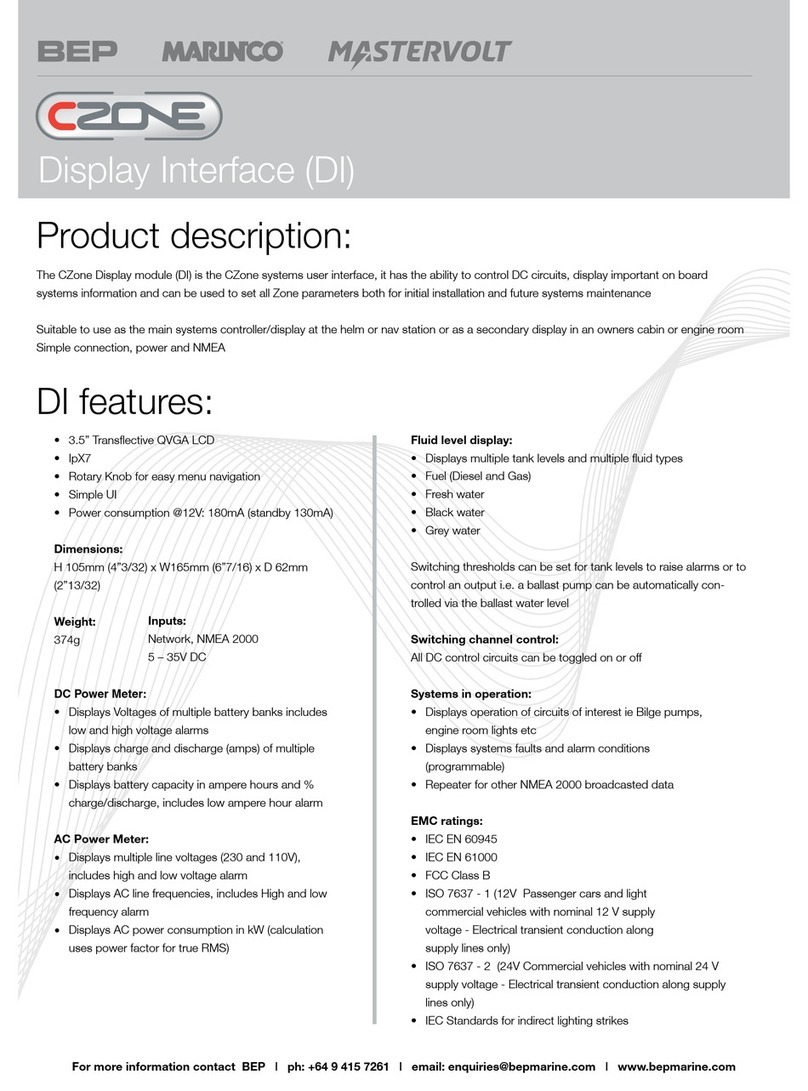
CZone Display Interface Installation guide
CZone
CZone Motor Output Interface Guide
CZone
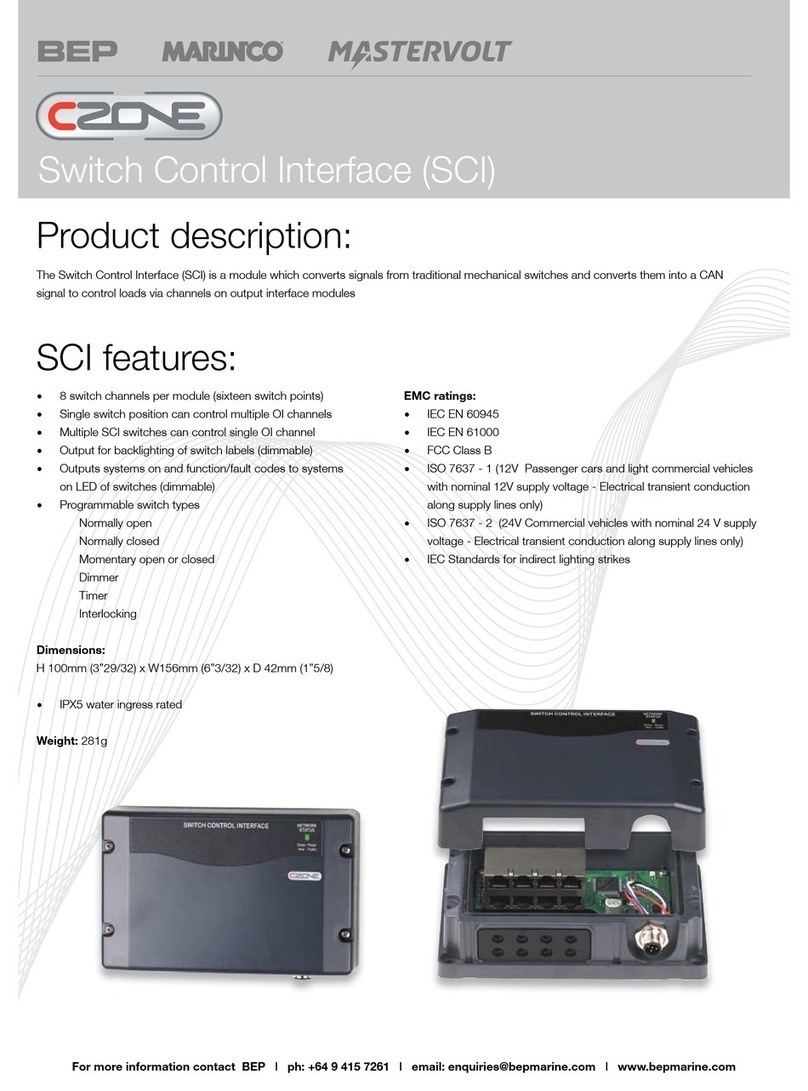
CZone DDS Guide
CZone
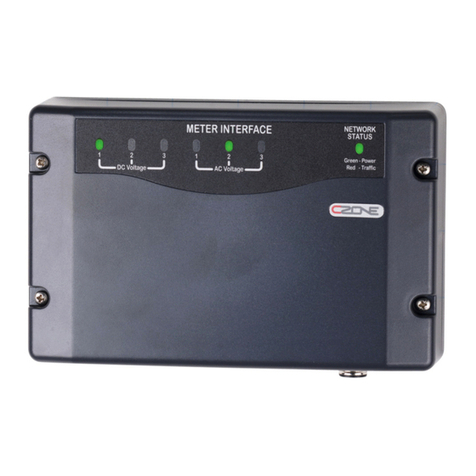
CZone Switch Control Interface Installation guide
CZone
CZone 80-911-0005-00 Guide
CZone
CZone 80-911-0009-00 Guide
CZone
CZone Meter Interface Installation guide

















