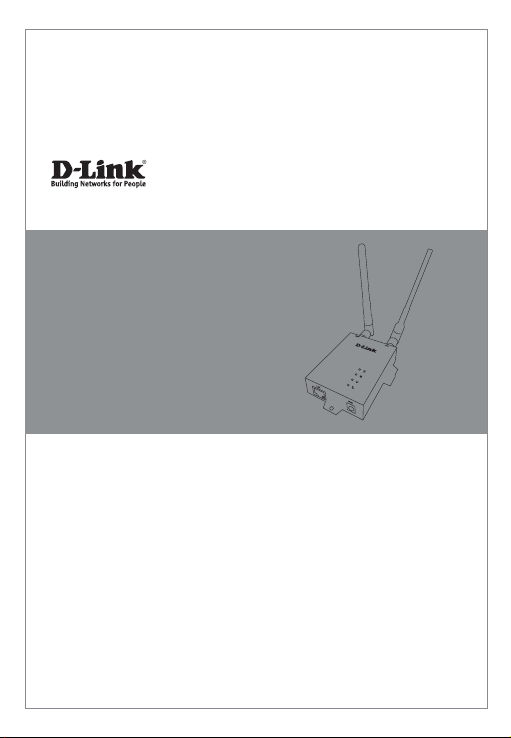
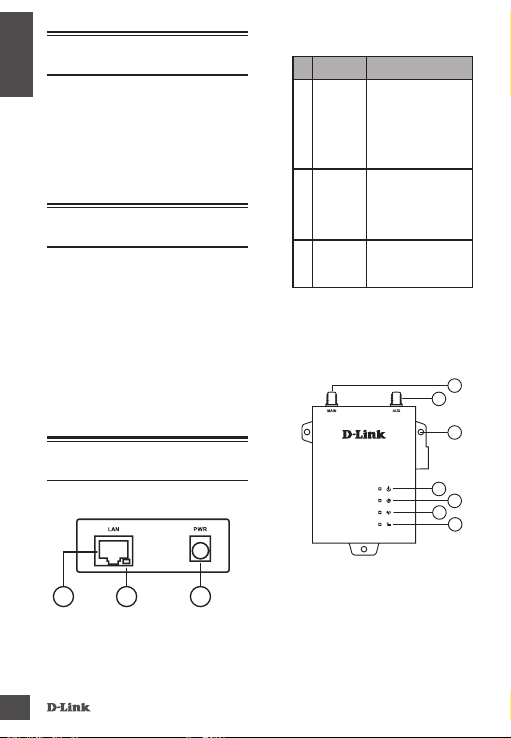
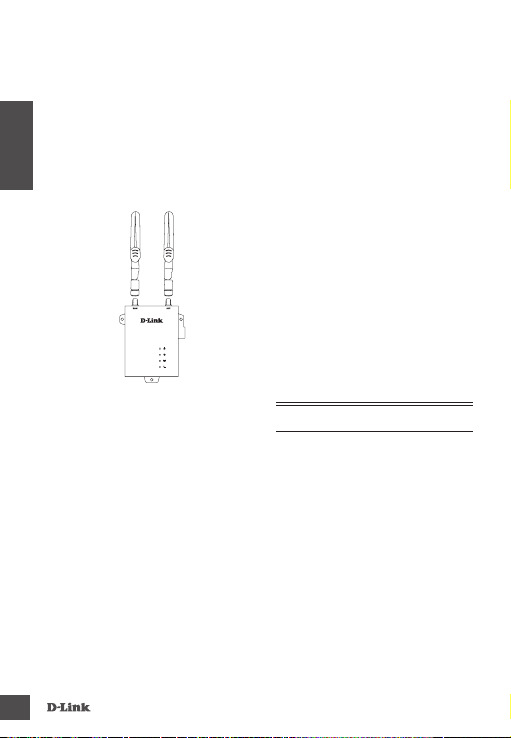
DWM-312
4
ENGLISH
Observe the following precautions to help
prevent shutdowns, equipment failures, and
personal injury:
• Install the DWM-312 in a cool and dry place.
Refer to the technical specications in the
user manual for the acceptable operating
temperature and humidity ranges.
• Install the router in a site free from strong
electromagnetic sources, vibration, dust,
excessive moisture, and direct sunlight.
• Place antennas in an unobstructed area
with clear mobile signal. Avoid metal boxes,
brick walls, and other dense materials. It is
recommended to use the web interface to
conrm signal strength before permanent
installation.
• Visually inspect the power connector and
make sure that it is fully secure.
• Donot stack anydevices ontop oftherouter.
Installing SIM card(s)
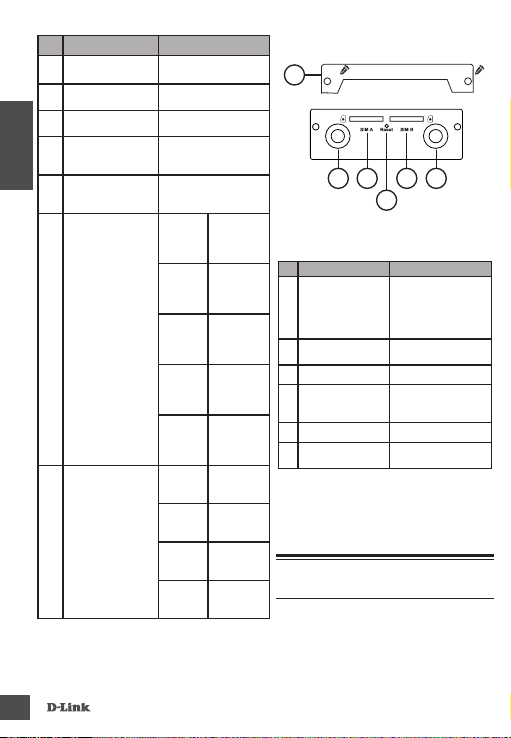
The DWM-312 is equipped with dual-SIM
slots. At least oneactive SIMcardwith Internet
access is required for proper operation.
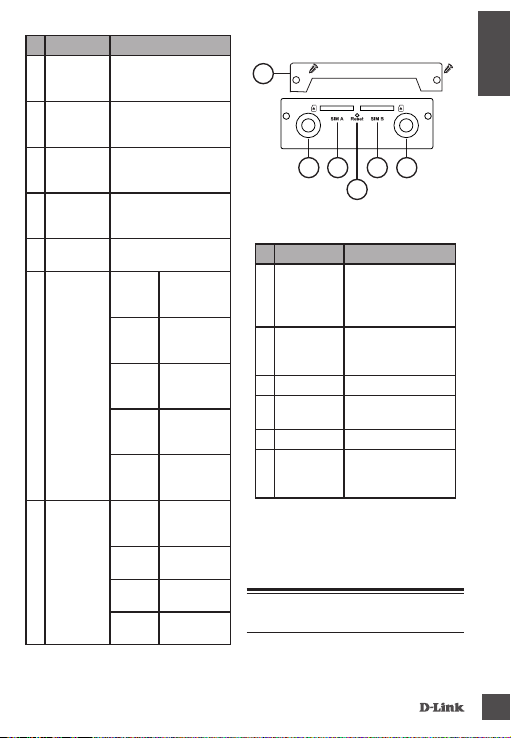
1. Unscrew twoscrews to remove the security
plate and get access to SIM card slots
2. Insert a micro-SIMcard into theslot labelled
SIMA with thecontacts facing down.If you
wish to install a second SIM card, insert it
into the slot labelled SIM B.
Figure 4: Installing a micro-SIM card
1. Gently press the micro-SIM into the slot until
it locksinto place.To remove,press again and
the SIM card will be ejected.
2. Screw the security plate back on using the
two screws removed earlier in order to
protect the SIM card slots.
Note: SIM behavior must be congured from
the web UI before an Internet connection can
be established.
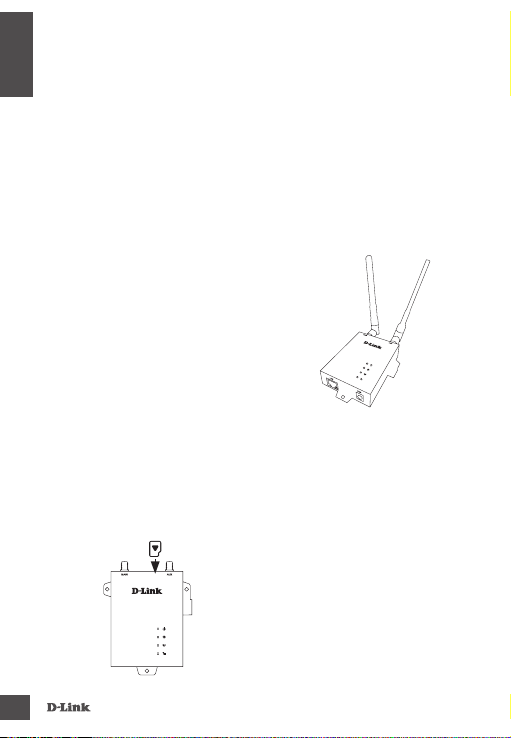
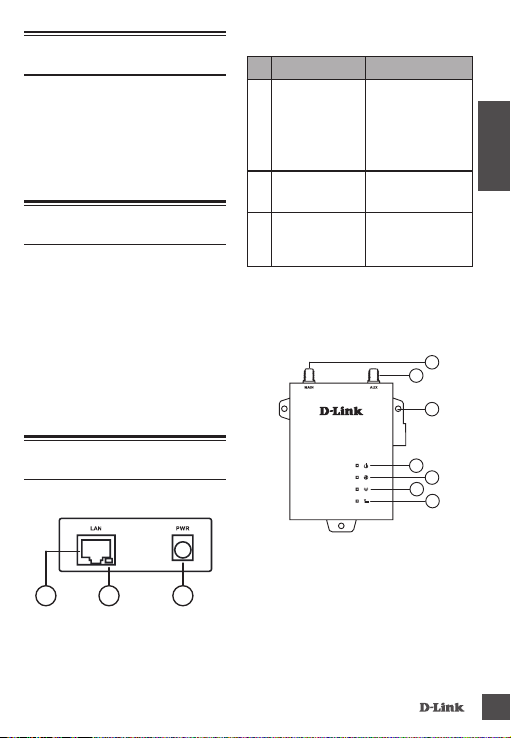
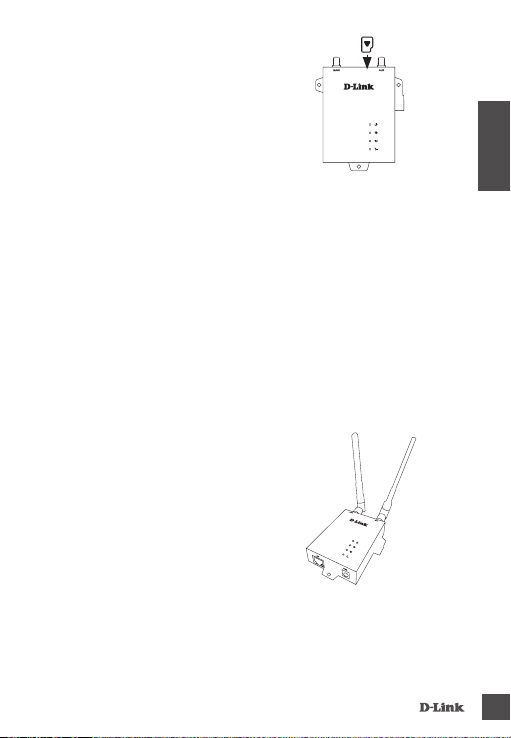
Attach the External Antennas
Figure 5: Attaching External Antennas
The DWM-312 requires two external antennas
to functioncorrectly.The includedantennasare
interchangeable,but third party antennasmay
require connection to specic ports.
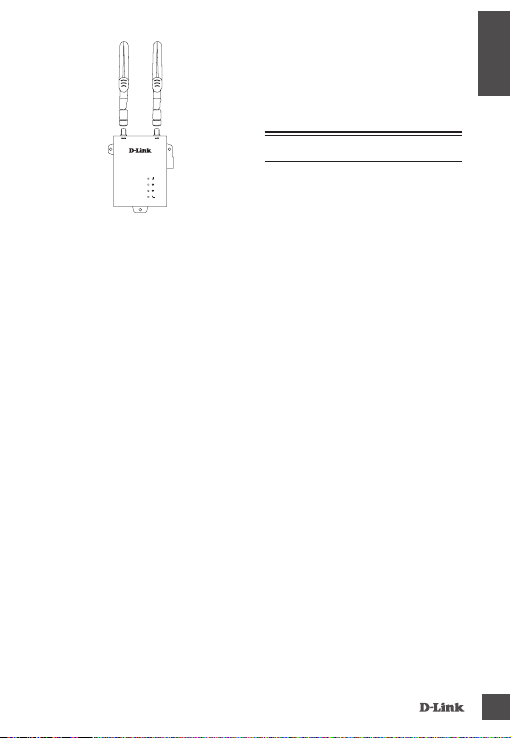
1. Attach the antennas to the SMA connectors
on theback of therouter tothe portslabelled
“Main”and“Aux.”Turn clockwise tofasten the
antenna.
2. Place antennas where they will receive
optimal signal. Arrange them so they point
upward.