manuals.online logo
Brands
  1. Home
  2. •
  3. Brands
  4. •
  5. DICE
  6. •
  7. Automobile Accessories
  8. •
  9. DICE Silverline iPod Kit User manual

DICE Silverline iPod Kit User manual

Other manuals for Silverline iPod Kit

4

Other DICE Automobile Accessories manuals
DICE MediaBridge MB-1500 User manual

DICE

DICE MediaBridge MB-1500 User manual
DICE Silverline iPod Kit User manual

DICE

DICE Silverline iPod Kit User manual
DICE Silverline iPod Kit User manual

DICE

DICE Silverline iPod Kit User manual
DICE Interface for iPod Troubleshooting guide
DICE

DICE Interface for iPod Troubleshooting guide

DICE MediaBridge MB-1000 User manual

DICE

DICE MediaBridge MB-1000 User manual
DICE Silverline DUO Troubleshooting guide
DICE

DICE Silverline DUO Troubleshooting guide

DICE DCR-150 User manual

DICE

DICE DCR-150 User manual

DICE FM-RDS User manual

DICE

DICE FM-RDS User manual
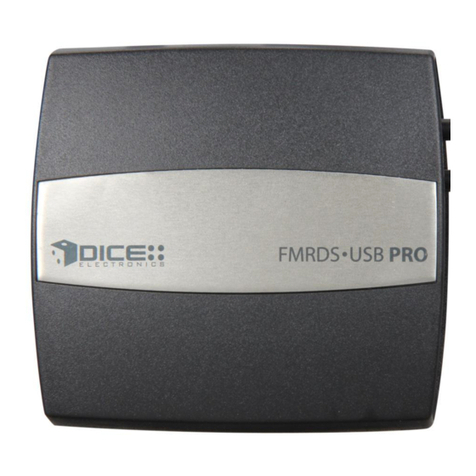
DICE FM-RDS Instruction manual

DICE

DICE FM-RDS Instruction manual
DICE Silverline DUO User manual

DICE

DICE Silverline DUO User manual
DICE Silverline DUO User manual

DICE

DICE Silverline DUO User manual
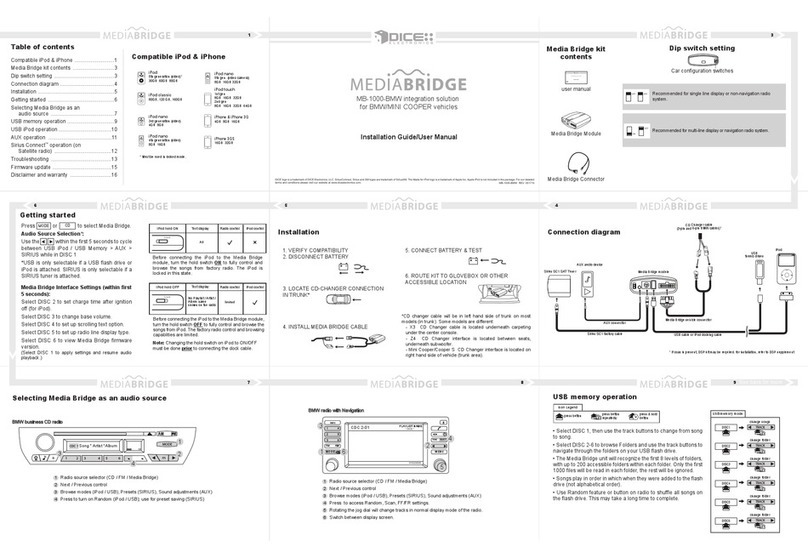
DICE MediaBridge MB-1000 User manual

DICE

DICE MediaBridge MB-1000 User manual
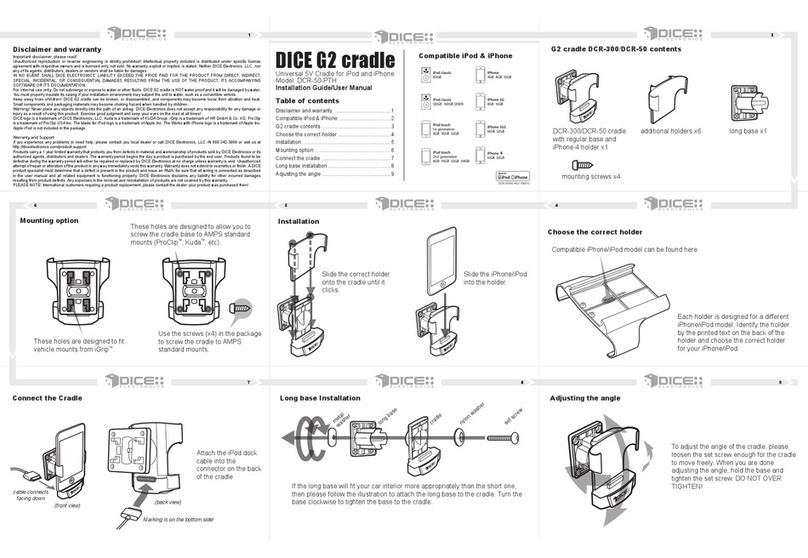
DICE DCR-50 User manual

DICE

DICE DCR-50 User manual
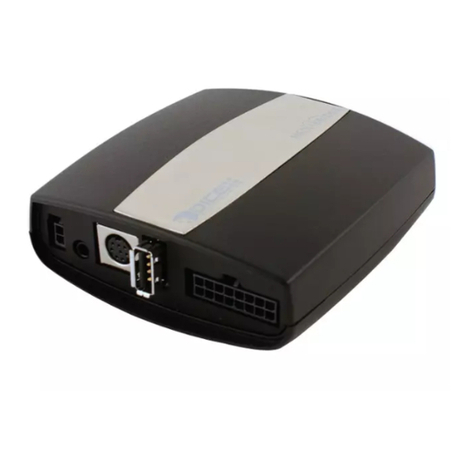
DICE MediaBridge MB-1000 Troubleshooting guide
DICE

DICE MediaBridge MB-1000 Troubleshooting guide

DICE MediaBridge MB-1500 User manual

DICE

DICE MediaBridge MB-1500 User manual
DICE Silverline DUO User manual

DICE

DICE Silverline DUO User manual
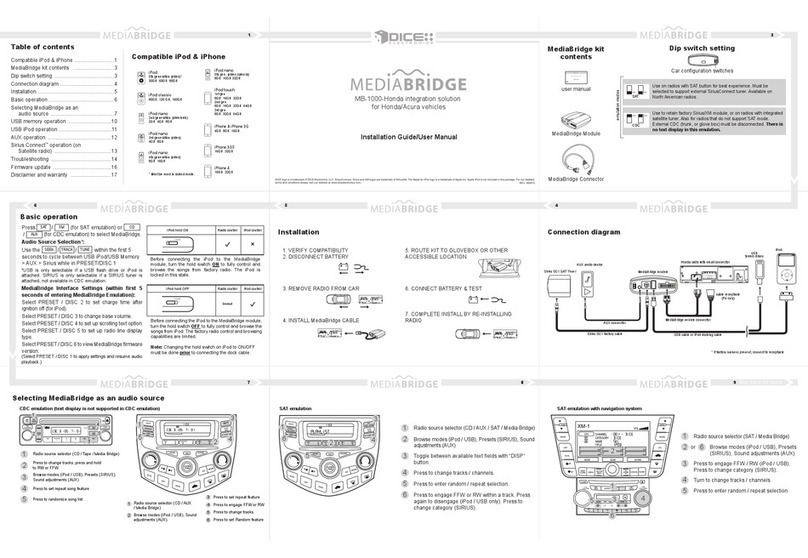
DICE MediaBridge MB-1000 User manual

DICE

DICE MediaBridge MB-1000 User manual
DICE Silverline iPod Kit User manual

DICE

DICE Silverline iPod Kit User manual
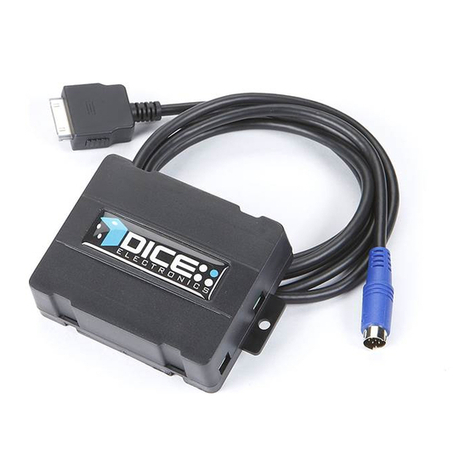
DICE iPod AUX Interface User manual

DICE

DICE iPod AUX Interface User manual
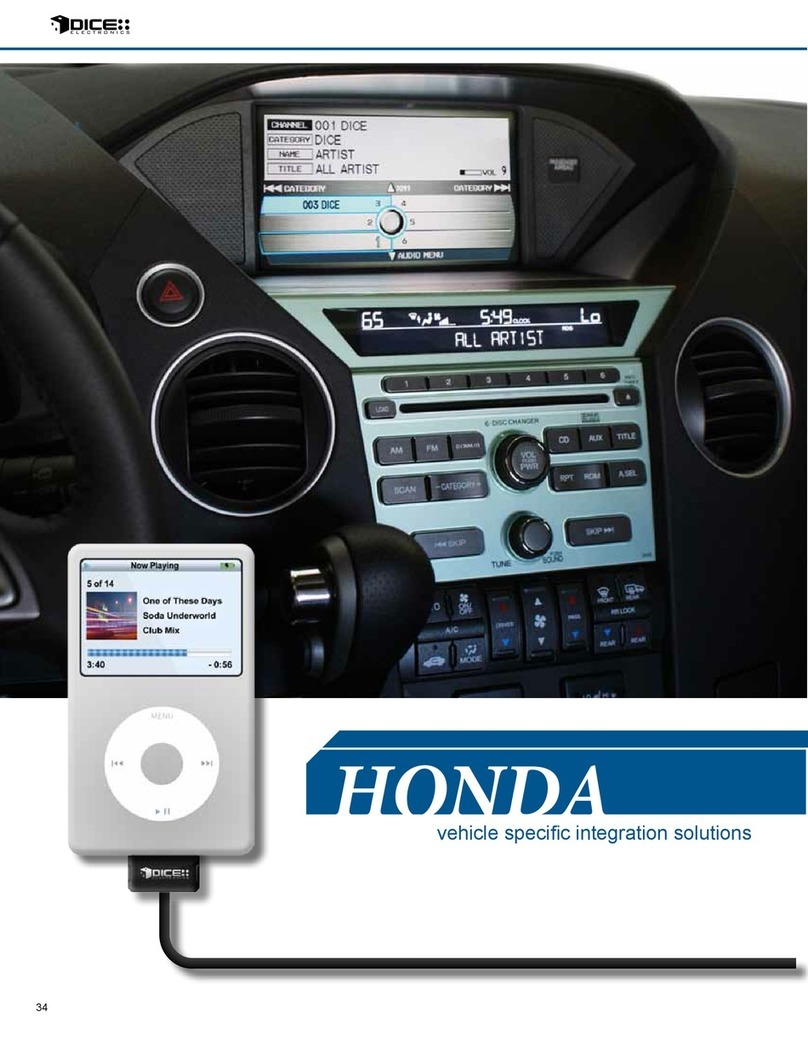
DICE MediaBridge User manual

DICE

DICE MediaBridge User manual
DICE Silverline DUO User manual

DICE

DICE Silverline DUO User manual

DICE MediaBridge MB-1500 User manual

DICE

DICE MediaBridge MB-1500 User manual

DICE Silverline DUO User manual

DICE

DICE Silverline DUO User manual

DICE UNI-150 User manual

DICE

DICE UNI-150 User manual

Popular Automobile Accessories manuals by other brands

Magneti Marelli AC161 Installation instruction

Magneti Marelli

Magneti Marelli AC161 Installation instruction

FDI uEZ GUI Start here

FDI

FDI uEZ GUI Start here

JCROffroad JT Install instructions

JCROffroad

JCROffroad JT Install instructions

Rostra VOXXElectronics 250-1930 owner's guide

Rostra

Rostra VOXXElectronics 250-1930 owner's guide

TOP VEHICLE TECH GR3FORD5 installation manual

TOP VEHICLE TECH

TOP VEHICLE TECH GR3FORD5 installation manual

Safe Fleet PRIME DESIGN AR-2000-BLK manual

Safe Fleet

Safe Fleet PRIME DESIGN AR-2000-BLK manual

Skoda Fabia Combi 5J Fitting instructions

Skoda

Skoda Fabia Combi 5J Fitting instructions

Camcar 40077 Al Mounting instructions

Camcar

Camcar 40077 Al Mounting instructions

Camcar 40089 AL Mounting instructions

Camcar

Camcar 40089 AL Mounting instructions

Impac Tradesman 2000 installation manual

Impac

Impac Tradesman 2000 installation manual

DVB OFFROAD BRSB-01 installation manual

DVB

DVB OFFROAD BRSB-01 installation manual

Safari Snorkel SS385HF installation guide

Safari Snorkel

Safari Snorkel SS385HF installation guide

ULTIMATE SPEED 279746 Assembly and Safety Advice

ULTIMATE SPEED

ULTIMATE SPEED 279746 Assembly and Safety Advice

SSV Works DF-F65 manual

SSV Works

SSV Works DF-F65 manual

ULTIMATE SPEED CARBON Assembly and Safety Advice

ULTIMATE SPEED

ULTIMATE SPEED CARBON Assembly and Safety Advice

Witter F174 Fitting instructions

Witter

Witter F174 Fitting instructions

WeatherTech No-Drill installation instructions

WeatherTech

WeatherTech No-Drill installation instructions

TAUBENREUTHER 1-336050 Installation instruction
TAUBENREUTHER

TAUBENREUTHER 1-336050 Installation instruction

manuals.online logo
manuals.online logoBrands
  • About & Mission
  • Contact us
  • Privacy Policy
  • Terms and Conditions

Copyright 2025 Manuals.Online. All Rights Reserved.

DICE interface for iPod
for selected Toyota/Lexus/Scion vehicles
Installation Guide/User Manual
2
Copyrights and Trademarks
Copyright 2008 DICE Electronics, LLC.
The DICE Electronics logo is a trademark of DICE Electronics, LLC.
iPod is a trademark of Apple, Inc.
All rights reserved.
Printed in the U.S.A
Table of contents
Copyrights and trademarks 2
Icon legends 3
Warranty and safety 4
Product registration 5
iPod hierarchy 7
Charging 7
Integration kit contents 8
Identify your car 9
DIP switches 10
DIP switch settings 11
Installation 13
iPod audio source 17
Controls in CDC/MD emulation 17
Controls in MP3 emulation 19
Text display fields in CDC/MD/MP3 emulation 20
Browsing function in CDC/MD/MP3 emulation 21
Controls in SAT emulation 22
Text display fields in SAT emulation 24
Browsing function in SAT emulation 25
Scrolling feature 26
Supported iPod models 6
3
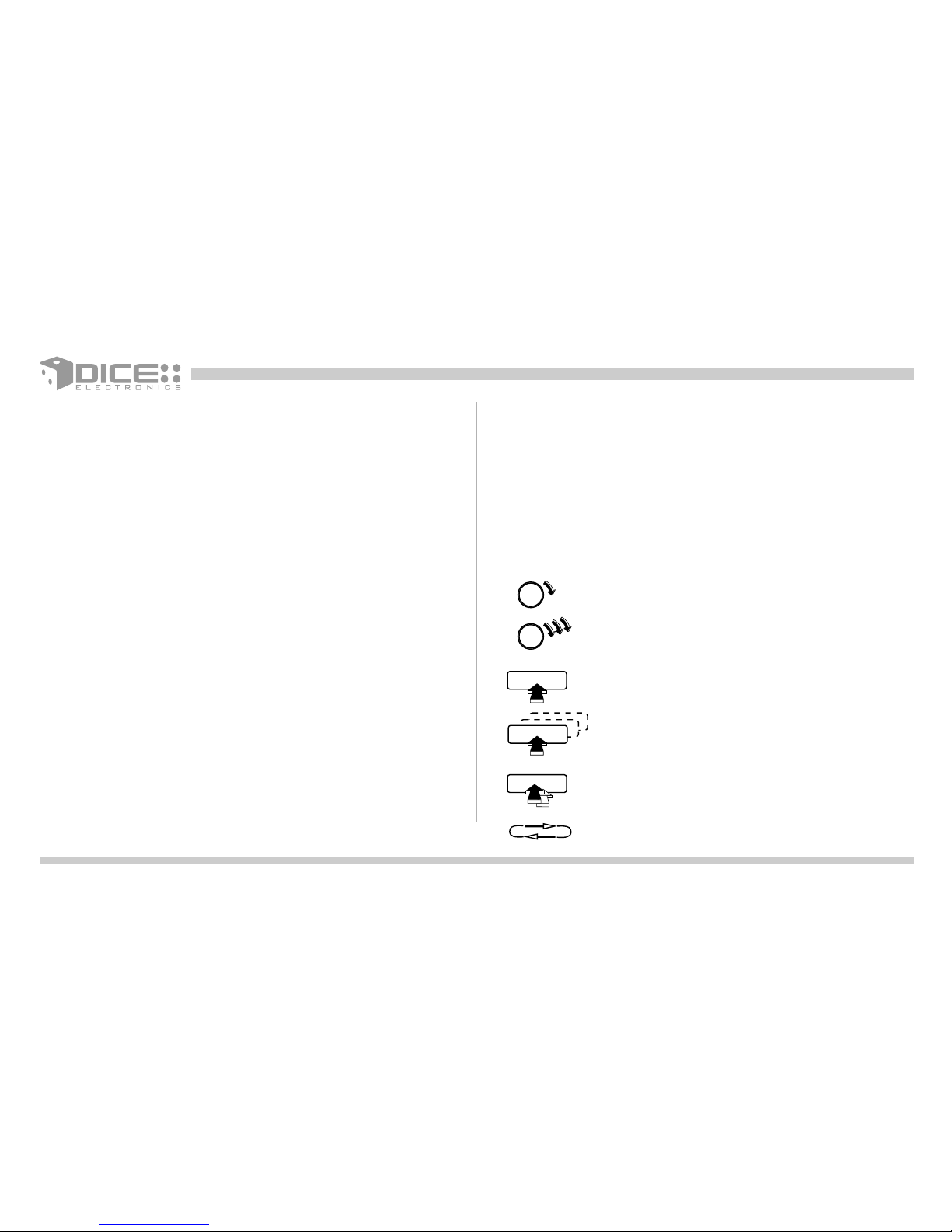
Icon legends
Press button
Turn jog dial
Turn jog dial repeatedly
Scroll
Press button repeatedly
Auxiliary audio source 27
Troubleshooting 29
Disclaimer 31
Press and hold button
4
Warning and safety!
Please read these instructions carefully before proceeding. Failure to follow instructions may result in improper operation
or injury. Neither DICE Electronics, LLC. nor Apple Inc., its regional offices, distributors or resellers take any responsibility for
any damage or injury as a result of using the integration kit.
- Do not open, disassemble or alter the interface in any way.
- Do not insert anything into the casing.
- Do not cut or try to alter cables in any way and always use the correct connections.
- Only operate unit when stationary or ask passengers to operate it for you.
- Do not allow the Apple iPod to distract you from driving.
- Exercise good judgement and keep your eyes on the road at all times.
- Do not expose unit to extreme temperatures, humidity or shock.
- Keep the unit and iPod away from fluids.
- Keep away from children! - Interface components may contain small parts, can be broken or disassembled and
components may become loose from vibration and heat. Small components and packaging materials may be a chocking
hazard when handled by children.
Congratulations on your purchase
Thank you for purchasing the DICE integration kit for iPod. Please review our user manual and installation guide before
operating the unit. This interface was designed and manufactured to seamlessly integrate with yourr vehicle's factory
entertainment system.
5
In order to validate your warranty period and to receive telephone or online support, you MUST register your DICE
product.
To register your DICE product, please complete the following steps:
1. Visit http://www.diceelectronics.com/register
2. Complete the product registration form.
3. Submit the form.
4. Save the registration/support/warranty sheet in a safe place for future reference.
If you are unable to complete the registration via internet, please call DICE Electronics at 1-888-342-3999.
Product registration
6
FW:3.1.1 FW:1.2.1
FW:1.2.1 FW:1.4.1
FW:1.3.1 FW:1.1.3 FW:1.1.1
FW:1.0.3
FW:1.0.3
Supported iPod models and firmware version requirements
For the latest firmware versions and models not listed, please contact your authorized dealer or DICE Electronics, LLC.
iPod
4th generation
20GB 40GB
iPod
4th generation color display
20GB 30GB 40GB 60GB
iPod classic
80GB 160GB
iPod
5th generation (video)
30GB 60GB 80GB
iPod mini
4GB 6GB
iPod nano
3th generation (video)
4GB 8GB
iPod nano
1st generation
1GB 2GB 4GB
iPod nano
2nd generation (aluminum)
2GB 4GB 8GB
iPod touch
8GB 16GB 32GB
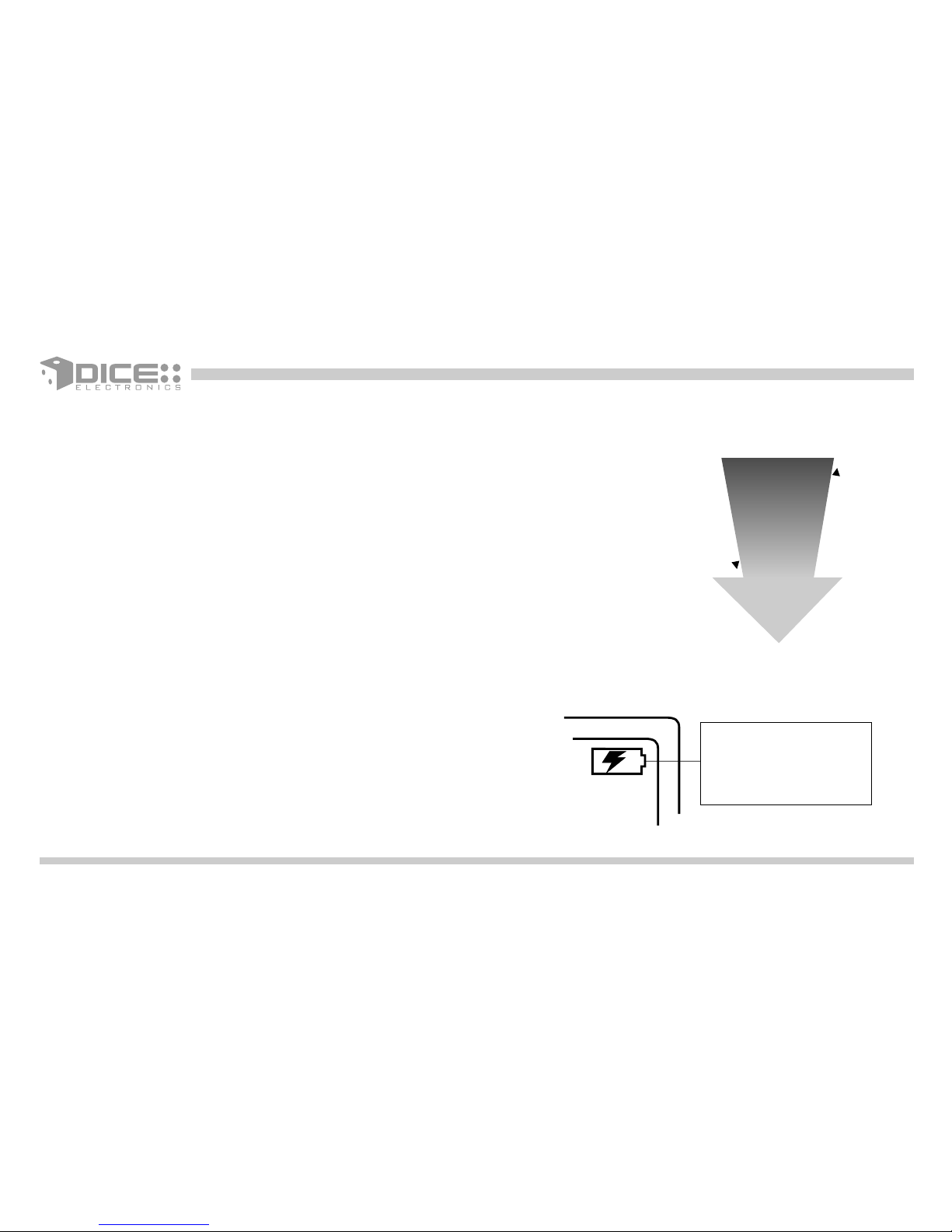
The interface automatically charges the battery of the iPod when
connected and the key is in the ACC/ON position. Charging icon will appear
on the upper right corner
of the iPod screen to
indicate charging.
Charging
iPod hierarchy
By default, the interface creates a Playlist having a name that is the same as the name
of the iPod. This Playlist is the very first on the list of Playlists shown while browsing in
Playlist mode. This Playlist contains all the songs on the iPod. Once a Playlist is active
an Artist may be selected within that Playlist using the Artist Mode. Albums by the
selected Artist and within the selected Playlist may be selected in Album Mode. "ALL
ARTIST" and "ALL ALBUM" designate all available content in those categories.
Playlist
Artist
Album
Song
t
n
e
t
n
o
c
e
l
b
a
s
w
o
r
b
s
s
e
L
More browsable content
7
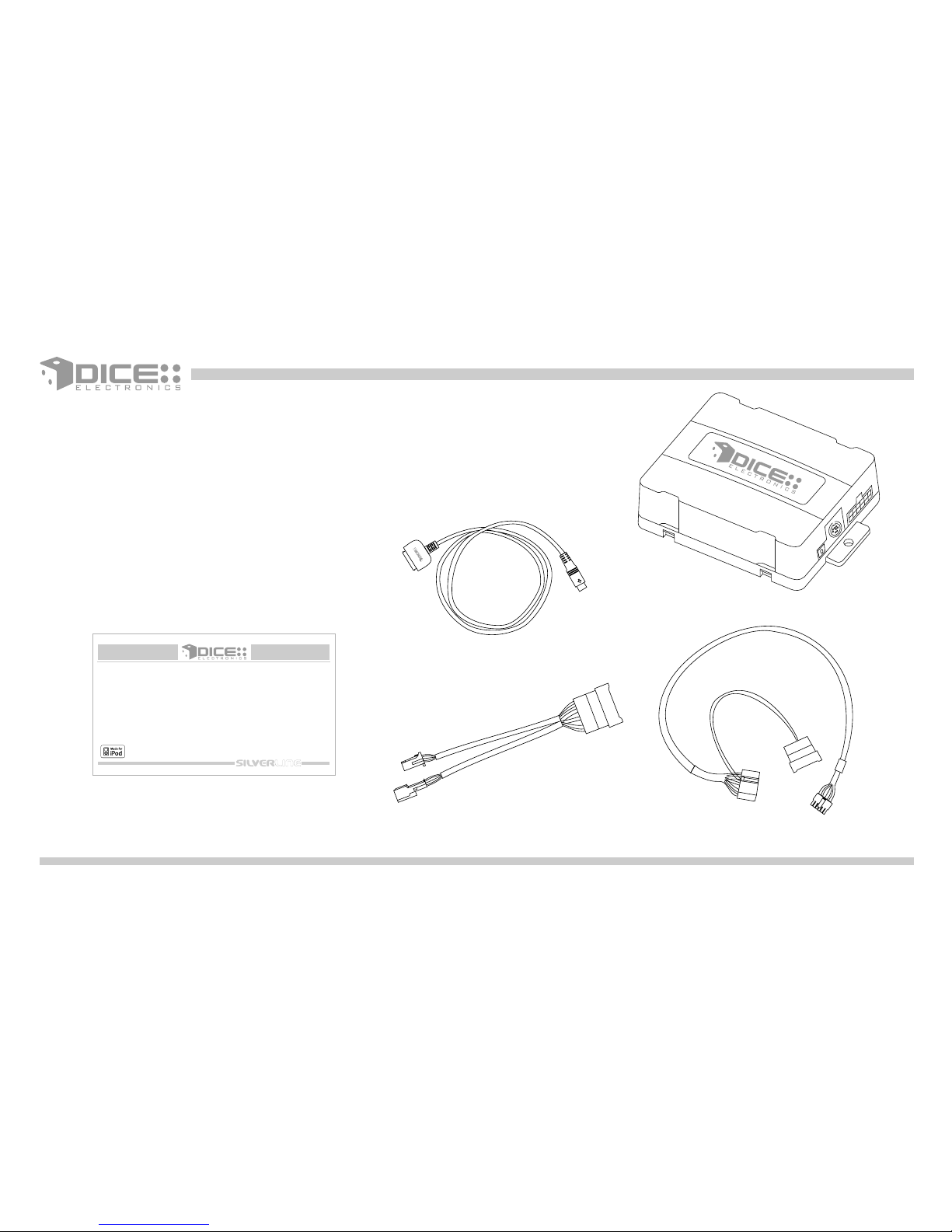
Integration kit contents
1 Vehicle specific interface unit
1 Vehicle specific harness (R2)
1 iPod docking cable
1 User manual
DICE interface for iPod
for selected Toyota/Lexus/Scion vehicles
Installation Guide/User Manual
8
9
98-02 Tape/in-dash CD
03-06 Tape/CD
03-06 Tape/CD
03-06 Tape/CD
03-06 Tape/CD
06-07 MP3 Navigation
not installed
or disconnected
present
not installed
or disconnected
not installed
or disconnected
present
present
not available
not available
Radios External CDC Factory SAT CDC
not available
not installed
not available
present
present
not installed
present
not present
MD* CDC SAT** MP3
x x
x
x
x
xx
x x
x x
x x
x
x
x
x
x
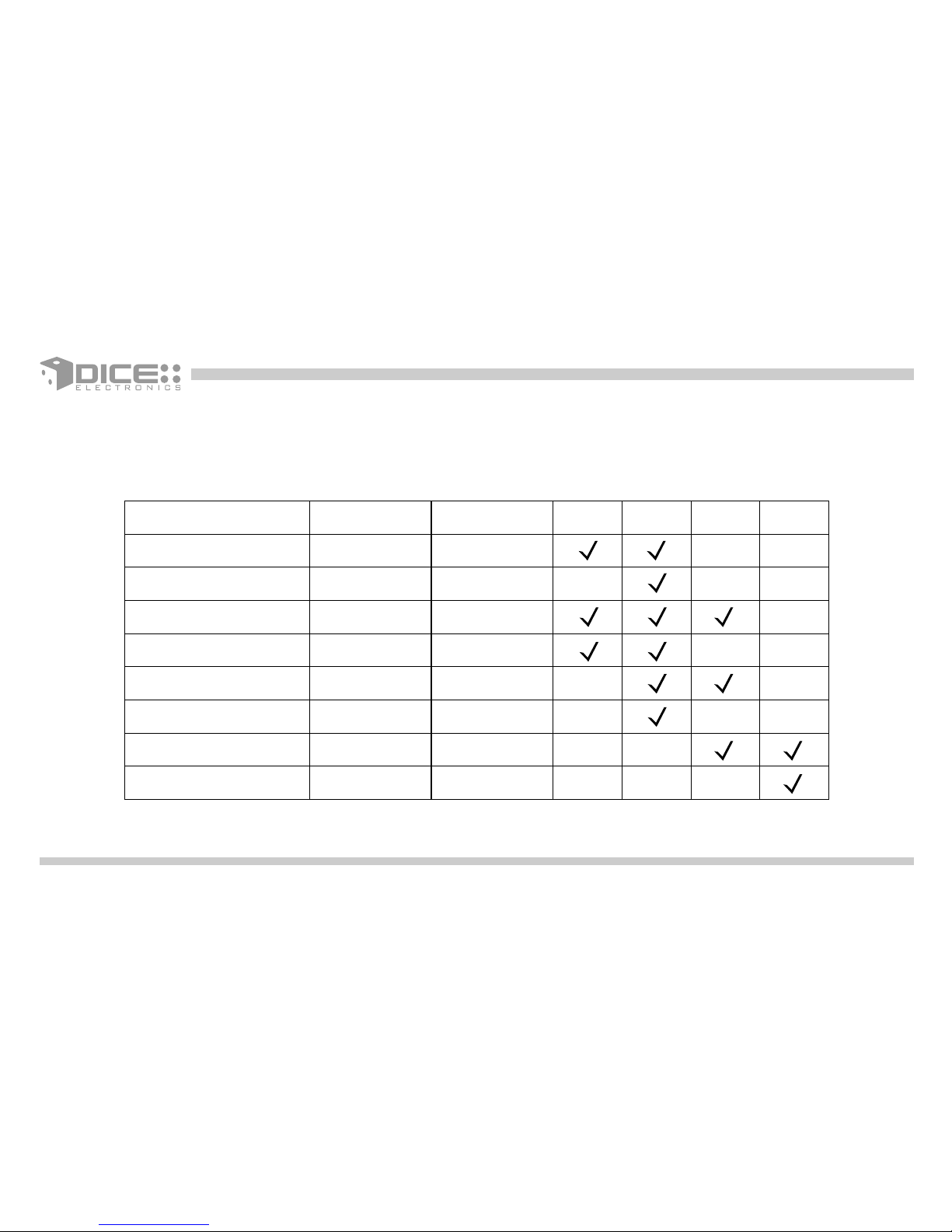
Identify your audio system
Select the emulation that best suits your vehicle. The following chart identifies the recommended emulation for the listed
radios. Note that your vehicle may support more than one type of emulation.
* Not all radios support MD mode. If an external MD changer is present, it must be disconnected.
** Scrolling function is available in Satellite mode, please see p. 26 for details.
10
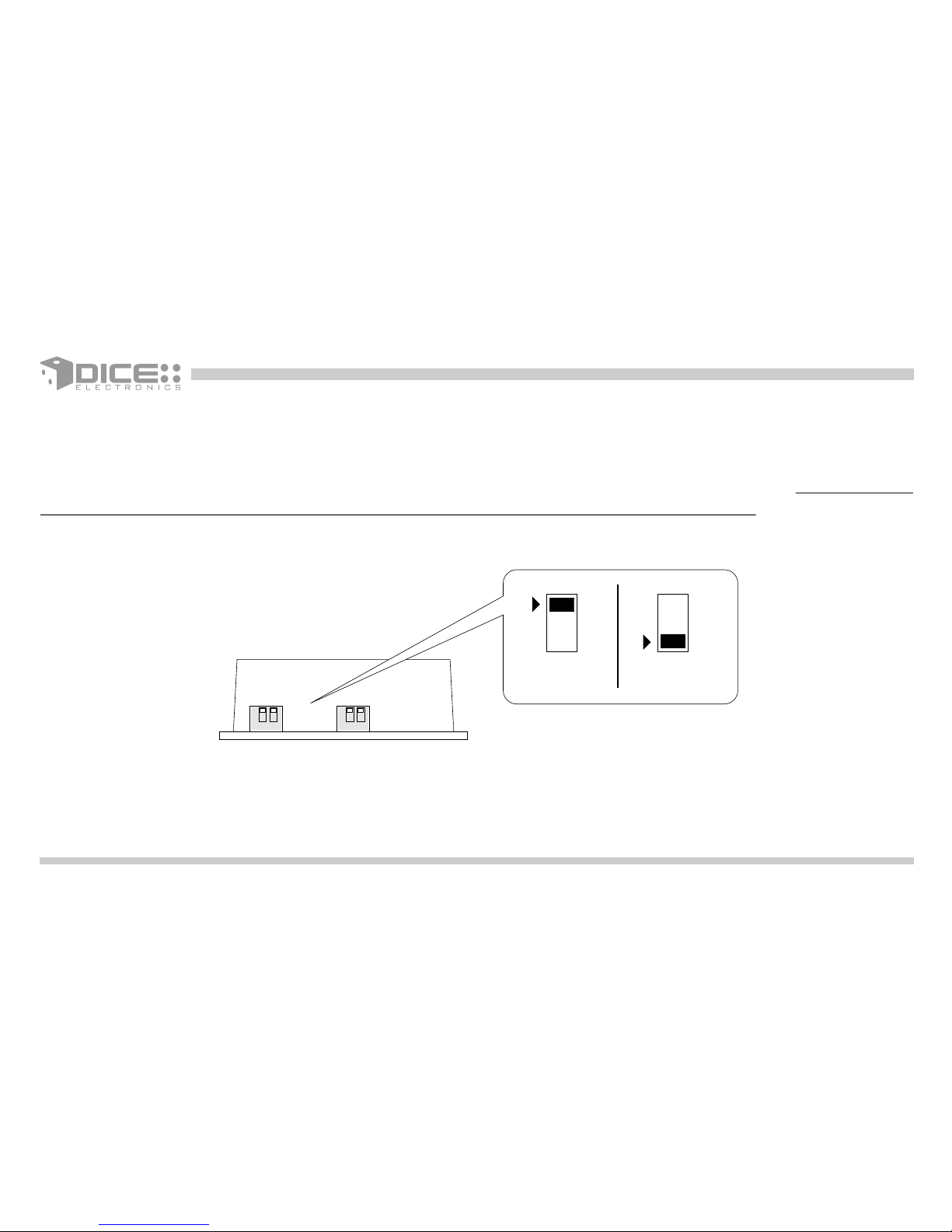
Dip switches
ON 1 2
"iPod Config.
Switch"
"Car Config.
Switch"
DICE Module
ON/OFF Switch Positions
ON 1 2
ON
1 2
OFF
The configuration switches located on the DICE module are used to set the operation of the interface by the installer.
Incorrect dip switch settings may cause the DICE interface not to work properly or not to operate at all. Disconnect the
vehicle harness from module and cycle ignition off for 50 seconds after changing the switches!