manuals.online logo
Brands
  1. Home
  2. •
  3. Brands
  4. •
  5. DORIC
  6. •
  7. Door Lock
  8. •
  9. DORIC VENTUS LouvreLoc User manual

DORIC VENTUS LouvreLoc User manual

Other DORIC Door Lock manuals

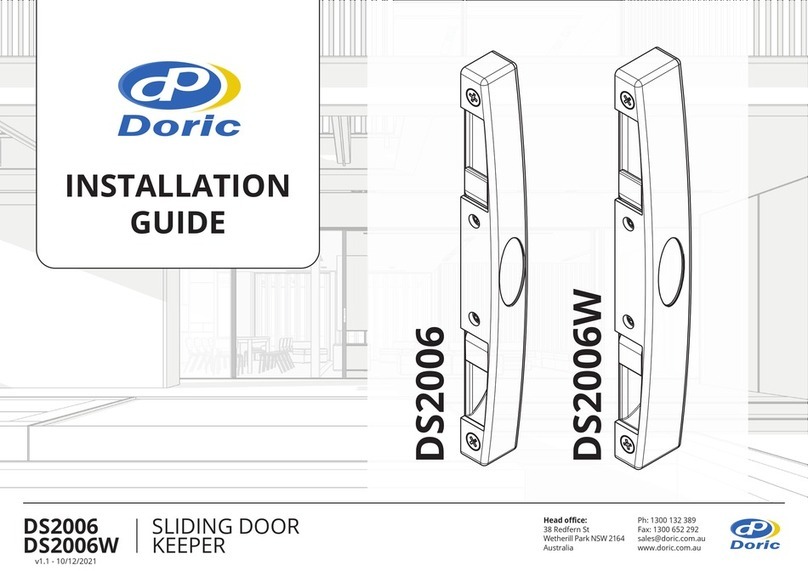
DORIC DS2006 User manual

DORIC

DORIC DS2006 User manual

DORIC DS2500 User manual

DORIC

DORIC DS2500 User manual

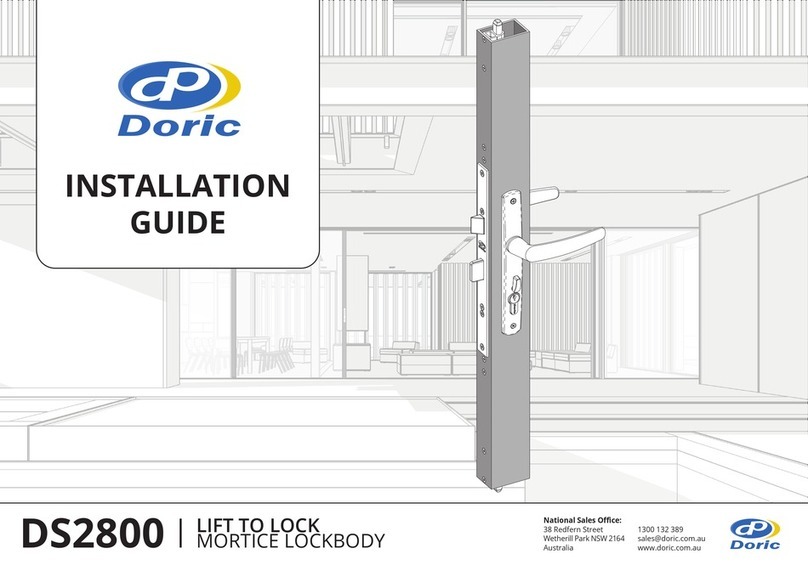
DORIC DS2800 User manual

DORIC

DORIC DS2800 User manual

DORIC DS2079 User manual

DORIC

DORIC DS2079 User manual

DORIC VENTUS LOUVRE LOC User manual

DORIC

DORIC VENTUS LOUVRE LOC User manual

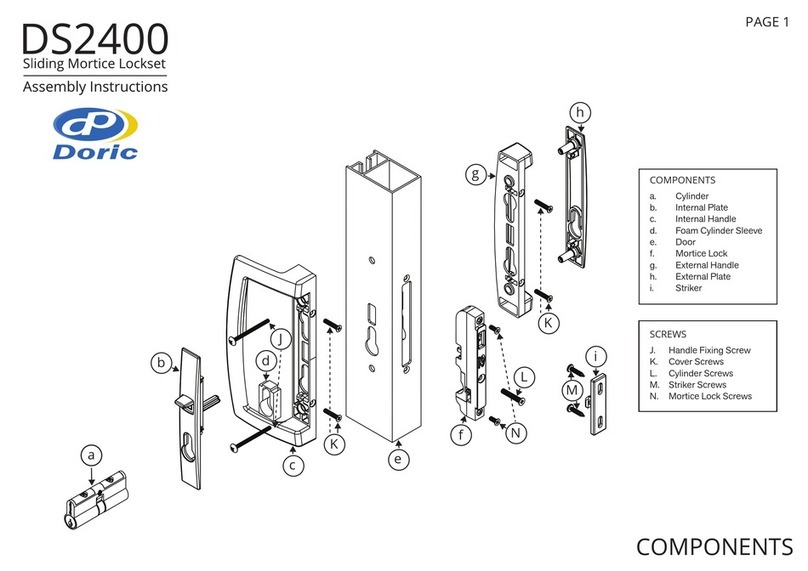
DORIC DS2400 User manual

DORIC

DORIC DS2400 User manual

Popular Door Lock manuals by other brands

Dorma MUNDUS PREMIUM US 10 Mounting instruction

Dorma

Dorma MUNDUS PREMIUM US 10 Mounting instruction

Defiant LG600BRA4BGT Instructions for installation

Defiant

Defiant LG600BRA4BGT Instructions for installation

TRU-BOLT M1740024 manual

TRU-BOLT

TRU-BOLT M1740024 manual

Opera ARCA SLIDE installation instructions

Opera

Opera ARCA SLIDE installation instructions

tell CODELOCK CL5500 Series installation instructions

tell

tell CODELOCK CL5500 Series installation instructions

ABH LR6000 installation instructions

ABH

ABH LR6000 installation instructions

Assa Abloy effeff 827A-IP Mounting instructions

Assa Abloy

Assa Abloy effeff 827A-IP Mounting instructions

Iseo MA1A installation guide

Iseo

Iseo MA1A installation guide

ID Lock 150 user manual

ID Lock

ID Lock 150 user manual

Lockly ACCESS TOUCH PRO user manual

Lockly

Lockly ACCESS TOUCH PRO user manual

iLoq G50S user guide

iLoq

iLoq G50S user guide

SDC Z7835 installation instructions

SDC

SDC Z7835 installation instructions

ilco 452 Installation

ilco

ilco 452 Installation

Samsung shs-h705 user guide

Samsung

Samsung shs-h705 user guide

TRU-BOLT 08102017 user manual

TRU-BOLT

TRU-BOLT 08102017 user manual

CDVI 500-LADJ quick start guide

CDVI

CDVI 500-LADJ quick start guide

Igloohome Deadbolt 2S Metal Grey Installer/user guide

Igloohome

Igloohome Deadbolt 2S Metal Grey Installer/user guide

eSSL FL-300 user manual

eSSL

eSSL FL-300 user manual

manuals.online logo
manuals.online logoBrands
  • About & Mission
  • Contact us
  • Privacy Policy
  • Terms and Conditions

Copyright 2025 Manuals.Online. All Rights Reserved.

1.
Pull the Handle Lever enough to
remove Handle Trim from the channel
yet keeping the Louvre Blades closed
2.
Place the Template on the front edge
of the Gallery and ensure the hook is
pressed hard up against the top of the
Handle Cutout
3.
Mark out the three hole locations
and drill to 3.5mm
4.
Enlarge the centre hole to 16mm
5.
Remove any burs or swarf
6.
Re-install the Handle Trim and
close the Gallery
7.
While holding the Housing, rotate
the Snib Key until it stops.
Clockwise for Left-Hand side installs.
Counter-clockwise for Right-Hand side
installs.
8.
Install the Cam into the
rear of the Housing
8
7
2
1
3
INSTALLATION GUIDEINSTALLATION GUIDE Head office:
38 Redfern St
Wetherill Park
NSW 2164 Australia
Ph: 1300 132 389
[email protected]
www.doric.com.au
4
5
6

9a.
Ensure that the Plastic Pip is
located in the top position
9b.
And the flat portion of the
Snib key is facing upwards.
10.
Screw the housing onto the Gallery, snap
on the Screw Covers, and insert Snib Key
11a.
Insert the Slide Arm into the Gallery
11b.
Ensure the Pip sits between the legs
of the Slide Arm
12.
To lock the Slide Arm ready for
transport, rotate the Snib Key
180 degrees
Counter-Clockwise for Left-Hand
Clockwise for Right-Hand
9a
9b
10
12
11a
11b
INSTALLATION GUIDE Head office:
38 Redfern St
Wetherill Park
NSW 2164 Australia
Ph: 1300 132 389
[email protected]
www.doric.com.au