10
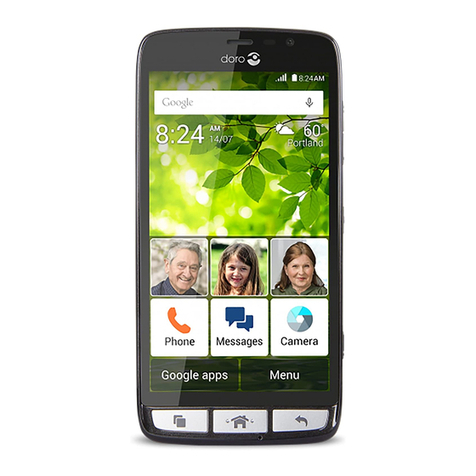
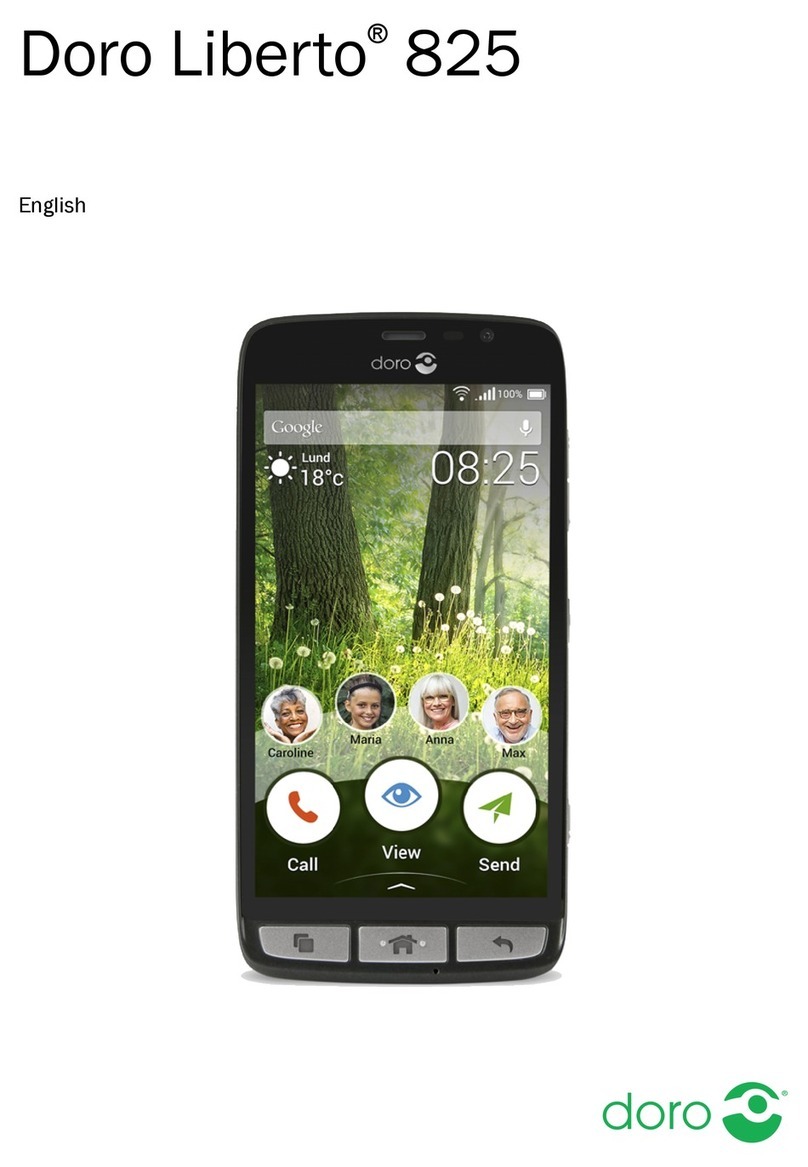
Doro Liberto®820
Use the phone keys
Options key
• Access options/menu available on the current screen or
application.
Home key
• Return to the Home screen.
• Press and hold to go to Google™Now.
Important!
You need an Internet connection to use this service. It is recommended
touseWi-Ficonnectionswhenavailabletoreducecostsfordatatrafc.
Contact your service provider for detailed subscription costs before
activating.
Back key
• Return to the previous screen. Once you are back to the
Home screen, you can’t go back any further.
• Press and hold to return to recently used applications.
Note! To fully close some third party applications, you may need to
press and select
Exit
or similar in the running application.
Soft keys
Android smart phones like your Doro Liberto® 820, as well as
most Android applications, feature common icons. Many icons
that you see on-screen are actually buttons on the touchscreen. If
you don’t see the text or information that you want, try tapping an
icon to get a pick list or to reach another menu.
Examples:
• to bring up the dialling keypad.
• for advanced Android settings.
• when handling attachments.