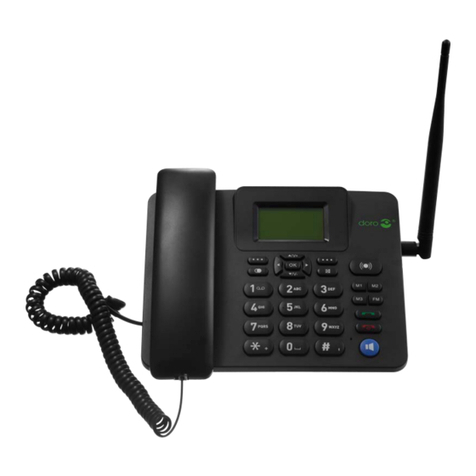
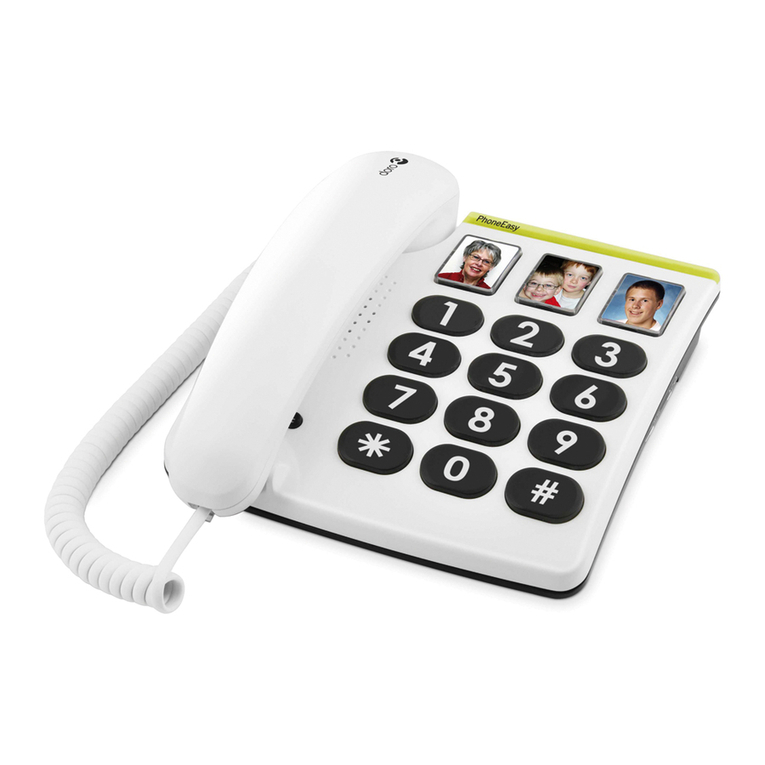
1
English
This device is intended for the analogue telephone network lines in AT, BE,
BG, CH, CY, CZ, DE, DK, EE, ES, FI, FR, GB, GR, HU, IE, IS, IT, LV, LT,
LU, MT, NL, NO, PL, PT, RO, SI, SK, SE.
Connection
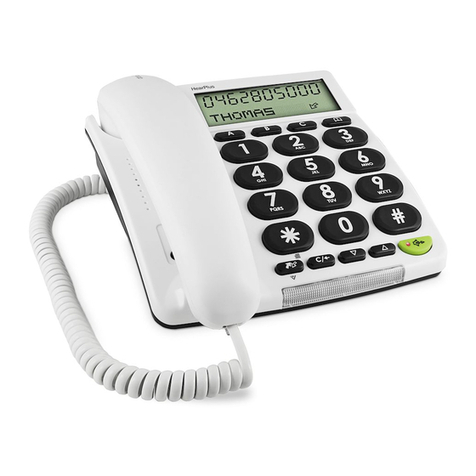
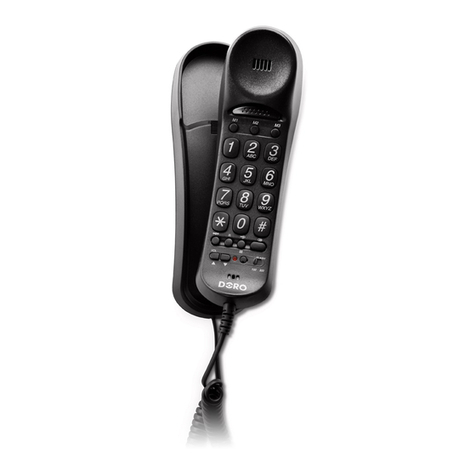
1. Connect the handset curly cord to the handset and the socket on the left-
hand side of the telephone q.
2. Connect the telephone line cord to the socket at the rear of the telephone
T, and to a telephone network wall socket.
3. You will hear a click when the modular plug is correctly in place.
4. Lift the handset and listen for the dial tone. Your telephone is now
operational.
5. Ensure that the recall button timing switch (R) on the telephone is
correctly set (100 ms UK/AUS or 300 ms France/Portugal or 600 ms NZ).
Wall mounting
The telephone can be wall mounted using two screws positioned vertically at
a distance of 100 mm, the screws should t into the ‘keyholes’ on the back of
the telephone. Remove the hanger hook (please refer to diagram on page 2) by
pushing it upwards, then rotate it 180 degrees and replace it
Hearing Aid compatible
This telephone is hearing aid compatible. Select the Tmode on your hearing
aid to enable this feature.
Mute button
Press and release zto mute the handset microphone during a call, the light
next to the button will ash while the microphone is muted. Press and release
zagain to continue with your telephone conversation.
Redial button
If the number dialled is engaged or you wish to dial the last number called
lift the handset and press and release r. Redial will not work if the number
dialled was from memory (i.e. M1, M2, M3 or 0-9).
Recall
Access to additional network services can be gained by using the recall button
R, *and #keys. Contact your network operator for more information.
Press the recall button Rfollowed by the extension number to when connected
to a PBX (TBR only).