manuals.online logo
Brands
  1. Home
  2. •
  3. Brands
  4. •
  5. Eaton
  6. •
  7. Industrial Electrical
  8. •
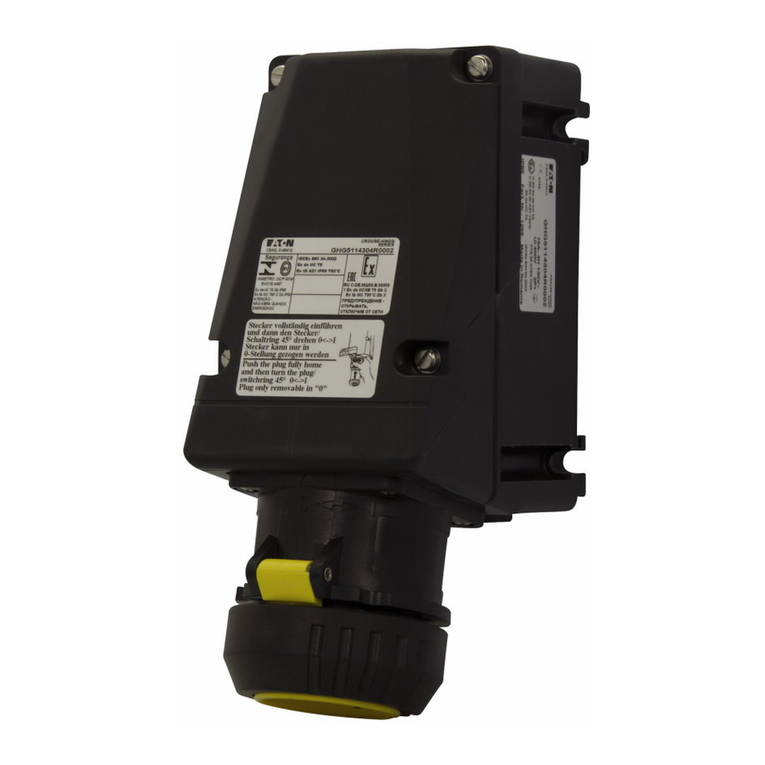
  9. Eaton 10250T/E34 Manual

Eaton 10250T/E34 Manual

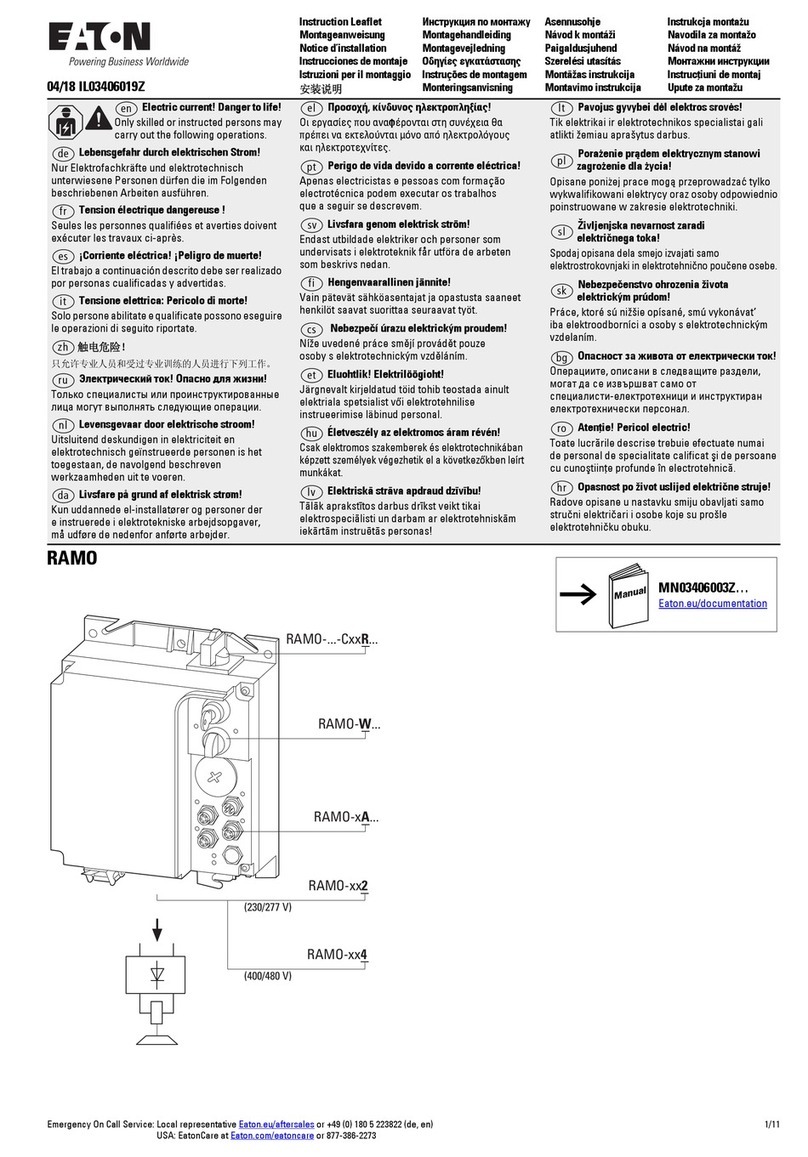
Other Eaton Industrial Electrical manuals

Eaton Cooper Power NOVA NX-STS Owner's manual

Eaton

Eaton Cooper Power NOVA NX-STS Owner's manual

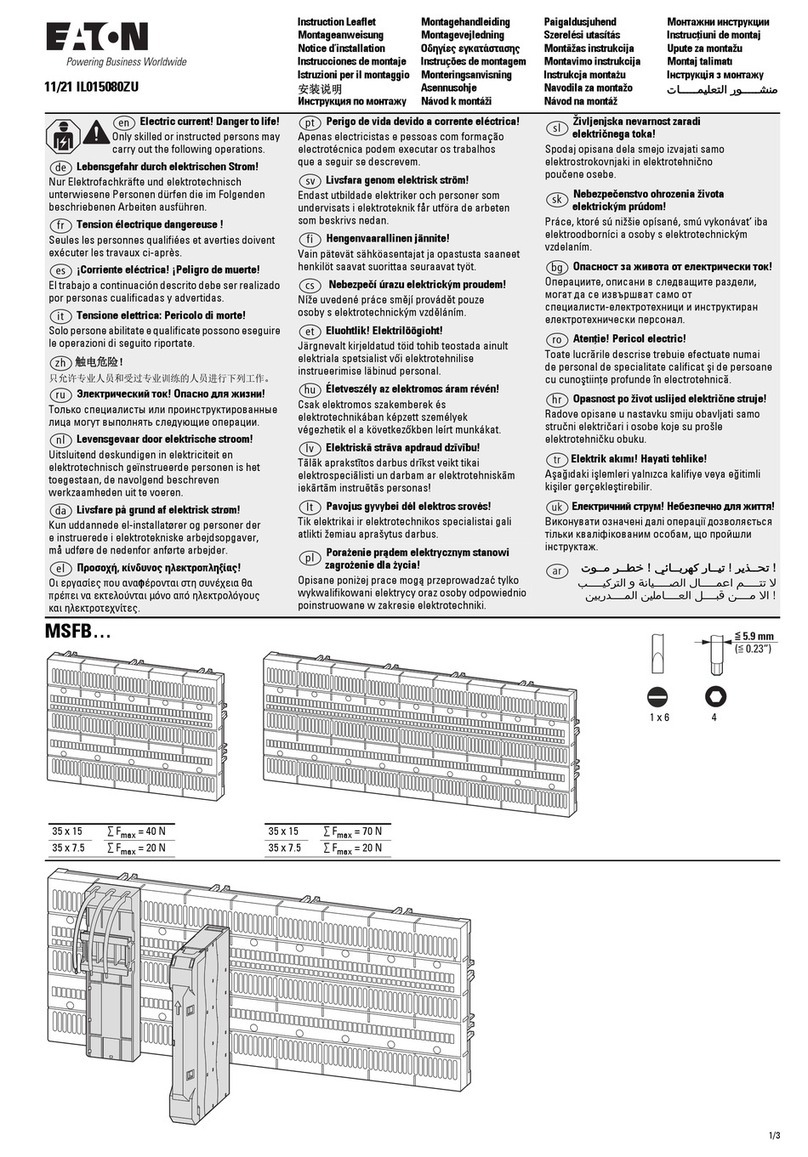
Eaton DILM12-XSL Manual

Eaton

Eaton DILM12-XSL Manual

Eaton MSFI-125A Manual

Eaton

Eaton MSFI-125A Manual

Eaton DILM7-21 Manual

Eaton

Eaton DILM7-21 Manual

Eaton Crouse-Hinds Megablock F300 Series User manual

Eaton

Eaton Crouse-Hinds Megablock F300 Series User manual

Eaton S801T Instruction Manual

Eaton

Eaton S801T Instruction Manual

Eaton MVS B-EM Series Manual

Eaton

Eaton MVS B-EM Series Manual

Eaton XTCERENCOILD DILM65-XSP Manual

Eaton

Eaton XTCERENCOILD DILM65-XSP Manual

Eaton Power Defense NZM-XBZ225 Manual

Eaton

Eaton Power Defense NZM-XBZ225 Manual

Eaton Power Defense PDG-3 Series Manual

Eaton

Eaton Power Defense PDG-3 Series Manual

Eaton Power Xpert IGX User manual

Eaton

Eaton Power Xpert IGX User manual

Eaton ESF-E30 Series Service manual

Eaton

Eaton ESF-E30 Series Service manual

Eaton DualGuard-S ESF30 Service manual

Eaton

Eaton DualGuard-S ESF30 Service manual

Eaton DMV250N Manual

Eaton

Eaton DMV250N Manual

Eaton XTCS250L Series Manual

Eaton

Eaton XTCS250L Series Manual

Eaton MTL7700 User manual

Eaton

Eaton MTL7700 User manual

Eaton RMQ-Titan M22-FI Series Manual

Eaton

Eaton RMQ-Titan M22-FI Series Manual

Eaton COOPER POWER SERIES User manual

Eaton

Eaton COOPER POWER SERIES User manual
Eaton DIULM7 Manual

Eaton

Eaton DIULM7 Manual

Eaton Power Xpert UX 12 User manual

Eaton

Eaton Power Xpert UX 12 User manual

Eaton XTCEH600 Series Manual

Eaton

Eaton XTCEH600 Series Manual

Eaton Crouse-Hinds FSQ Series Setup guide

Eaton

Eaton Crouse-Hinds FSQ Series Setup guide

Eaton Power Defense PDC4X3TA800 Manual

Eaton

Eaton Power Defense PDC4X3TA800 Manual

Eaton COOPER POWER SERIES Instruction manual

Eaton

Eaton COOPER POWER SERIES Instruction manual

Popular Industrial Electrical manuals by other brands
Murata GRM0335C1E3R9BA01 Series Reference sheet

Murata

Murata GRM0335C1E3R9BA01 Series Reference sheet

ARCAIR N6000 Automatic System Safety and operating instructions

ARCAIR

ARCAIR N6000 Automatic System Safety and operating instructions

Murata GRM31CR61E106MA12 Series Reference sheet

Murata

Murata GRM31CR61E106MA12 Series Reference sheet

Murata GQM2195C2A9R1CB01 Series Reference sheet

Murata

Murata GQM2195C2A9R1CB01 Series Reference sheet

MFJ MFJ-918 quick start guide

MFJ

MFJ MFJ-918 quick start guide

Abtech HVJB Series Installation, operation & maintenance instructions
Abtech

Abtech HVJB Series Installation, operation & maintenance instructions

Murata GRM0335C1H8R1DA01 Series Reference sheet
Murata

Murata GRM0335C1H8R1DA01 Series Reference sheet

SAF-HOLLAND CBX 5415.5 Installation and operation manual
SAF-HOLLAND

SAF-HOLLAND CBX 5415.5 Installation and operation manual

Murata GJM0335C1E4R4BB01 Series Reference sheet

Murata

Murata GJM0335C1E4R4BB01 Series Reference sheet

Newlong NP-7H NSTRUCTION MANUAL/PARTS LIST
Newlong

Newlong NP-7H NSTRUCTION MANUAL/PARTS LIST
Stahl 8575/12 operating instructions

Stahl

Stahl 8575/12 operating instructions

SI Pegasus installation instructions

SI

SI Pegasus installation instructions

Murata GRM1555C1H2R7CA01 Seies Reference sheet

Murata

Murata GRM1555C1H2R7CA01 Seies Reference sheet

Murata GRM0225C1E6R4BA03 Series Reference sheet

Murata

Murata GRM0225C1E6R4BA03 Series Reference sheet

Cooper Power Systems VXE15 Installation and operation instructions

Cooper Power Systems

Cooper Power Systems VXE15 Installation and operation instructions

S&C Vista SD manual

S&C

S&C Vista SD manual

Murata GRM0335C2A7R3CA01 Series Reference sheet

Murata

Murata GRM0335C2A7R3CA01 Series Reference sheet

Siemens 3VA9988-0BM10 operating instructions
Siemens

Siemens 3VA9988-0BM10 operating instructions

manuals.online logo
manuals.online logoBrands
  • About & Mission
  • Contact us
  • Privacy Policy
  • Terms and Conditions

Copyright 2025 Manuals.Online. All Rights Reserved.

Instructional Leaet P26841 Effective August 2014
Supersedes July 2014
Contact
Blocks
2
1
Adapter
Locating
Nib
Operator
Ratings
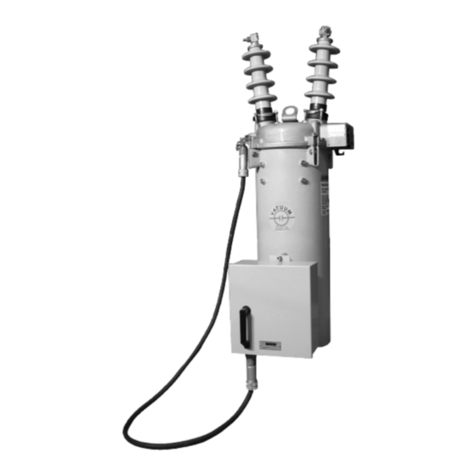
Hazardous Location Class I Division 2 pushbuttons and indicat-
ing lights include both the 10250T and E34 corrosion-resistant
product lines. The 10250T1H (CBFS) factory-sealed contact
blocks have one NO and one NC contact.
For use on a at surface of Type 1, 2, 3, 3S*, 3R, 4, 4X,
12 and 13 enclosures.
* Applies to indicating lights only.
UL Listed and CSA Certied for Class I Division 2
Groups B, C, D, and Class I Zone 2, Group IIB + H2.
WARNING
A LENS MUST BE ATTACHED TO ALL ILLUMINATED
DEVICES
10250T/E34 Pushbuttons and Indicating Lights Class I
Division 2 Application and Installation Instructions
Contact Ratings ............................................. A600, Q300
Ingress Protection ..................................................... IP65
Temperature Codes per NEC Table 500-5(d) for indicating
lights and illuminated operators having a maximum tempera-
ture over 100°C:
10250T E34 Temp. code
201H RB120H T3C
471H SB120H T3C
80H - T3C
All selector switches with lamp 120MB T3C
202H RB240H T3A
472H SB240H T3B
81H - T3B
All illuminated devices with lamp 1835 T4A
WARNING
TOUT DISPOSITIF LUMINEUX DOIT COMPORTER UNE
LENTILLE
Operator And Adapter Assembly
1. Assemble adapter to operator or light unit and torque
mounting screws to 7 – 9.5 lb-in (0.8 – 1.07 Nm).
2. Assemble contact block to adapter and torque mounting
screws to 12 – 16 lb-in (1.36 – 1.81 Nm). Contact block
mounting location “1” is referenced to the panel locat-
ing nib on operator. See illustrations.
®
IND. CONT. EQ.
FOR HAZARDOUS
LOCATIONS.
A162
®
2
Instructional Leaet P26841
Effective July 2014
10250T/E34 Pushbuttons
And Indicating Lights
EATON www.eaton.com EATON www.eaton.com
Mounting
1. Drill mounting hole for vertical or horizontal mount-
ing per the matrix below and diagram to the right.
2. Ensure sealing gasket is in place on the operator.
Align locating nib on operator with notch in panel
and insert through mounting hole. If notched hole
is not desired, remove locating nib by placing a flat
head screwdriver between nib and operator and
prying outward. Note: When using protective boots,
see special instruction publication 20437 for place-
ment of sealing gasket.
3. Place legend plate and mounting nut over operator.
Tighten mounting nut securely (5 lb-ft / 6.8 Nm).
4. If applicable, assemble lenses, mushroom buttons,
etc. to operator. Tighten selector switch set screw
to 8 – 12 lb-in (0.9 – 1.35 Nm). Note: Ensure lens is
securely tightened to provide oiltight and watertight
seal.
For ease of assembly, the following tools are recom-
mended: 10250TA95 or E22CW for tighening octagonal
nuts. 10250TA74 — lamp removal tool for transformertype
light units. E30KV1 — lamp removal tool for full voltage light
units.
Mounting Matrix
Panel Spacing And Drilling Drawings
Nameplate
Retaining Nut
5 lb-ft (6.8 Nm)
Panel
1/16" – 1/4"
(1.5 – 6.5 mm)
Thrust
Washer
(Optional)
Lens
Washer
Illuminated
Pushbutton
Indicator
Light
Push/Pull
Light Unit
Lamp
E34 Earth
Terminal
Operator
Gasket
Operator
Terminal Clamp:
One or Two Copper Conductors
22 – 12 AWG (0.34 – 4.0 mm
2
)
7 lb-in (0.8 Nm)
Contact Block
Mounting Adapter
RATINGS ARE STAMPED
ON LIGHT UNIT
AND CONTACT BLOCK
Terminal Clamp:
Single Copper Conductor
18 – 14 AWG (.75 – 2.5 mm
2
)
9 lb-in (1.0 Nm)
Contact Block
.19
(5.0)
.67
(17.0) ø1.2
(ø30.5)
“D” Min.
“C” Min.
Terminals for
Light Unit
.60
(15.2)
ø.14
(ø3.4)
ø1.2
(ø30.5)
“B” Min.
“A” Min.
Terminals for
Light Unit
Notch for
Locating Nib
Drilling for One Hole Mounting
and Dimensions for Minimum
Spacing in Vertical Rows.
Drilling for One Hole Mounting
and Dimensions for Minimum
Spacing in Horizontal Rows.
NOTE: Suitable for Use
in This Alternate
Mounting Hole.
Legend Dimensions in Inches (mm)
PlateABCD
Small72.6 (2.87)57.2 (2.25)57.2 (2.25)72.6 (2.87)
Jumbo72.6 (2.87)58.6 (2.32)58.6 (2.32)72.6 (2.87)
Extra Large72.6 (2.87)65.2 (2.56)64.1 (2.52)72.6 (2.87)
3
10250T/E34 Pushbuttons
And Indicating Lights
Instructional Leaet P26841
Effective July 2014
EATON www.eaton.com EATON www.eaton.com
Selector Switch Selection And Assembly — Refer To
Contact Block Selection Charts
1. Select intended schematic circuit function. Note in
your “cam” column the type of contact (NO or NC),
the “1” and “2” circuit locations, and any series or
parallel jumper connections that may be required.
2. Choose contact blocks that have the required
schematic circuits and assemble in any convenient
sequence that fulfills the “1” and “2” circuit location
requirements.
3. If applicable, assemble the operator cap.
Recommended, set screw tightening torque for
selector switches is 8 – 12 lb-in (0.9 – 1.35 Nm).
4. The two sections of the operating cam work indepe-
ndently. It is important that the contact blocks be
oriented with their plungers in the correct “1” and
“2” circuit locations. The drawing to the right identi-
fies these positions with respect to the locating nib
on operator or marked top.
5. Assembled operators are factory set for Vertical
Mounting. For Horizontal Mounting, loosen the set
screw and assemble with the locating nib on the left.
ote:N Circuits shown illustrate connections to obtain a selector
circuit combination and are shown with their appropriate line dia-
grams in BOLD. Field wiring of jumper connections are required
as shown.
Mounting Location Of Contact Blocks With Respect To
Operator Locating Nib.
2-Position Selector Switch
Number Desired Circuit and Cam Code #1
Operator Position
Contact Blocks and
Mounting Location
1 2
1 X O
2 O X
4-Position Selector Switch
No. Desired Circuit and Operator Position Cam Code #7
Contact Blocks and
Mounting Location
1 2
1 X OOO
2 O X O O
3 O O X O
4OOO X
5 X O O X
6 O X X O
7 O O X X
8 X X O O
9 O X O X
10 X O X O
NC NC
NO NO
or
or
NC
NO
NO
NC
NC (Parallel) NC
NO (Parallel) NO
NO (Parallel) NC
NC (Parallel) NO
NO/NC
(Parallel)
NO/NC
(Parallel)
Locating Nib
1 2
tiucriCnepO=OtiucriCdesolC=X
3-Position Selector Switch
No. Desired Circuit and Cam Code #2 Cam Code #3
Operator Position
Contact Blocks and Contact Blocks and
Mounting Location Mounting Location
1 2 1 2
1 X O O
2 X X O
3 X O X
4 O O X
5 O X X
6 O X O
NO (Series) NC NO
NC NC
NO NO (Parallel) NO
NO NO
NC (Parallel) NO NC
NC NC (Series) NC
Instructional Leaet P26841
Effective July 2014
10250T/E34 Pushbuttons
And Indicating Lights
Eaton
1000 Eaton Boulevard
Cleveland, OH 44122
United States
Eaton.com
© 1999 Eaton
All Rights Reserved
Publication No. P26841 / 004
August 2014
Eaton is a registered trademark.
All other trademarks are property
of their respective owners.
nepOtcatnoC=OdesolCtcatnoC=X
tnemegnarrAtiucriCdnanoitisoProtarepOkcolBtcatnoCrebmuNgolataCrotarepOfoepyT
Out — Pull Intermediate In — Push
Contact Block Mounting Location
121212
2-Position Operator without Lens
XXOOONI
Maintained Push-Pull10250T5/E34GDB OOXXCNI
XXOOON2
OOXXCN2
3-Position Operator without Lens
Momentary Push-Pull10250T4/E34GEB1NO OOOO X O
1NC X X O X O O
Maintained Push- 10250T9/E34GFB2NO OOOO X O
OOXOXXCN2lluPyratnemoM
1NO OOOO X X
Momentary Push-Pull10250T10/E34GHB 1NC X X OOOO
2NO OOOO X X
2NC X X OOOO
or No Intermediate
Position
or
or
or
or
or or
or
Push-Pull Operators — Contact Block Selection
And Assembly
The illustration to the right assists in the selection of
contact blocks. Symbols 1 and 2 show locations of
contact circuits after assembly of contact blocks and
adapter to the operator. The chart below shows the
effects of the push and pull operations on either NO
or NC contacts.
Grounding Of 10250T And E34 Components General
With any electrical component there is the possibility of a
loose wire, moisture, etc. causing a short circuit between
the component and ground. If the device is adequately
grounded, the condition causes the protective fuse or circuit
breaker to open and remove the potential. If not, an electri-
cal hazard may remain unnoticed.
Grounding Nibs — 10250T
The 10250T operator is designed to make direct metallic
contact to the rear of the panel (with no intervening spacer
washers to interfere with component-to-panel ground con-
tinuity). As a further aid in establishing an electrical ground,
the operator has four metal points (“grounding nibs”)
designed to penetrate most paints or other protective coat-
ings.
Penetration of these nibs is dependent upon the torque
applied to the mounting nut. Recommended torque is 5 ft-
lbs (6.8 Nm). More or less may be necessary to penetrate
the specific type and thickness of your panel coating. Test
for continuity to ground after installation. If a short circuit
to ground does occur, the fault should be corrected and the
device replaced.
Earth Ground Terminals — E34
These devices are supplied with an integral earth/ground
terminal. A 6-32 terminal screw will accommodate ring type
terminations for bonding to international specifications.
Locating Nib
1 2
Earth
Terminal
Nibs