manuals.online logo
Brands
  1. Home
  2. •
  3. Brands
  4. •
  5. Eonon
  6. •
  7. Car Receiver
  8. •
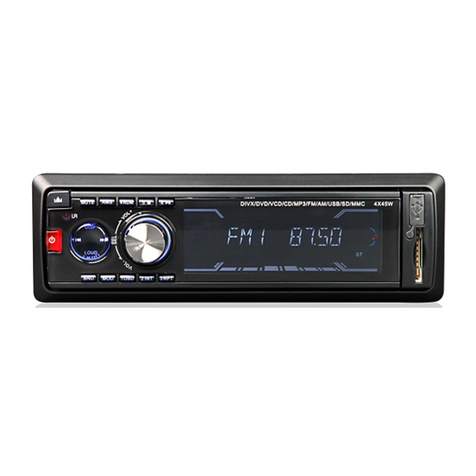
  9. Eonon E1095 User manual

Eonon E1095 User manual

Other Eonon Car Receiver manuals

Eonon G1301 User manual

Eonon

Eonon G1301 User manual

Eonon D1203 User manual

Eonon

Eonon D1203 User manual

Eonon D1202 User manual

Eonon

Eonon D1202 User manual

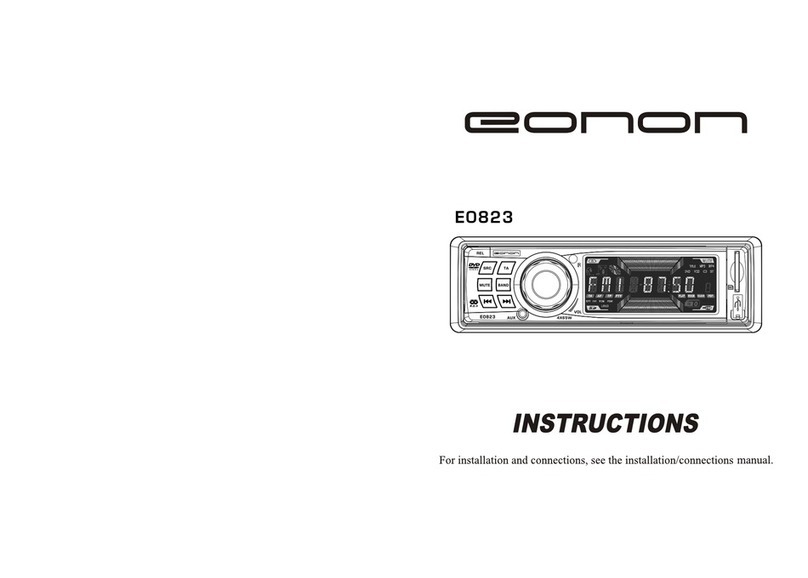
Eonon E0823 User manual

Eonon

Eonon E0823 User manual

Eonon E0820 User manual

Eonon

Eonon E0820 User manual

Eonon D1002 User manual

Eonon

Eonon D1002 User manual

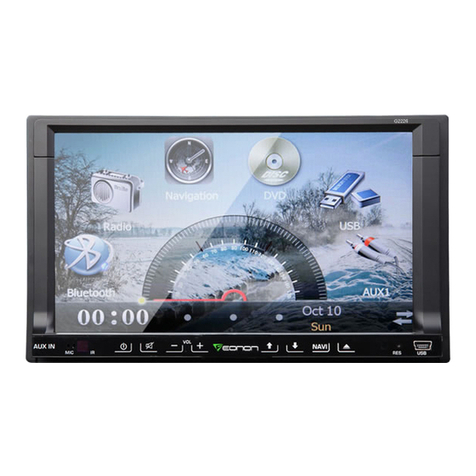
Eonon D2206 User manual

Eonon

Eonon D2206 User manual

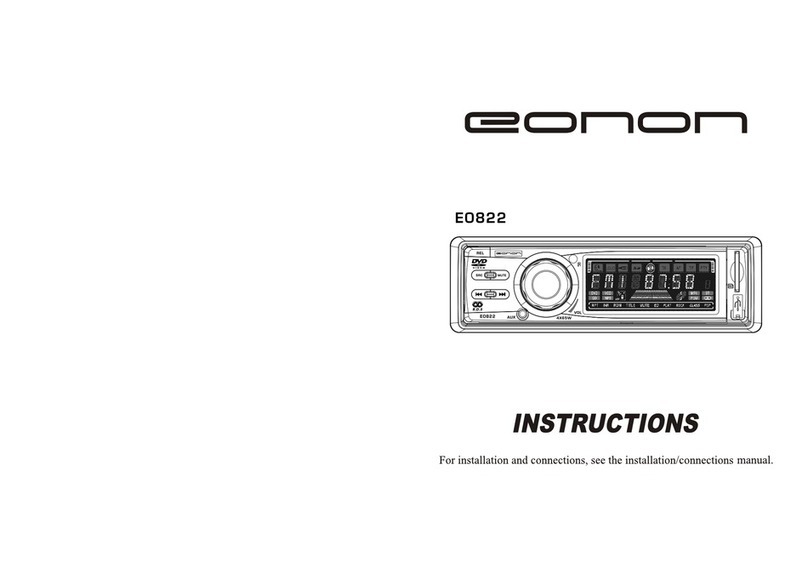
Eonon E0822 User manual

Eonon

Eonon E0822 User manual

Eonon X20 User manual

Eonon

Eonon X20 User manual

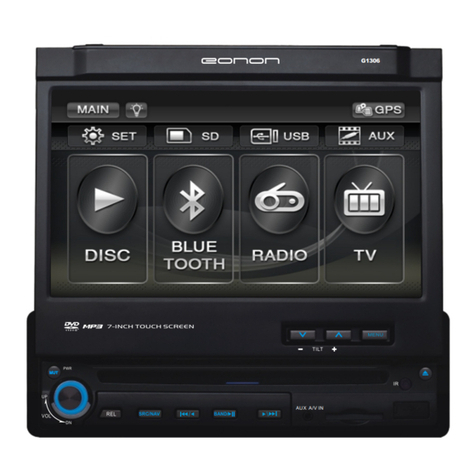
Eonon G1306 User manual

Eonon

Eonon G1306 User manual

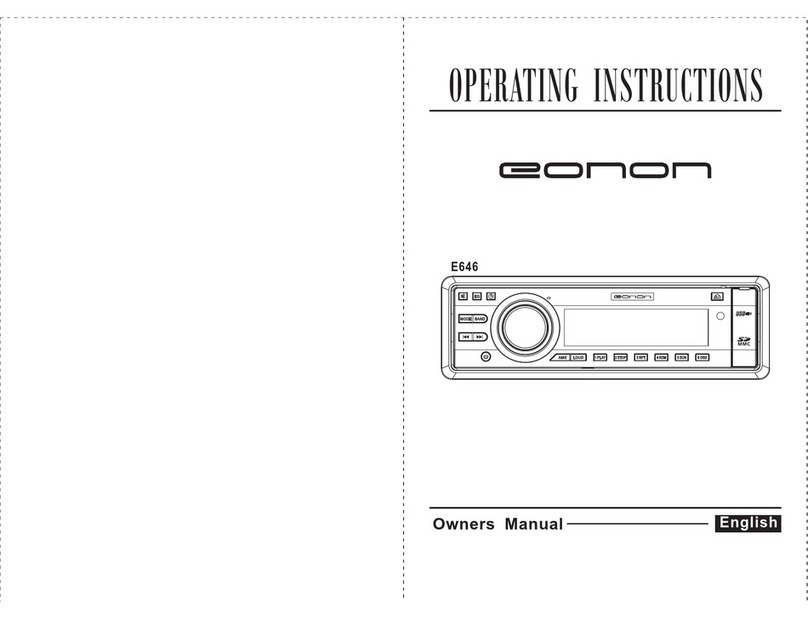
Eonon E646 User manual

Eonon

Eonon E646 User manual

Eonon G2226 User manual

Eonon

Eonon G2226 User manual

Eonon D1001 User manual

Eonon

Eonon D1001 User manual

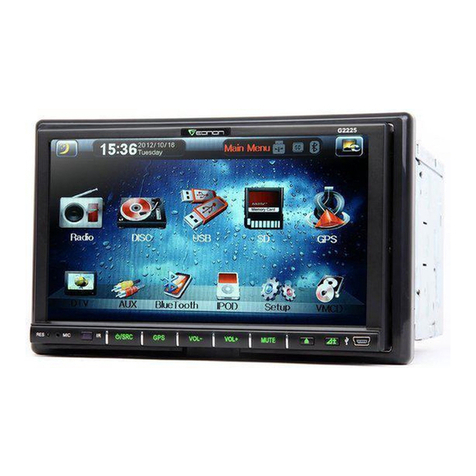
Eonon G2225 User manual

Eonon

Eonon G2225 User manual

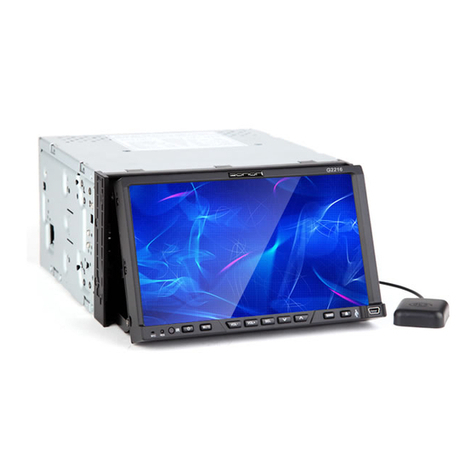
Eonon G2216 User manual

Eonon

Eonon G2216 User manual

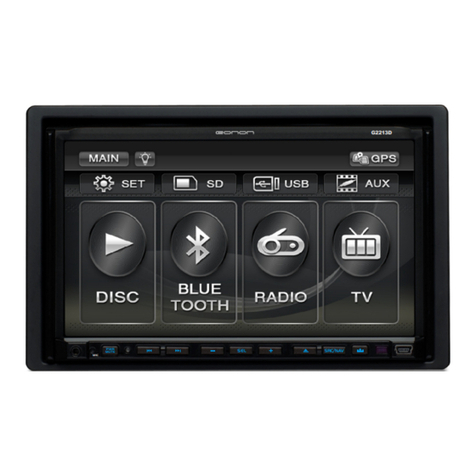
Eonon G2213D User manual

Eonon

Eonon G2213D User manual

Eonon D1301 User manual

Eonon

Eonon D1301 User manual

Eonon E033 User manual

Eonon

Eonon E033 User manual

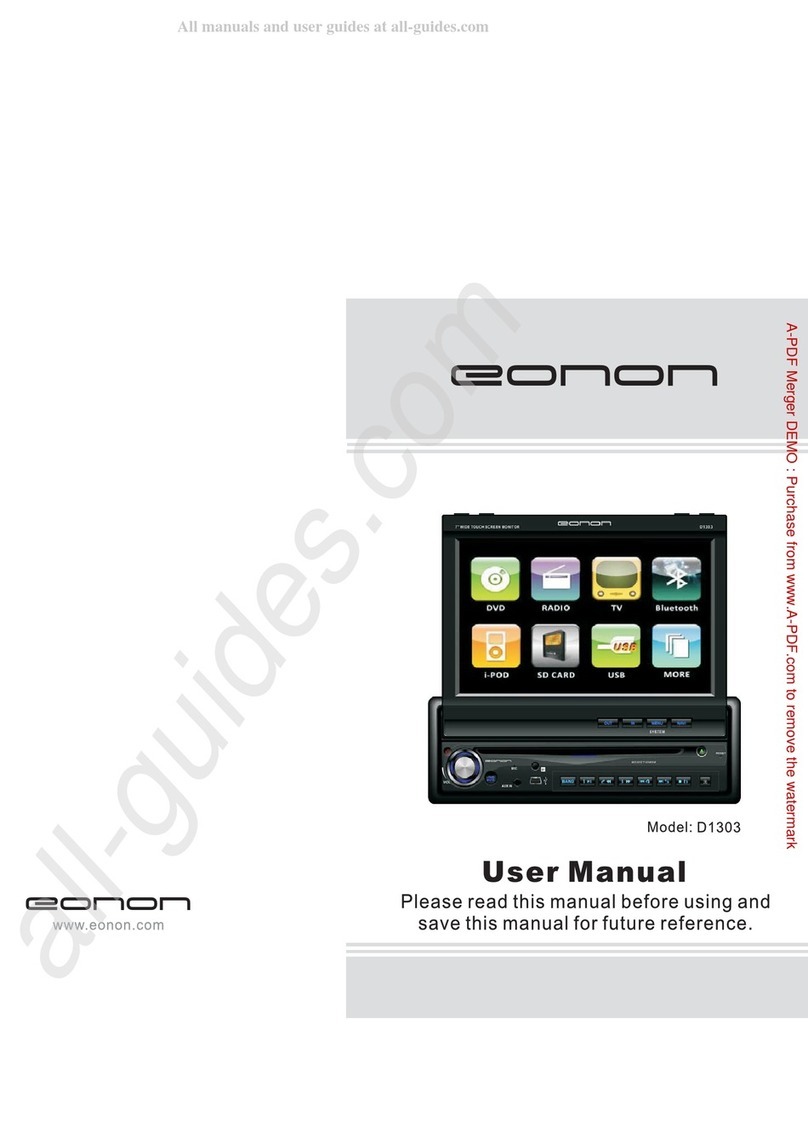
Eonon D1303 User manual

Eonon

Eonon D1303 User manual

Eonon D1003 User manual

Eonon

Eonon D1003 User manual

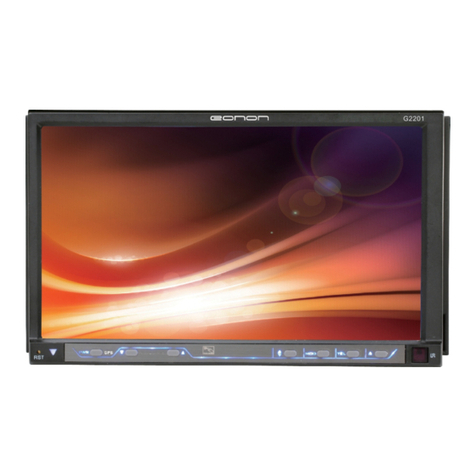
Eonon G2201 User manual

Eonon

Eonon G2201 User manual

Eonon G2203 User manual

Eonon

Eonon G2203 User manual

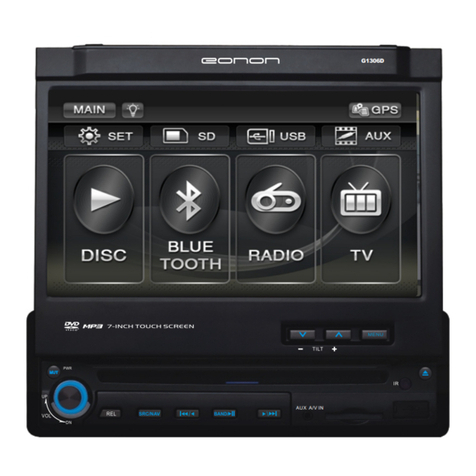
Eonon G1306D User manual

Eonon

Eonon G1306D User manual

Popular Car Receiver manuals by other brands

Linear Series LS5050 Operation and installation manual

Linear Series

Linear Series LS5050 Operation and installation manual

Kenwood KRC-160 instruction manual

Kenwood

Kenwood KRC-160 instruction manual

Sony XR-CA430X Service manual

Sony

Sony XR-CA430X Service manual

T+A Elektroakustik K1 CD-RECEIVER operating instructions

T+A Elektroakustik

T+A Elektroakustik K1 CD-RECEIVER operating instructions

SoundMax SM-CDM1052 instruction manual

SoundMax

SoundMax SM-CDM1052 instruction manual

Xtrons HD107HD user manual

Xtrons

Xtrons HD107HD user manual

Mopar RB3 manual

Mopar

Mopar RB3 manual

Clarion ADDZEST DMZ615 owner's manual

Clarion

Clarion ADDZEST DMZ615 owner's manual

Sony XAV-601BT Specifications

Sony

Sony XAV-601BT Specifications

PIE GM12-POD/S Operation manual

PIE

PIE GM12-POD/S Operation manual

Hyundai H-910H instruction manual

Hyundai

Hyundai H-910H instruction manual

Sony XR-C6100 Service manual

Sony

Sony XR-C6100 Service manual

Sony CDX-L600X - Fm/am Compact Disc Player Installation/connections

Sony

Sony CDX-L600X - Fm/am Compact Disc Player Installation/connections

Motorola VWA63 Service manual

Motorola

Motorola VWA63 Service manual

Sound Storm STM93R user manual

Sound Storm

Sound Storm STM93R user manual

Nextar D3201 instruction manual

Nextar

Nextar D3201 instruction manual

Alpine CDE-163BT owner's manual

Alpine

Alpine CDE-163BT owner's manual

Kenwood KDC-X303 quick start guide

Kenwood

Kenwood KDC-X303 quick start guide

manuals.online logo
manuals.online logoBrands
  • About & Mission
  • Contact us
  • Privacy Policy
  • Terms and Conditions

Copyright 2025 Manuals.Online. All Rights Reserved.

29
SPECIFICATION:
UNIT
operating power.............................................. DC 13.8V
Operating power range ................................. 10.8-16V DC
Maximum operating current............................. 10A
Weight............................................................. 1.75 KGS
Ground system............................................... car power cathode
AM TUNER
Frequency range............................................... 522-1620KHZ
Noise limit sensitivity.................................... (S/N-20db)32dB
Middle frequency................................. 450KHZ
FM TUNER
Frequency range........................................ 87.5-108 MHZ
Signal/Noise tatio.................................... 50dB
Stereo separation............................................. (1KHZ) 30dB
Frequency Response................................. +-3db 40Hz-10.000hz
Antenna Impedance...................... 75
DVD PLAYER
Track 2
Frequency response 5Hz-20.000Hz
less than limited value
..............................................
............................................
........................................................
................................................
...................................
.......................................
.........................................
..............................................................
.............................................
..............................................................
.........................................
.................................
.............................................................................
............................................................................................................................
...............................................................................
128
For Your Safety
1. You must connect wiring according to the installation instructions. Any error in wiring
may result in the failure in or damage to the eletric system for the vehicle.
2. The lead for the horn (-) must be connected to the terminal of the speaker (-). Never
connect it to the car or to other speakers.
3. Switch on the unit after you make sure that all connetion is correct.
4. While changing the burnt fuse, please change the fuse of the same specification.
5. Pleade block up the vent or the board for heat dissipation so as not to lead to a fire due
to internal overheating of the unit.
6. After installation, you can start using the unit for your car (including the replacement of
batteries for your car). Please dismantle the front panel and then use sharp head tools
(other sharp matters are strictly prohibited) to press the RESET button on the base so
that the system is in the initial setup state.
About these Operation Instructions
This unit has a series of superior functions to ensure the efficient reception and operation.
All these functions are designed for the simplification of operation. However, there are no
instructions for most of the functions. These operation instructions will help you to
understand the performance operations of this product.
These operation instructions mainly introduce the operation of the remote control. Some
functions relationg to the operations of DVD/VCD/CD/MP3 can only be implemented by
the remote control. But some functions can also be implemented by the host.
WIRING DIAGRAM
This product collocates ISO connector, please connnect correctly follw the instruction:
Grey/ Grey black-right front speaker anode/cathode
Wite /White black-left front speaker anode/cathode
Green/Green black-left rear speaker anode/cathode
Red-ACC ON(+12V)
Yellow-battery anode(+12V)
Black-ground wire
Blue-power antenna control wire
Line output-white/red left/right track
227
IMPORTANT SECURITY MEASURE
This machine only adapts the follow disc:
DISC SIZE
DISC CATEGORY DISC MARK DISC CONTENT
DVD
VCD
CD
MP3
Sound and picture
Sound and picture
Only sound
Only sound
12CM
12CM
12CM
12CM
Note: This unit is compatible with VCD1.0/1.1/2.0/3.0 DVCD disc.
Please do not rebuild the machine, if do so, possibly causes accident.
Any operation may affect driving, please stop the vehicles in the safe place to operate.
Please do not work in extremely high or low temperature, before turn on the unit, please
confirm the temperature in range of -10℃ to +60℃ in the vehicle.
When playing disc, to obtain excellent picture and the sound effect, please note the
following items when playing.
Pls hold the disc edge, do not touch the face to keep it clean.
Do not use disc with glue or ink.
Pls do not put any sticker on the program side of disc.
Pls use soft cloth to wipe face of dsic from the conter ot out side before play it .
The following table is helpful in solving the problems which possibly meet when using the
unit. if problem cannot be solved,pls contact careerman or dealer. Do not repair the unit
by yourself .That is danger.
PROBLEM
NO POWER
Poor performance
of radio station
Can not load disk
Image flop
No image
Sound jumping
CAUSE
Fuse burn out
Car auto- antenna do
not pull out
There is a disk inside
TV system setting is
wrong
Poor connection of
video line
Disk is dirty
CPU broken by operate
falsely or other reason
Disk is destroyed
Poor conncetion of
radio antenna
CORRECT ACTION
Change specified fuse
Press REST button at the botton right
corner of panel by using pointed object
to make system to be at the initial setting
status, then turn on the unit
Check radio auto- antenna connection
Properly connect antenna
Eject disk,then slot in new disk
Wrong color system setting. Pls
rest to PAL or NTSC.
Properly connect video line
Clean disk
Pls change a new disk
3
26
INSTALLATION
NOTE:
- Before install the unit permanently, pls connect it to your
car temporary to see whether your unit and system can
operate properly lor not. To ensure connect installation,
pls use sttached accessory of this unit. If use others, it
may lead to damage.
- Pls drill or change is needed, pls contace your dealer.
- Pls do not install the unit at the place which it will
influence drive or hurt passenger. Do not install the unit
under high temperature, or else the laser may be damager.
- If the installation angle is larger than 60 degrees, unit
may not reach best performance.(A1)
-To ensure cool enough, pls leave enough place and
bundle and wires.
DIN FRONT BACK INSTALLATION
The unit can be installed at FRONT(traditional DIN front
installation)and BACK(DIN back installation,using two side
screw hole of down-lead).Pls refer to the following
diagramming:
DIN FRONT INSTALLATION
Use rubber pad to intall (A2):
1. Fender
2. Fixer
After insert fixer into fender, choose proper slice to bend
according to the thickness of fender material. (Use silde
at the top and button if possible to fix, pls bend slice to 90
degree angle for saftey reason.)
3. Rubber pad
4. Srew
Disassemble this product. (A3.A4)
5. Framework
6. Insert the loosing insert pin into the buttom hole of
framework and pull it out to disassenble framework.
(When install framework, pls level the flute.)
Operation of RDS function
In Radio mode,press the number button 7 once on the remote to change to TA mode,press
8 to change to AF mode,and press 9 to change to PTY mode.
In other modes,press longer the number button 7 to change to TA mode,and press longer
the 8 to change to AF mode:
Note:this function can only be access by remote control.
Operation of AF
In AF mode,press the number button 8 on remote control once,the unit will scan to search
the RDS radio station automatically,and the"AF" on the LCD display twinkling all the
time.
When the unit searched one RDS radio station,the LCD display will show ”TP” on it.
Press the number button 8 again,the “AF” on the LCD display will disappear. The unit will
in normal radio mode.
The default of the system is “AF ON”.
Operation of TA
In TA mode,press the number button 7 on remote control once, the TA mode is switch on,
and LCD display will show “TA” on it. Then the unit will transfer the traffic radio station
information, it make the EON system scan and search the traffic radio station, the LCD
display will show”TP” when searched the radio station.Press the unmber button 7 again
to switch off the TA mode, and the"TA"on the LCD display disappear at the same time.
In any mode, the traffic radio station is in priority any other radio stations.
Operation of PTY
When searched the PTY programs, press the button PTY all the time, and at the same
time to use VOL+/- buttons to choose the program.The different kinds PTY programs are
as following:
NEWS
SPORT
CULTURE
POP M
LIGHT M
WEATHER
SOCIAL
TRAVEL
COUNTRY
FOLK M
AFFAIRS
EDUCATEE
SCIENCE
ROCK M
CLASSICS
FINANCE
RELIGION
LEISURE
NATION M
DOCUMENT
INFO
DRAMA
VARIED
EASY M
OTHER M
CHILDREN
PHONE IN
JAZZ
OLDIES
TEST
ALARM
425
7. Following the diagrammatic representation to insert the key
to product to fit properly. Press the key at the side of product
to pull out the product.
DIN BACKWORD INSTALLATION
Disassemble framework
8. Framework
9. Insert the loosing insert pin into the buttom hole of
framework and full it out to disassemble framework. (When
install framewoek, pls level the flute)
Fix the product on the installation rack of wireless equipment.
10. Choose screw hold on produxt which is the same as that
of installation rack, then screw on 2pcs of screw at the side of
products. Choose proper screw according to the screw hold
of the installation rack.
11. Screw
12. Factory wireless equipment installation rack.
13. Fender or bracket.
PBC (MENU) PLAY
In (VCD) mode, press this button then play the PBC and display will show whole menu in
disc, work with number button to choose song. when you are playing either song of the
PBC, and you want to stop to select another song, press the button to turn off.
Note:
1. This function can be worked by the remote control.
2. PBC is suitable for the SVCD and VCD 2.0 disc.
3. In PBC mode, you can not press number button only to choose song.
VCD program playing
In VCD mode, you can set playing sequence of songs by program play function. The
program playing operation steps are as follows:
In VCD mode, press ST/PROG button, display will show
Input the songs which you want to programmed by the number buttons on remote control.
For example: Program the first song, unput your desired song, for example, the sourth
song, and press number button 4 on the remote control. Program the second song, press
button move the cursor to 2_ _ _ _ , input your desired song, for,
example, the eighth song, press number button 8 on the remote control. Press button
to program play.
Back to the normal mode, press the ST/PROG button, then press button.
Note: This function can only be worked by the remote contrl.
PLAY
PROG
PROG
5
24
24
25
FEATURES
1. International advanced MPEG-4 DECODE TECHNOLOGY
2. COMPATIBLE WITH MP4 (AVI / DIVX / 5.X), DVD (DVD-R/DVD-RW), VCD, SVCD,
CD-RW, WMA, MP3, JPG
3. 2 CHANNEL AUDIO OUTPUT MODE
4. PASUSE, PLAY, UP/DOWM, STOP, ZOOM, REPEAT, SCAN, RANDOM, PBC
FUNCTION
5. FM/AM RADIO TUNER
30 RADIO STATION (18FM, 12AM)
MANUAL TUNING, AUTO TUNING, RPESET MEMORY STATION
BASE
FRONT PANEL
OSD
In the VCD state, press APS button on the host to display the location and playing time of
the current music being played.
NUMBER BUTTON
In VCD mode, press any number to input song. For example, you want to choose 16th
song, press 10+ button, and then press 6 button once to play 16th song.
Note: This function can only be worked by the remote control.
REPEATEDLY PLAY
In VCD mode, press 1(INT) number button on the unit to instantly play each song for 15
seconds. The song will twinkling on the display. Press again to back to the normal play.
RANDOMLY PLAY
In VCD mode, press the button on the remote control. PAUSE will appear on LCD.
Press again to back to normal play.
Note: Press 6(PLAY) number on the unit is the same.
STOP PLAY
In VCD mode, press button on remote control once to enter pause mode. Press
again to back to normal play. Press button twice to stop playing. Here, press
button ,unit will play from the first song.
SWITCH TRACK
In VCD mode, press AUDIO button repeatedly to switch track as following sequence:
Left → Stereo → Right
Note: Press 4(L/R) number button on the host to execute the same function.
6 23
1. PWR Button
Press this button to power on. Press it shortly to switch audio source mode. At AUX IN
mode, press it longer to power off.
2. MUTE Button
Press this button to shut off sound, press again to resume volume.
3. EQ Button
Short press this button to select the preset equalizer playing mode:
FLAT → ROCK → CLASS → POP
4.
Press this button to release the panel.
5. MBP Button
Press this button can start MBP function, it can make you enjoy the comfortable sound
effects.
Press this button each time to select the position you need as follows;
MBP L →MBP R→ MBP OFF
The best listening position mode will be shown on the display according to the above sheet.
6. BAND Button
At radio playing state, repeat press this button to select the band as following:
Fm1 → FM2 → FM3 → AM1→ Am2
7. DISP Button
In any state, click on this button to convert into the clock display state, and 5 seconds later,
it will automatically return to the current state.
In the clock display state, long press this button to enter the time setup mode and click on
the button again to move between hours and minutes. After that, by using the VOL+/-, you
can adjust the required time and then click on SEL button for confirmation.
8. DBAS Button
Press this button to execute DBAS function, you will enjoy the strongest bourdon effect.
REL Button
VCD BASIC OPERATION
Slot in VCD dsic, unit will play it automaticalll. If disc is in slot, press SOURCE button to
play.
SWITCH SYSTEM
In the VCD mode, press the BAND/P/N button on the remote control to select the preset
PAL, AUTO, NTSC TV systems.
Note: Press M5 (N/P) button on the host to execute the same function.
PREVIOUS/NEXT SONG
In VCD mode, press SEEK+/SEEK- to choose previous/next song.
Note: Press SEEK+ /SEEK- button on the nuit is the same.
SPEED FORWARD/BACKWARD
While playing, long press seek+ or seek- button to activate the fast forward of fast rewind
fundction. When the mode is activated, make selection in the following levels and orders:
NOTE: Long press SEEK+ /SEEK- button to execute the same unction.
SLOW PLAY
In VCD mode, press SLOW button to slow play. The level of slow playing is as follows.
Sequence is:
NTOE: It just can be worked by the remote control.
ZOOM IN/ZOOM OUT
Press ZOOM button on remote control to zoom in / zoom out the ipcture. The levels are
as follows:
NOTE:
1. This function can only be worked by the remote control.
2. Image which is zoomed in can be moved by up/dowm/left/right cursor to move.
3. Image which is zoomed out cannot be moved.
.
ZOOM IN 2 ZOOM IN 3 ZOOM IN 4 ZOOM IN1/2
ZOOM IN 1/3 ZOOM IN 1/4 ZOOM IN OFF
SLOW1/2 SLOW 1/3 SLOW 1/4 SLOW 1/5
SLOW 1/6SLOW 1/7
PALY
FAST FORWARD x 2 FAST FORWARD x 4 FAST FORWARD x 8
FAST FORWARD x 16 FAST FORWARD x 20
FAST REWIND x 2 FAST REWIND x 4 FAST REWIND x 8
FAST REWIND x 16FAST REWIND x 20
7
22
9. 1/INT Button
At radio state, press this button to select pre-saved frequency radio channels; At disc
playing state, press this button to execute scanning & playing.
10. 2/RPT Button
At radio state, press this button to select pre-saved frequency radio channels; At disc
playing state, press this button to select repeat playing.
11. 3/RDM Button
At radio state, press this button to select pre-saved frequency radio channels; At disc
playing state, press this button to select random playing.
12. 4/L.R Button
At radio state, press this button to select pre-saved frequency radio channels; At disc
playing state, press this button to select left or right track switching.
13. 5/N/P Button
At radio state, press this button to select pre-saved frequency radio channels; At disc
playing state, press this button to switch video system.
14. 6/Play Button
At radio state, press this button to select pre-saved frequency radio channels; At disc
playing state, press this button to play/pause playing.
15. AUX-IN (AUX Input)
AUX Input jack.
16. LCD
Display present mode.
17. Disc Loading Slot
18. Remote control receiver
It is able of receiving infrared signals launched by the remote control matching the unit.
19. SEEK + Button
At radio state, short press this button to manually increase modulation frequency; At disc
playing state, short press this button to skip to the next music for playing and long press
this button to execute fast forward function.
20. VOL/SEL Button
Short press this button to select the following mode:
VOL → BAS → TRE → BAL → FAD → 00:00(AM12:00)
Shortly press this button, when appear 00:00(AM12:00), turn VOL+/VOL- button to adjust
the time.Turn right this button to increase the volume, turn left this button to decrease the
volume.
CD PROGRAM PLAY
In CD mode, you can set the sequence of playing by the program function, the operation i
s as follow:
When CD is playing, press ST/PROG button, then the display shows:
Input the NO. of the song you want to program by the remote control. program the first
song, input your desired song, for example, the sixth song, and press number button 6 on
the remote control. Program the second song, press button move the cursor to ,
input your desired song, for example, the ninth song, press number button 9 on the remote
control. Press button to program play.
Back to the normal mode, press the ST/PROG button, then press button.
Note: This function can only be worked by the remote control.
MP3 PROGRAM PLAY
In MP3 mode, you can set the sequence of playing by the program function, the operation
is as follow:
When MP3 playing, press ST/PORG button, then the display shows:
Then, input desired song by remote control.
Fox example:
Program the first song, input 01, press button move the cursor to the second lattice,
input desired song, for example, the third song. Program the second song.Press
button, work with / button, move the cursor to 2_ _ : _ _ input 01, press
button move the cursor to the second lattice, input desired song, for example, the third
song (press 6). Press button to program play.
Back to the normal mode, press the ST/PROG button, then press button.
Note: This function can only be worked by the remote control.
2[__]
CLEAN
PROGRAM
PLAY
CLEAN
PROGRAM
PLAY

821
21. SEEK – Button
At radio state, short press this button to manually decrease modulation frequency; At disc
playing state, short press this button to skip to the last music for playing and long press
this button to execute fast rewind function.
22. Disc eject button
Press this button to eject the disc.
23. USB Slot
Connect the USB memory to this socket, and the unit can play music format files
supported by this unit in the USB memory.
24. SD Slot
Connect the SD memory card to this socket, and the unit can play MP3 music.
25. RESET Hole
Press this button to reset the unit and the unit will resume to initial s
CD/MP3 BASIC OPERATION
Slot in CD/MP3 disc, unit will play it automatically. If disc is in slot, press SOURCE button to
play.
REPEAT PLAY

Press the AMS/RPT button on remote control to startup the single song repeat function,
press again to cancel that function.
Note: Press 2 number button (RPT) on unit is the same. Default is disc repeat.
SPEED FORWARD/BACKWARD
While playing, long press SEEK+ or SEEK- button to activate the fast forward of fast rewind
function. When the mode is activated, make selection in the following levels and orders:
NOTE: Long press SEEK+ /SEEK- button to execute the same function.
PREVIOUS SONG/NEXT SONG
In CD/MP3 mode, press the SEEK+ SEEK- to play previous song or next song.
NOTE: Press SEEK+ SEEK- button on the host to execute the same function.
RANDOMLY PLAY

In CD/MP3 mode, press LOC/RDM button on remote control. RDM will appear on LCD, unit
will randomly play any song in disc. Press again to back to normal play.
Note: Press 3 number button (RDM) on the unit is the same.
STOP PLAY

In CD/MP3 mode, press button on remote control once to enter pause mode.
Press again to back to normal play. button twice to stop playing. Here,
press button ,unit will play from the first song.
PAUSE PLAY

In CD/MP3 mode, press the button on remote control, PAUSE will appear on LCD.
Press again to back to normal play.
Note: Press 6 number button (PLAY) on the unit is the same.
INSTANTLY PLAY

In CD mode, press the 1 (INT) button to instantly play each song for 10 seconds.
The number of the song will be twinkled, press the 1 (INT) button again to back to the
normal playing.
press
FAST FORWARD x 2 FAST FORWARD x 4 FAST FORWARD x 8
FAST FORWARD x 16 FAST FORWARD x 20
FAST REWIND x 2 FAST REWIND x 4 FAST REWIND x 8
FAST REWIND x 16FAST REWIND x 20