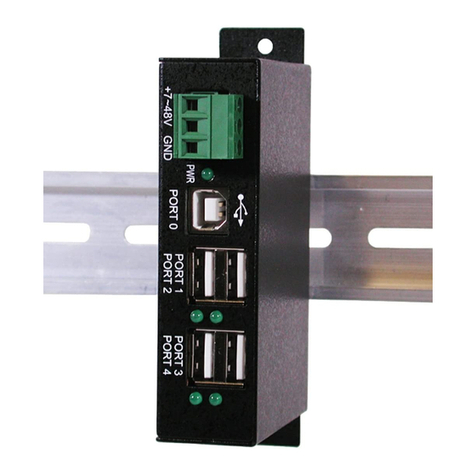
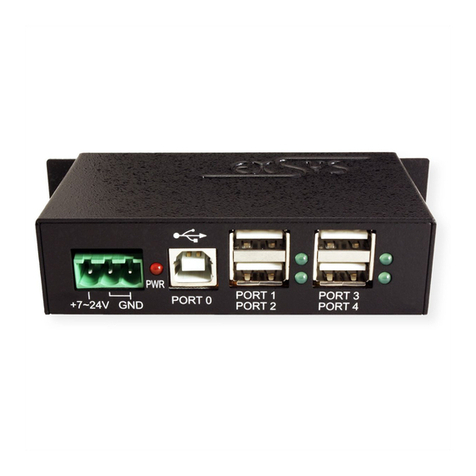
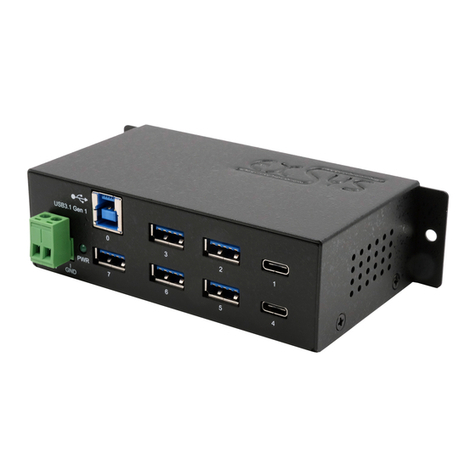
Exsys EX-1184HMV User manual

Because the designs of computers are different, only general installation instructions are
given. Please refer your computer’s reference manual whenever in doubt.
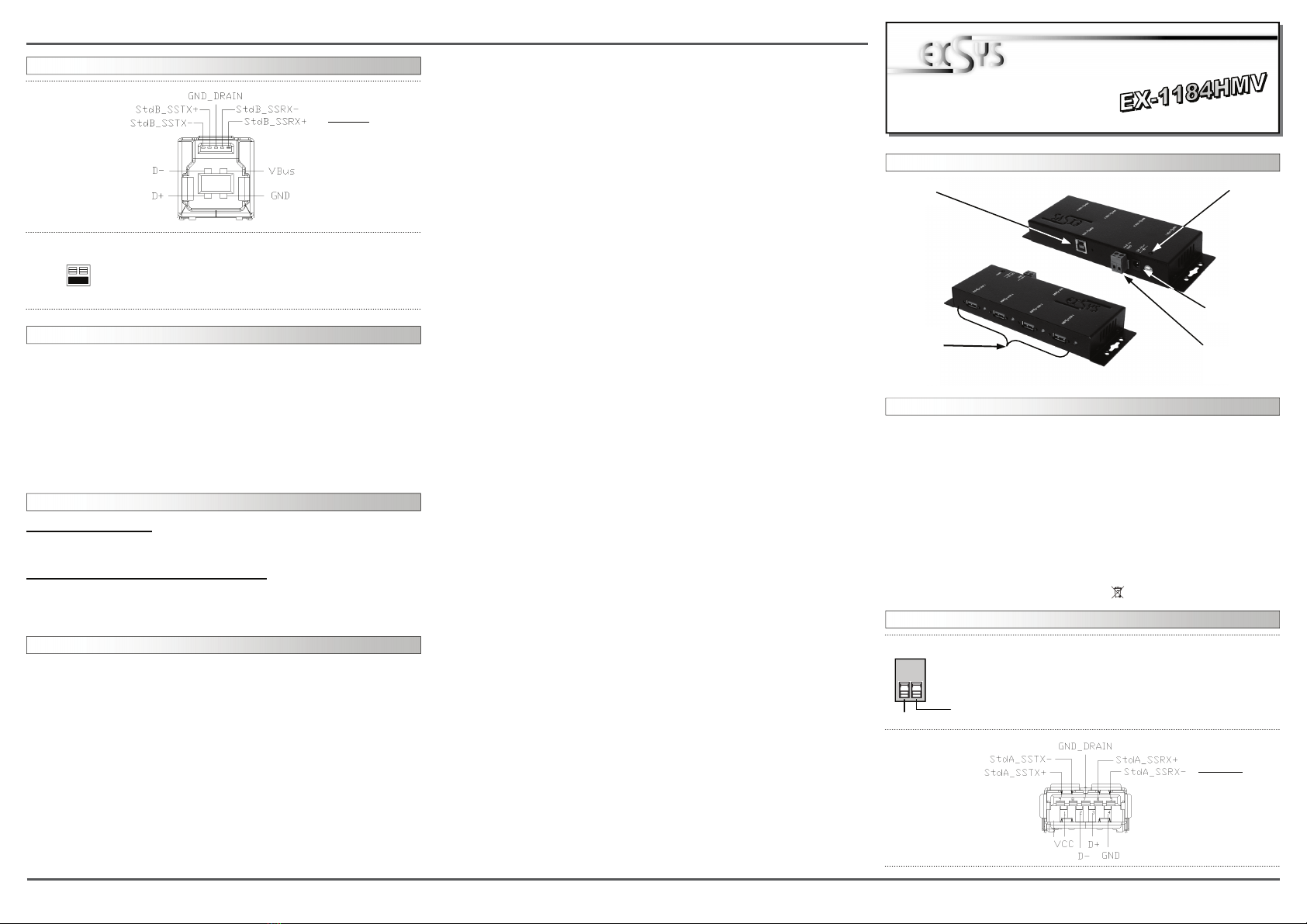
1. Connect the USB cable to the USB B Connector of the Hub.
2. Connect the power supply to the T-Block or DC Connector of the Hub.
3. Now connect the other end from the USB cable ( A-Plug) to the A-Connector at
your PC.
HARDWARE INSTALLATION :
6
5
EX
EX
EX-
-
-1184HMV
1184HMV
1184HMV
English
English
English
EX
EX
EX-
-
-1184HMV
1184HMV
1184HMV
English
English
English
1
Die EX-1184HMV ist ein USB 3.0 HUB für bis zu 4 Endgeräte. Er ist mit 4 Ports für
Endgeräte und 1 Port für den Anschluss an den PC ausgestattet. Er unterstützt alle
USB Anschlüsse von 2.0 bis 3.0. Über die externe Stromversorgung per Netzteil können
an jedem Port 900mA zur Verfügung gestellt werden. Der serielle USB 3.0 Bus wird
optimal durch die Leistung des schnellen Chipsets unterstützt. Die EX-1184HMV ge-
währleistet so eine sichere Datenübertragung und exzellente Performance von bis zu
5000Mbit pro Sekunde! Sie besitzt ausserdem verschraubbare USB– Anschlüsse und
unterstützt den self powered und bus powered Modus. Es ist nicht möglich die I/O
Adressen und Interrupts manuell einzustellen, da die Einstellungen vom System (BIOS)
und beim Installieren des Betriebssystems automatisch vorgenommen werden.
BESCHREIBUNG & TECHNISCHE DATEN :
AUFBAU :
Kompatibilität: USB 2.0 & 3.0 Anschluss
Betriebssysteme: Alle Betriebssysteme
Anschlüsse: 4 x A-Buchse, 1 x B-Buchse, 1 x 7-40V T-Block
Lieferumfang: EX-1184HMV, Anleitung, USB Kabel, DIN-Rail Kit
Zertifikate: CE / FCC / RoHS / WEEE DE97424562 / WHQL
DRIVER INSTALLATION :
JUMPER EINSTELLUNG & ANSCHLÜSSE:
All OS
After the hardware installation OS will recognize the device automatically and install its
drivers.
CHECK INSTALLED DRIVER:
Open as sample the >Device manager< .Now you should see at „USB Devices“ the
following new entrys: <USB Root Hub>.
If you see this or a similar information the device is installed correctly.
JUMPER SETTING & CONNECTORS:
Achtung!
Stecker niemals
umgekehrt oder mit
Gewalt einstecken.
USB 3.0
B-Connector:
Attention!
Never plug in with
force or in wrong
direction.
CLEANING :
For cleaning please use only a dry fluffless cloth and remove the dirt with gently pres-
sure. In the area of the connectors please make sure that no fibres from the cloth re-
main in the connectors. Attention! Never use a moist or wet cloth for cleaning! +7V ~ 40V T-Block:
+7V ~ 40V
GND (Ground)
ACHTUNG !!!
Schließen sie niemals Strom an Ground an da dies ihre Hardware
zerstören kann!!!
JP1:
Self = Power via Terminal block power supply 7V - 40V (default)
Bus = Power via USB Bus 5V
Betriebs LED
USB 1-4
4 x Externe
USB 3.0 A-
Buchse für
Endgeräte
7-40V T-Block für
optionales exter-
nes Netzteil
USB B-Buchse
PC-Anschluss
12V DC An-
schluss für beilie-
gendes Netzteil
USB 3.0
A Buchse:
Self
Bus
Bedienungsanleitung
Bedienungsanleitung
Vers. 1.1 / 22.07.10
2 3 4
EX
EX
EX-
-
-1184HMV
1184HMV
1184HMV
Deutsch
Deutsch
Deutsch
EX
EX
EX-
-
-1184HMV
1184HMV
1184HMV
Deutsch
Deutsch
Deutsch
The EX-1184HMV is a plug & play high-speed USB 3.0 hub for USB 2.0 and 3.0 de-
vices. The EX-1184HMV provides 4 ports for USB devices and 1 uplink port for PC. It
uses data transfer rates up to 5000Mbit/s. The EX-1184HMV design fully utilize the
chipset, which represents the latest in high speed USB interface technology. It provides
a secure and very high data transfer on each single port. Via a external power supply it
is possible to provide a maximum of 900mA on each USB port. Additionally it provides
screw lock and bus powered or self powered mode. It is not possible to change the
address or IRQ settings manually, they will be obtained automatically by the system
(BIOS) and operating system.
DESCRIPTION & TECHNICAL INFORMATION :
Compatibility: USB 2.0 & USB 3.0
Operating system: All OS
Connectors: 4 x USB A-Port, 1 x B-Port, 1 x 7-40v T-Block connector
Extent of delivery: EX-1184HMV, manual, USB cable, DIN-Rail Kit
Certificates: CE / FCC / RoHS / WEEE DE97424562 / WHQL
LAYOUT :
JUMPER SETTING & CONNECTORS:
HARDWARE INSTALLATION :
Beachten Sie bitte die folgenden Installationshinweise. Da es grosse Unterschiede bei
Computern gibt, können wir Ihnen nur eine generelle Anleitung zum Einbau der EX-
1184HMV geben. Bei Unklarheiten halten Sie sich bitte an die Bedienungsanleitung Ihres
Computersystems.
1. Verbinden sie das mitgelieferte Kabel mit der USB B Buchse des Hub´s.
2. Schliessen sie jetzt den Stromanschluss des optionalen Netzteils an den T-Block oder
DC des Hub´s an und stecken sie den Netzstecker des Netzteils in eine Steckdose.
3. Verbinden sie nun das andere Ende (A-Stecker) des mitgelieferten Kabels mit der A-
Buchse an ihrem PC.
JUMPER EINSTELLUNG & ANSCHLÜSSE:
TREIBER INSTALLATION :
Alle Betriebssysteme
Nach Abschluss der Hardware Installation erkennt das Betriebssystem den EX-
1184HMV automatisch und Installiert diesen.
ÜBERPRÜFEN DES INSTALLIERTEN TREIBER:
Öffnen sie z.B. den >Geräte-Manager<. Jetzt müssten Sie unter „USB Geräte“ folgende
Einträge sehen: <USB Hub>.
Sind diese oder ähnliche Einträge vorhanden, ist die EX-1184HMV richtig installiert.
USB 3.0
B Buchse:
Achtung!
Stecker nie umge-
kehrt oder mit
Gewalt einstecken.
REINIGUNG :
Zur Reinigung des Gerätes verwenden sie bitte ausschliesslich ein trockenes nicht
faserndes Tuch und entfernen sie die Verschmutzung mit leichtem Druck. Im Bereich
der Anschlüsse bitte darauf Achten dass keine Fasern des Tuchs in der Buchse verblei-
ben. Verwenden sie zu Reinigung in keinem Fall ein feuchtes oder nasses Tuch!
ATTENTION !!!
Never connect power to GND it will destroy your Hardware!!!
USB 3.0
A Connector:
Attention!
Never plug in with
force or in wrong
direction. Your
devices may be
damaged.
+7V ~ 40V T-Block:
+7V ~ 40V
GND (Ground)
JP1:
Self = Strom über Terminal block Netzteil 7V - 40V ( Standard )
Bus = Strom über USB Bus 5V
Self
Bus
Power LED
USB 1-4
4 x USB 3.0
A-Connector
for USB
devices
7-40V T-Block for
optional external
power supply
USB B-Plug
for host PC
12V Connector
for power supply
User Manual
User Manual
Vers. 1.1 / 22.07.10
Other manuals for EX-1184HMV
1
Other Exsys Switch manuals
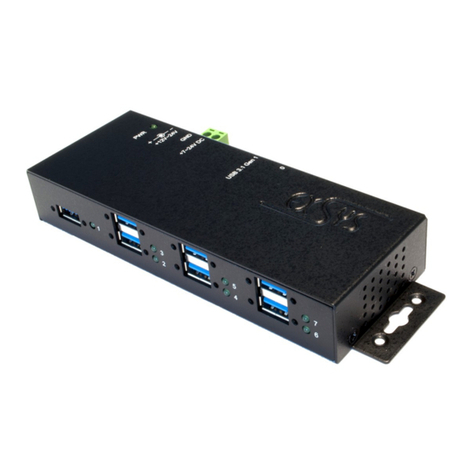
Exsys
Exsys EX-1189HMVS-3 User manual
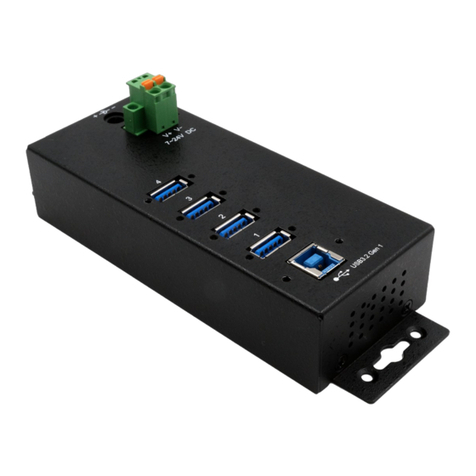
Exsys
Exsys EX-1186HMVS-2 User manual
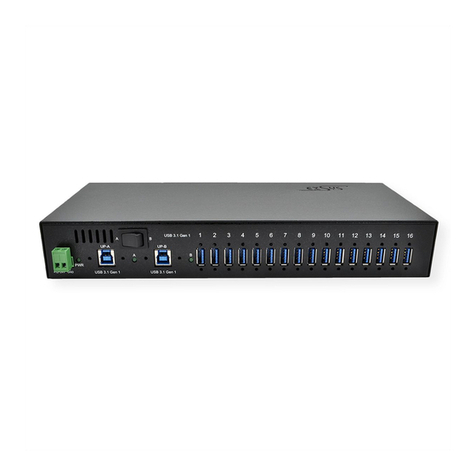
Exsys
Exsys EX-1116HMVS User manual
Exsys
Exsys EX-1177HMVS-WT User manual
Exsys
Exsys EX-1183HMVS User manual
Exsys
Exsys EX-6685HMV User manual
Exsys
Exsys EX-1196HMS User manual
Exsys
Exsys EX-1171 User manual
Exsys
Exsys EX-1526HMVS User manual
Exsys
Exsys EX-6682 User manual
Exsys
Exsys EX-1187HMVS-WT User manual
Exsys
Exsys EX-1113HMS User manual
Exsys
Exsys EX-1181HMS User manual
Exsys
Exsys EX-1110HMVS User manual
Exsys
Exsys EX-6685HMV User manual
Exsys
Exsys EX-1221HM User manual
Exsys
Exsys EX-1179HMVS User manual
Exsys
Exsys EX-1188HMS-3 User manual
Exsys
Exsys EX-1178S User manual

Exsys
Exsys EX-1185HMVS User manual