EnglishDeutsch
 logo
Brands
  1. Home

  2. •
  3. Brands
  4. •
  5. Extech Instruments
  6. •
  7. Test Equipment
  8. •
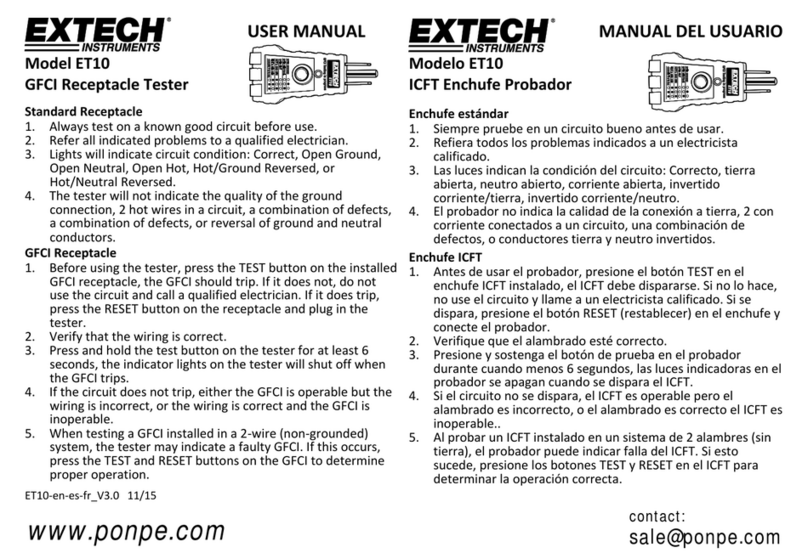
  9. Extech Instruments ET10 User manual

Extech Instruments ET10 User manual

Other Extech Instruments Test Equipment manuals

Extech Instruments 422123 User manual

Extech Instruments

Extech Instruments 422123 User manual

Extech Instruments 380353 User manual

Extech Instruments

Extech Instruments 380353 User manual

Extech Instruments ET26B User manual

Extech Instruments

Extech Instruments ET26B User manual

Extech Instruments PRC50 User manual

Extech Instruments

Extech Instruments PRC50 User manual

Extech Instruments ET60 User manual

Extech Instruments

Extech Instruments ET60 User manual

Extech Instruments ET30B User manual

Extech Instruments

Extech Instruments ET30B User manual

Extech Instruments 7470 User manual

Extech Instruments

Extech Instruments 7470 User manual

Extech Instruments CG304 User manual

Extech Instruments

Extech Instruments CG304 User manual

Extech Instruments 380260-NIST User manual

Extech Instruments

Extech Instruments 380260-NIST User manual

Extech Instruments ET20B User manual

Extech Instruments

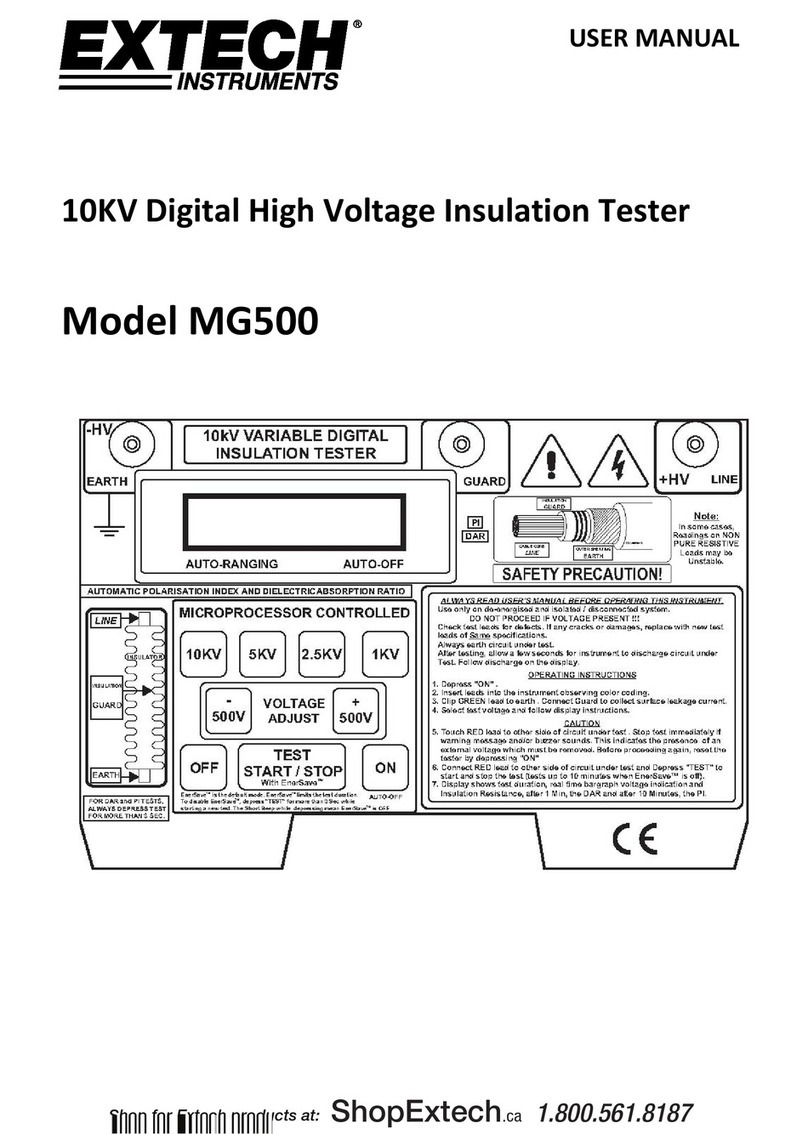
Extech Instruments ET20B User manual

Extech Instruments 480303 User manual

Extech Instruments

Extech Instruments 480303 User manual

Extech Instruments 380375 User manual

Extech Instruments

Extech Instruments 380375 User manual

Extech Instruments VT30 User manual

Extech Instruments

Extech Instruments VT30 User manual

Extech Instruments 380366 User manual

Extech Instruments

Extech Instruments 380366 User manual

Extech Instruments 7630 User manual

Extech Instruments

Extech Instruments 7630 User manual

Extech Instruments CL500 User manual

Extech Instruments

Extech Instruments CL500 User manual

Extech Instruments ET28B User manual

Extech Instruments

Extech Instruments ET28B User manual

Extech Instruments CT80 User manual

Extech Instruments

Extech Instruments CT80 User manual

Extech Instruments TK36 User manual

Extech Instruments

Extech Instruments TK36 User manual

Extech Instruments ET26B User manual

Extech Instruments

Extech Instruments ET26B User manual

Extech Instruments 380395 User manual

Extech Instruments

Extech Instruments 380395 User manual

Extech Instruments MG320 User manual

Extech Instruments

Extech Instruments MG320 User manual

Extech Instruments PRC10 User manual

Extech Instruments

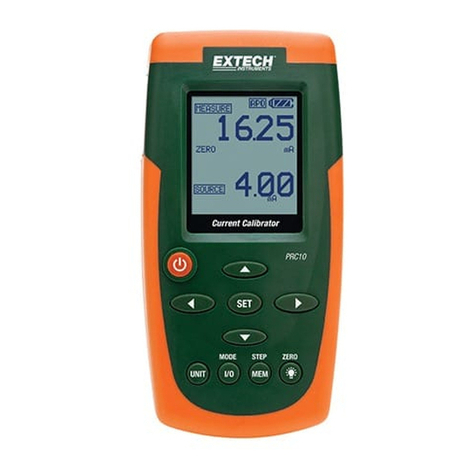
Extech Instruments PRC10 User manual

Extech Instruments PRC15 User manual

Extech Instruments

Extech Instruments PRC15 User manual

Popular Test Equipment manuals by other brands

SMART KANAAD SBT XTREME 3G Series user manual

SMART

SMART KANAAD SBT XTREME 3G Series user manual

Agilent Technologies BERT Serial Getting started

Agilent Technologies

Agilent Technologies BERT Serial Getting started

Agilent Technologies N3280A user guide

Agilent Technologies

Agilent Technologies N3280A user guide

Lifeloc R.A.D.A.R. quick start guide

Lifeloc

Lifeloc R.A.D.A.R. quick start guide

Fluke T5-600 Service information

Fluke

Fluke T5-600 Service information

Mercury TSL01 user manual

Mercury

Mercury TSL01 user manual

MAHA MBT Series Original operating instructions

MAHA

MAHA MBT Series Original operating instructions

Fuji Electric P-61 instruction manual

Fuji Electric

Fuji Electric P-61 instruction manual

ETC SealerAtor user manual

ETC

ETC SealerAtor user manual

Skyfine ETHYWAY V2 user manual

Skyfine

Skyfine ETHYWAY V2 user manual

Appion G5 Twin Operation manual

Appion

Appion G5 Twin Operation manual

PCB Piezotronics 8159-0112A Installation and operating manual

PCB Piezotronics

PCB Piezotronics 8159-0112A Installation and operating manual

BW Technologies MicroDock II user manual

BW Technologies

BW Technologies MicroDock II user manual

Sun Nuclear 1027 user guide

Sun Nuclear

Sun Nuclear 1027 user guide

Biomark HPR LITE READER user manual

Biomark

Biomark HPR LITE READER user manual

Hioki 3169-20 instruction manual

Hioki

Hioki 3169-20 instruction manual

Ashcroft ATE-100 operating manual

Ashcroft

Ashcroft ATE-100 operating manual

Rohde & Schwarz RTA4000 user manual

Rohde & Schwarz

Rohde & Schwarz RTA4000 user manual

https://manuals.online logo
https://manuals.online logoBrands
  • About & Mission
  • Contact us
  • Privacy Policy
  • Terms and Conditions

Copyright 2026 Manuals.Online. All Rights Reserved.

ET10‐mul‐MUL_V3.15/16Copyright©2013‐2016FLIRSystems,Inc.
Allrightsreservedincludingtherightofreproductioninwholeorinpartinanyform
www.extech.com
USERMANUAL

ModelET10
GFCIReceptacleTester

StandardReceptacle
1. Alwaystestonaknowngoodcircuitbeforeuse.
2. Referallindicatedproblemstoaqualifiedelectrician.
3. Lightswillindicatecircuitcondition:Correct,OpenGround,Open
Neutral,OpenHot,Hot/GroundReversed,orHot/Neutral
Reversed.
4. Thetesterwillnotindicatethequalityofthegroundconnection,2
hotwiresinacircuit,acombinationofdefects,acombinationof
defects,orreversalofgroundandneutralconductors.
GFCIReceptacle
1. Beforeusingthetester,presstheTESTbuttonontheinstalled
GFCIreceptacle,theGFCIshouldtrip.Ifitdoesnot,donotusethe
circuitandcallaqualifiedelectrician.Ifitdoestrip,pressthe
RESETbuttononthereceptacleandpluginthetester.
2. Verifythatthewiringiscorrect.
3. Pressandholdthetestbuttononthetesterforatleast6seconds,
theindicatorlightsonthetesterwillshutoffwhentheGFCItrips.
4. Ifthecircuitdoesnottrip,eithertheGFCIisoperablebutthe
wiringisincorrect,orthewiringiscorrectandtheGFCIis
inoperable.
5. WhentestingaGFCIinstalledina2‐wire(non‐grounded)system,
thetestermayindicateafaultyGFCI.Ifthisoccurs,presstheTEST
andRESETbuttonsontheGFCItodetermineproperoperation.


MANUALDELUSUARIO

ModeloET10
ICFTEnchufeProbador

Enchufeestándar
1. Siemprepruebeenuncircuitobuenoantesdeusar.
2. Refieratodoslosproblemasindicadosaunelectricistacalificado.
3. Laslucesindicanlacondicióndelcircuito:Correcto,tierraabierta,
neutroabierto,corrienteabierta,invertidocorriente/tierra,
invertidocorriente/neutro.
4. Elprobadornoindicalacalidaddelaconexiónatierra,2con
corrienteconectadosauncircuito,unacombinacióndedefectos,
oconductorestierrayneutroinvertidos.
EnchufeICFT
1. Antesdeusarelprobador,presioneelbotónTESTenelenchufe
ICFTinstalado,elICFTdebedispararse.Sinolohace,nouseel
circuitoyllameaunelectricistacalificado.Sisedispara,presione
elbotónRESET(restablecer)enelenchufeyconecteelprobador.
2. Verifiquequeelalambradoestécorrecto.
3. Presioneysostengaelbotóndepruebaenelprobadordurante
cuandomenos6segundos,laslucesindicadorasenelprobadorse
apagancuandosedisparaelICFT.
4. Sielcircuitonosedispara,elICFTesoperableperoelalambrado
esincorrecto,oelalambradoescorrectoelICFTesinoperable..
5. AlprobarunICFTinstaladoenunsistemade2alambres(sin
tierra),elprobadorpuedeindicarfalladelICFT.Siestosucede,
presionelosbotonesTESTyRESETenelICFTparadeterminarla
operacióncorrecta.
ET10‐mul‐MUL_V3.15/16Copyright©2013‐2016FLIRSystems,Inc.
Allrightsreservedincludingtherightofreproductioninwholeorinpartinanyform
www.extech.com
MANUELD’UTILISATION

ModèleET10
TesteurdepriseGFCI
RécipientStandard
1. Testeztoujourssuruncircuitvérifiéenbonétatavantutilisation.
2. Reporteztouslesproblèmesindiquésàunélectricienqualifié.
3. Lesvoyantsindiquentl’étatducircuit:Correct,terreouverte,filneutre
ouvert,fild’arrivédel’électricitéouvert,fild’arrivéedel’électricité/mise
àlaterreinversé(e)oufild’arrivéedel’électricité/filneutreinversé.
4. Letesteurn’indiquerapaslaqualitédubranchementdemasse,2fils
trafiquésdansuncircuit,unecombinaisondedéfauts,oul’inversement
desconducteursdemasseetneutres.
RécipientGFCI
1. Avantd’utiliserletesteur,appuyezsurleboutonTESTsurlerécipient
GFCIinstallé,leGFCIdevraitsedéclencher.Sicen’estpaslecas,
n’utilisezpaslecircuitetcontactezunélectricienqualifié.Siilse
déclenche,appuyezsurleboutonRESETsurlerécipientetbranchezle
testeur.
2. Vérifiezquelebranchementestcorrectcomme.
3. Appuyezleboutondetestsurletesteurenlemaintenantappuyé
aumoins6secondes,lesvoyantsd’indicationsurletesteurse
fermerontquandleGFCIsedéclenche.
4. Silecircuitnedisjonctepas,leGFCIestfonctionnel,maislecâblageest
incorrect,oubienlecâblageestcorrect,maisleGFCIestdéfectueux.
5. Encoursdetestd’unGFCIinstallésurunsystème2fils(nonreliéà
lamasse),letesteurpeutindiquerunGFCIerroné.Sicelase
produit,appuyezsurlesboutonsTESTetRESETsurleGFCIpour
déterminerlamarcheàsuivreadéquate.


Conducteur ouvert de mise à la terre
Conducteur ouvert neutre
Conducteur ouvert sous tension
Conducteur sous tension et conducteur
de mise à la terre inversés
Conducteur sous tension et conducteur
neutre inversés
Câblage correct
TIERRA ABIERTO
NEUTRAL ABIERTO
CORRIENTE ABIERTO
TIERRA Y CORR INV.
NEUT Y CORR INV.
ALAMBRADO CORRECTO