45GB
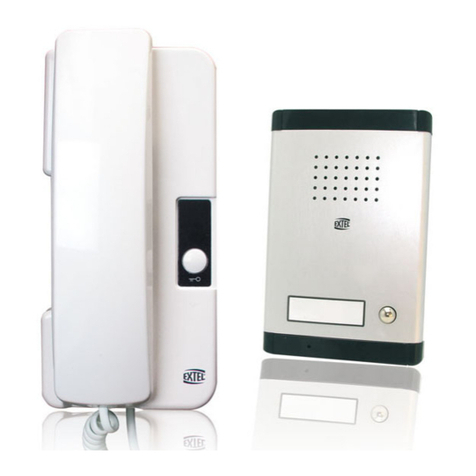
1 To test the roadside panel, place it at a height of 1.6 metres.
2 To test the handset, place it at a height of approximately 1.5 metres on a wall or lay it on a table.
3 Press the call button on the roadside panel. The chime will sound on the handset (adjust the volume if
necessary). To speak, press the button on the handset.
4 Buttons and work only if the ACCESSGLASS box is installed and a connection is made with
the roadside panel.
6 If the quality of the communication is satisfactory, finish the test by moving around with handset.
7 TAKE THE BATTERIES OUT OF THE BACK OF THE ROADSIDE PANEL
8 The roadside panel is powered by the ACCESSGLASS box which also controls an electric strike
plate or lock and an automatic gate opener.
e. Test the locations of the roadside panel and the handset
IMPORTANT : the handsets have an autonomy of approximately 8 hours.If
the batteries are recharged after becoming fully discharged, it may bene-
cessary to remove the batteries from each handset for a few seconds andre-
insert them. If there is still no connection, re-set the video door
phone(points 3, 4 and 5 on pages 5 and 6).
Handset 2 - Right button on roadside panel.
1 Set microswitch 2 on handset 2 to the same configuration as handset 1.
2 Set microswitch 3 on handset 2 to the same configuration as handset 1.
3 Enable programming by setting microswitch 5on the roadside panel to
Onand microswitch 1 on the handset to On.
4 Press the right button on the roadside panel.If correctly synchronised,
the LED behind the nameplate will flash green and red.
5 After programming, reset microswitch 5 on the roadside panel and
micros-witch 1on the handset to Off.
d. Selecting an “AUDIO”transmission code (contd.) (AG 652)
1 2 3