http://www.fiberstars.com
79-15103-00 REV. B Page 8 of 11
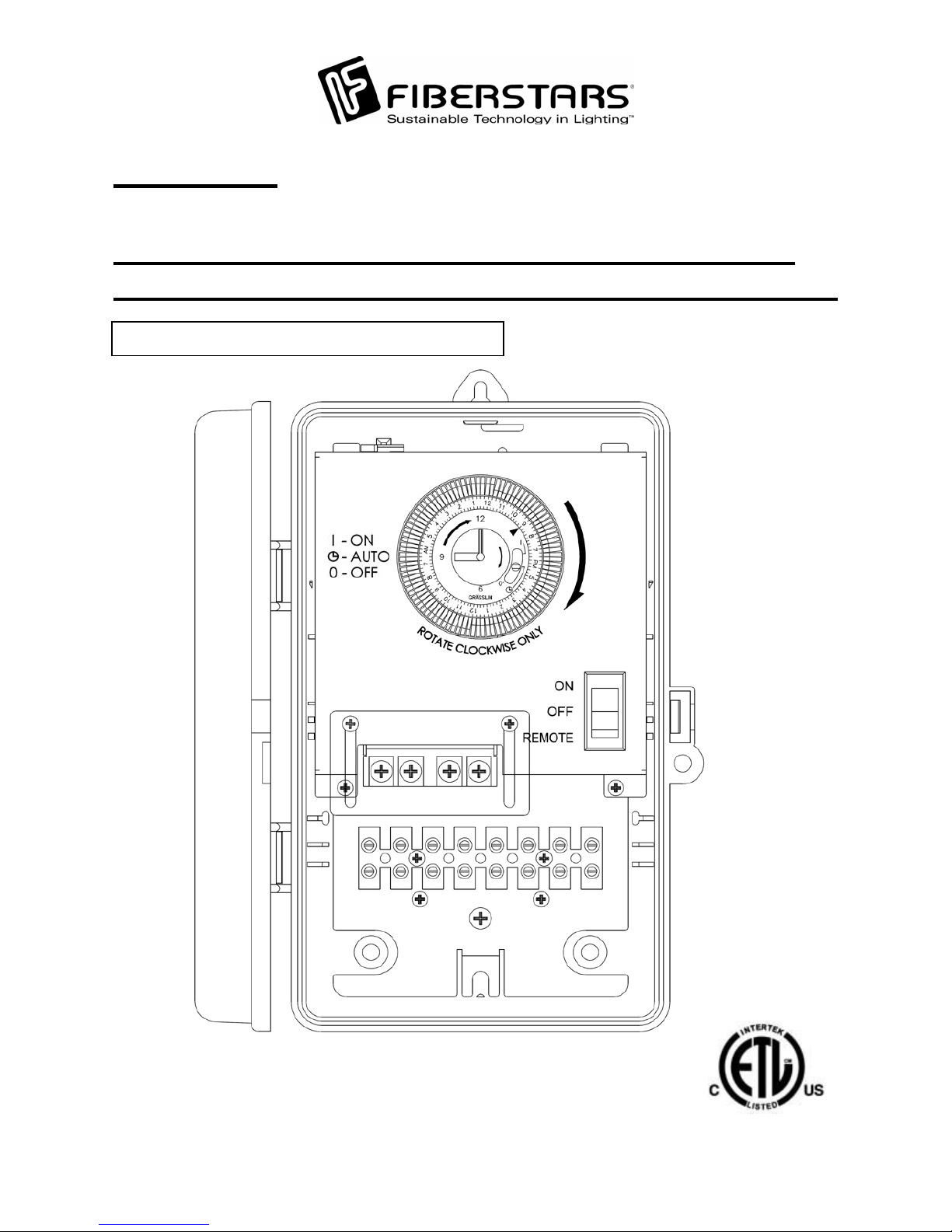
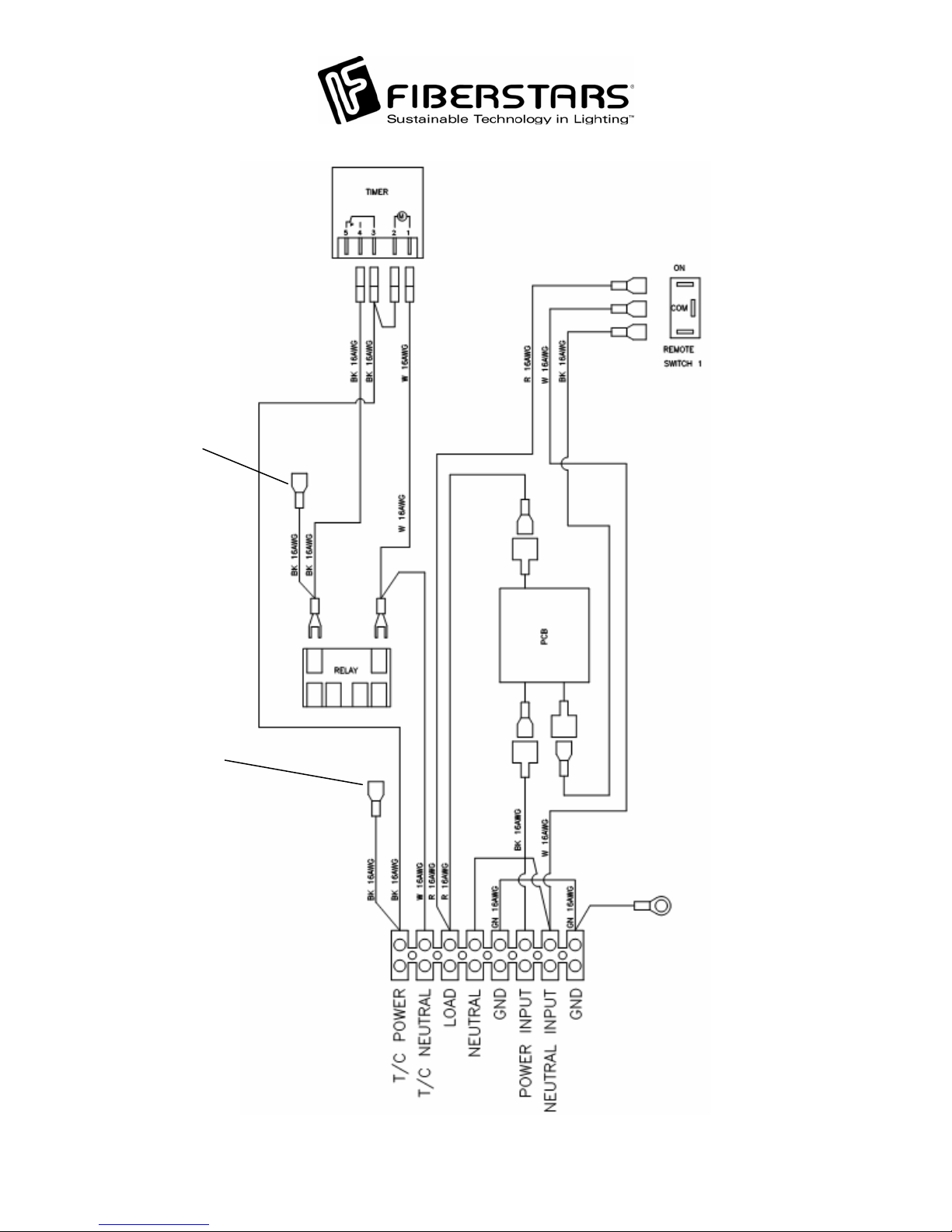
NOTE: Switch is shown in the ON position.
WPC-04R ROCKER SWITCH OPERATION
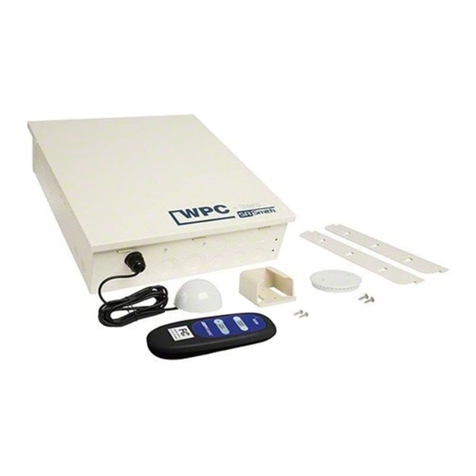
The WPC-04R receiver box houses one rocker
switch. For operation with the wireless transmitter,
the switch needs to be in the DOWN or REMOTE
position. To manually turn ON the device connected
to the Rocker Switch, flip the Rocker Switch UP or
to the ON position. When the Rocker Switch is in
the ON position, the Wireless Remote will not be
able to turn OFF the device connected to the Rocker
Switch terminal. To turn OFF the device manually,
flip the Rocker Switch to the MIDDLE or OFF
position. NOTE: In the OFF position, the wireless
remote operation will be bypassed. To re-enable the
wireless remote operation, flip the Rocker Switch
back to the BOTTOM or REMOTE position.
NOTE: If the unit turns ON when the switch is
returned to the REMOTE position, simply use the
wireless remote to turn OFF the unit if desired.
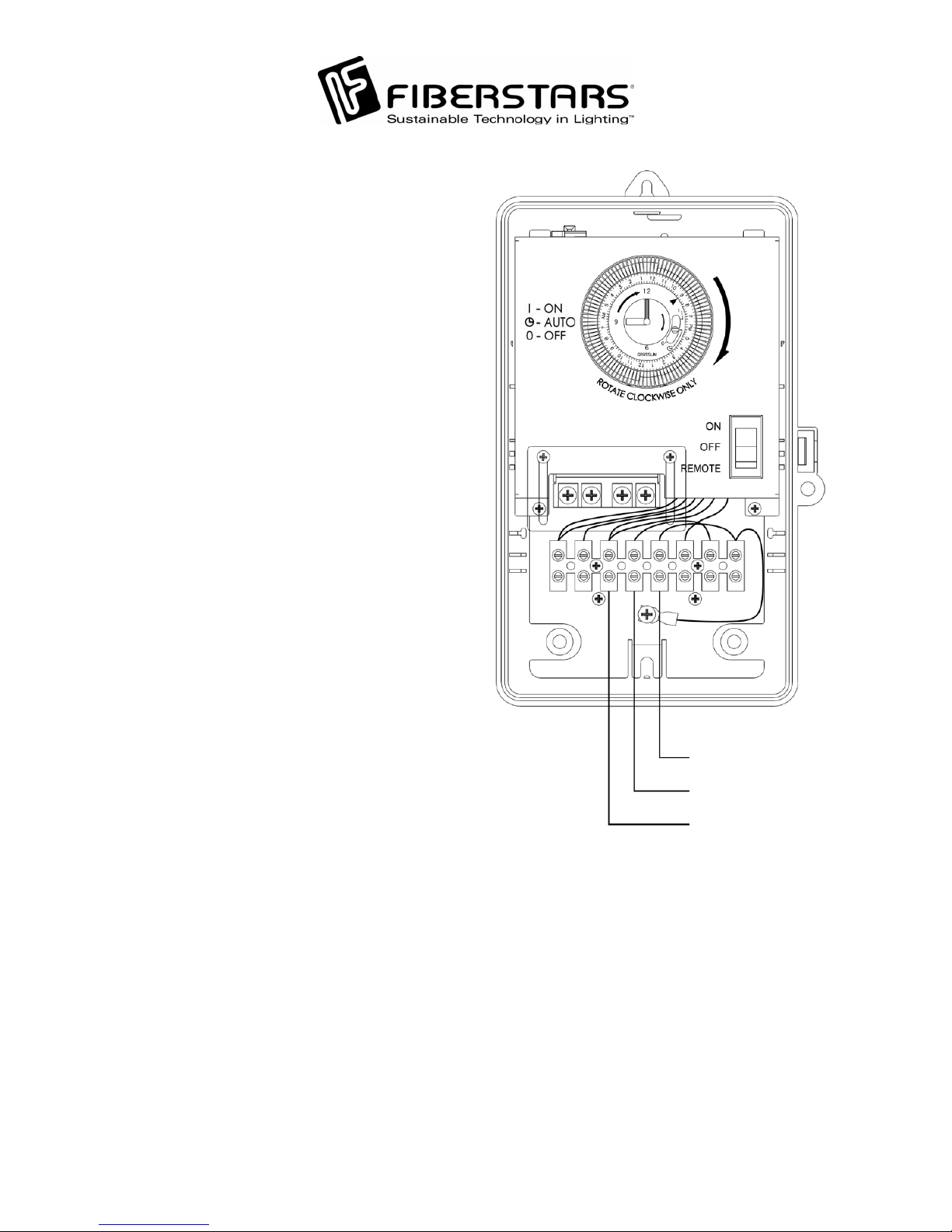
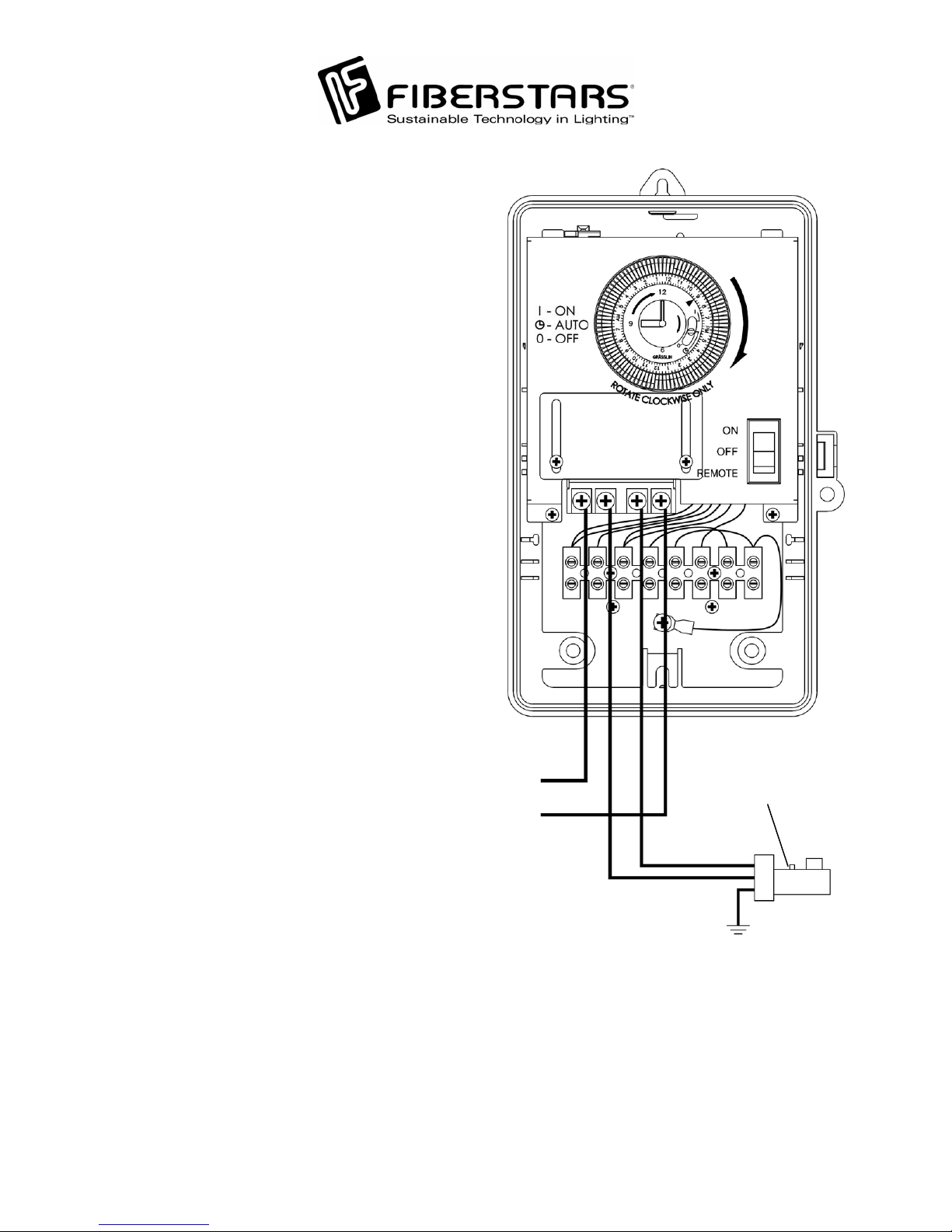
Circuit 1 control
WIRELESS REMOTE OPERATION
NOTE: The Rocker Switch on the WPC-04R
must be set to REMOTE for wireless operation.
The POWER ON/OFF button controls the device
connected to the Rocker Switch terminal. With
each push of the button, the WPC-04R toggles the
device ON and OFF.
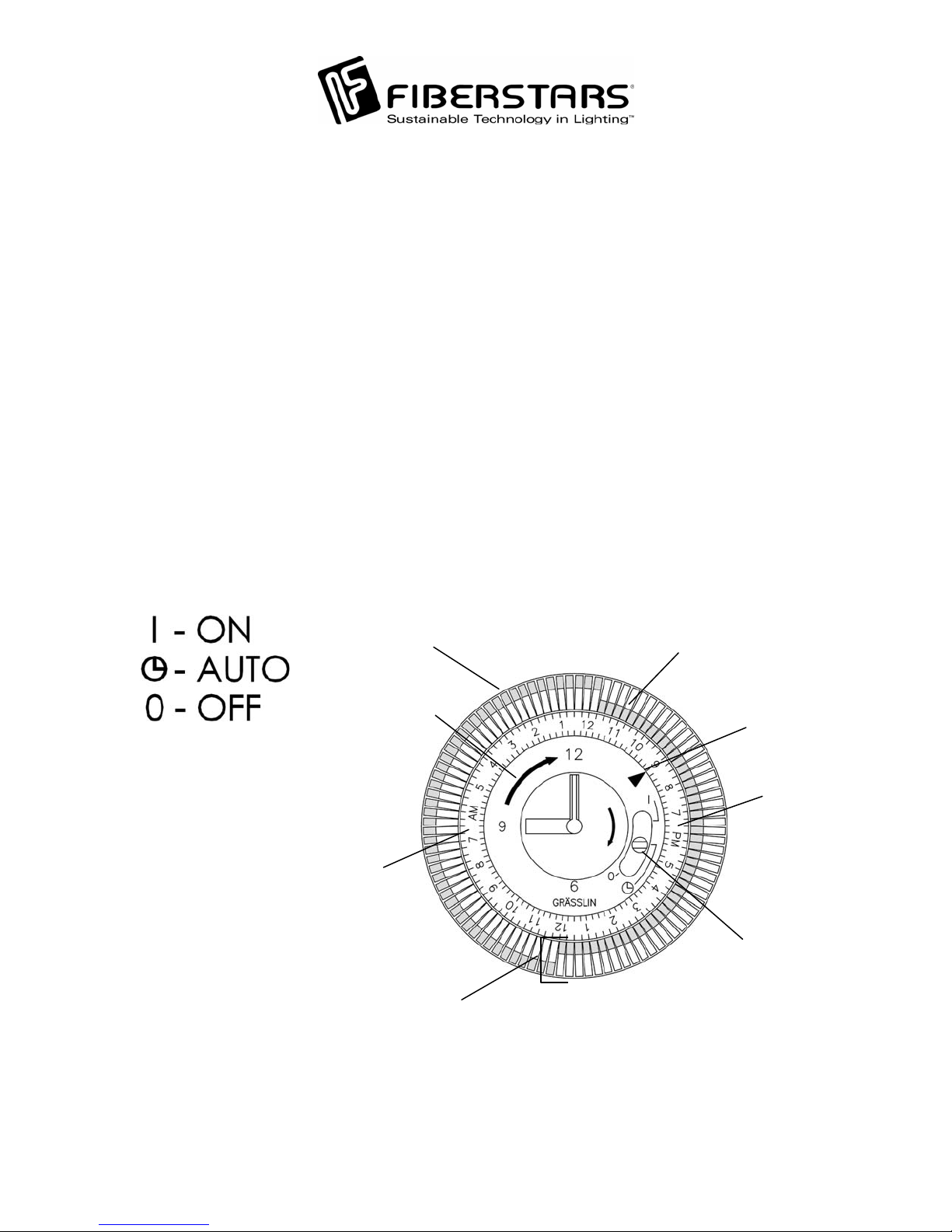
OPERATING INSTRUCTIONS