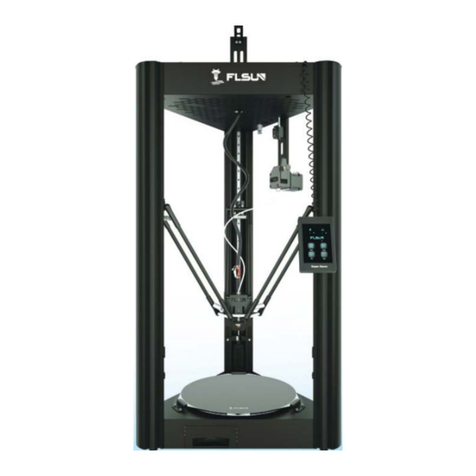
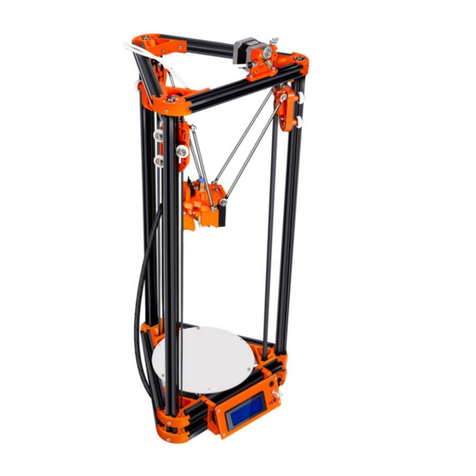
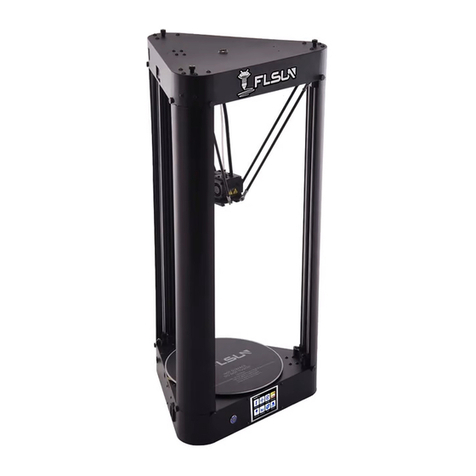
flsun C-PLUS User manual

-
1
-
Debug and Print
catalogue
Debug and Print............................................................................................................................................. - 1 -
catalogue...................................................................................................................................................... - 1 -
1 Connect and Software............................................................................................................................ - 4 -
1 Software Introduction.......................................................................................................................... - 4 -
2 Connect printer to PC.......................................................................................................................... - 4 -
3 Repetier and control printer................................................................................................................. - 5 -
1 Software Installation.................................................................................................................. - 5 -
2 Language Settings.....................................................................................................................- 6 -
3 Printer settings.............................................................................................................................. - 7 -
4 Connect the printer....................................................................................................................... - 8 -
5 Panel Introduction.........................................................................................................................- 8 -
6 some important command......................................................................................................- 12 -
2 Leveling and printing............................................................................................................................. - 19 -
1,Calibration......................................................................................................................................... - 19 -
2,Start printing...................................................................................................................................... - 31 -
1 Feeder filament........................................................................................................................... - 31 -
2 Slice............................................................................................................................................ - 37 -
3 slice setting................................................................................................................................. - 39 -
4 printing........................................................................................................................................- 43 -
3 Marlin....................................................................................................................................................... - 45 -
1 Arduino.............................................................................................................................................. - 45 -
2 Marlin................................................................................................................................................ - 45 -
1 Open marlin.............................................................................................................................. - 45 -
2 settings........................................................................................................................................ - 46 -
3 Upload Firmware..................................................................................................................... - 47 -
4 Offline printing........................................................................................................................................ - 49 -
1 load the model....................................................................................................................................- 49 -
2 slice.................................................................................................................................................... - 50 -
3 Export Gcode file...............................................................................................................................- 51 -
4 Copy...................................................................................................................................................- 52 -
5 Printing.............................................................................................................................................. - 52 -
5 Heated bed............................................................................................................................................. - 53 -
6 Problem and advice...............................................................................................................................- 55 -

-
2
-
thank you for your kind support to choose our product!
when you use the printer,meet some problems, pls contact us.
Other email:[email protected]
Technical Support skype
1:wangbo5111 Technical Support
skype 2:oldjiawei Yin
whatsapp :008613183017642
1,If you are satisfied with kossel 3d printer kits,please leave a positive feedback to
us,thank you so much for your kindness.
2,If you are not satisfied for any reason,please contact us before leaving a negative
feedback(any negative review no longer
be changed again),we will work together with you to help you solve any problem until
you are satisfied.

-
3
-
Important Note
A,when use switch power supply,If your country AC voltage is
220V,pls choose 220V;if it’s110V,pls choose 110V,there is one adjust
button on the switch power supply.
B, when heating the nozzle or printing,for the fan which cooling heat
sink,guarantee it working,if not,pls stop heating and printing.
C,the temperature is a important parameter, for PLA filament, the
working temperature is 200℃-210℃, you could adjust it,and the
temperature should not too high.too high temperature maybe lead to
Nozzle clogging.
D,Before printing, please paste high temperature tape on the hot bed
E,If you have installed the touch screen ,pls choose PC or touch
screen to make a Single control
F,If you need to upload marlin ,when you upload ,pls disconnect the
touch screen with the motherboard

-
4
-
1 Connect and Software
1
Software Introduction
Need software as follows:
A:arduino,it’s the firmware working environment.
B:Marlin,it’s the firmware,it’s program to run printer working,need flash firmware to motherboard.
C:RepetierHost,it’s also PC software,can control the printer,can slice the model, when printing,it’s
good to use.
2
Connect printer to PC
Install the driver. copy the file in the sd card to PC. open the file ” CH340G_USB toTTL
driver”–“CH340G_USB driver”-“DRVSETUP64”(64-bit system) or “SETUP”*(64-bit system).
Check Device Manager, will find the hardware

-
5
-
If the PC can not find the hardware.pls check out the file “Solve streamline Version Windows 7,Can
not install d river issue”.do as the file show.
3
Repetier and control printer
1 Software Installation
The repetier is software to control the printer,so need install it first.
Install the “software,setupRepetierHost_1_0_6”, the software could be download on the
link:http://www.repetier.com/download/
http://www.repetier.com/documentation/repetier-host/
About the more info about the Repetire, pls go the the link :

-
6
-
2 Language Settings
Set the language,Config-Language-choose the suit language.

-
7
-
3 Printer settings
IN the printer shape,choose the Classic printer,the home X is 0,the home Y is 0,the home Z is 0.the
setting as the follow pictrue.

-
8
-
4 Connect the printer
5 Panel Introduction
afer connect

-
9
-

-
10
-
Table of contents
Other flsun 3D Printer manuals