Foscam FI9905B User manual

User
User Manual
Manual
Outdoor HD IP Camera
Model: FI9903P Model: FI9905B
Model: FI9900P / FI9800P Model: FI9900EP / FI9901EP

Model: FI9803EP Model: FI9803P
Model: FI9804W
Model: FI9805W Model: FI9805E
V3.8.4

Table of Contents
Security Warning...................................................................................................................................................................1
1 Overview............................................................................................................................................................................. 1
1.1 Key Features.......................................................................................................................................................... 1
1.2 PoE (Power over Ethernet-FI9805E / FI9803EP / FI9900EP / FI9901EP)..................................................2
1.3 Read before Use....................................................................................................................................................2
1.4 Packing Contents...................................................................................................................................................2
1.5 Physical Description.............................................................................................................................................. 3
1.6 SD Card Management.......................................................................................................................................... 6
1.7 Wall Installation...................................................................................................................................................... 7
1.8 The Different Features between the Models Involved.....................................................................................9
2 Access the IP Camera....................................................................................................................................................10
2.1 Hardware Connection & Software Installation................................................................................................10
2.2 Access the Camera In LAN................................................................................................................................10
2.3 Access the Camera in WAN...............................................................................................................................12
2.4 Using the VLC Player..........................................................................................................................................12
2.5 IP Camera Connection to the Server............................................................................................................... 15
3 Surveillance Software GUI............................................................................................................................................ 16
3.1 Login Window.......................................................................................................................................................16
3.2 Surveillance Window...........................................................................................................................................19
4 Advanced Camera Settings...........................................................................................................................................26
4.1 Setup Wizard........................................................................................................................................................ 26
4.2 Device Status....................................................................................................................................................... 26
4.3 Basic Settings.......................................................................................................................................................28
4.4 Network................................................................................................................................................................. 34
4.5 Video...................................................................................................................................................................... 42
4.6 Detector................................................................................................................................................................. 46
4.7 Record................................................................................................................................................................... 52
4.8 PTZ (only FI9805E)............................................................................................................................................. 56
4.9 Firewall.................................................................................................................................................................. 56
4.10 System.................................................................................................................................................................57
5 Playback (FI9803EP / FI9900P / FI9900EP)..............................................................................................................61
6 Appendix........................................................................................................................................................................... 63
6.1 Frequently Asked Questions..............................................................................................................................63
6.2 Default Parameters............................................................................................................................................. 70
6.3 Specification......................................................................................................................................................... 70

6.4 CE & FCC............................................................................................................................................................. 82
6.5 WARRANTY......................................................................................................................................................... 83
6.6 Statement..............................................................................................................................................................85
7 Obtaining Technical Support......................................................................................................................................... 86

1
Security Warning
1.Please change the password of your camera regularly, using a combination of numbers, letters and special
characters.
2.We recommend that you regularly update your camera to the latest available software and firmware versions
to help ensure the best experience for your camera.
1 Overview
FOSCAM Outdoor HD IP Camera is an integrated wireless IP Camera with a color CMOS sensor enabling
viewing in High Definition resolution.It combines a high quality digital video camera, with a powerful web server,
to bring clear video to your desktop from anywhere on your local network or over the Internet.
The IP Camera supports the industry-standard H.264 compression technology, drastically reducing file sizes
and conserving valuable network bandwidth.
The IP Camera is based on the TCP / IP standard. There is a WEB server inside which could support Internet
Explorer. Therefore the management and maintenance of your device is simplified by using the network to
achieve the remote configuration and start-up.
The camera is designed for outdoor surveillance applications such as courtyards, supermarket, and school.
Controlling the IP camera and managing images are simplified by using the provided web interface across the
network utilizing wireless connectivity.
FOSCAM provides Phone apps for Android and iPhone users, please search and install app on app Store and
Google Play for iOS and Android devices, then you can view your camera anywhere, anytime on your smart
mobile devices.
1.1 Key Features
Standard H.264 video compression algorithm to satisfy the transmission of high definition video in narrow
bandwidth network
1.0 Mega-Pixel (FI9803P, FI9800P, FI9803EP, FI9804W) / 1.3 Mega-Pixel (FI9805W, FI9805E) / 2.0
Mega-Pixel (FI9903P, FI9900P, FI9905B) / 4.0 Mega-Pixel (FI9901EP)
Supports IE / Firefox / Google / Safari browser or any other standard browsers
Supports WEP,WPA and WPA2 Encryption
Wi-Fi compliant with wireless standards IEEE 802.11b / g / n (FI9804W, FI9805W, FI9803P, FI9800P,)
PoE compliant with PoE standards IEEE 802.3af (FI9805E, FI9803EP, FI9900EP, FI9901EP)
IR LEDs for IR range up to 20m / 66ft (FI9803P, FI9800P, FI9900P, FI9905B, FI9900EP, FI9803EP,
FI9804W, FI9901EP) / 30m (FI9805W, FI9805E,FI9903P)
Supports image snapshot
Supports dual-stream

2
Supports IR-Cut and the filter change automatically
Supports remote viewing & record from anywhere anytime
Multi-level users management with password protection
Motion detection alert via email or upload image to FTP
Providing Phone apps for Android and iPhone users
Supports multiple network protocols: HTTP / HTTPS / RTSP / TCP / IP / UDP / FTP / DHCP ONVIF
Providing Central Management Software to manage or monitor multi-cameras
Supports magic zoom (FI9900P, FI9905B, FI9900EP, FI9901EP)
Supports High Dynamic Range (FI9900P, FI9905B, G2, FI9900EP, FI9901EP)
1.2 PoE (Power over Ethernet-FI9805E / FI9803EP / FI9900EP /
FI9901EP)
The Network Camera is PoE-compliant, allowing transmission of power and data via a single Ethernet cable.
Such as the following picture: connect the Network Camera to a PoE-enabled router / switch via Ethernet
cable.
1.3 Read before Use
Please first verify that all contents received are complete according to the Package Contents listed below.
Before the Network Camera is installed, please carefully read and follow the instructions in the Quick Setup
Guide to avoid damage due to faulty assembly and installation. This also ensures the product is used properly
as intended.
1.4 Packing Contents
IP Camera * 1
Quick Setup Guide * 1
DC Power Supply * 1
Wi-Fi Antenna * 1 (except for FI9805E, FI9803EP, FI9903P, FI9900EP, FI9901EP)

3
Mounting Bracket * 1 (except for FI9900P, FI9905B, G2, FI9900EP, FI9800P, FI9901EP)
1.5 Physical Description
1.5.1 Front Panel
Front Panel for FI9804W / FI9805W / FI9805E
1 WIFI Antenna: Wireless Antenna (FI9804W, FI9805W)
2 Infrared LED: 12 IR LEDs (FI9804W), 36 IR LEDs (FI9805W, FI9805E)
3 LENS: CMOS sensor with fixed focus lens
4 Induction IC
Front Panel for FI9803EP / FI9803P
1 WIFI Antenna: Wireless Antenna (FI9803P)
2 Infrared Lamp Array
3 LENS: CMOS sensor with fixed focus lens
2
3
4
1
1
4
3
2

4
4 Induction IC
Front Panel for FI9903P
1 LENS: CMOS sensor with fixed focus lens
2 Infrared Lamp Array
3 Induction IC
Front Panel for FI9900P / FI9905B / FI9900EP / FI9800P / FI9901EP
1 WIFI Antenna: Wireless Antenna (FI9900P / FI9800P / G2)
2 Infrared LED: 30 IR LEDs
3 LENS: CMOS sensor
4 Induction IC
3
2
1
1
4
3
2

5
1.5.2 Interface
1I/Oalarm terminal block (Only FI9805E)
This network camera provides a I/O alarm terminal block which is used to connect to external input / output
device.
The pin (there are four number in the terminal block from no. 1 to no. 4) definitions are as follows:
This camera supports I/O alarm, you can go to Settings-Alarm - I/O page to configure it.
2 LAN
10/100M adaptive Ethernet interface. Through this interface, IP camera can be connected with various network
devices, such as hub, router, etc.
3 Reset button
Press and hold on the reset button for 5 seconds. Releasing the reset button, the password will back to the
factory default administrator password. The default administrator user is admin with no password.
4 Power Interface
1
2
3
4
5
6
7
1– input
2- input
3- output
4- output

6
Connect the external power adapter, request for 12V / 2A or 12V / 1A power.
5 Audio input interface (Except FI9803EP / FI9803P / FI9903P)
The jack is used to plug external input device such as sound pick up device directly. Here microphone cannot
directly insert to the interface, it must connect to adapter first.
6 Audio output interface (Except FI9803EP / FI9803P / FI9903P)
The jack is used to plug external output device such as loud speaker directly. Here microphone cannot directly
insert to the interface, it must connect to adapter first.
7 RS485 Cradle head interface (Only forFI9805E)
This camera supports the standard 485 cradle head protocol (Pelco-D and Pelco-P). Please configure the
RS485 protocol corresponding information first (go to Settings- PTZ - RS485 Configuration page and do
settings), or else the cradle head may cannot work.
1.5.3 Bottom View
There are up to two labels located at the bottom of the camera, this is an important feature of original Foscam
cameras. If your camera does not have labels, it may be a clone. Cloned Foscam cameras can not use original
firmware and are not eligible for technical services.
1.6 SD Card Management
The record files of the IPC can be stored in the SD Card.
You need open the IP Camera, then plug the SD card into SD card slot inside the IP Camera.
When you plug in the SD card during the camera work process, please reboot the camera again, or else the
SD Card may be cannot work well.
Insert Micro SD Card in the location shown below.
FI9803EP
This manual suits for next models
11
Table of contents
Other Foscam Security Camera manuals
Foscam
Foscam R2 User manual
Foscam
Foscam FI9803P V2 User manual
Foscam
Foscam R2 User manual
Foscam
Foscam FI9903P User manual
Foscam
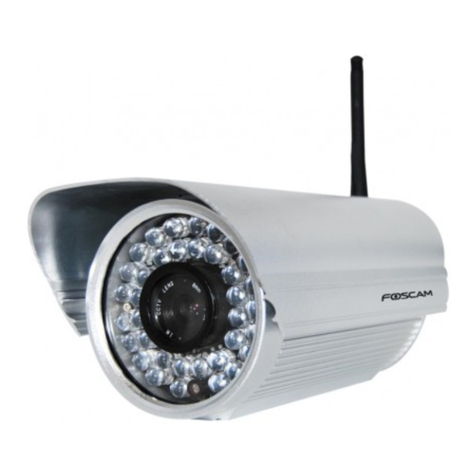
Foscam FI8602 User manual
Foscam
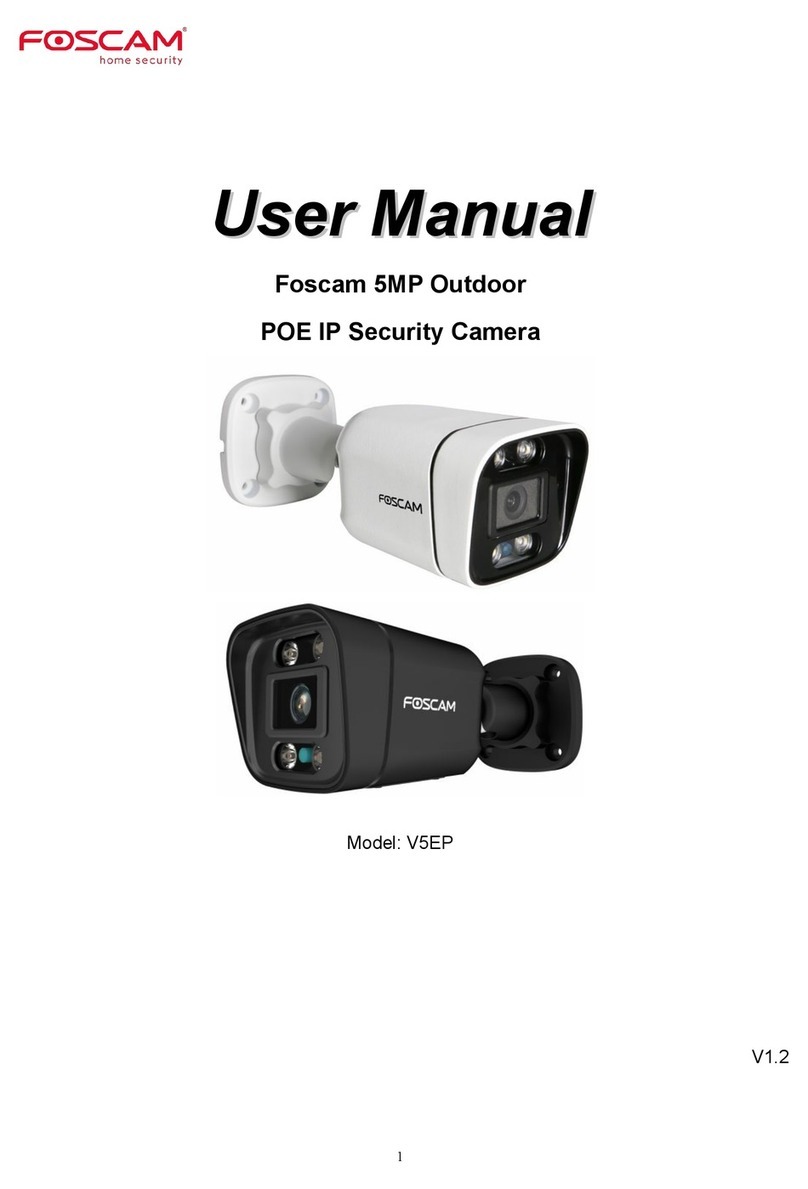
Foscam V5EP User manual
Foscam
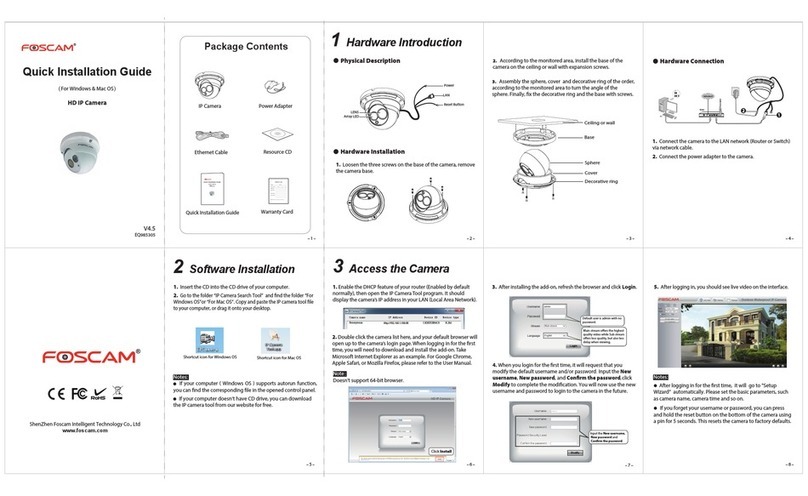
Foscam FI9853EP User manual

Foscam
Foscam FI8620 User manual
Foscam
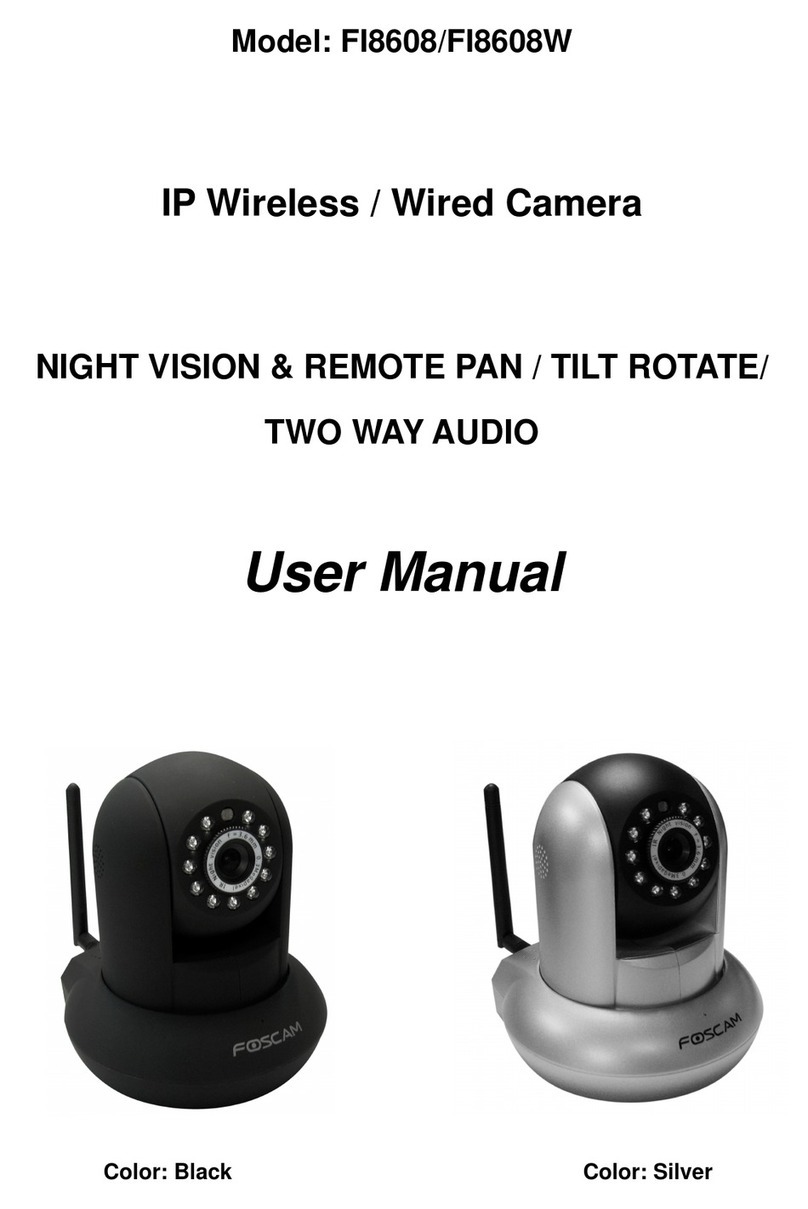
Foscam FI8608 User manual
Foscam
Foscam SD4 User manual

Foscam
Foscam FI8910W User manual
Foscam
Foscam FI8905E User manual

Foscam
Foscam D2EP User manual

Foscam
Foscam V4EC User manual
Foscam
Foscam C2M User manual
Foscam
Foscam FI8916W User manual
Foscam
Foscam V5P User manual
Foscam
Foscam FN3108XE-B4-1T User manual
Foscam
Foscam V8EP User manual
Foscam
Foscam FI9828P User manual