2
General Notes:
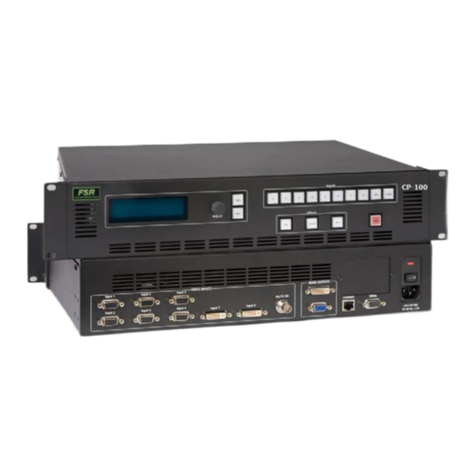
•There are two scalers in the CP. Because of this, we can achieve
seamless switching without freezing the frame or fading to black.
It also adds a little time before an input will be ready to be
switched to the mains.
•All requests are terminated with a carriage return.
•
<CR>
stands for carriage return, which is a 0C in hex, or 13 in
decimal.
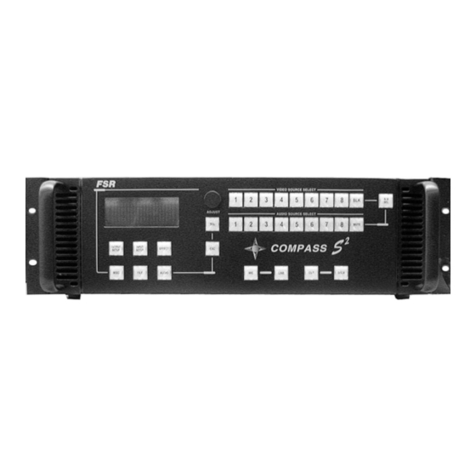
•“CP” refers to an FSR CP-100 or CP-200 Compass Plus Switcher
Power Up Handling
It is required to wait for 50 seconds after power up before attempting to log on,
especially if using the Ethernet connection. If the user attempts to log in before
the CP’s main program is loaded and running, you may log in but never be able
to get to the CP main program.
Logging In
The CP will prompt for a user id and password. The id is “user” MUST BE
LOWER CASE!!! The password is just a carriage return. The user remains logged
on until the CP is powered down or the user closes the connection.
Switching Inputs
There are two ways of switching inputs to Main serially; one requires two
messages. The other requires only one.
Two Message Method:
Send an ISEL message with the input number, then send a TAKE message
after waiting for the prompt (“>”). Input numbers range from 1 –9, inputs
1-8, 9=SDI. To switch input 3 to the Main, the user send the following:
ISEL –i3<
CR>
Waitforprompt
TAKE<
CR
>
It important to note that the ‘i’ in the ISEL message must be lower case.
It will not work otherwise.