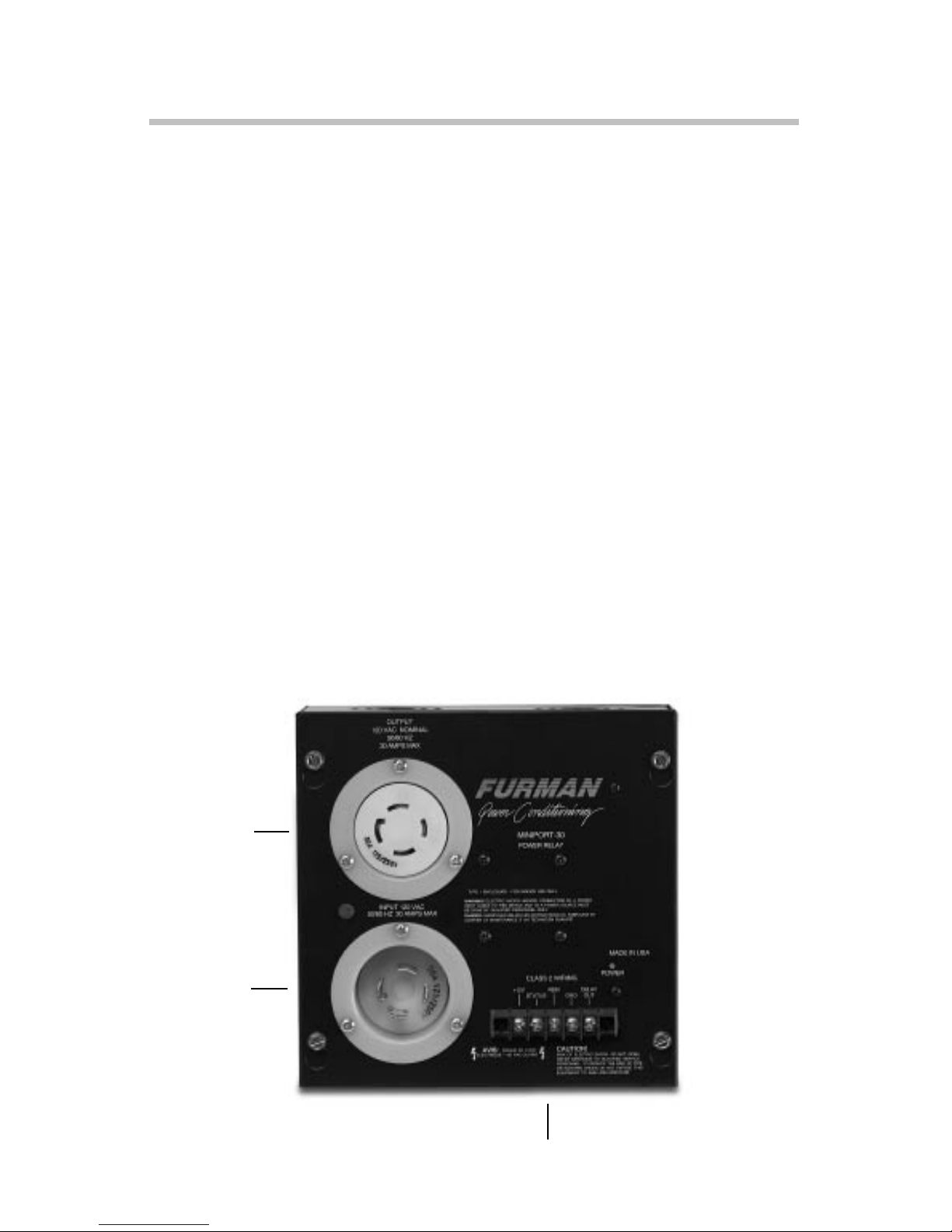
MP-30 MINIPORT AC POWER RELAY
connect a maintained-action SPST switch to the REM and +12V terminals. The Furman
RS-1 Remote System Control Panel is an attractively nished key switch designed for use
in single-gang wall mount boxes. It can control, from one location, most Furman power
products that have remote capability. Power will be available at the MiniPort-30’s AC outlet
when the switch is open, and will be removed when it is closed. If the cable run is greater
than 150 feet, we recommend that the REM wire be tied to ground during ON operation
rather than leaving it oating, using a SPDT switch as shown in the Wiring Diagram on
the back of this page. (The RS-1 provides for the use of a ground wire, if desired.)
MOMENTARY MODE
In Momentary Mode, the MiniPort-30 has “memory”- it needs only a momentary signal on
the remote terminal to change its state from OFF to ON, or ON to OFF.
When rst plugged in (or after power is lost and reapplied for any reason) the memory
state is OFF, meaning that no power will be available at the outlet. It will stay OFF until
turned ON by a momentary connection of the REM terminal to +12V. It will then stay ON
until turned OFF by a second momentary connection. The ON or OFF state begins on the
rising edge of the signal.
The Furman RS-2 Remote System Control Panel is ideal for installations requiring
multiple remote switches. The RS-2 is identical to the RS-1 in most respects, but with a
momentary function rater than a maintained.
IMPORTANT NOTE REGARDING MOMENTARY MODE:
If multiple MiniPorts are being controlled in Momentary Mode, power loss to any one of the
units will likely cause its memory to be different than that of the other units. Not only will this
be irritating, it can also be dangerous, as it may be ON when the others are OFF. To correct
this potential problem (as exists in any simple momentary switch product), our thoughtful
engineers devised a simple method of holding the switch down (REM to +12) for at least
four seconds. This resets all units to the OFF condition, and avoids having to disconnect AC
power from all units.
LINKING MULTIPLE UNITS
Multiple MiniPorts may be connected together so that all are controlled by a single switch
closure. All the units must be set to the same mode depending on the type of switch
or switches to be used (use momentary mode and momentary switches if more than
one switch is required.) All the units must be paralleled by tying together all the +12V
terminals (see Wiring Diagram, below).
Multiple MiniPorts may be linked so that they all turn on simultaneously, as discussed above,
only the turn-ons are delayed (all turn-offs occur simultaneously.) This feature is particularly