05FLATLINE VAN CO • SUPPORT@FLATLINEVANCO.COM • 888-667-5576
TOOLS REQUIRED FOR THIS STEP:
05FLATLINE VAN CO • SUPPORT@FLATLINEVANCO.COM • 888-667-5576 05
STEP | 01 LAYOUT AND INSTALL PREP
1.1 Clean Up: Startbycleaningtherearpanelsofanydirtand
debris.
1.2 Marking Points: Measureandmarktwospots3/8”fromthe
seamoftheupperplasticpaneland1/2”fromtherearbumper
plastictothemetalbodypanel(FIG 1).Thesemarkswillhelp
toguidetemplateplacement.
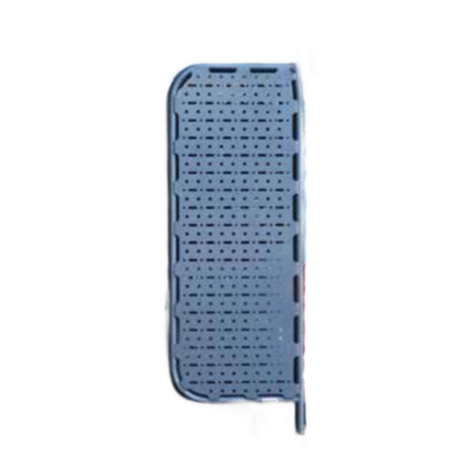
1.3 Template Alignment: Usetapetolineupthetemplate
paralleltotheplasticbodypanelsalongthemarks.Visualize
howthelockerwillfitonthevanandmakeadjustmentsas
necessary(FIG 2).
1.4 Tape Perimeter: Tapetheperimeterofthetemplate,leaving
drillholesexposed.Markallholeswithasharpie(FIG 3).
1.5 Cutting Path: Tracearoundtheinsideofthetemplateto
markthecuttingpath.Ensurethetemplateisflatagainstthe
van.
1.6 Remove Template: Carefullyremovethetemplate.You
shouldbeleftwithmarkingsasshownin(FIG 4).
NOTE - All figures depict driver side installation. The passenger
side follows the same steps, just mirrored.
INSTALL + TAPEMEASURE
+ MARKER
+ MASKINGTAPE
1/2”
FIG 1
FIG 3
FIG 2
FIG 4
CORNER GUIDE
CUTTING LINE
MOUNT HOLES
UPPER PLASTIC
REAR BUMPER
3/8”