manuals.online logo
Brands
  1. Home
  2. •
  3. Brands
  4. •
  5. GE
  6. •
  7. Measuring Instrument
  8. •
  9. GE CL 5 User manual

GE CL 5 User manual

Other GE Measuring Instrument manuals

GE Intellix BMT 330 User manual

GE

GE Intellix BMT 330 User manual

GE Transport PT878 User manual

GE

GE Transport PT878 User manual

GE DigitalFlow GC868 Owner's manual

GE

GE DigitalFlow GC868 Owner's manual

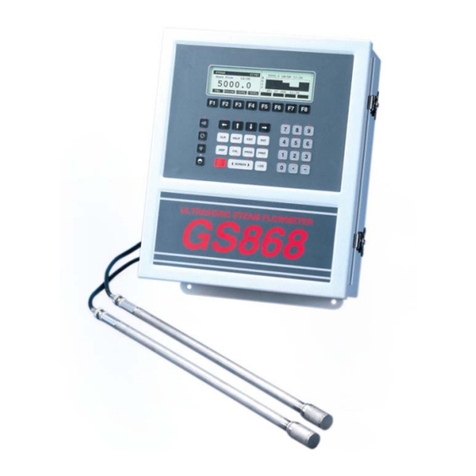
GE DigitalFlow GS868 User guide

GE

GE DigitalFlow GS868 User guide

GE Mentor Visual iQ CCF28 User manual

GE

GE Mentor Visual iQ CCF28 User manual

GE Protimeter MMS User manual

GE

GE Protimeter MMS User manual

GE Optica User manual

GE

GE Optica User manual

GE XL Vu+ VideoProbe User manual

GE

GE XL Vu+ VideoProbe User manual

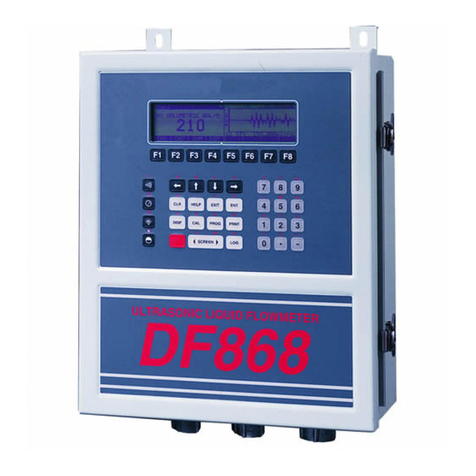
GE DigitalFlow DF868 User manual

GE

GE DigitalFlow DF868 User manual

GE MAC 5 A4 User manual

GE

GE MAC 5 A4 User manual

GE Druck ADTS 405 User manual

GE

GE Druck ADTS 405 User manual

GE MAC 800 User manual

GE

GE MAC 800 User manual

GE PACSystems* RX3i User manual

GE

GE PACSystems* RX3i User manual

GE DPI 610 IS User manual

GE

GE DPI 610 IS User manual

GE N60 User manual

GE

GE N60 User manual

GE RHM 80 User manual

GE

GE RHM 80 User manual

GE Multilin PQM User manual

GE

GE Multilin PQM User manual

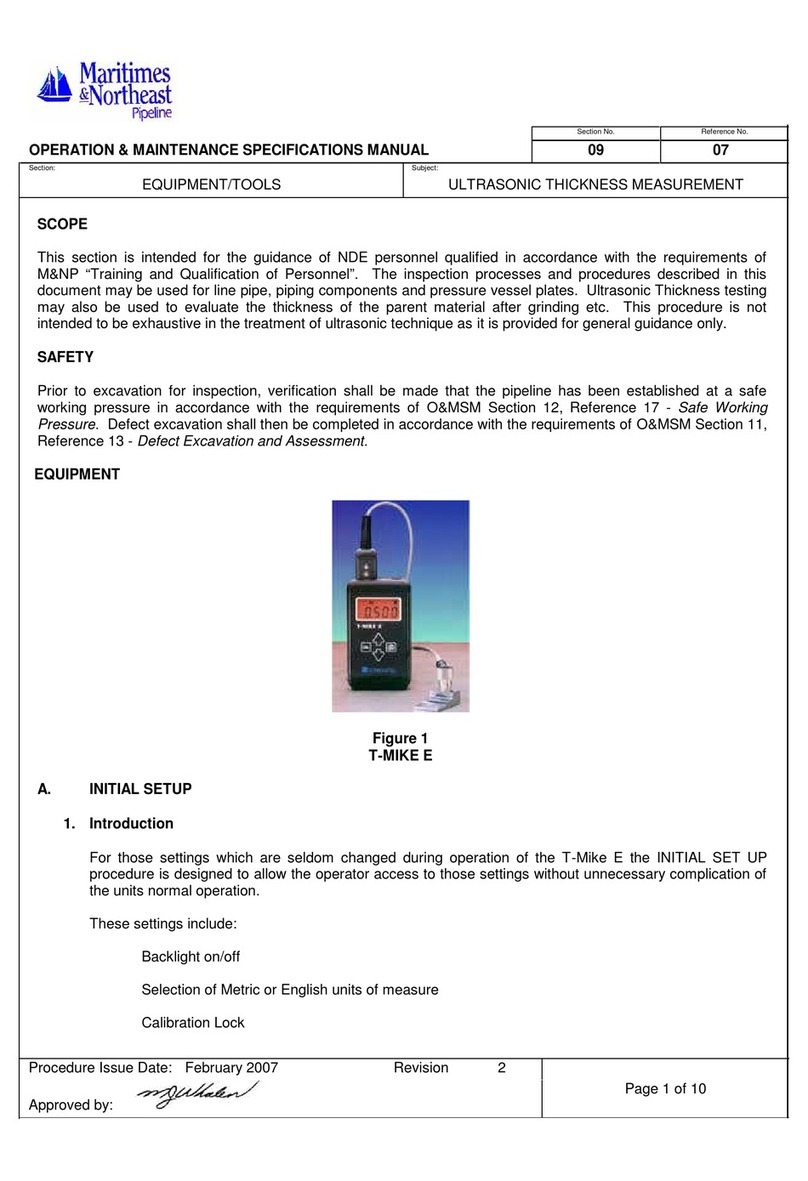
GE StressTel T-MIKE E User manual

GE

GE StressTel T-MIKE E User manual

GE CTF878 Troubleshooting guide

GE

GE CTF878 Troubleshooting guide

GE Precision 500D User manual

GE

GE Precision 500D User manual

GE 3300 User manual

GE

GE 3300 User manual

GE Hydran 201i User manual

GE

GE Hydran 201i User manual

GE RHM 04 User manual

GE

GE RHM 04 User manual

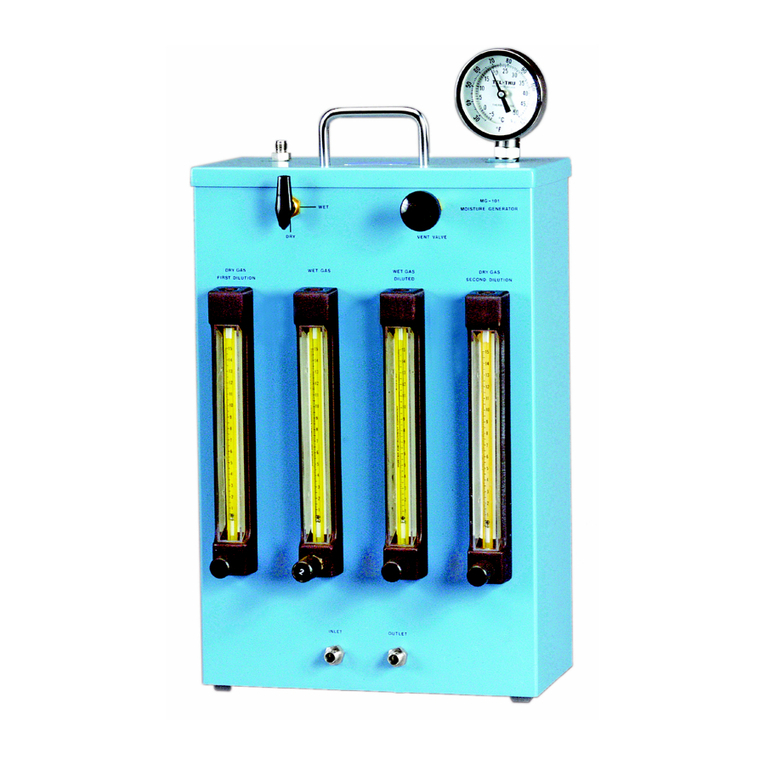
GE Moisture Image 1 Series User guide

GE

GE Moisture Image 1 Series User guide

Popular Measuring Instrument manuals by other brands

Powerfix Profi 278296 Operation and safety notes

Powerfix Profi

Powerfix Profi 278296 Operation and safety notes

Test Equipment Depot GVT-427B user manual

Test Equipment Depot

Test Equipment Depot GVT-427B user manual

Fieldpiece ACH Operator's manual

Fieldpiece

Fieldpiece ACH Operator's manual

FLYSURFER VIRON3 user manual

FLYSURFER

FLYSURFER VIRON3 user manual

GMW TG uni 1 operating manual

GMW

GMW TG uni 1 operating manual

Downeaster Wind & Weather Medallion Series instruction manual

Downeaster

Downeaster Wind & Weather Medallion Series instruction manual

Hanna Instruments HI96725C instruction manual

Hanna Instruments

Hanna Instruments HI96725C instruction manual

Nokeval KMR260 quick guide

Nokeval

Nokeval KMR260 quick guide

HOKUYO AUTOMATIC UBG-05LN instruction manual

HOKUYO AUTOMATIC

HOKUYO AUTOMATIC UBG-05LN instruction manual

Fluke 96000 Series Operator's manual

Fluke

Fluke 96000 Series Operator's manual

Test Products International SP565 user manual

Test Products International

Test Products International SP565 user manual

General Sleep Zmachine Insight+ DT-200 Service manual

General Sleep

General Sleep Zmachine Insight+ DT-200 Service manual

Sensa Core Lacto Spark user manual

Sensa Core

Sensa Core Lacto Spark user manual

VOLTCRAFT UTS-1980 operating instructions

VOLTCRAFT

VOLTCRAFT UTS-1980 operating instructions

EBCHQ 94915 Operation manual

EBCHQ

EBCHQ 94915 Operation manual

Balluff BIP LD2-T017-01-EP-S4 Series user guide

Balluff

Balluff BIP LD2-T017-01-EP-S4 Series user guide

Pulsar IMP Lite Series instruction manual

Pulsar

Pulsar IMP Lite Series instruction manual

ETCR 6800 user manual

ETCR

ETCR 6800 user manual

manuals.online logo
manuals.online logoBrands
  • About & Mission
  • Contact us
  • Privacy Policy
  • Terms and Conditions

Copyright 2025 Manuals.Online. All Rights Reserved.

CL 5
Operating Manual
Ident-Nr. 021-002-296
Issue 01
CL 5
Operating Manual
Ident-Nr. 021-002-296
Issue 01
Issue 01, 04/2005 applies to software version XX.04.XX
CL 5 Issue 01, 04/05 0-1
Contents
1 General Information........................... 1-1
1.1 Supplyin Power to the CL 5................. 1-2
1.2 Powerin On and Off the Instrument .... 1-4
1.3 Key Features of the CL 5........................ 1-4
CL 5 Precision Thickness
Measurement Base Instrument .............. 1-5
Instrument Options .................................. 1-
1.4 Whats in this Manual ............................ 1-6
2 Understandin the Keypad,
Menu System, and Displays ............. 2-1
2.1 Keypad Features .................................... 2-2
2.2 Interpretin Display Screens ................. 2-2
2.3 Workin with the Confi uration
Display .................................................2-10
3 Settin Up the CL 5 ........................... 3-1
3.1 Connectin a Probe and Loadin a
Setup File ............................................. 3-3
3.2 Confi urin the Instrument ................... 3-6
3.2.1 Setting Instrument Gain ................ 3-8
3.2.2 Setting Update Rate ..................... 3-8
3.2.3 Setting Nominal Thickness ........... 3-8
3.3 Instrument Calibration ........................... 3-9
3.4 Settin the Maximum and Minimum
Alarms .................................................. 3-9
3.5 Creatin and Erasin Custom Setup
Files .....................................................3-11
3.6 Lockin and Unlockin Instrument
Settin s ...............................................3-14
4 Measurin Thickness ........................ 4-1
4.1 Selectin the Displayed View ................ 4-2
4.2 Normal Measurement Mode
(No A-Scan) .......................................... 4-3
4.3 Min Scan and Max Scan Measurement
Mode ..................................................... 4-6
CL 5 Issue 01, 04/05 0-1
Contents
1 General Information........................... 1-1
1.1 Supplyin Power to the CL 5................. 1-2
1.2 Powerin On and Off the Instrument .... 1-4
1.3 Key Features of the CL 5........................ 1-4
CL 5 Precision Thickness
Measurement Base Instrument .............. 1-5
Instrument Options .................................. 1-
1.4 Whats in this Manual ............................ 1-6
2 Understandin the Keypad,
Menu System, and Displays ............. 2-1
2.1 Keypad Features .................................... 2-2
2.2 Interpretin Display Screens ................. 2-2
2.3 Workin with the Confi uration
Display .................................................2-10
3 Settin Up the CL 5 ........................... 3-1
3.1 Connectin a Probe and Loadin a
Setup File ............................................. 3-3
3.2 Confi urin the Instrument ................... 3-6
3.2.1 Setting Instrument Gain ................ 3-8
3.2.2 Setting Update Rate ..................... 3-8
3.2.3 Setting Nominal Thickness ........... 3-8
3.3 Instrument Calibration ........................... 3-9
3.4 Settin the Maximum and Minimum
Alarms .................................................. 3-9
3.5 Creatin and Erasin Custom Setup
Files .....................................................3-11
3.6 Lockin and Unlockin Instrument
Settin s ...............................................3-14
4 Measurin Thickness ........................ 4-1
4.1 Selectin the Displayed View ................ 4-2
4.2 Normal Measurement Mode
(No A-Scan) .......................................... 4-3
4.3 Min Scan and Max Scan Measurement
Mode ..................................................... 4-6
0-2 Issue 01, 04/05 CL 5
Contents
4.4 Differential/Rate-of-Reduction
Measurement Mode ............................. 4-8
4.5 Thickness + A-Scan Measurement
Mode (Optional) ..................................4-10
4.6 Velocity Measurement Mode
(Optional) ............................................. 4-8
5 Usin the Optional Data Recorder ... 5-1
5.1 Creatin a New Data Recorder File ....... 5-2
5.2 Recallin and Erasin Stored Data
Recorder Files ...................................... 5-4
5.3 Recordin Thickness and Velocity
Measurements in Data Recorder
Files ...................................................... 5-5
5.3.1 Recording A-Scans in Data
Recorder Files .............................. 5-
5.3.2 Navigating Through Data
Recorder Files .............................. 5-
5.4 Printin a Report.................................... 5-6
6 I/O Features ........................................ 6-1
6.1 Transmittin Data to an External
Device ..................................................... 6-2
6.2 Settin Communication Speed
(Baud Rate) and Connectin to a PC... 6-4
6.3 Remote Commands ............................... 6-4
7 Specifications
7.1 Instrument Specifications ..................... 7-2
7.2 A-Scan Option Features......................... 7-5
7.3 Velocity Measurement Option
Features ................................................ 7-5
7.4 Data Recorder Option Features ............. 7-6
7.5 CL 5 Probe/Transducer
Specifications....................................... 7-6
0-2 Issue 01, 04/05 CL 5
Contents
4.4 Differential/Rate-of-Reduction
Measurement Mode ............................. 4-8
4.5 Thickness + A-Scan Measurement
Mode (Optional) ..................................4-10
4.6 Velocity Measurement Mode
(Optional) ............................................. 4-8
5 Usin the Optional Data Recorder ... 5-1
5.1 Creatin a New Data Recorder File ....... 5-2
5.2 Recallin and Erasin Stored Data
Recorder Files ...................................... 5-4
5.3 Recordin Thickness and Velocity
Measurements in Data Recorder
Files ...................................................... 5-5
5.3.1 Recording A-Scans in Data
Recorder Files .............................. 5-
5.3.2 Navigating Through Data
Recorder Files .............................. 5-
5.4 Printin a Report.................................... 5-6
6 I/O Features ........................................ 6-1
6.1 Transmittin Data to an External
Device ..................................................... 6-2
6.2 Settin Communication Speed
(Baud Rate) and Connectin to a PC... 6-4
6.3 Remote Commands ............................... 6-4
7 Specifications
7.1 Instrument Specifications ..................... 7-2
7.2 A-Scan Option Features......................... 7-5
7.3 Velocity Measurement Option
Features ................................................ 7-5
7.4 Data Recorder Option Features ............. 7-6
7.5 CL 5 Probe/Transducer
Specifications....................................... 7-6
CL 5 Issue 01, 04/05 0-3
Contents
8 Maintenance
Care of the Instrument .................................... 8-2
9 Appendix............................................ 9-1
9.1 Resettin the Operatin Software ......... 9-2
9.2 Up radin the Operatin Software ....... 9-2
9.3 EMC Documentation .............................. 9-3
9.4 Manufacturer/Service Addresses .......... 9-5
10 Index ................................................. 10-1
CL 5 Issue 01, 04/05 0-3
Contents
8 Maintenance
Care of the Instrument .................................... 8-2
9 Appendix............................................ 9-1
9.1 Resettin the Operatin Software ......... 9-2
9.2 Up radin the Operatin Software ....... 9-2
9.3 EMC Documentation .............................. 9-3
9.4 Manufacturer/Service Addresses .......... 9-5
10 Index ................................................. 10-1
0-4 Issue 01, 04/05 CL 5
Important Notice
Important Notice
The following information must be read and understood
by any user of a GE Inspection Technologies ultrasonic
thickness gauge. Failure to follow these instructions
can lead to errors in thickness measurements or other
test results. Decisions based on erroneous results can,
in turn, lead to property damage, personal injury or
death.
General Warnin s
Proper use of ultrasonic test equipment requires three
essential elements:
 Selection of the correct test equipment.
 Knowledge of the specific test application
requirements.
 Training on the part of the instrument operator.
This operating manual provides instruction in the basic
set up and operation of the thickness gauge. There are,
however, additional factors which affect the use of
ultrasonic test equipment. Specific information
regarding these additional factors is beyond the scope
of this manual. The operator should refer to textbooks
on the subject of ultrasonic testing for more detailed
information.
Operator Trainin
Operators must receive adequate training before using
ultrasonic test equipment. Operators must be trained in
general ultrasonic testing procedures and in the set up
and performance required by a particular test.
Operators must understand:
 Soundwave propagation theory.
 Effects of the velocity of sound of the test material.
 Behavior of the sound wave where two different
materials are in contact.
 Areas covered by the sound beam.
More specific information about operator training, quali-
fication, certification, and test specifications is avail-
able from various technical societies, industry groups,
and government agencies.
0-4 Issue 01, 04/05 CL 5
Important Notice
Important Notice
The following information must be read and understood
by any user of a GE Inspection Technologies ultrasonic
thickness gauge. Failure to follow these instructions
can lead to errors in thickness measurements or other
test results. Decisions based on erroneous results can,
in turn, lead to property damage, personal injury or
death.
General Warnin s
Proper use of ultrasonic test equipment requires three
essential elements:
 Selection of the correct test equipment.
 Knowledge of the specific test application
requirements.
 Training on the part of the instrument operator.
This operating manual provides instruction in the basic
set up and operation of the thickness gauge. There are,
however, additional factors which affect the use of
ultrasonic test equipment. Specific information
regarding these additional factors is beyond the scope
of this manual. The operator should refer to textbooks
on the subject of ultrasonic testing for more detailed
information.
Operator Trainin
Operators must receive adequate training before using
ultrasonic test equipment. Operators must be trained in
general ultrasonic testing procedures and in the set up
and performance required by a particular test.
Operators must understand:
 Soundwave propagation theory.
 Effects of the velocity of sound of the test material.
 Behavior of the sound wave where two different
materials are in contact.
 Areas covered by the sound beam.
More specific information about operator training, quali-
fication, certification, and test specifications is avail-
able from various technical societies, industry groups,
and government agencies.
CL 5 Issue 01, 04/05 0-5
Important Notice
Testin Limitations
In ultrasonic testing, information is obtained only from
within the limits of the sound beam. Operators must
exercise great caution in making inferences about the
test material outside the limits of the sound beam. For
example, when testing large materials it may be
impossible or impractical to inspect the entire test
piece.
When a less-than-complete inspection is to be
performed, the operator must be shown the specific
areas to inspect. Inferences about the condition of
areas not inspected, based on data from the evaluated
areas, should only be attempted by personnel fully
trained in applicable statistical and probability
techniques. In particular, materials subject to erosion
or corrosion, in which conditions can vary significantly
in any given area, should only be evaluated by fully
trained and experienced operators.
Sound beams reflect from the first interior surface
encountered. Because of part geometry and over-
lapped flaws or overlapped surfaces, thickness gauges
may measure the distance to an internal flaw rather
than to the back wall of the material. Operators must
take steps to ensure that the entire thickness of the
test material is being examined.
Ultrasonic Thickness Measurement Critical
Operatin Procedures
The following operating procedures must be observed
by all users of ultrasonic thickness gauges in order to
minimize errors in test results.
1. Calibration of Sound Velocity
The principle of operation of an ultrasonic thickness
gauge is that the instrument measures the time of flight
of an ultrasonic pulse through the test piece and
multiplies this time by the velocity of sound in the
material. Thickness measuring error is minimized by
ensuring that the sound velocity to which the instru-
ment is calibrated is the sound velocity of the material
being tested. Actual sound velocities in materials often
vary significantly from the values found in published
tables. In all cases, best results are obtained if the
instrument is calibrated on a velocity reference block
made from the same material as the test piece; this
block should be flat and smooth and as thick as the
maximum thickness of the test piece.

CL 5 Issue 01, 04/05 0-5
Important Notice
Testin Limitations
In ultrasonic testing, information is obtained only from
within the limits of the sound beam. Operators must
exercise great caution in making inferences about the
test material outside the limits of the sound beam. For
example, when testing large materials it may be
impossible or impractical to inspect the entire test
piece.
When a less-than-complete inspection is to be
performed, the operator must be shown the specific
areas to inspect. Inferences about the condition of
areas not inspected, based on data from the evaluated
areas, should only be attempted by personnel fully
trained in applicable statistical and probability
techniques. In particular, materials subject to erosion
or corrosion, in which conditions can vary significantly
in any given area, should only be evaluated by fully
trained and experienced operators.
Sound beams reflect from the first interior surface
encountered. Because of part geometry and over-
lapped flaws or overlapped surfaces, thickness gauges
may measure the distance to an internal flaw rather
than to the back wall of the material. Operators must
take steps to ensure that the entire thickness of the
test material is being examined.
Ultrasonic Thickness Measurement Critical
Operatin Procedures
The following operating procedures must be observed
by all users of ultrasonic thickness gauges in order to
minimize errors in test results.
1. Calibration of Sound Velocity
The principle of operation of an ultrasonic thickness
gauge is that the instrument measures the time of flight
of an ultrasonic pulse through the test piece and
multiplies this time by the velocity of sound in the
material. Thickness measuring error is minimized by
ensuring that the sound velocity to which the instru-
ment is calibrated is the sound velocity of the material
being tested. Actual sound velocities in materials often
vary significantly from the values found in published
tables. In all cases, best results are obtained if the
instrument is calibrated on a velocity reference block
made from the same material as the test piece; this
block should be flat and smooth and as thick as the
maximum thickness of the test piece.
0- Issue 01, 04/05 CL 5
Important Notice
Operators should also be aware that the sound velocity
may not be constant in the material being tested; heat
treating, for example, can cause significant changes in
sound velocity. This must be considered when eval-
uating the accuracy of the thickness provided by this
instrument. Instruments should always be calibrated
before testing, and the calibration should be checked
after testing, to minimize testing errors.
2. Probe Zero Procedure
When performing a one-point calibration with a contact
probe, the probe zero procedure must be performed as
described in this manual. The probe zero block should
be clean, in good condition, and without noticeable
wear. Failure to properly perform the probe zero
procedure will cause inaccurate thickness readings.
3. Effects of Temperature on Calibration
Temperature variations change the sound velocity of
materials and transducer delay lines and, therefore,
calibrations. All calibrations should be performed on-
site, and with test blocks at the same temperature as
the test piece, to minimize errors due to temperature
variations.
4. Transducer Selection
The transducer used in testing must be in good
condition without noticeable wear of the front surface.
Badly worn transducers will have a reduced effective
measuring range. The specified range of the transducer
must include the complete range of thicknesses to be
tested. The temperature of the material to be tested

must be within the transducers temperature range.
5. Use of Couplants
Operators must be familiar with the use of ultrasonic
couplants. Testing skills must be developed so that
couplant is used and applied in a consistent manner to
minimize variations in couplant layer thickness and
errors in test results. Calibration and actual testing
should be performed under similar coupling conditions,
using a minimum amount of couplant and applying
consistent pressure on the transducer.
. Doubling
Ultrasonic thickness gauges will, under certain
conditions, display readings which are twice (or, in
some cases, three times) the actual material thickness
0- Issue 01, 04/05 CL 5
Important Notice
Operators should also be aware that the sound velocity
may not be constant in the material being tested; heat
treating, for example, can cause significant changes in
sound velocity. This must be considered when eval-
uating the accuracy of the thickness provided by this
instrument. Instruments should always be calibrated
before testing, and the calibration should be checked
after testing, to minimize testing errors.
2. Probe Zero Procedure
When performing a one-point calibration with a contact
probe, the probe zero procedure must be performed as
described in this manual. The probe zero block should
be clean, in good condition, and without noticeable
wear. Failure to properly perform the probe zero
procedure will cause inaccurate thickness readings.
3. Effects of Temperature on Calibration
Temperature variations change the sound velocity of
materials and transducer delay lines and, therefore,
calibrations. All calibrations should be performed on-
site, and with test blocks at the same temperature as
the test piece, to minimize errors due to temperature
variations.
4. Transducer Selection
The transducer used in testing must be in good
condition without noticeable wear of the front surface.
Badly worn transducers will have a reduced effective
measuring range. The specified range of the transducer
must include the complete range of thicknesses to be
tested. The temperature of the material to be tested
must be within the transducers temperature range.
5. Use of Couplants
Operators must be familiar with the use of ultrasonic
couplants. Testing skills must be developed so that
couplant is used and applied in a consistent manner to
minimize variations in couplant layer thickness and
errors in test results. Calibration and actual testing
should be performed under similar coupling conditions,
using a minimum amount of couplant and applying
consistent pressure on the transducer.
. Doubling
Ultrasonic thickness gauges will, under certain
conditions, display readings which are twice (or, in
some cases, three times) the actual material thickness
CL 5 Issue 01, 04/05 0-7
Important Notice
being measured. This effect, commonly known as
doubling, can occur below the minimum specified
range of the transducer. If the transducer being used is
worn, doubling is possible at a thickness greater than
the minimum of the specified range.
When using a new transducer, any reading which is
less than twice the minimum specified range of the
transducer may be a doubled reading, and the
thickness of the material being tested should be
verified by the use of other methods. If the transducer
shows any sign of wear, doubling may occur at a
second echo or other echo signal combinations may
produce a readable signal. The instrument reading and
apparent thickness are up to about twice the actual
value, resulting in a thickness greater than twice the
minimum of the specified range. This thickness should
be determined by calibrating the instrument/transducer
combination on reference blocks that represent the
complete range of possible thicknesses that may be
encountered in testing. This is particularly important
when the test piece is being ultrasonically measured for
the first time or in any case where the history of thick-
ness of the test specimen is unknown.
Safety Information
Attention:
The CL 5 is an instrument for materials testing. Any
use for medical applications or other purposes is not
allowed.
The CL 5 may only be used in industrial environments.
The CL 5 can be operated with batteries or while
plugged into an electrical outlet using the AC charger.
The power supply unit has the electrical safety class II.
Batteries:
For the battery operation of the CL 5, we recommend
the use of a lithium-polt battery pack provided.
Operation using alkaline batteries, NiMH or NiCAD
cells is possible. You should only use the products
recommended by us for the battery operation. Do not
attempt to use any lithium batteries that are not
provided with the instrument. Do not attempt to charge
the provided batteries on an outside charger.
CL 5 Issue 01, 04/05 0-7
Important Notice
being measured. This effect, commonly known as
doubling, can occur below the minimum specified
range of the transducer. If the transducer being used is
worn, doubling is possible at a thickness greater than
the minimum of the specified range.
When using a new transducer, any reading which is
less than twice the minimum specified range of the
transducer may be a doubled reading, and the
thickness of the material being tested should be
verified by the use of other methods. If the transducer
shows any sign of wear, doubling may occur at a
second echo or other echo signal combinations may
produce a readable signal. The instrument reading and
apparent thickness are up to about twice the actual
value, resulting in a thickness greater than twice the
minimum of the specified range. This thickness should
be determined by calibrating the instrument/transducer
combination on reference blocks that represent the
complete range of possible thicknesses that may be
encountered in testing. This is particularly important
when the test piece is being ultrasonically measured for
the first time or in any case where the history of thick-
ness of the test specimen is unknown.
Safety Information
Attention:
The CL 5 is an instrument for materials testing. Any
use for medical applications or other purposes is not
allowed.
The CL 5 may only be used in industrial environments.
The CL 5 can be operated with batteries or while
plugged into an electrical outlet using the AC charger.
The power supply unit has the electrical safety class II.
Batteries:
For the battery operation of the CL 5, we recommend
the use of a lithium-polt battery pack provided.
Operation using alkaline batteries, NiMH or NiCAD
cells is possible. You should only use the products
recommended by us for the battery operation. Do not
attempt to use any lithium batteries that are not
provided with the instrument. Do not attempt to charge
the provided batteries on an outside charger.
0-8 Issue 01, 04/05 CL 5
Important Notice
Software:
According to the current state of the art, software is
never completely free from errors. Before using any
software-controlled test equipment, please make sure
that the required functions operate perfectly in the
intended combination.
Defects/errors and exceptional stresses
If you have reason to believe that a safe operation of
your CL 5 is no longer possible, you have to disconnect
the instrument and secure it against unintentional
reconnection. Remove the batteries if necessary.
A safe operation is no longer possible e.g.:
 The instrument shows visible damages
 The instrument no longer operates perfectly
 After prolonged storage under adverse conditions like
exceptional temperatures and/or especially high air
humidity, or corrosive environmental conditions.
 Being subjected to heavy stresses during
transportation
Service
Every effort has been made to provide you with a
reliable product. However, should service become
necessary, GE Inspection Technologies, has estab-
lished a number of Factory Trained Service Centers.
For the location of the nearest facility refer to section
9.4 of this manual.
0-8 Issue 01, 04/05 CL 5
Important Notice
Software:
According to the current state of the art, software is
never completely free from errors. Before using any
software-controlled test equipment, please make sure
that the required functions operate perfectly in the
intended combination.
Defects/errors and exceptional stresses
If you have reason to believe that a safe operation of
your CL 5 is no longer possible, you have to disconnect
the instrument and secure it against unintentional
reconnection. Remove the batteries if necessary.
A safe operation is no longer possible e.g.:
 The instrument shows visible damages
 The instrument no longer operates perfectly
 After prolonged storage under adverse conditions like
exceptional temperatures and/or especially high air
humidity, or corrosive environmental conditions.
 Being subjected to heavy stresses during
transportation
Service
Every effort has been made to provide you with a
reliable product. However, should service become
necessary, GE Inspection Technologies, has estab-
lished a number of Factory Trained Service Centers.
For the location of the nearest facility refer to section
9.4 of this manual.