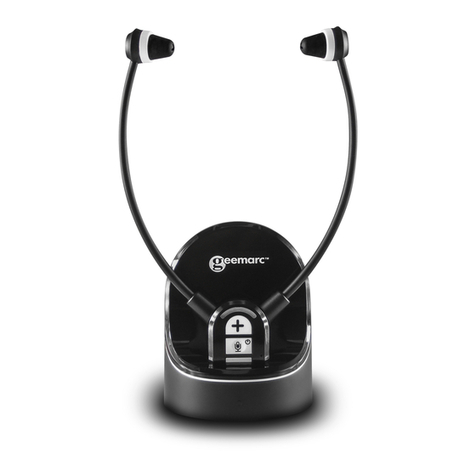
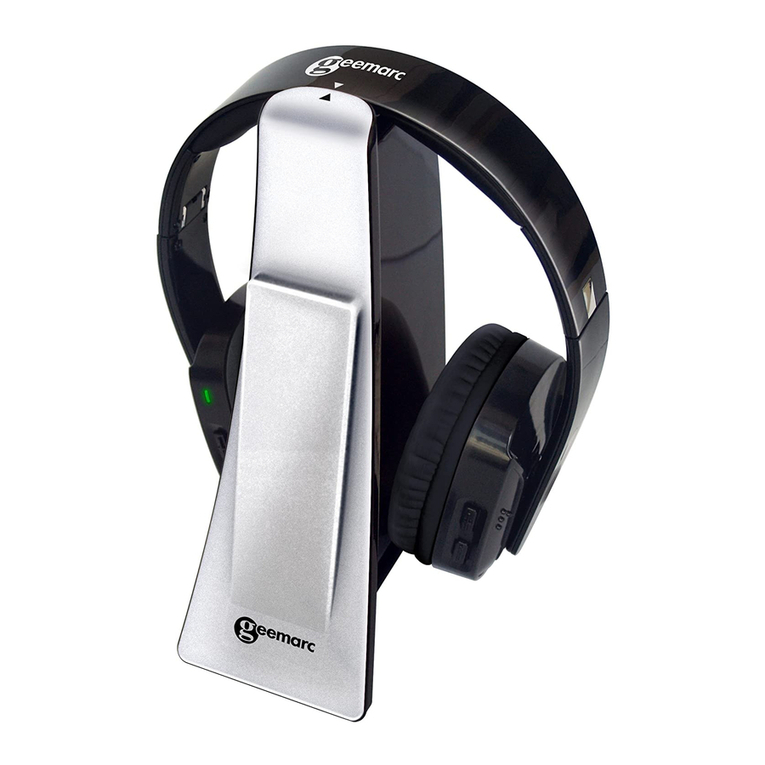
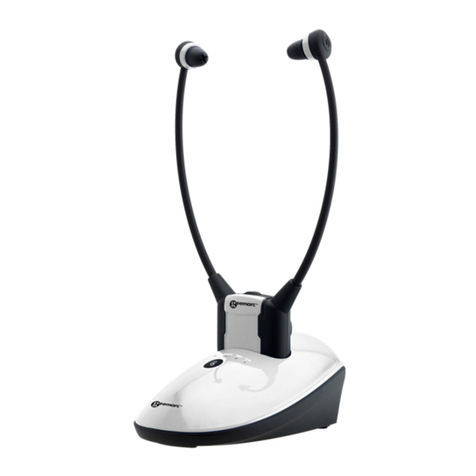
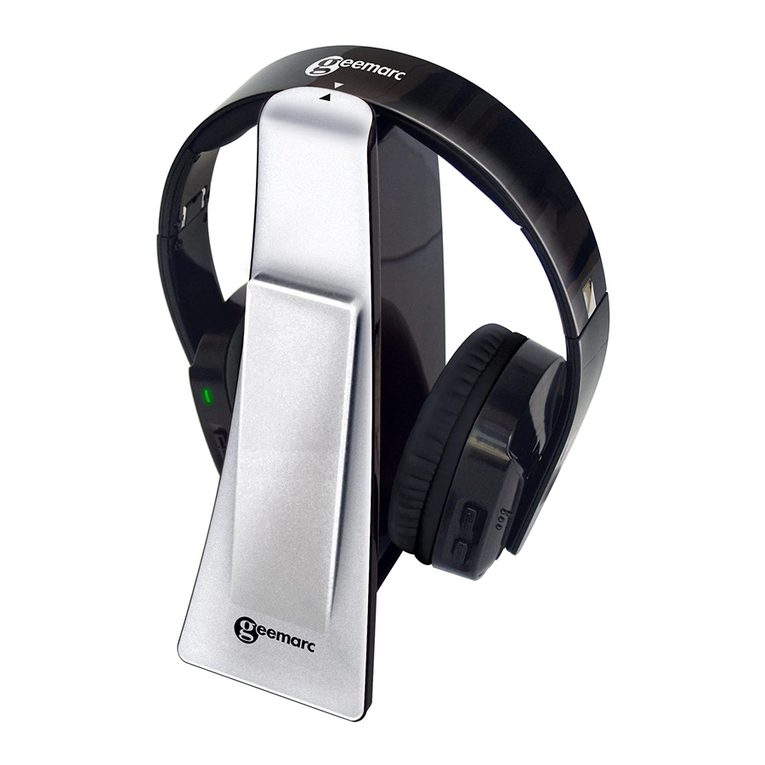
Geemarc CL7370 User manual

DIGITAL WIRELESS TV
HEADSET SOUNDS
(Product can support 2 Headsets)
English

1
!!!Please ensure you read the user manual
thoroughly before use!!!
!!!Please refer to our website: www.geemarc.com
for an up to date user guide, as there may be
important updates and changes you need to be
aware of !!!
INTRODUCTION ..........................................................3
SAFETY & CARE ADVICE ................................5
PACK COMPONENTS ................................................6
FUNCTION IDENTIFICATION .....................................7
●Function Identification: Headset Receiver ............... 7
●Function Identification: Charging Cradle ................. 9
INSTALLATION ...........................................................10
●Transmitter .............................................................. 10
●Headset ................................................................... 11
OPERATION ................................................................12
●Initial Operation ....................................................... 12
●Routine Operation ................................................... 12
●Controlling the Tone (Bass & Treble) ...................... 14
●Adjusting the Sound Balance (left-right) .................. 14
●Using the Mute Button and Microphone for
Conversation ............................................................ 15
●Charging the Battery ............................................... 15
●Pairing extra headsets ............................................. 16
Contents

2
TROUBLESHOOTING .......................................18
●No Sound ................................................................ 18
●Distortion ................................................................. 18
Cleaning & Maintenance ............................................19
Spare/replacement parts ...........................................19
Customer support ......................................................19
GUARANTEE ..............................................................20
UKCA DECLARATION ................................................20
BATTERY WARNINGS .....................................20
DISPOSAL INFORMATION ........................................21
FEATURES ..................................................................21
TECHNICAL SPECIFICATIONS .................................22
Contents

3
INTRODUCTION
The Geemarc Digital Wireless Audio Listener is an audio
amplification system specifically designed for people with
hearing difficulties.
The Geemarc Audio Listener can be used with all kinds of
audio systems for interference-free listening enjoyment –
TV set, Smartphone, DVD player, CD player, Hi-Fi system,
iPod or other.
Audio output from a TV or audio device is transmitted by the
Charging Cradle(Base), the wireless Headset receives the
signal and amplifies the audio sound for the listener.
One Base can be paired with up to 4 Headsets.
One Base can support 2 Headsets for charging.
The listener’s comfort and long-term enjoyment has been built
into every feature of the Geemarc Wireless Audio Listener:
●Lightweight wireless headset fitted with soft silicone ear buds
for prolonged listening comfort;
●Rich, adjustable audio quality:
oBroad audio bandwidth, High quality sound.
oAdjustable EQ and balance to compensate for hearing
loss.
●Listen but keep in touch with your surroundings:
oMultiple Headsets can be paired with one Charging
Cradle;
oSingle-touch Mute function switches the Audio Listener
into a conversation assistant enabling you to talk with
and listen to the people around you with the Headset
on, taking advantage of its built-in audio amplifier to
hear everything better.
INTRODUCTION

4
●Up to 6 hours of rechargeable battery life per full charge –
never lose the soundtrack in mid-program;
●Only 3 hours to fully recharge the Headset simply by
replacing the Headset in its Charging Cradle.
●Auto Power OFF Headset simply by replacing the Headset
in its Charging Cradle.
●Auto Power ON Headset simply by taking the Headset from
its Charging Cradle in the 5 minutes.
IMPORTANT NOTICES:
This series of CL7370 products comes in 2 models variations
and extra headsets as below and this Instruction Manual covers
all of them.
1. CL7370_Analogue Version: the one only with analogue audio
input.
2. CL7370_Optical Version: the one with both analogue audio
input and Optical digital audio input.
3. CL7370 extra Headsets. Please refer to the section “Pairing
extra headsets” for special operation.
Introduction

5
SAFETY & CARE ADVICE
To make the best use of this product and to use it safely, please
read these instructions thoroughly before use and keep safe
for future reference.
Warning: This product can be very loud. Take care to prevent
others from using this product, if they do not have the same
level of hearing loss. Excessive sound pressure from earphones
and headphones can cause hearing loss.
Caution:
Electric shock. DO NOT
insert unattached plug
heads in to mains power sockets. Plug heads MUST be fitted
to the power adaptor.
Electrical connection: The unit is designed to operate from
a 100-240VAC - 50/60Hz supply. (Classified as 'hazardous
voltage' according to EN 62368-1 standard).
Caution: Batteries should only be replaced by Geemarc or
authorised Vendor. Please refer to the chapter: <Spare /
replacement parts> for more information.
Keep the unit away from heat sources.
DO NOT expose the unit to direct sunlight.
Do not expose the Headset, which contains batteries, to
excessive heat such as sunshine, fire etc.
Clean the Headset and ear pads regularly. For details on
cleaning, please refer to the chapter: <Clearning &
Maintenance>.
DO NOT modify the unit in any way.
Please note : The unit may be subject to interference from
appliances that generate strong electrical or magnetic fields
e.g. wireless Internet routers, microwaves, mobile phones,
lighting transformers etc. To avoid this interference, place the
Charging Cradle unit away from such sources.
SAFETY & CARE ADVICE

6
PACK COMPONENTS
(A1) Headset Receiver
(A2) Charging Cradles and Transmitter
(A3) Power Supply
(A4) Audio Cable (both ends with 3.5 mm stereo plug)
(A5) Toslink Cable for Optical Digital Audio Connection (Optical
version only). IMPORTANT: Before using the cable remove the
clear plastic protective covers from both ends.
(A6) 3.5mm to 2 pin RCA Adapter Cable (Optional)
(A7) SCART Adapter (Only for the analog version) (Optional)
(A8) 3.5 mm to 6.3 mm Adapter Plug (Optional)
PACK COMPONENTS

7
FUNCTION IDENTIFICATION
Function Identification: Headset Receiver
FRONT REAR
(B1) Earbuds
(B2) Spare ear tips. There are 2 styles of ear tip.
(B3) Volume Increase Control, Balance Control
(B4) Volume Decrease Control, Balance Control
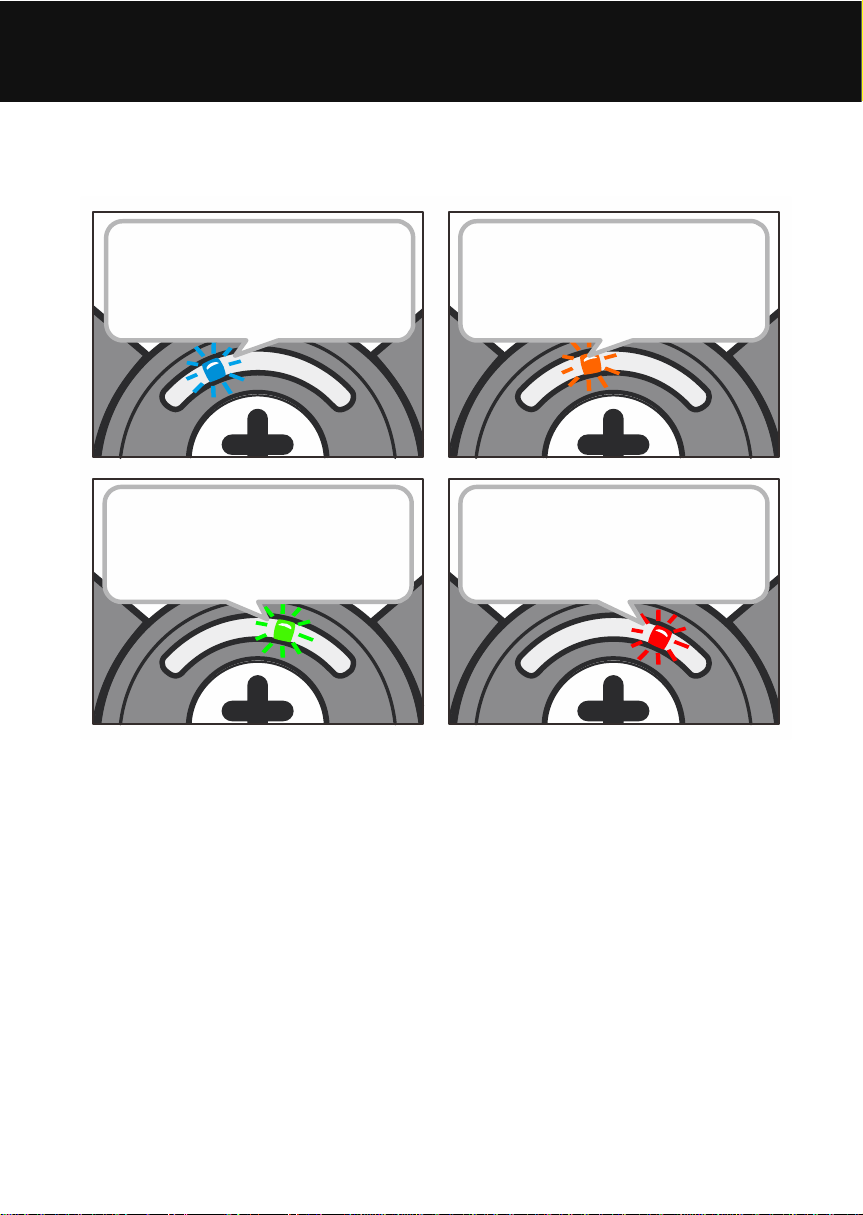
(B5) Power/Signal/Charging/Local Microphone LED Indicators:
zBattery Charge (Red = charging, Green = fully charged)
zLED Indicator (Orange): Local Microphone Amplification
for Verbal Communications.
zLED Indicator (Blue lights up): Paired with Transmitter.
FUNCTION IDENTIFICATION
8
Blue LED:
Working / Pair status
Orange LED:
Local Microphone
Amplification
Green LED:
Fully charged
Red LED:
Charging
zLED Indicator (Blue Slow flashing): Not Paired with
Transmitter, or Transmitter is powered off.
zLED Indicator (Blue Fast flashing): in Pairing Mode.
(B6) Power Button and Mute Button for Verbal
Communications
zLong press to Power OFF headset.
zShort press to Power ON headset.
zShort press to switch between wireless TV listening and
Local Microphone amplification for Verbal Communications.
(B7) Microphone
(B8) Tone Adjustment
(B9) Sound Balance Control
(B10) Load Contacts
FUNCTION IDENTIFICATION

9
Function Identification: Base Charging Cradles(Transmitter)
FRONT REAR
(C1) Charging Pins
(C2) Pair LED Indicator :
zBlue Lights up - Paired Headsets found;
zBlue Slow flashing - Not paired devices found;
zBlue Fast flashing - Not paired devices found or No
sound input for more than 10 minutes.
(C3) Power Switch
(C4) Optical Digital Audio In (for the optical version only)
(C5) Power ON/OFF LED Indicator: Red = Power ON.
(C6) DC In Socket 5V/1A
(C7) Analogue Audio In
FUNCTION IDENTIFICATION
Other manuals for CL7370
1
Table of contents
Other Geemarc Headset manuals
Geemarc
Geemarc CL7350 Instruction manual

Geemarc
Geemarc CL7500 OPTI User manual
Geemarc
Geemarc CL7350 Instruction manual
Geemarc
Geemarc LoopHEAR 20 User manual
Geemarc
Geemarc CLA3 User manual
Geemarc
Geemarc CLA3 User manual
Geemarc
Geemarc CL7700 OPTI User manual
Geemarc
Geemarc CLA3 User manual
Geemarc
Geemarc CL7400 User manual

Geemarc
Geemarc CL7400BT User manual