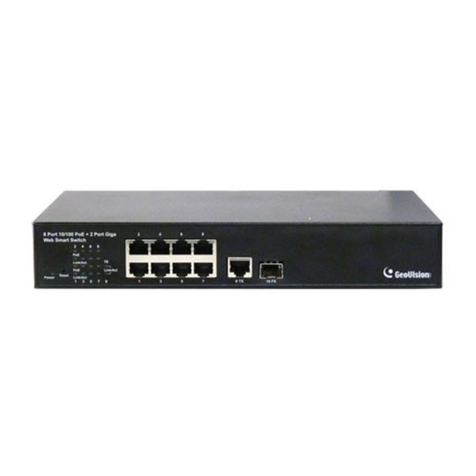
GV-APOE4813
Content
Packing List ..................................................................................................................... 1
Front Panel....................................................................................................................... 2
LED Indicator ................................................................................................................... 2
Rear Panel........................................................................................................................ 3
Mount Installation............................................................................................................ 3
Leveled Installation.................................................................................................... 3
Rackmount Installation............................................................................................... 4
Connecting to GV-IP Camera.......................................................................................... 5
Accessing the Web Interface .......................................................................................... 6
Basic Setup...................................................................................................................... 7
A. Assigning an IP Address................................................................................... 7
B. Configuring PoE Port Using GV-IP Device Utility .............................................. 9
C. Switching SFP Port between 1G / 10G Modes.................................................10
D. Enabling the DHCP Server ..............................................................................10
Loading Default Setting..................................................................................................12
Hardware..................................................................................................................12
Web Interface ...........................................................................................................12
Updating Firmware .........................................................................................................13
Specifications .................................................................................................................13