P.4
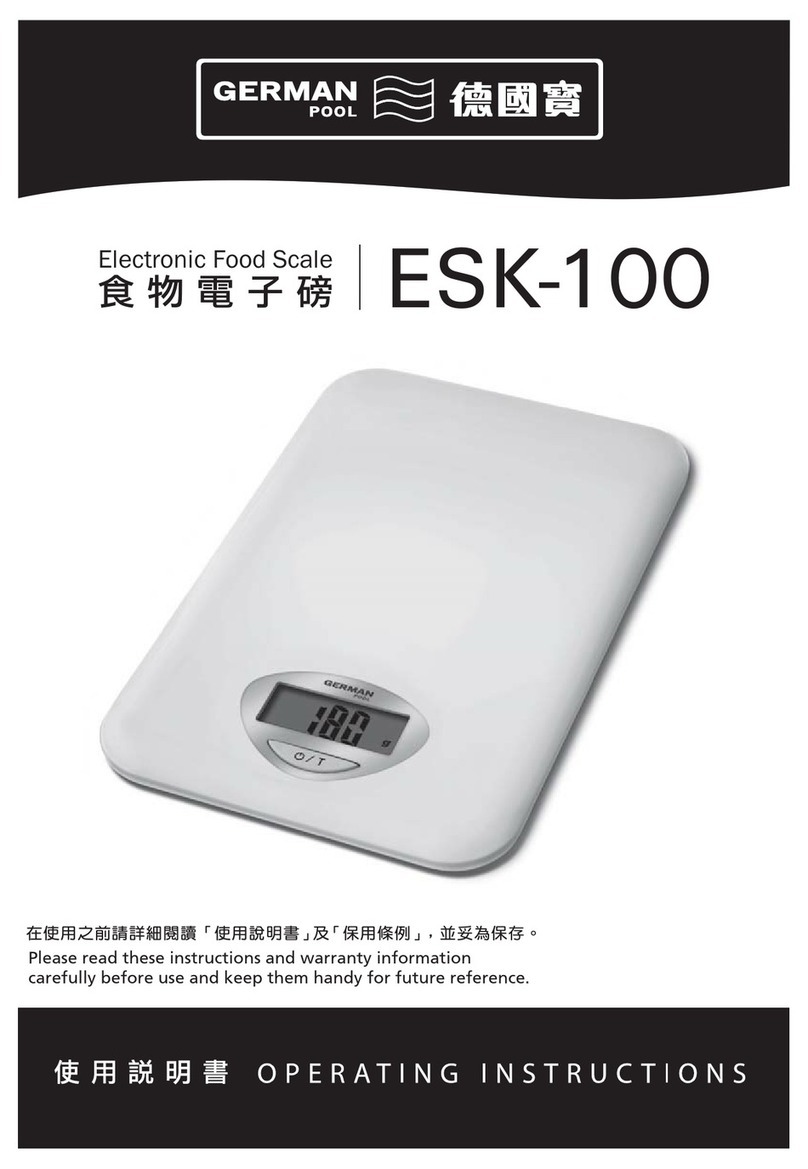
1. To Turn ON/OFF
-Pleaseinsert3xAAAbatteriesintothescalebeforerst
using.
- Press the【】button to turn on the scale.
2. Selecting Your Unit of Measurement
Simply press the “UNIT” button repeatedly until the unit of
measurement you desire is on the screen.
3. Operation Guidelines
-Placethescaleonaatandrmsurface.
- Press【】to turn on the scale.
- Press the “UNIT” button to select your desired unit of
measurement.
- Place your item(s) onto the scale’s weighing platform.
- The weight will immediately be displayed on the LCD screen.
Note 1 : Be sure to gently place items on the scale’s weighing
platform. If the items being weighed cannot stay steady
ontheplatform,thescalemaytake2or3secondstone
tunethemeasuredweight.Whennishedweighing,
remove the items from the scale to avoid damaging the
scale’s sensors. Do not leave items on the scale’s
weighing platform for an extended period of time.
Note 2 : The maximum weight capacity of
the scale is 5kg. If the weight
capacity of this scale is exceeded,
the Overload Indicator will be
displayed on the LCD screen:
4. Using the Tare Feature
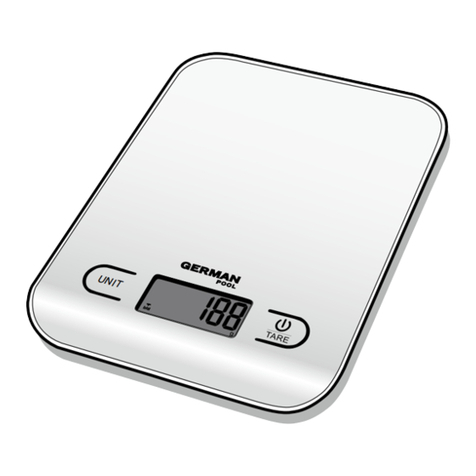
1) Press the【】(TARE button) which is located on the
right side of the scale.
2) The Tare feature allows you to automatically subtract the
weight of a bowl or plate and determine the net weight of
the ingredients being weighed. The tare feature works
by resetting the LCD screen to zero with an item (bowl, plate
or others) already on the scale so that you can then determine
the weight of any additional items added.
-Placethescaleonaatandrmsurface.
- Press【】to turn on the scale.
- Press the UNIT button to select your desired unit of
measurement.
- Place your empty bowl, plate or dish onto the scale’s
weighing platform, and wait for the weight to be displayed
on the LCD screen.
- Press the【】once to reset the scale to zero on
the LCD screen.
- Add your items (such as ingredients).
- The next weight of your added items will be displayed on
the LCD screen.
After removing all of your items, the scale will display a negative
number on the LCD screen. Simply press the【】to deactivate
the Tare Feature, and the LCD will return to zero. Turning off the
scale will also deactivate the Tare feature.
Note:Even using the Tare function, the maximum weight capacity
is still 5kg.
1. 開啟/關閉
-第一次使用時,請放入3xAAA電池,按ON/OFF/TARE
來啟動本產品。
-按住【】3秒關閉磅秤。
2. 選擇您的計量單位
按下“UNIT”鍵選擇你想使用的度量單位。
3. 操作指引
-把磅秤放置在平坦堅固的表面。
-按【】來開啟磅秤。
-按下“UNIT”鍵選擇你想使用的度量單位。
-將您要稱重的物件放到磅秤的平台上。
-物件的重量會立即顯示在液晶屏上。
注1:請輕力把要稱重的物件放到磅秤的平台上 ,
如果物件不能在平台上保持穩定,磅秤可能
需要2或3秒來微調測量重量。當稱重完成後 ,
把所有物件移除,以避免損壞磅秤的感應器。
不要讓物件長時間停留在磅秤上。
注2:本產品最大載重量為5kg,如果您要稱重的
物件重量超過本產品
的承重能力,過載指
示器顯示在液晶屏上
的圖示為:
4. 使用連續淨稱重功能
1)按下【】(連續淨稱重功能鍵位於磅秤正面
的右下方)。
2)連續淨稱重功能允許您自動減去碗或盤的重量,
並確定正在稱重的物料淨重。連續淨稱重功能透
過重設已放在磅秤上的物件重量至零(如碗、盤
或其他),讓你可稱出後續所加入的物件淨重量。
-把磅秤放置在平坦堅固的表面。
-按【】來開啟磅秤。
-按下“UNIT”鍵選擇你想使用的度量單位。
-將空的碗、盤或碟放在磅秤的平台上,液晶屏
上將顯示其重量。
-按下【】鍵將液晶屏上的讀數重置為零。
-加入你想稱重的物料。
-新增的物料重量將顯示在液晶屏上。
當您移除所有物件後,磅秤會在液晶屏上顯示為
負數,只需按下【】鍵,屏幕將重置為零,
或可關閉磅秤後重新開啟。
注:本產品最大載重量為5kg(累計的),縱使使用
連續淨稱重功能,最大載重量還是5kg。
操作說明 Operating Instructions