Label formatting commands
Define field data, such as Line, Rectangle, Barcode, Text and image.
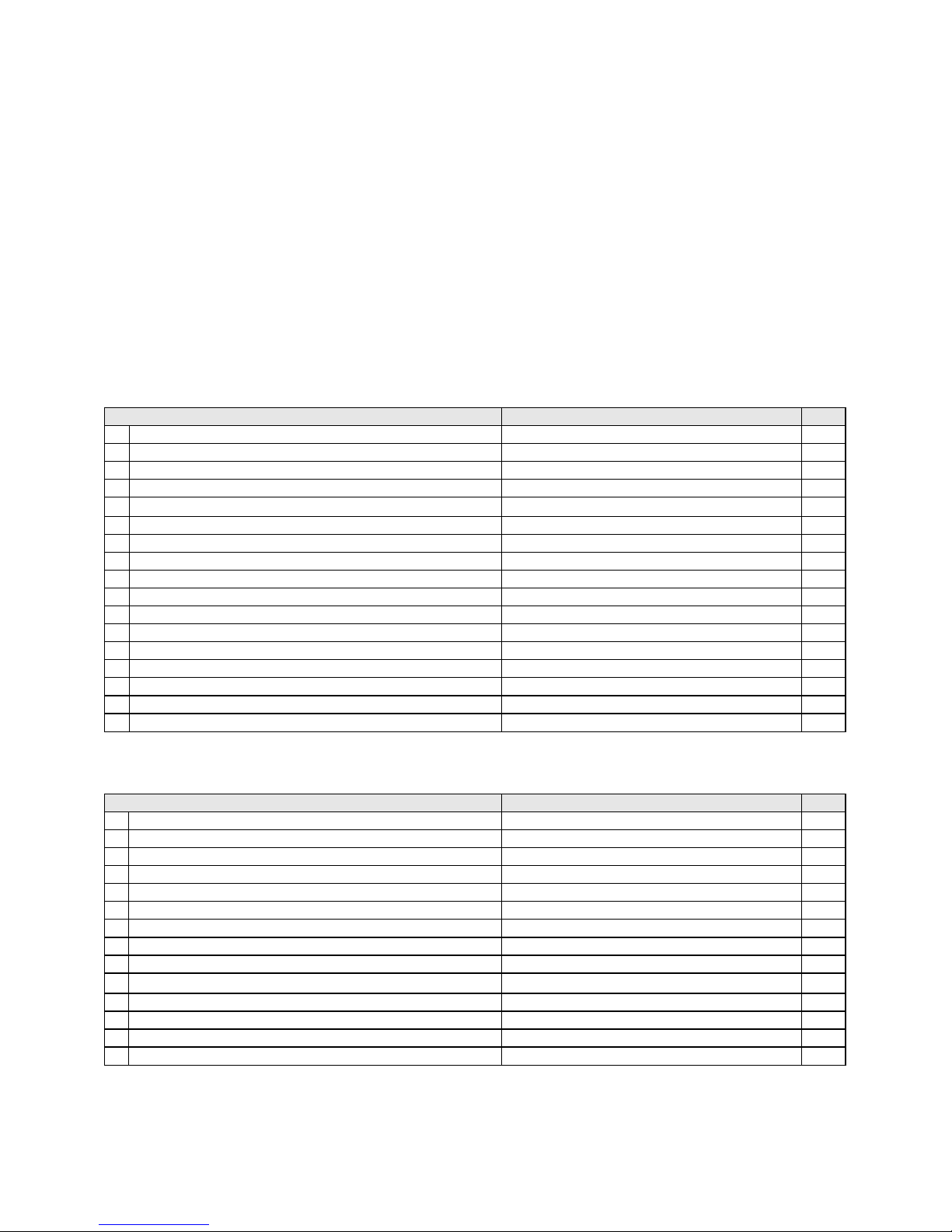
Description Command Page
Define date layout Daa|bb|cc 8
2.
Serial number setting Cx,ys,±value,prompt 8
3.
Terminate label formatting mode and print label
Graphic command Gwxxx 8
5.
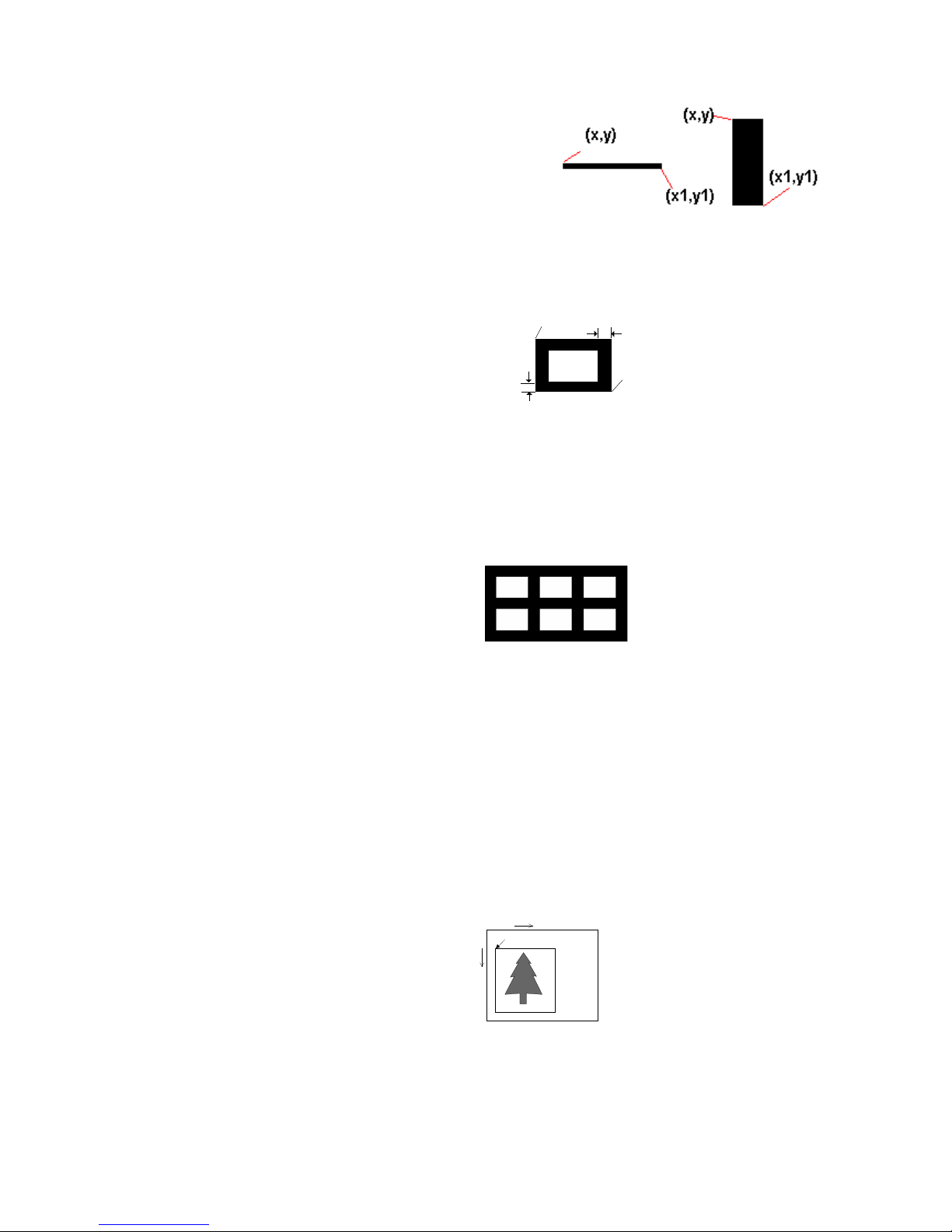
Line command La,x, y, x1, y19
6.
Rectangle Rx, y, x1,y1, lrw, ubw9
7.
Table Hx,y,row_count,col_count,row_width,col_width,line_wi
dth
9
8.
Define time layout formatting Th|m|s9
9.
Graphics Yx, y, name9
10.
Text At, x, y, x_mul, y_mul, gap, rotation, data 10
11.
Barcode Bt,x,y,narrow,wide,height,rotation,readable,data 10
12.
PDG 417 Px,y,w,h,r,c,ec,len 11
13.
Mx, y,sno, nos, mode, ccode, zip, class, rotation,
DataMatrix Code Xp1, p2, p3, data 11
15.
Define variable field Vxx, length, prompt 11
16.
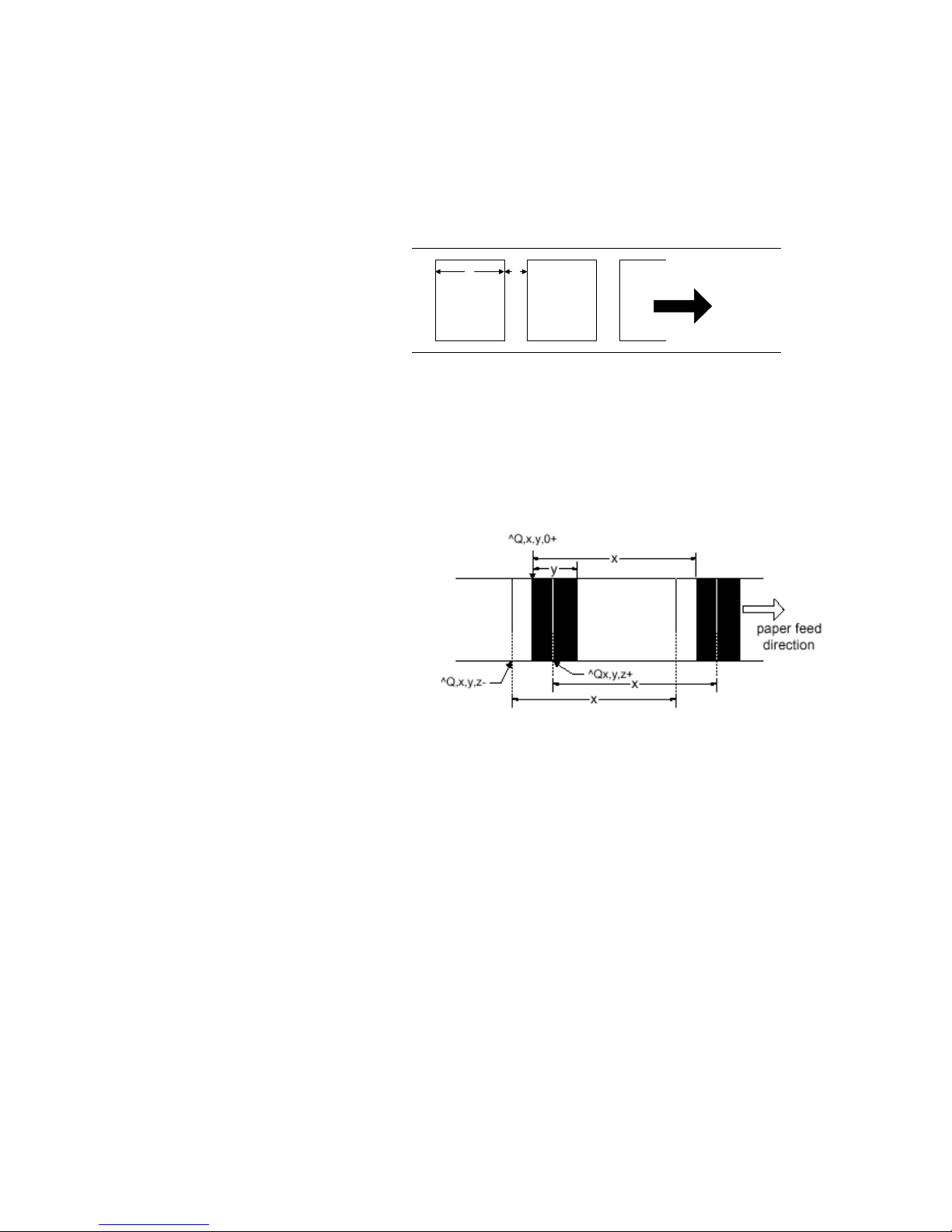
Pattern command Qx, y, width, height 12
17.
Downloading character sets to memoryVt, x, y, x_mul, y_mul, gap, rotation, data 12
1-2. Language Description
Rules and syntax
EZPL commands have parameter strings associated with them;
• The commands begin with a letter as ID for each function.
• The comma (,) is the delimiter to separate each parameter.
• The CR [Carriage Return: decimal (13), hex (oD) signifies the end ofeverycommand.
• Control and Setup commands use the tilde (~) and caret (^) prefix.
• Label Formatting commands have no prefix.
Example: “~Ea,name,length “. ”E”is an image download command, and (a,name,length) are three parameters.
Setup commands
1. Printing mode
Syntax :
x = D , Direct thermal mode
x = T, Thermal transfer mode
2. Stop position setting
Syntax :
X = 0~40 (unit : mm)
Description :
Feed paper to desired stop position.
3. Setting Print darkness
Syntax :
X = 00 ~ 19
Description :