Digital Super King Fryer Model No. 8088E
Page 13
gmpopcorn.com
Shutdown Procedure and Draining the Tank
. Once frying is complete, flip the Heat Element Power Switch OFF (the digital display
remains on to view temperature).
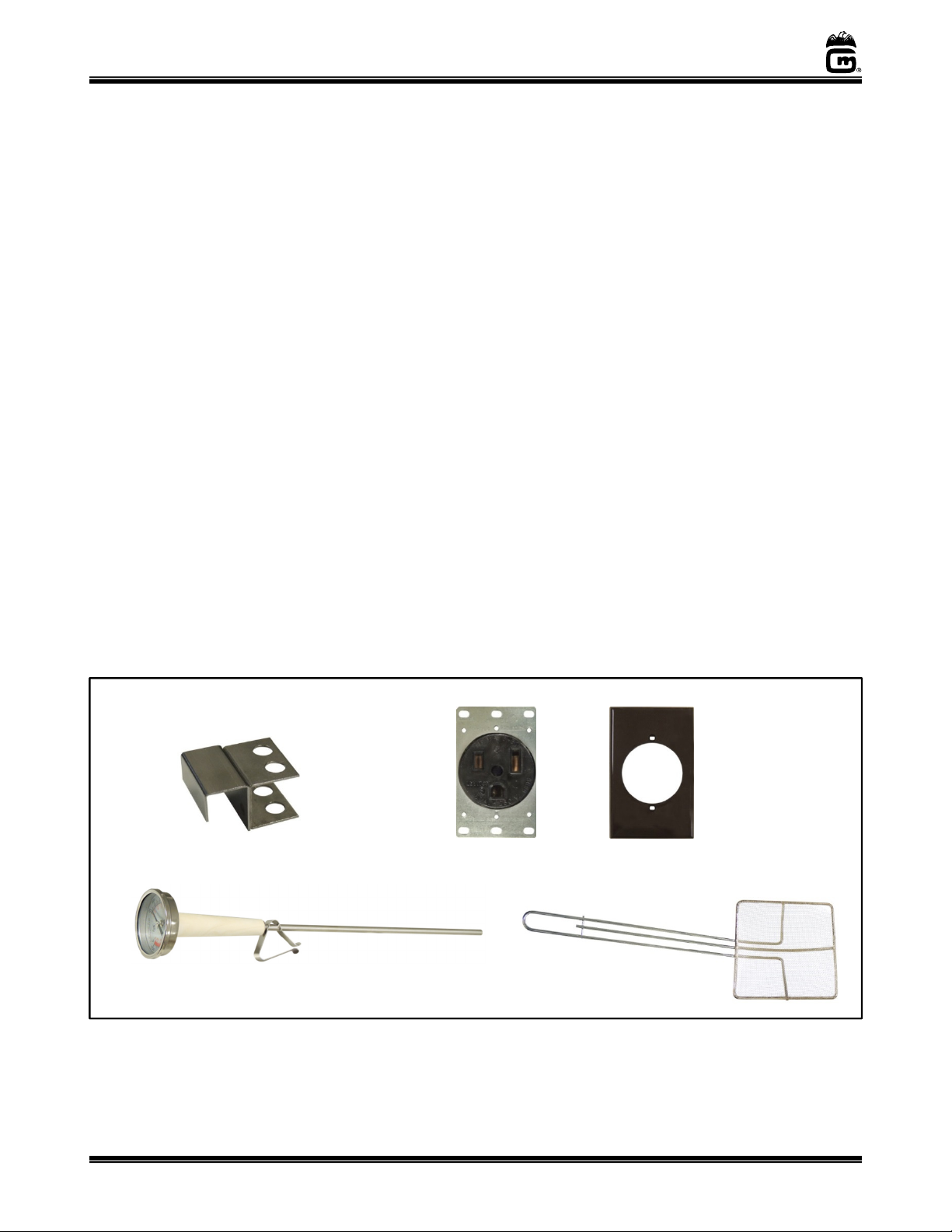
2. Remove any forms, the thermometer, and allow the unit to cool completely; then press
the Main Power Switch IN to turn the unit OFF (the digital display will turn off).
3. a. If storing the oil for reuse, cover the oil tank with a clean, dry tank cover (Gold
Medal Item No. 898 8C, cover is sold separately). Be sure the oil has cooled before
applying tank cover.
b. If moving the unit from its current location, the oil must be drained. DO NOT move
this unit when filled with oil! Allow hot cooking oil to cool below 40°F before
attempting drain the unit.
4. To drain the unit, have an appropriate container in place to receive the oil.
5. With the drain valve CLOSED, remove the drain plug.
6. Slide the safety collar up on the drain valve handle, then OPEN the drain valve to
empty the cooking oil from the fryer tank.
7. For unit cleaning instructions, see Care and Cleaning section.
Adjusting the Set Temperature
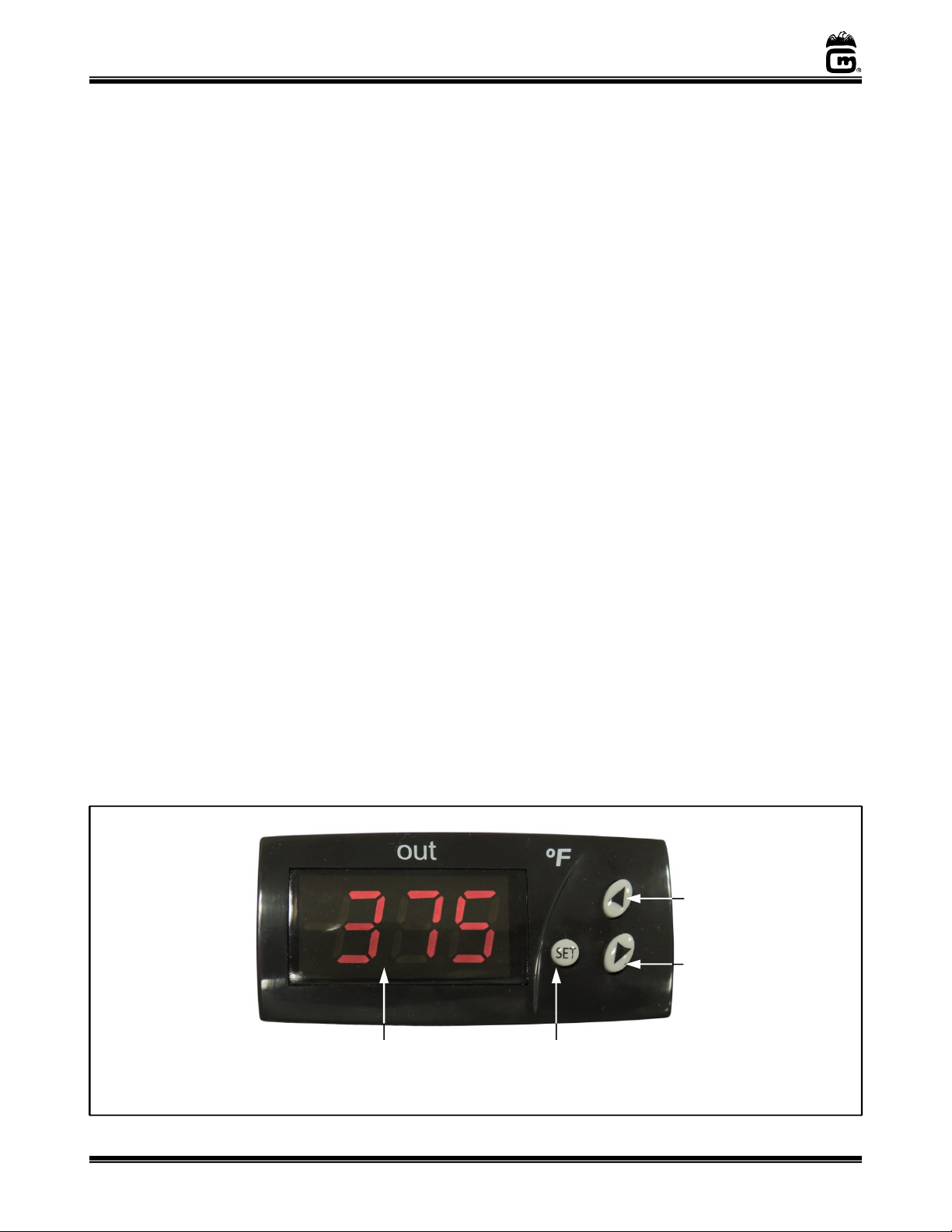
The fryer comes from the factory with the Digital Heat Control preset to 375°F (maximum setting
is 400°F). Follow the steps below to adjust this preset temperature. (DO NOT operate this fryer
with an oil temperature that exceeds 400°F.)
. Press “SET” button on the Digital Heat Control, and “SP” will appear. Press “SET” again
to display current set temperature.
2. Press the “UP/DOWN” arrows to adjust to the desired temperature. Press “SET” to save.
3. Press “SET” and the “DOWN” arrow at the same time to return to operating mode.
SET Button
U Arrow
Digital Display