Greer Company
Greer CompanyGreer Company
Greer Company Crane Systems
1918 EAST GLENWOOD PLACE, SANTA ANA CA 92705 Tel:(714) 259-9702 Fax:(714) 259-7626
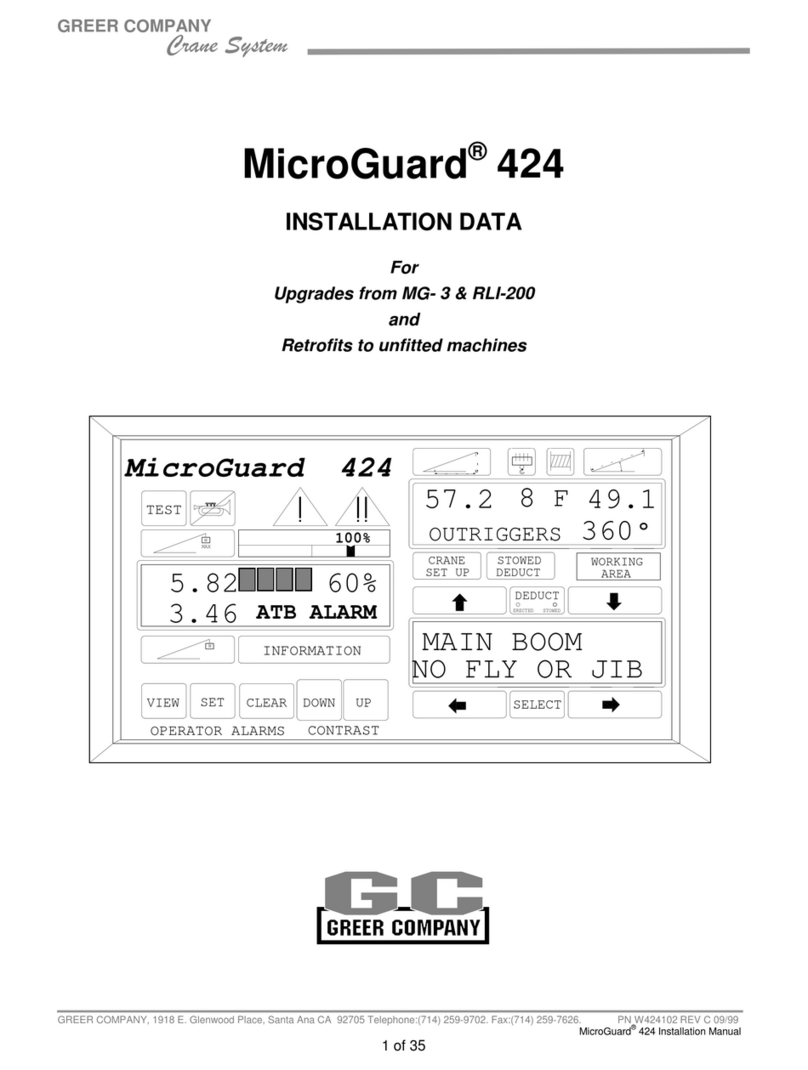
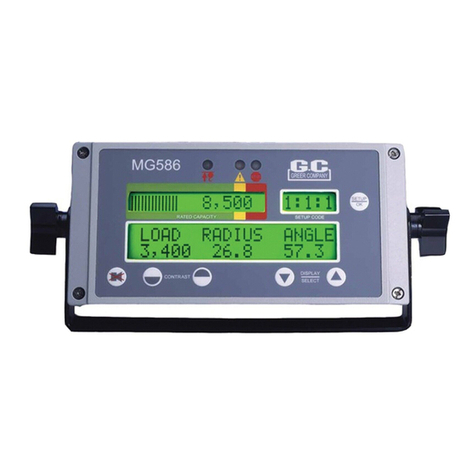
MicroGuard424 Operation/Troubleshooting Manual Horizontal Display Hydraulic Cranes
Page 7of 52 W424103 REV A 02/13/01
PUSH BUTTONS
PUSH BUTTONSPUSH BUTTONS
PUSH BUTTONS -
--
- ICONS
ICONSICONS
ICONS -
--
- LAMPS
LAMPSLAMPS
LAMPS -
--
- ALARMS
ALARMSALARMS
ALARMS
LEFT DISPLAY
LEFT DISPLAYLEFT DISPLAY
LEFT DISPLAY
1 TEST is a push button used to initiate a system
self-test; it is also used to display fault codes.
2 CANCEL ALARM is a push button used to silence
the audible alarm when the alarm has occurred as
a result of either an Overload, an Anti Two-Block
alarm, or an Operator Settable alarm. CANCEL
ALARM is also used to reset the function kick-out
relay when it is necessary to by-pass function
kick-out.
3 The PRE-ALARM (AMBER) indicator illuminates
at a pre-set value of 90% of Maximum Rated
Capacity and provides a visual indication of an
approach to an overload.
4 The OVERLOAD INDICATOR (RED) illuminates at a pre-set value of 100% of Maximum Rated Capacity
and provides a visual indication of Maximum Allowed Load. The OVERLOAD INDICATOR will also
illuminate whenever an anti two-block (A.T.B.) alarm occurs or a wire rope limit is exceeded or an
operator SETTABLE alarm has been reached or exceeded. When the crane is equipped with function
kick-out, this will occur simultaneously for an Overload, Wire Rope Limit, or an Anti Two-Block condition,
but function kick-out will not occur when exceeding an operator set alarm.
5 The BAR GRAPH ICON is a part of the analog bar graph in the upper display. This display bar graph
gives a visual indication of how much of the crane's capacity is being used and the rate at which an
overload is being approached. The leading edge of the bar graph aligns with three colored bands in the
bar graph indicator. Red indicates an overload. Between the red and amber is a black notch, which
indicates 100% of rated capacity. The 100% RATED CAPACITY indicator is above the bar graph in the
upper display and marks the point at which 100% of the rated capacity of the crane has been reached.
When the value of 100% has been reached, it corresponds to the Maximum Rated Capacity in the upper
display.
6 The INFORMATION AREA indicates the area of the upper display that provides the operator with a visual
indication of the various alarms, which may occur during normal operation of the system.
7 The ACTUAL LOAD ICON indicates the area of the display that shows the total load suspended below
the boom, fly, or jib head. It includes the load, any slings, pins or tackle used to secure the load and also
includes the weight of the hook block.
8 The MAXIMUM RATED CAPACITY icon indicates the area of the upper display that gives a readout of
maximum rated capacity for the currently selected configuration.
W
TEST
W
MAX
100%
INFORMATION
LEFT DISPLAY
8
7
3
5
2
14
6
VIEW SET CLEAR DOWN UP
910 11 12 13