manuals.online logo
Brands
  1. Home
  2. •
  3. Brands
  4. •
  5. GVA
  6. •
  7. LCD TV
  8. •
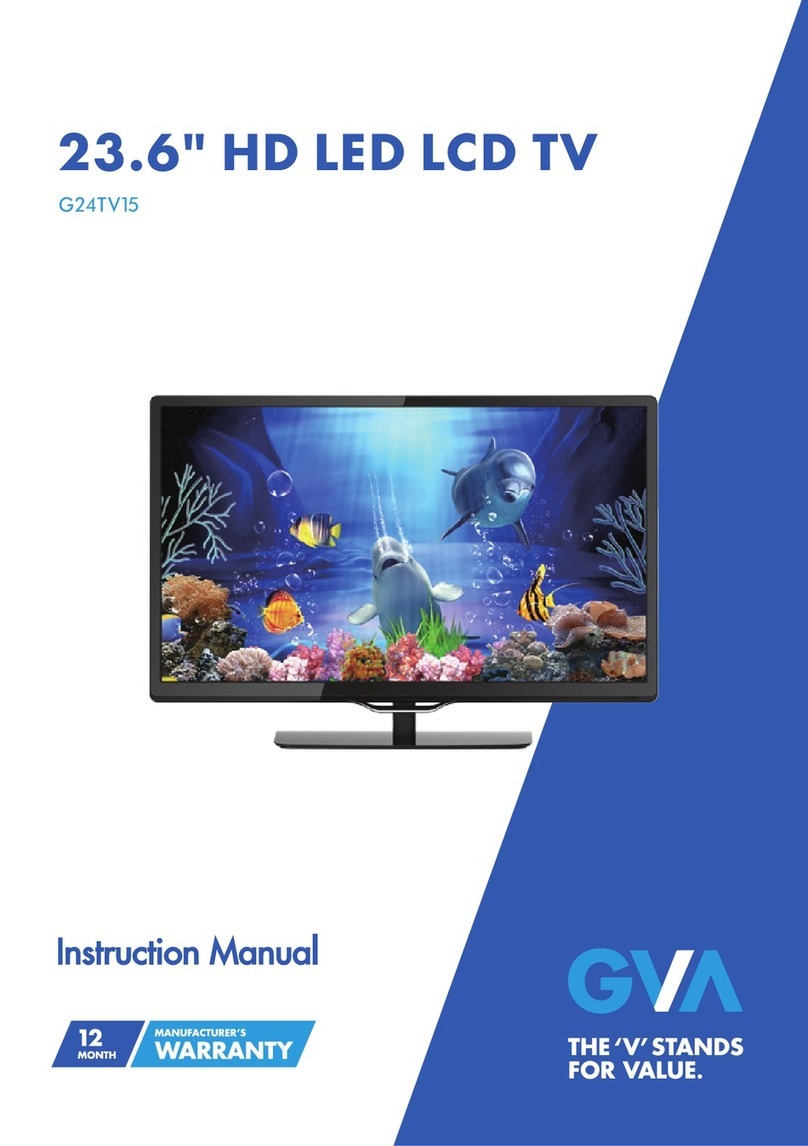
  9. GVA G24TDC15 User manual

GVA G24TDC15 User manual

Other GVA LCD TV manuals

GVA GVA32DLED User manual

GVA

GVA GVA32DLED User manual

GVA FLED32 User manual

GVA

GVA FLED32 User manual

GVA G32TDC15 User manual

GVA

GVA G32TDC15 User manual

GVA G24TV15 User manual

GVA

GVA G24TV15 User manual

GVA GVA32DLEDV User manual

GVA

GVA GVA32DLEDV User manual

GVA G18TVC15 User manual

GVA

GVA G18TVC15 User manual

GVA GVA15FLED User manual

GVA

GVA GVA15FLED User manual

GVA GVA22FLEDCA User manual

GVA

GVA GVA22FLEDCA User manual

GVA GVA22FLED User manual

GVA

GVA GVA22FLED User manual

GVA G24TDC12V15 User manual

GVA

GVA G24TDC12V15 User manual

GVA GVA22FLEDA User manual

GVA

GVA GVA22FLEDA User manual

GVA G42TV16 User manual

GVA

GVA G42TV16 User manual

GVA GVALEDC19J User manual

GVA

GVA GVALEDC19J User manual

GVA GVA22GLEDC User manual

GVA

GVA GVA22GLEDC User manual

GVA G32TV15 User manual

GVA

GVA G32TV15 User manual

GVA GVA18LEDC User manual

GVA

GVA GVA18LEDC User manual

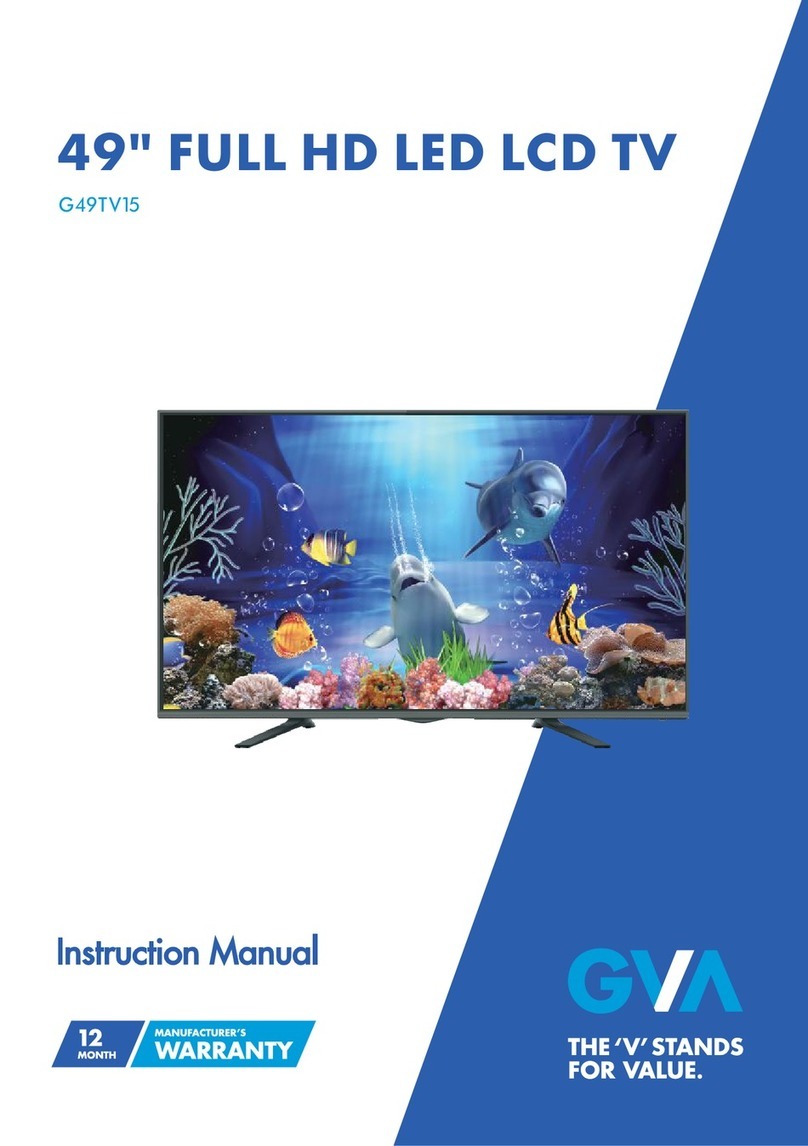
GVA G49TV15 User manual

GVA

GVA G49TV15 User manual

GVA GVAFLED32 User manual

GVA

GVA GVAFLED32 User manual

GVA GVALED15J User manual

GVA

GVA GVALED15J User manual

GVA GVA22FLEDCJ User manual

GVA

GVA GVA22FLEDCJ User manual

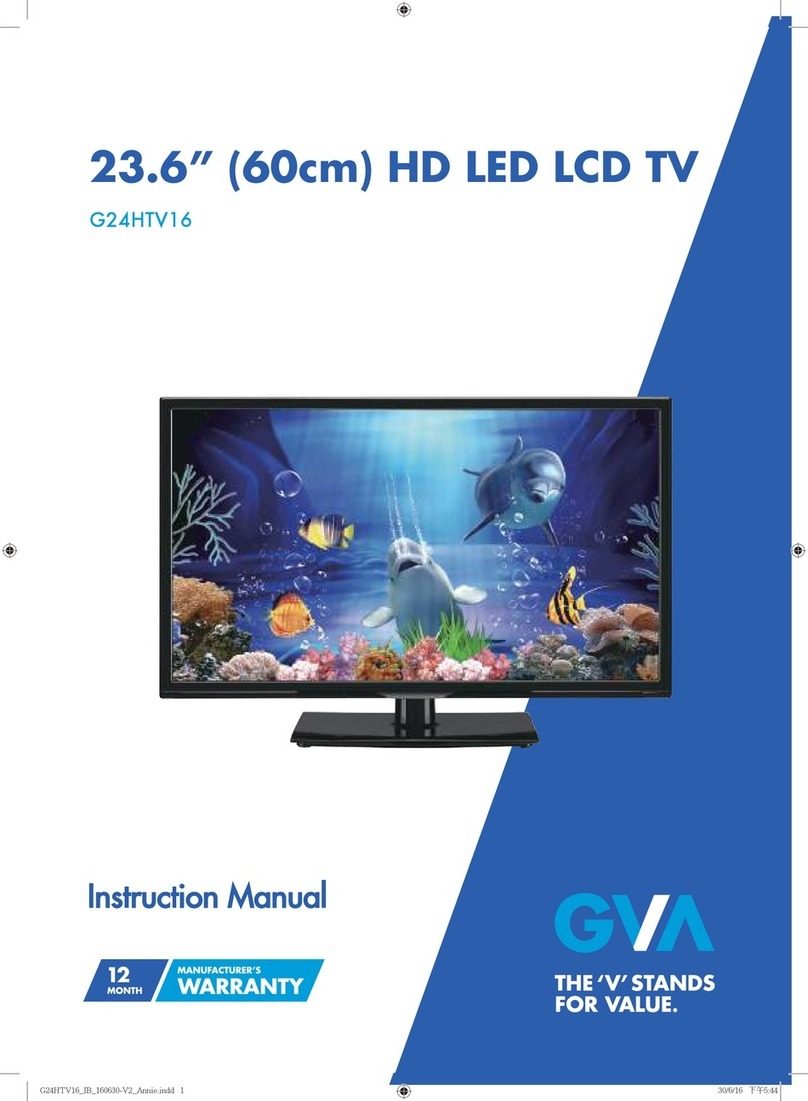
GVA G24HTV16 User manual

GVA

GVA G24HTV16 User manual

Popular LCD TV manuals by other brands

Samsung LA32E420 E-manual

Samsung

Samsung LA32E420 E-manual

ViewSonic VS12119-1M user guide

ViewSonic

ViewSonic VS12119-1M user guide

iLO CIWL3706 owner's manual

iLO

iLO CIWL3706 owner's manual

LG 32LT560C Quick reference guide

LG

LG 32LT560C Quick reference guide

Sony WEGA KLV-27HR3 operating instructions

Sony

Sony WEGA KLV-27HR3 operating instructions

Zenith Z32LC2D Specifications

Zenith

Zenith Z32LC2D Specifications

Sony KDL-32S3000R - 32" Class Bravia S-series Digital Lcd... Specifications

Sony

Sony KDL-32S3000R - 32" Class Bravia S-series Digital Lcd... Specifications

Medion MEDION LIFE X14330 quick start guide

Medion

Medion MEDION LIFE X14330 quick start guide

Vizio HDTV30A VW32L Service manual

Vizio

Vizio HDTV30A VW32L Service manual

Sharp LC-24DV250K Operation manual

Sharp

Sharp LC-24DV250K Operation manual

SOYO Dymond DYLT032A user manual

SOYO

SOYO Dymond DYLT032A user manual

Kalley K-LED40FHDST2 Service manual

Kalley

Kalley K-LED40FHDST2 Service manual

Dynex DX-L40-10A Guide de l'utilisateur

Dynex

Dynex DX-L40-10A Guide de l'utilisateur

Hisense M3300 user manual

Hisense

Hisense M3300 user manual

Toshiba 42XV600A owner's manual

Toshiba

Toshiba 42XV600A owner's manual

Panasonic TX-26LX1A operating instructions

Panasonic

Panasonic TX-26LX1A operating instructions

HP LT3200 Illustrated parts & service map

HP

HP LT3200 Illustrated parts & service map

Sharp LC-32GA8 Service manual

Sharp

Sharp LC-32GA8 Service manual

manuals.online logo
manuals.online logoBrands
  • About & Mission
  • Contact us
  • Privacy Policy
  • Terms and Conditions

Copyright 2025 Manuals.Online. All Rights Reserved.

23.6" HD LED LCD TV
G24TDC15
with Built-in DVD Player
1
2
5
6
8
9
11
14
29
Contents
Caring for the Environment
Guide to the Television
34
35
DVD Operation
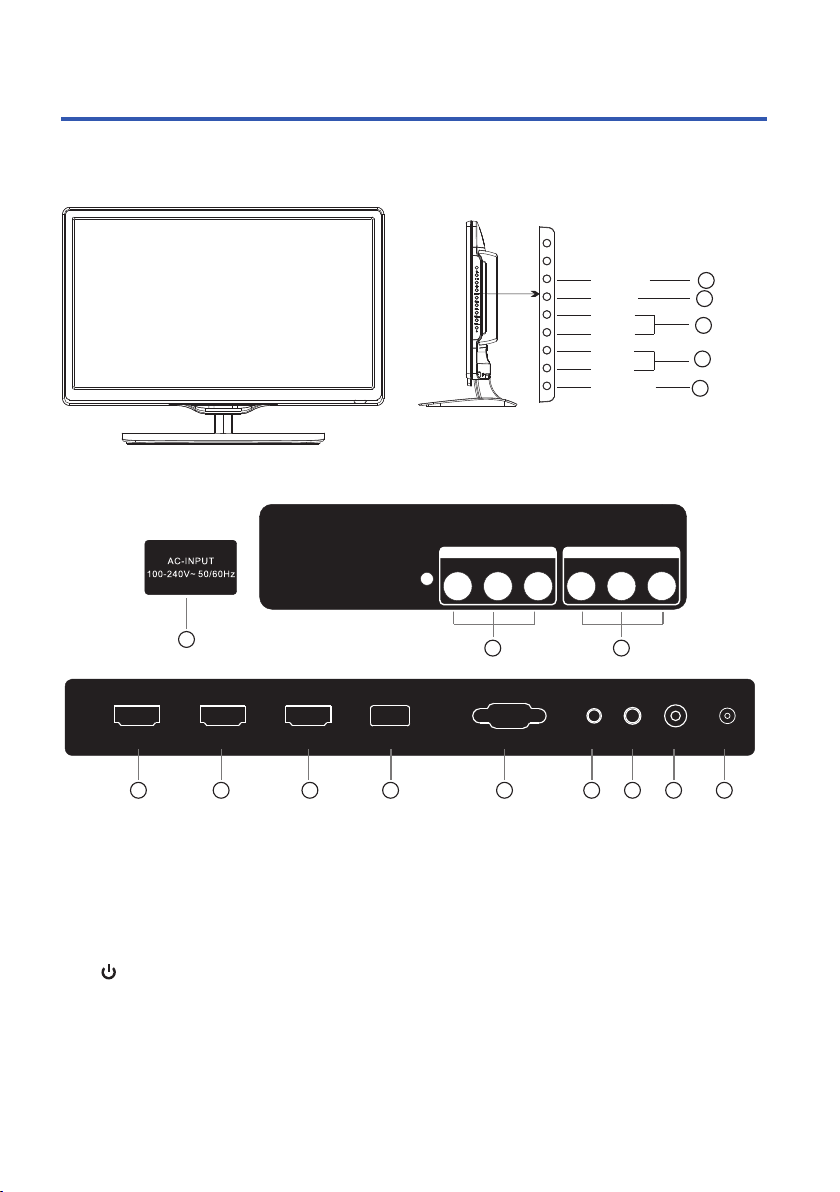
VGA
HEADPHONE
RF
PC AUDIO COAXIAL
HDMI1(ARC) USB
HDMI2 HDMI3
2
Guide to the Television
1. SOURCE Source select
2. MENU Into or exit from menu
Use CH+/- button select item
VOL+/- button adjust item
4. VOL+/- Adjust Volume
3. CH+/- Select channel
5. Turn on/off TV
6. AC power socket
7.
and relevant right / left sound
channel inputs.
AV input : External AV signal input
11. VGA Input
9. HDMI: HDMI connection port.
12. PC AUDIO INPUT
14. COAXIAL Output
67 8
9 10 11 12 13 14 159 9
8.
and relevant right / left sound
channel outputs.
AV output : External AV signal output
10. USB Input.
13. HEADPHONE Earphone OUTPUT
15.Antenna 75Ω
SOURCE
MENU
CH+
CH-
VO L+
VO L-
STANDBY
1
2
3
4
5
R
VIDEO L
AV INPUT
R
VIDEO L
AV OUTPUT
Remote control battery installation
The remote control requires two AAA batteries. Below are steps to
assist you with replacing the batteries.
1. Open the back cover of the battery compartment.
2. Install the batteries into the battery tray. There are +/- polarity
markings in the battery compartment. Please ensure the battery
polarity is correct.
3. Close the battery cover.
NOTE:
This Remote Control is used across
a range of TV models with differing
capabilities.Some functions listed
above may not be applicable to
your TV model.
3
Guide to the Television
1:POWER :To set the TV to Standby or Power On modes.
4: : In DVD mode, or in USB mode, used as fast reverse key; press
repeatedly to speed up operation.
5: : In DVD mode, or in USB mode, used as fast forward key; press
repeatedly to speed up operation.
8.TEXT: To enter or exit TELETEXT.
9. To turn on subtitles in DTV mode.
10: : Displays the main on-screen menu.
11:CURSOR: To move within the menu.
12:OK: Confirms selection.
13:EPG: To display information about the program being viewed
and what's on next in DTV mode.
14:FAV: To access your Favourite Channels list in TV or DTV mode.
15:VOL+/- : To adjust sound level.
16:NUMERIC KEYS: For direct access to channels.
17:AUDIO: To select the available audio language of TV programs .
18:MUTE: To disable or enable the speaker sound output.
21: : In DVD mode or in USB mode, used as previous key, in
teletext mode used as hold key.
22: : In DVD mode or in USB mode, used as next key, in Teletext
mode used as list key. In TV/DTV mode, used as channel list key when
without TTX function.
23: : In Teletext mode used as index. In DTV mode, displays the
Recorded List.
25:MENU/INFO: During DVD playback, press MENU to display the
disc menu of the current title. During VCD/SVCD playback, press
MENU to control PBC ON/OFF. In DTV mode used as Info. In USB
full screen playback mode, provides control tab at bottom of screen.
27: : Press to display and select the available video input sources.
28:EXIT: To return to the previous menu or exit menu.
29:CH+/CH-: To access the next or previous channels.
30:REC/REP: Press to record the TV program you are watching in
DTV mode, or in USB mode, selects Repeat mode.
31:RECALL/GOTO: DTV Mode:RECALL:Jumps to last channel viewed.
DVD mode (if available):GOTO:Allows direct chapter/Title/Track/time
1
VOL CH
2
4
5
7
6
8
9
10
11
12
13
15
14
16
17
3
18
19
20
21
22
23
24
25
26
27
28
29
30
31
MENU
/
ANGL E
REP
A-B
DVD Operation
Refer to pages for detailed
instructions covering operation of
the DVD player.
29-34
TELETEXT and SUBTITLES
TEXT
DIRECT ACCESS
TO THE ITEMS
Enter the number of the page required using the 0 to 9 up/down.
Example: page 120, enter 120. The number is displayed top left, the
counter turns and then the page is displayed. Repeat this operation to
view another page. If the counter continues to search, this means that the
page is not transmitted. Select another number.
Coloured buttons correspond to the colours at the bottom of the screen.
The 4 coloured keys are used to access the items or corresponding
pages. The coloured areas flash when the item or the page is not yet
available.
SELECTING A PAGE
This is used to call or exit teletext modes during ATV reception.
The summary appears with a list of items that can be accessed.
Each item has a corresponding 3 digit page number. If the
channel selected does not broadcast teletext, the indication 100
will be displayed and the screen will remain blank (in this case,
press the CH+ or CH- buttons to check another text page,or else
exit teletext and select another channel).
Teletext is an information system broadcast in certain countries which can be consulted
like a newspaper. It may also offer access to subtitles for viewers with hearing problems
or who are not familiar with the transmission language (Refer to your local TV guides or
internet program lists to determine if Teletext is used in your area.)
SUBTITLE Press this button to select the available sub-title languages during DTV
reception (if any), and to select Subtitle On or Off.
Once you have connected your TV antenna and other AV playback equipment
(eg. CD, DVD, Blu-ray player) to the appropriate input sockets on the rear and
side of the TV, you will need to be comfortable with selecting several basic
operations before setting up your TV using the Menu system.
Firstly, the TV has two power modes – Standby and On. In Standby mode, the TV
is powered up, but awaits a "power On" command from either the Remote
Control or from the Standby push-button located on the lower right-hand side of
the TV.
To switch the TV from off into Standby mode, activate the main On/Off rocker
switch located at the bottom mid-right side of the TV, and wait for the Red power
indicator on the bottom right of the TV to light up. Then, press the red power
button on the Remote Control to fully activate the TV (ie. move from Standby to
On mode). The power LED on the front of the TV will change from Red to a blank
colour when the TV is fully powered up, and after approx 10 seconds the screen
will become active and can be commanded using the Remote Control.
Getting started
Press : You will obtain :
4
Guide to the Television
5
television
television
packing materials
Caring for the Environment
Responsible disposal of the packaging
Responsible disposal of appliance
Safety Information and Warnings
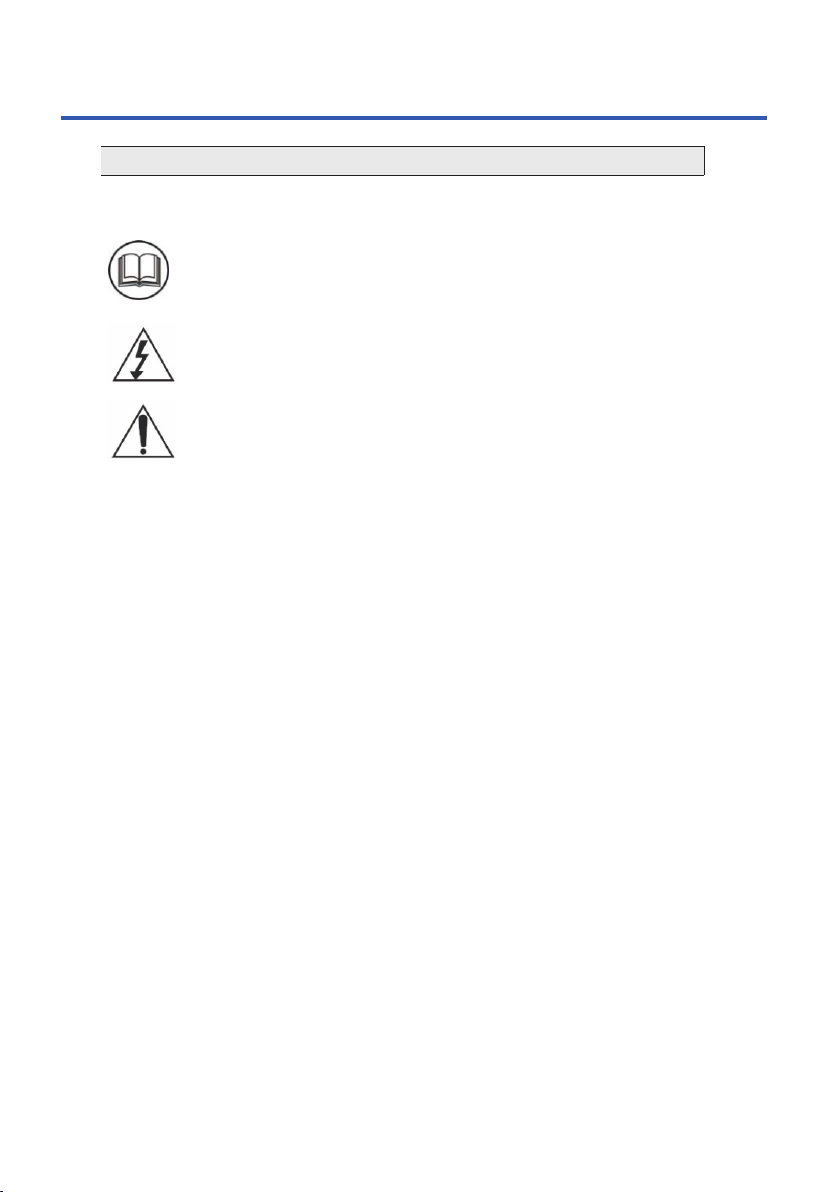
SYMBOLS
The graphic symbols used in this manual or on the back cover of the set
mean the following:
Read this manual in full before use
The lightning flash symbol is intended to alert the user to the
enclosures that contain hazardous voltages
The exclamation symbol is intended to alert the user to the
presence of important operating and maintenance (servicing)
instructions in the literature accompanying the appliance.
Important safety instructions
When using any electrical apparatus always observe safety
regulations and use basic safety precautions to reduce the
risk of fire, electric shock and personal injury, including the
following.
1. Read, keep and follow these instructions, heeding all Warnings.
2. Keep out of reach of young children. This apparatus is not suitable for use by
young children or infirm persons without supervision. Young children must be
supervised to ensure that they do not play with the apparatus.
3. Do not insert any objects into any openings of an electrical
apparatus
4. Do not touch any moving parts of any electrical apparatus.
5. Do not use this apparatus near water. No dripping or splashing
any water on this apparatus.To avoid the risk of fire or electric shock, do not
expose this apparatus to rain or moisture.
6. No objects filled with liquid, such as vases, shall be placed on any
electrical apparatus.
WARNING.
WARNING.
WARNING.
WARNING.
6
Safety Information and Warnings
7
If a television is not positioned in a sufficiently stable location, it can be
potentially hazardous due to falling. Many injuries, particularly to children,
can be avoided by taking simple precautions such as:
Using cabinets or stands recommended by the manufacturer of the television.
Only using furniture that can safely support the television.
Ensuring the television is not overhanging the edge of the supporting furniture.
Not placing the television on tall furniture (for example, cupboards or book cases)
without anchoring both the furniture and the television to a suitable support.
Not standing the television on a cloth or other materials placed between the
television and supporting furniture.
Educating children about the dangers of climbing on furniture to reach the
television or its controls.
7. immerse in any liquid whilst in use or in cleaning. Clean only with a dampDO NOT
cloth, dry with a dry towel. Do not use harsh abrasives as these may damage
plastic parts.
8. block any ventilation openings. Keep away from curtains, newspapers andDO NOT
restricted areas. Install in accordance with any specific manufacturer's instructions.
Always allow a sufficient gap around the apparatus to avoid overheating.
9. install near any heat sources such as radiators, gas heaters, stoves or DO NOT
other apparatus (including amplifiers) that produce heat. Do not leave in direct
sunlight. Do not expose batteries to excessive heat.
10. Do not place any naked flame source, such as lighted candles on any WARNING.
electrical apparatus.
11. Connect to a suitable 230-240V~ 50Hz power supply only. WARNING!
12.Always unplug from the power source when any electrical apparatus is not in use.
13. abuse or damage a power cord. If any power cord is damaged, it must be DO NOT
replaced by the manufacturer, its service agent or a similarly qualified person in
order to avoid a hazard. A replaceable cord must be replaced with an authorised
replacement from an authorised service agent only.
14.Only use attachments/accessories specified by the manufacturer.
15.Unplug this apparatus during lightening storms or when unused for long periods
of time.
16.Attention is drawn to the environmental aspects of disposing of any battery.
17.Refer all servicing to qualified personnel. Servicing is required when the
apparatus has been damaged in any way, such as when the power supply cord or
plug is damaged, liquid has been spilled or objects have fallen into the apparatus,
the apparatus has been exposed to rain or moisture, does not operate normally,
or has been dropped.
18. attempt to service any double insulated apparatus. Double insulated DO NOT
apparatus requires specialist servicing and knowledge to retain the safety of
the apparatus.
19. WARNING. This TV is for indoor use only.
20.For household use only, this apparatus is not intended for commercial use.
21.If this apparatus is to be used by a third party, please supply these instructions
with it.
22.No liability will be accepted for any personal injury or damage caused by failure
to follow these instructions.
This TV is a double insulated product.

Television
Neck and base
Screws
Remote control
Two AAA Batteries
Instruction Manual
8
Quick-start guide
Items in the Box
VOL CH
MENU
/
ANGL E
A-B
REP
9
To install the base please carefully follow the following assembly instruction.
The base comes with the purchased of your TV set. Install with care.


Step 1
If not already fitted at the factory, locate the bottom neck bracket into the gap in the
bottom of the TV, and check that it is securely held in place by the 1 long screw.
Step 2
Gently slide the now fitted neck bracket at the bottom of the TV into the slot in the
base stand. Secure the base stand using the 3pcs supplied screws, and check that
each screw is firmly tightened.
Basic Set Up