manuals.online logo
Brands
  1. Home
  2. •
  3. Brands
  4. •
  5. Gyroor
  6. •
  7. Scooter
  8. •
  9. Gyroor H40 User manual

Gyroor H40 User manual

Other Gyroor Scooter manuals

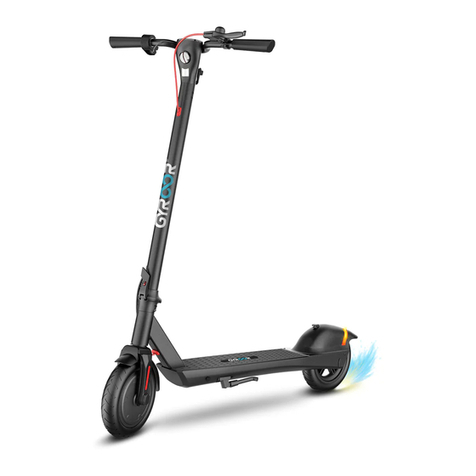
Gyroor C5Max User manual

Gyroor

Gyroor C5Max User manual

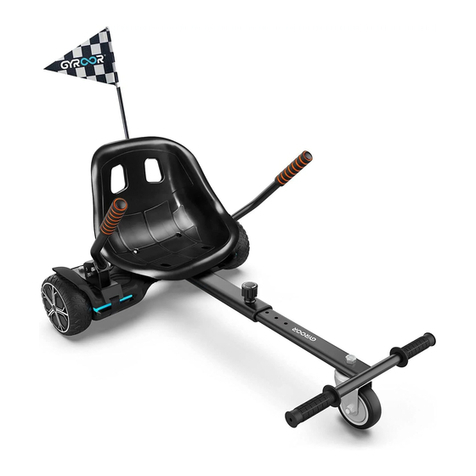
Gyroor HR9 User manual

Gyroor

Gyroor HR9 User manual

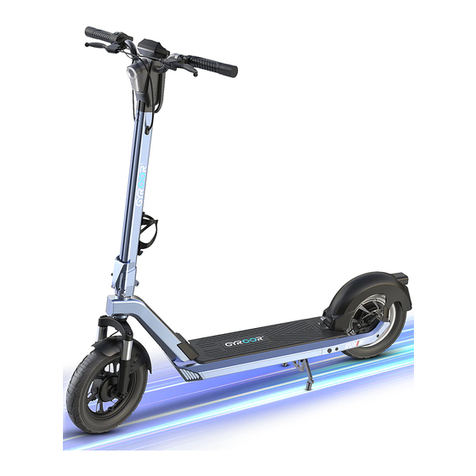
Gyroor K1 User manual

Gyroor

Gyroor K1 User manual

Gyroor X8 User manual

Gyroor

Gyroor X8 User manual

Gyroor X3 User manual

Gyroor

Gyroor X3 User manual

Popular Scooter manuals by other brands

Segway Robotics Loomo Product information guide

Segway Robotics

Segway Robotics Loomo Product information guide

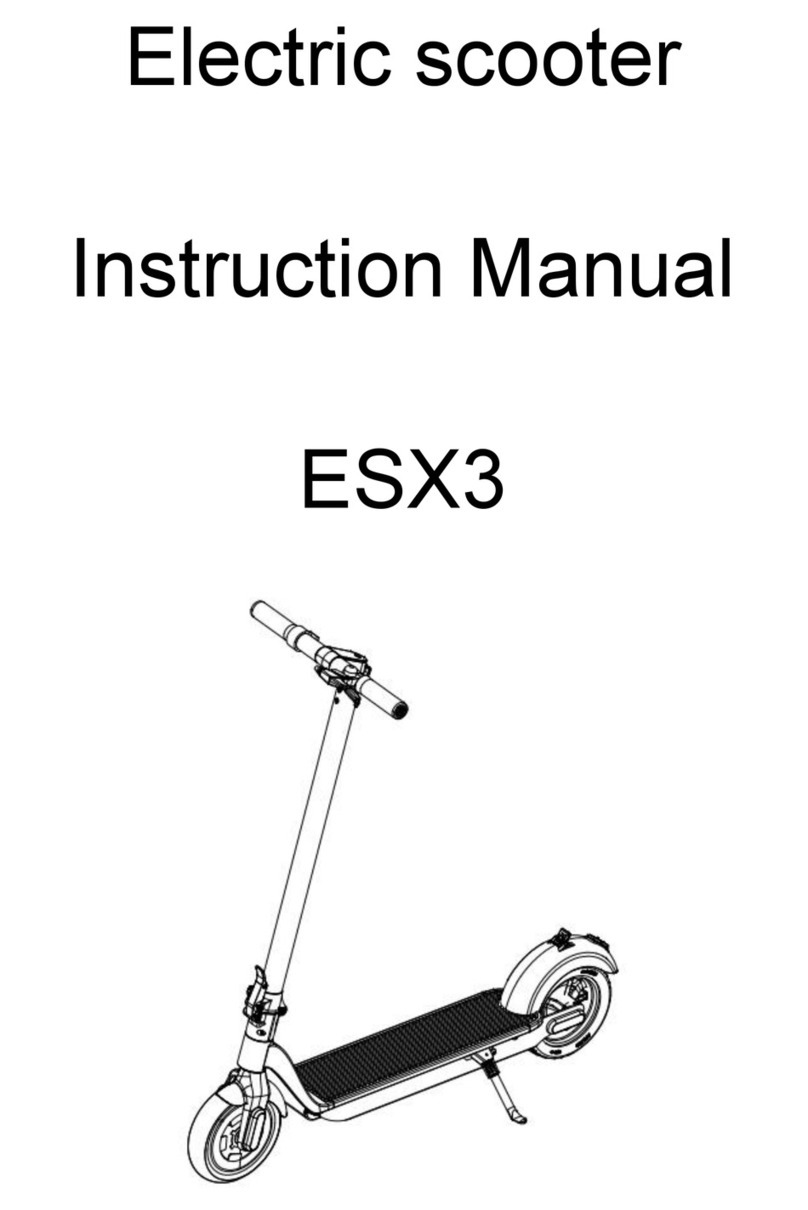
HL Corp ESX3 instruction manual

HL Corp

HL Corp ESX3 instruction manual

F-Wheel DYU S1 instructions

F-Wheel

F-Wheel DYU S1 instructions

Handicare Fortress 2000 SERIES owner's manual

Handicare

Handicare Fortress 2000 SERIES owner's manual

HYOSUNG SF 50 B manual

HYOSUNG

HYOSUNG SF 50 B manual

HOMCOM 371-004 Assembly instruction

HOMCOM

HOMCOM 371-004 Assembly instruction

Kinroad XT125T-10 instruction manual

Kinroad

Kinroad XT125T-10 instruction manual

PLAYTIVE AS-2448 Instructions for use

PLAYTIVE

PLAYTIVE AS-2448 Instructions for use

Ebinger DONKEY XL User instructions

Ebinger

Ebinger DONKEY XL User instructions

Flyer Mountain Original instruction manual

Flyer

Flyer Mountain Original instruction manual

BackCountry eBikes Storm owner's manual

BackCountry eBikes

BackCountry eBikes Storm owner's manual

Pride Boxter owner's manual

Pride

Pride Boxter owner's manual

equipmed FreeRoam II user manual

equipmed

equipmed FreeRoam II user manual

WESTHILL BIKES LINK user manual

WESTHILL BIKES

WESTHILL BIKES LINK user manual

BAnff eProdigy series Assembly manual

BAnff

BAnff eProdigy series Assembly manual

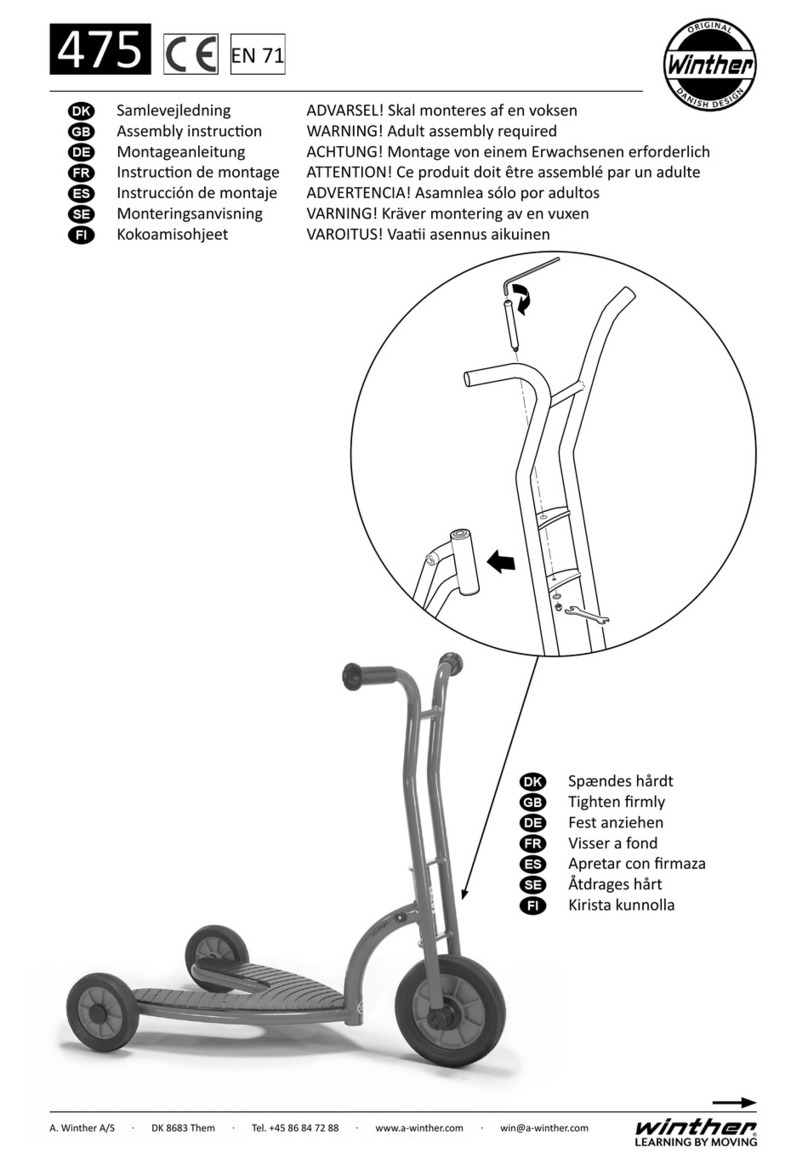
Winther 475 Assembly instruction

Winther

Winther 475 Assembly instruction

Jetson JBZL17 user manual

Jetson

Jetson JBZL17 user manual

Carrera impel manual

Carrera

Carrera impel manual

manuals.online logo
manuals.online logoBrands
  • About & Mission
  • Contact us
  • Privacy Policy
  • Terms and Conditions

Copyright 2025 Manuals.Online. All Rights Reserved.

3.High and low gear adjustment steps
3. Gear change mode
In the starng state,press the finger accelerator once,the front and back lights will turn on;
And press again, the front and back lights will turn off.
Please step on the rear brake plate with one foot and press the finger brake at the same time
until the speed drops and the stop is completed.
1. Turn on/off the scooter
2. Turn on/off the lights 4. Stop scooter
In the static state, press the finger accelerator and finger brake at the same time for 2 seconds,
the scooter will turn on; And press the finger accelerator and finger brake at the same
time for 2 seconds, the scooter will turn off.
In the starting state, press the finger accelerator twice continuously, the display shows d1/d2;
d1 means first gear, d2 means second gear, press three times in a row to switch the
KM/H or MPH display.

4. 5.
6. 7.
8.
9.
10.