9
EcoloAir Operation, Maintenance & Service Manual
OM-020/052017/rev5/EN
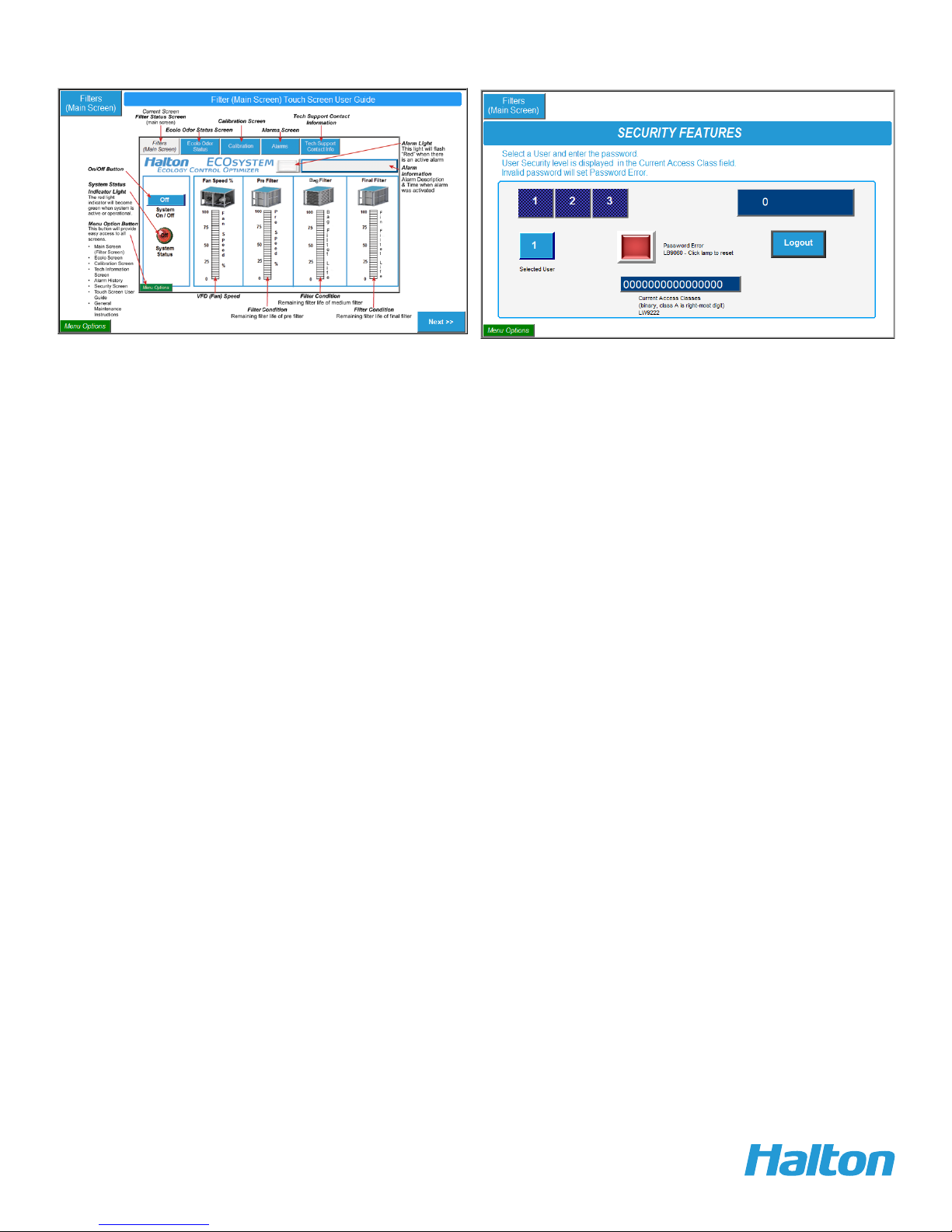
The screen displays the value of the VFD speed of the exhaust fan, particular filters life remaining
(status) and alarms warning symbol. An off/on button to start/stop the operation of the system is also
displayed.
The first bar graph relates to the VFD speed.
The second bar graph relates to the DP (static pressure in inches of water column) for the pre filter.
The third bar graph relates to the DP for the bag filter.
The fourth bar graph corresponds to the DP for the final filter.
(The filter bar graph display shows percentage of life remaining in each filter. See the
Start Up Operating Instructions section for the specific static pressure range for each filter.)
Regular operation – Screen shows the current value of VFD speed.
All filters are at 100 % life remaining when new filters are installed, filters are all 100% clean, VFD
calibrated speed at certain percentage % (this relates to certain static pressure [“ WC] at main DP)
when filters are clean and last there are no alarms in the system.
To Determine Filter Life Remaining:
• Turn OFF Ecology Unit, wait 5 minutes. Turn ON Ecology Unit, wait 10 minutes, then
check the Filter Life.
• Ecology Unit checks Filter Life every time the unit is started. The system waits 10
minutes after start up for the exhaust fan speed to stabilize for an accurate reading,
then it checks and displays remaining Filter Life.
Touch screen operation
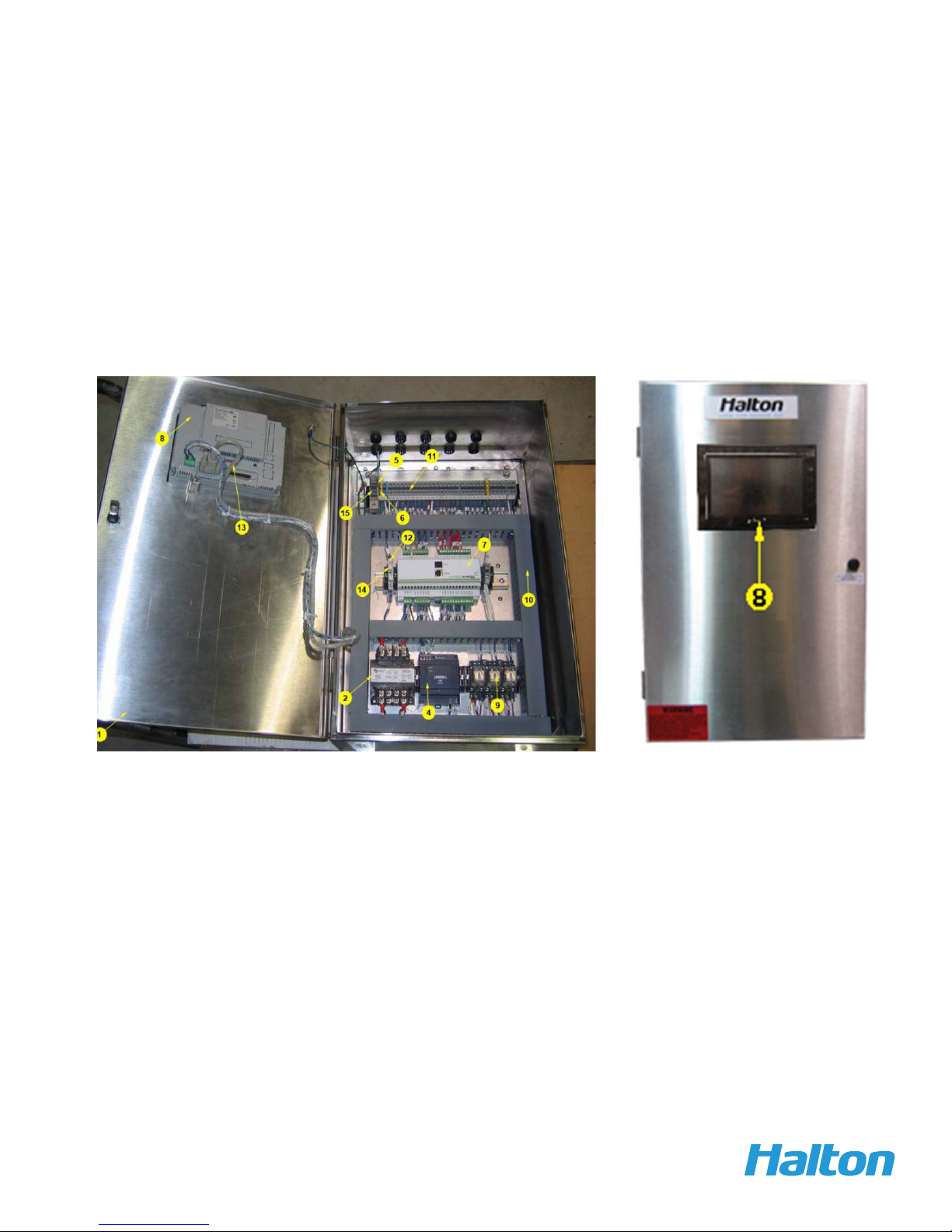
The size of the touch screen by default is 7‘‘.
Screens explanation:
1. Main screen - Filter screen