8
Care and Cleaning
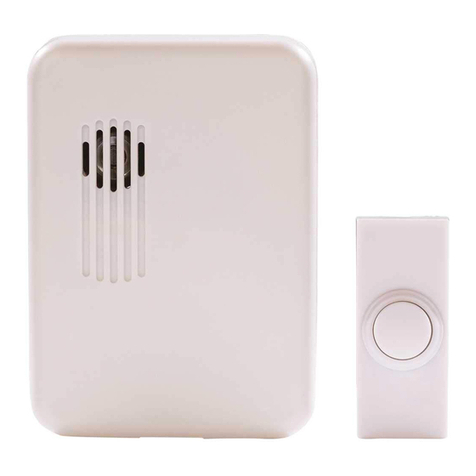
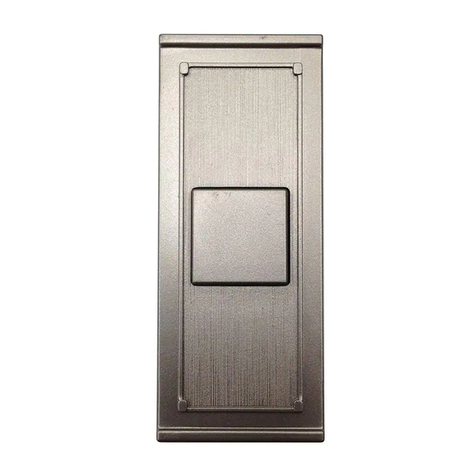
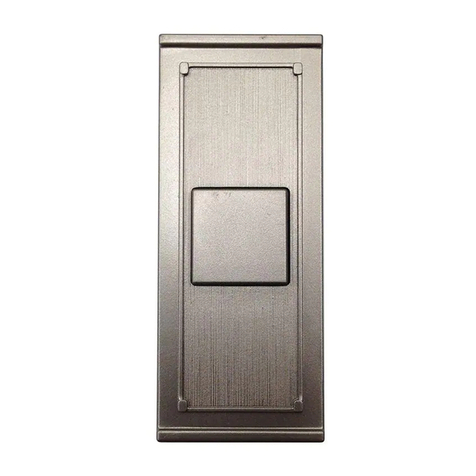
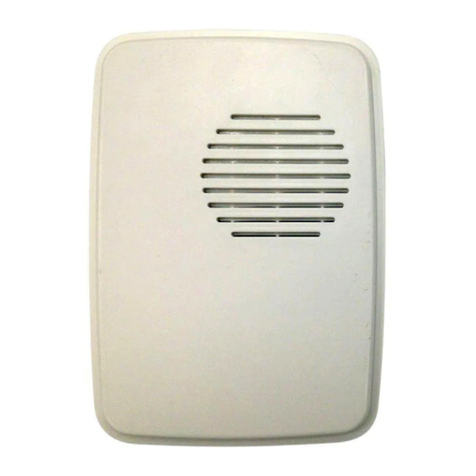
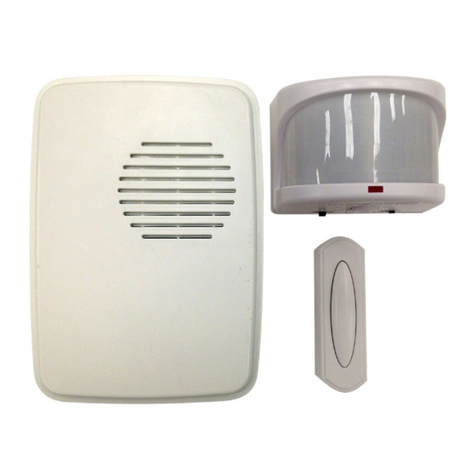
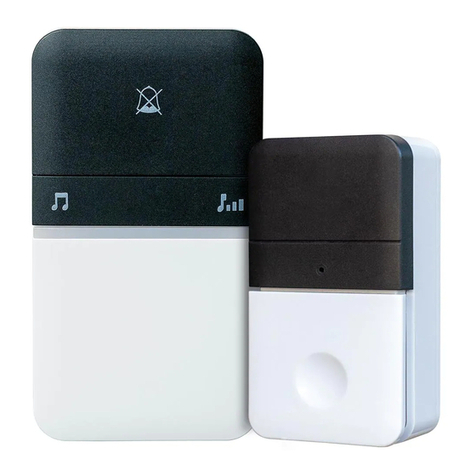
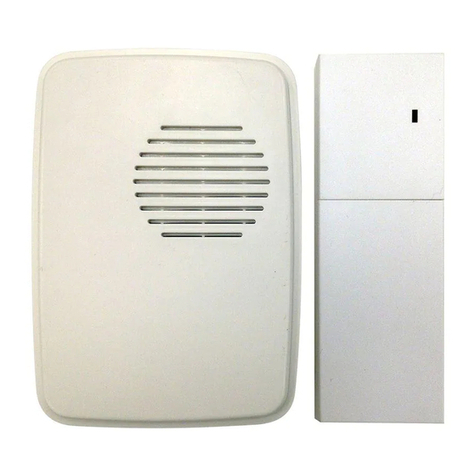
□Use a dry cloth to clean the doorbell and push button.
□Do not use cleaners or polishes.
□Do not use any uids on the doorbell or push button.
Troubleshooting
Problem Possible Cause Solution
Doorbell does not
sound.
□Push button battery is not
installed correctly.
□Make sure batteries are installed according to the
diagram inside the push button.
□Push button battery is
dead.
□Check the charge of the push button battery and
replace if necessary.
□Doorbell is not receiving
power.
□Make sure the plug-in doorbell has power.
□Push button and doorbell
are not synced.
□Sync the push button and doorbell:
□Press and hold the “Sync/Music” button on the
doorbell until the doorbell sounds a “Beep-Beep”.
□Press the push button within 30 seconds. The
doorbell will sound a “Beep-Beep” tone to indicate
the push button is synced.
□Press the push button to ensure operation.
□The chime is muted. □Press and release the mute button until the green light
is turned off.
□Dip switch #1 in the push
button has been moved to
the “ON” position.
□Ensure dip switch #1 is in the “OFF” position in the
push button and follow the steps above to re-sync the
push button and doorbell.
Push button
battery seems
okay, but the
doorbell does
not work after
installation.
□Doorbell or push button is
mounted on metal or near
metal studs.
□Metal reduces transmission range. Use 1/4 in. to 1/2 in.
(6 to 13 mm) wood shims to move the doorbell or push
button away from the metal surface.
□Doorbell is mounted near
a concrete oor or wall.
□Concrete may reduce range. Move the doorbell away
from the concrete surface.
□Doorbell and push button
are installed too far apart.
□Locate the doorbell closer to the push button.
Doorbell sounds
when not intended
(false triggers).
□Doorbell is receiving
interference from another
wireless device.
□Reset the doorbell and push button:
□Remove the push button battery. Wait 30 seconds.
□Press and hold the push button for 10 to 15 sec-
onds within 60 seconds after installing the battery
into the push button.
□Press and hold the “Sync/Music” button on the
doorbell until the doorbell sounds a “Beep-Beep-
Beep-Beep”.
□To re-sync the push button and doorbell, press and
hold the “Sync/Music” button on the doorbell until
the doorbell sounds a “Beep-Beep”.
□Press the push button within 30 seconds. The
doorbell will sound a “Beep-Beep” tone to indicate
the push button is synced.
□Press the push button to ensure operation.