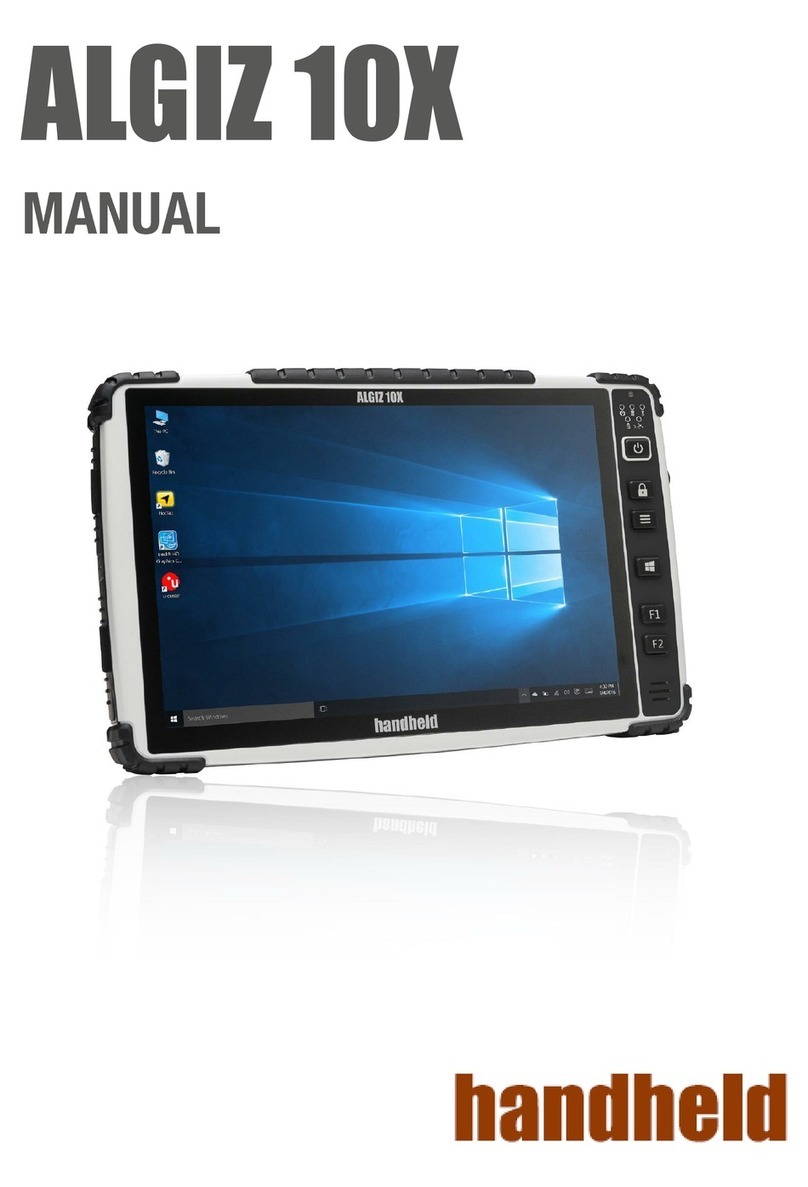
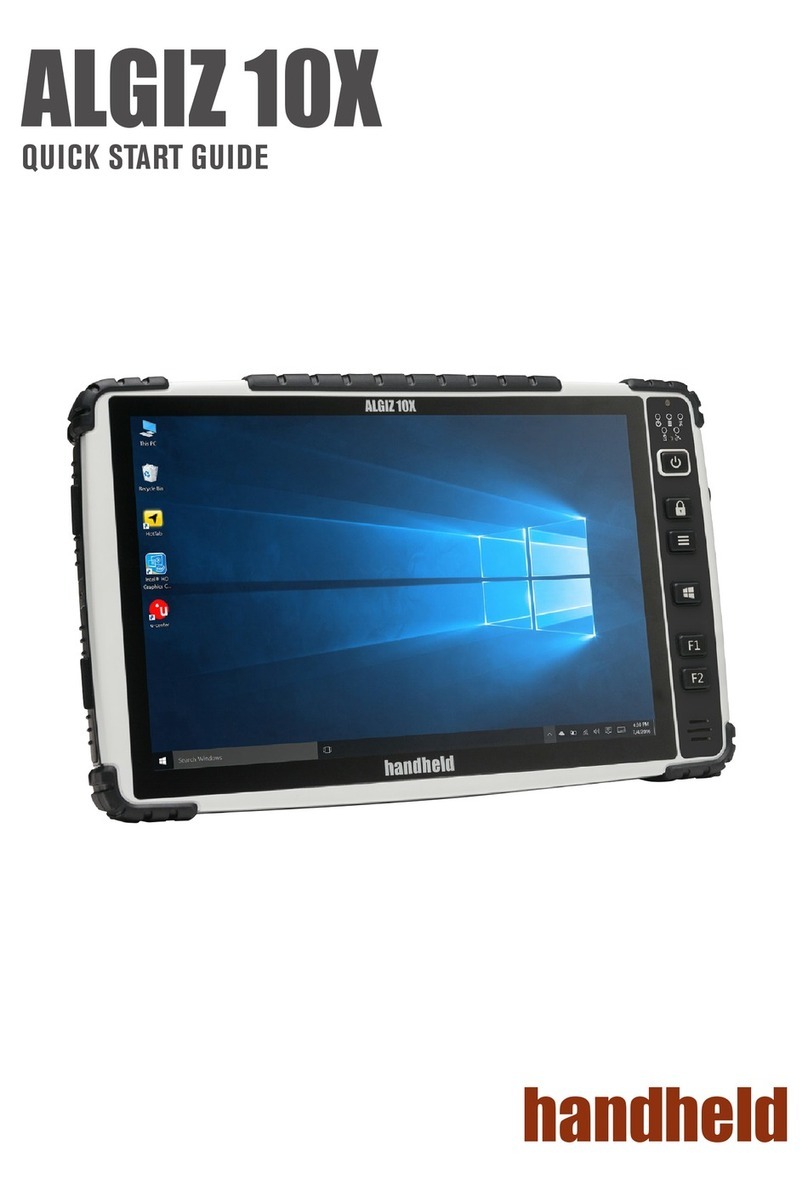
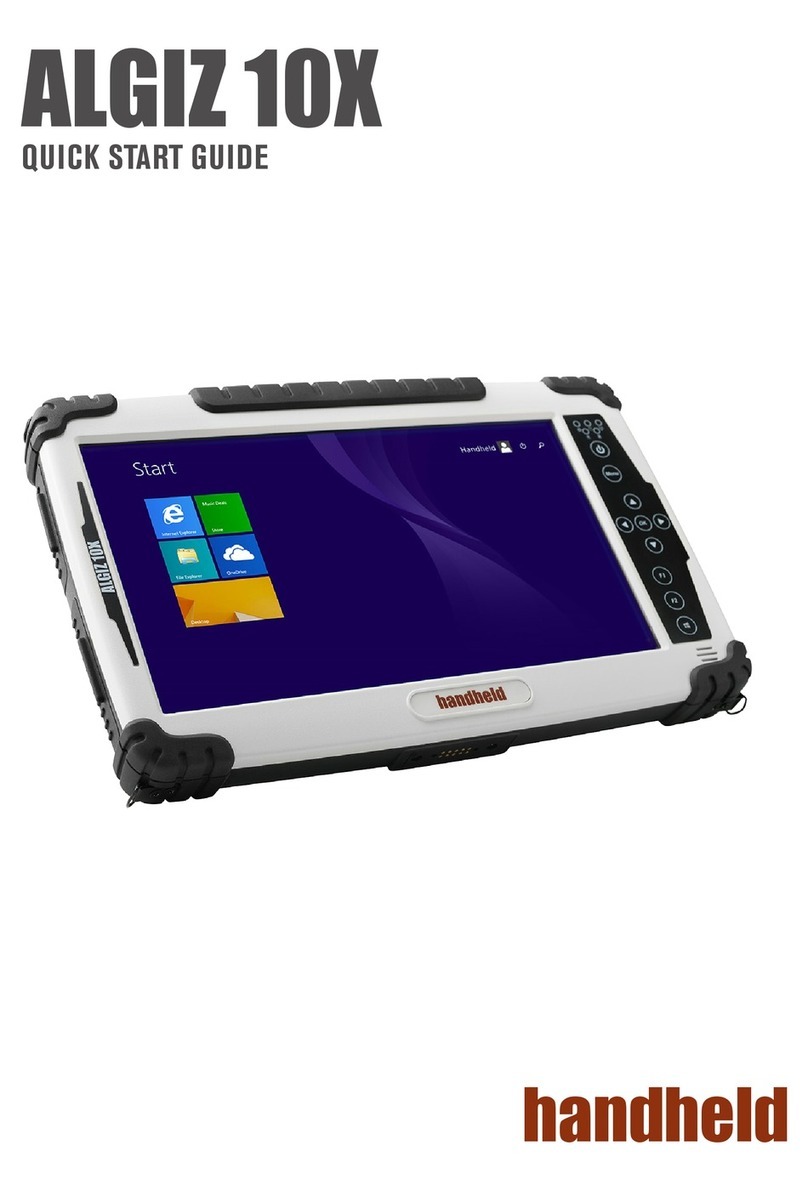
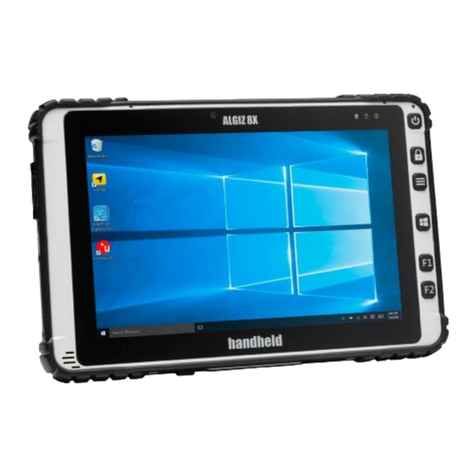
Algiz10XManual
Index
Part 1: ................................................................................................................................................ 5
Identifying Algiz 10X .......................................................................................................................... 5
Getting Started ..................................................................................................................................5
What’s in the Box .............................................................................................................................6
Specification ..................................................................................................................................... 7
COM Port Assignment ......................................................................................................................8
Boot Options..................................................................................................................................... 8
Factory Reset .................................................................................................................................... 8
Front Side .........................................................................................................................................9
Left and Right Side.......................................................................................................................... 10
Rear Side.........................................................................................................................................11
Function Keys..................................................................................................................................11
LED Indicators................................................................................................................................. 12
Part 2: .............................................................................................................................................. 13
Using Algiz 10X................................................................................................................................. 13
AC Power ........................................................................................................................................14
Battery Power.................................................................................................................................14
Insertion of the Battery Pack.......................................................................................................... 15
Removal of the Battery Pack ..........................................................................................................15
Charging the Battery.......................................................................................................................15
Battery Care.................................................................................................................................... 16
Battery Power System ....................................................................................................................16
Charging the Battery....................................................................................................................... 16
UL Safety.........................................................................................................................................16
Power Supply.................................................................................................................................. 16
Starting Algiz 10X ............................................................................................................................18
Screen Calibration ..........................................................................................................................18
Installing WWAN Module ............................................................................................................... 19
Installing SIM Card, SD Card ...........................................................................................................20
Part 3: .............................................................................................................................................. 21
Software .......................................................................................................................................... 21
Hot-Tab........................................................................................................................................... 22
Adjusting the LCD Brightness..........................................................................................................22
Adjusting the Speaker Volume .......................................................................................................23
Battery Status .................................................................................................................................23