2
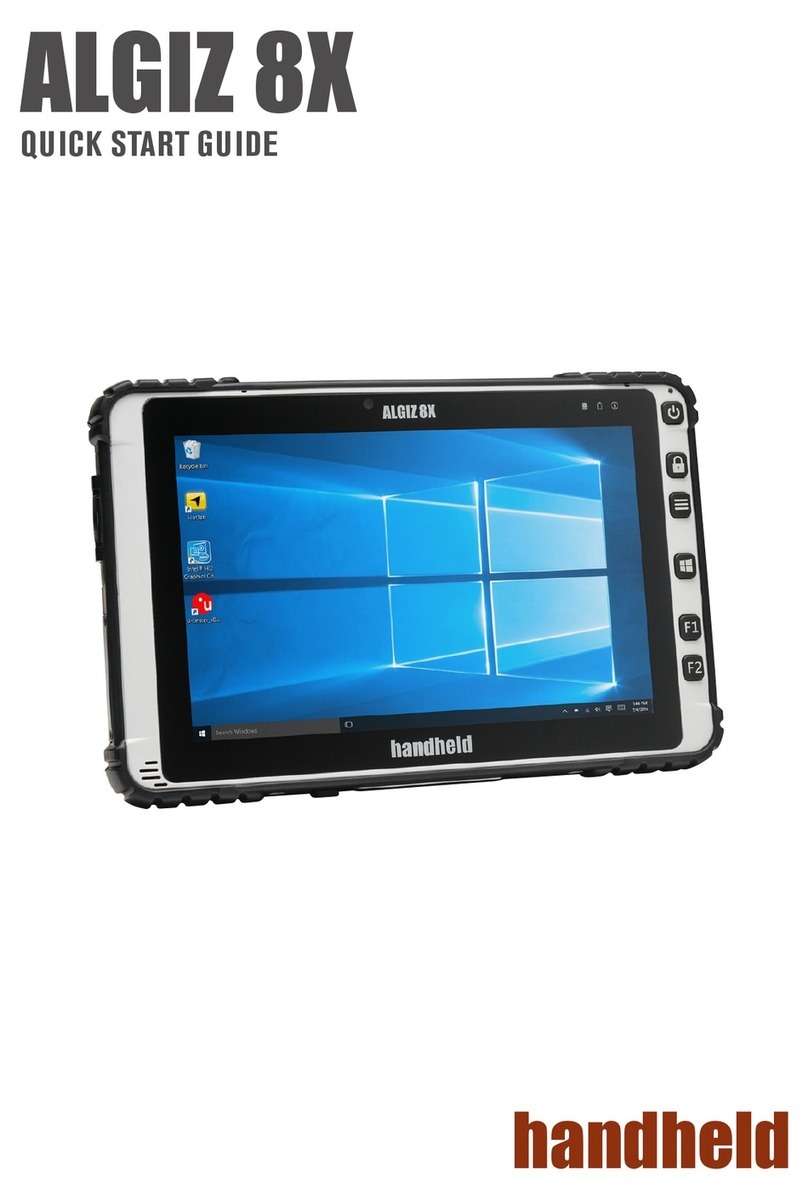
ALGIZ 8 Manual - Content
Content
General ............................................................................................................. 3
Algiz 8.................................................................................................................... 3
Features..................................................................................................................4
Accessories..............................................................................................................4
Function buttons ................................................................................................... 5
Status indication LEDs .......................................................................................... 6
Audio ..................................................................................................................... 6
Using the Algiz 8 .............................................................................................. 7
Turning on the Algiz 8........................................................................................... 7
Shutting down the Algiz 8 ..................................................................................... 7
Reset ...................................................................................................................... 7
Power Settings........................................................................................................ 7
Screen brightness.................................................................................................... 8
Touch screen .......................................................................................................... 8
Handstrap .............................................................................................................. 8
Battery handling..................................................................................................... 9
Low-battery warning........................................................................................... 9
Remove a battery pack........................................................................................ 9
Insert a battery pack ........................................................................................... 9
Charge a battery pcak ......................................................................................... 9
Conserve battery power ...................................................................................... 9
Bridge battery ................................................................................................... 10
Replacement of hard disc.................................................................................. 10
Replacement of SIM card ................................................................................. 10
External device connections ................................................................................. 11
Docking connector ........................................................................................... 11
Power connector ............................................................................................... 11
Ethernet............................................................................................................ 11
USB 2.0............................................................................................................ 11
Suspend modes .................................................................................................... 11
Standby mode................................................................................................... 12
Turn off monitor............................................................................................... 12
Suspend to Disk mode...................................................................................... 12
Resume from suspend mode ............................................................................. 12
Maintenance ................................................................................................... 13
Cleaning............................................................................................................... 13
Storing the Algiz 8 ............................................................................................... 13
Technical specification.................................................................................... 14
Base system ..................................................................................................... 14-15