SKU 91006 Page 5
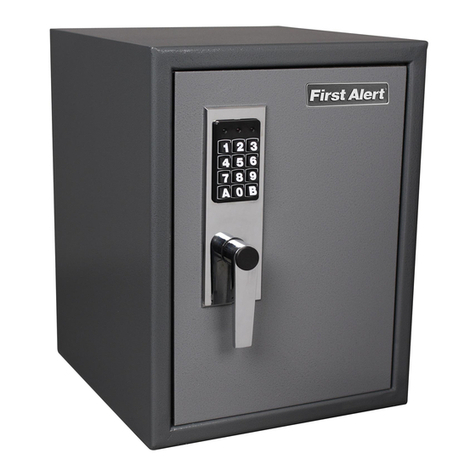
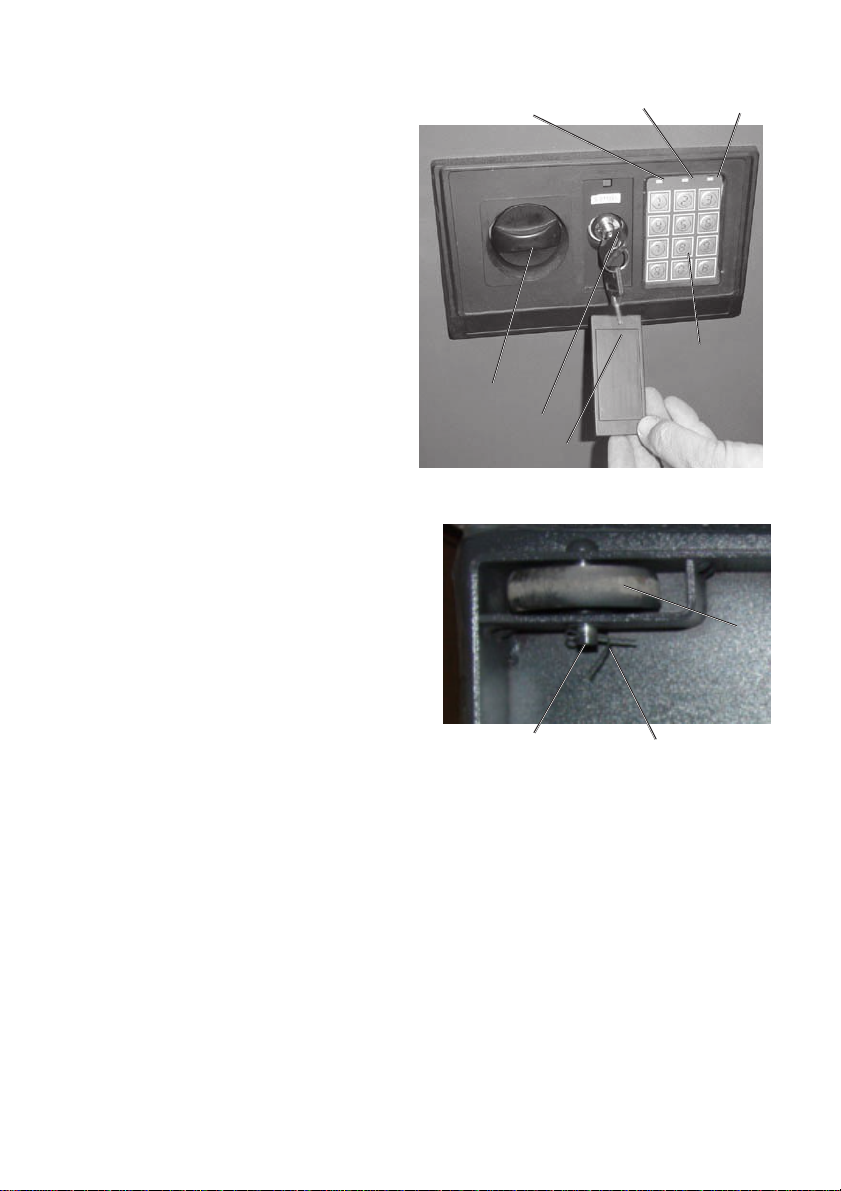
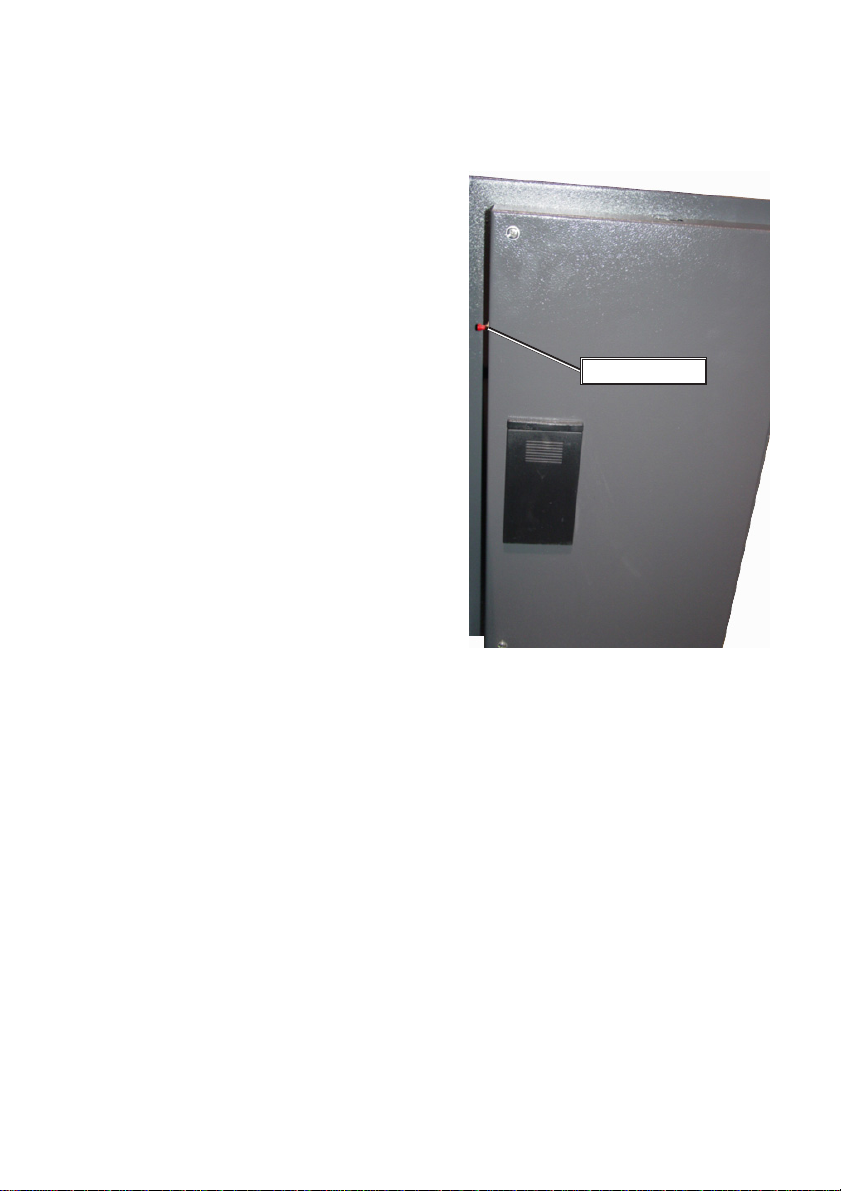
4. To change the code: Your safe comes
preset with the default code of “159-A”.
To change the code, first open the safe.
Onthe inside of the doornearthehinge,
thereisasmallred“reset”button.Press
this button until the Yellow LED on the
frontpanellightsup.Now,inputyournew
code up to 8 characters, followed by
either“A”or“B”.TheYellowLEDwillflash
toindicatethatyournewcode has been
accepted. Warning: If the Yellow LED
does not flash, the code has not been
accepted, and you must start over.
NOTE: Be sure to test your new
combination before closing the door.
NOTE:Be sureto havetheOverride Key
available when setting a new
combination or changing batteries, in
case the door doesn’t open.
5. For more secure installation, you may bolt the safe to a wall or other
vertical surface.Positionthe safewhereyouwantit, and notethetwo mounting
holes in the back wall of the safe. Mark the location of the mounting holes on
the wall using a pencil or other marker. Move the safe aside, and drill suitable
pilot holes in the wall.These should be just smaller than the diameter of the
bolts to be used (hardware not included).Reposition the safe, and secure the
bolts through the safe back into the wall. WARNING: Do not try to hang or
suspend the safe using these bolts. For best results the weight of the safe
should be supported on its wheels on the floor or other suitable strong surface.
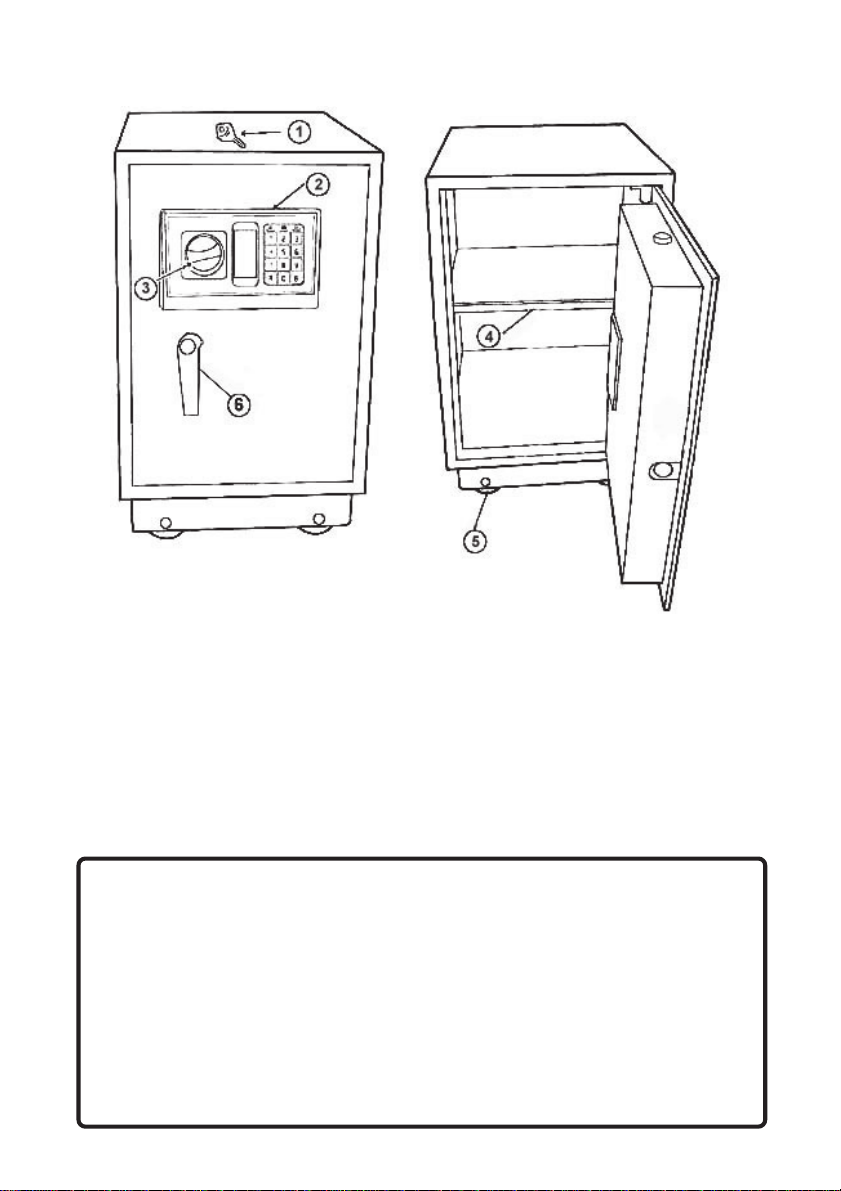
6. To adjust the shelf: First, remove all items from the shelf.Lift the sides of the
shelfup.Thiswilldisengagethemountingtabson each corner of the shelf from
thesupports.Repositiontheshelf in the desired location, making sure itislevel.
Engage the tabs on all for corners of the shelf with the supports.Gently press
the shelf downward, engaging the tabs into the supports.You may now replace
your property on the shelf.
3. To close and lock the safe: Closethedoorand turnthehandle. Then, turnthe
knob in the opposite direction. Pull the door gently to be sure it is properly
locked.The safe is now closed and locked.
Reset Button
REV 05/04 REV 09/04