manuals.online logo
Brands
  1. Home
  2. •
  3. Brands
  4. •
  5. Hasbro
  6. •
  7. Toy
  8. •
  9. Hasbro Star Wars The Force Unleashed Lightsaber... User manual

Hasbro Star Wars The Force Unleashed Lightsaber... User manual

Other Hasbro Toy manuals

Hasbro Star Wars Galactic Heroes Millennium Falcon... User manual

Hasbro

Hasbro Star Wars Galactic Heroes Millennium Falcon... User manual

Hasbro Titanium Megatron User manual

Hasbro

Hasbro Titanium Megatron User manual

Hasbro Star Wars Revenge of the Sith Droid... User manual

Hasbro

Hasbro Star Wars Revenge of the Sith Droid... User manual

Hasbro Batman Revenge of the Penguin User manual

Hasbro

Hasbro Batman Revenge of the Penguin User manual

Hasbro Pup Pourri Barking Puppy 72475 User manual

Hasbro

Hasbro Pup Pourri Barking Puppy 72475 User manual

Hasbro FurReal Friends Furry Frenzies User manual

Hasbro

Hasbro FurReal Friends Furry Frenzies User manual

Hasbro BEAR FIGHTER User manual

Hasbro

Hasbro BEAR FIGHTER User manual

Hasbro PlayDoh Magic Swirl Ice Cream Shoppe User manual

Hasbro

Hasbro PlayDoh Magic Swirl Ice Cream Shoppe User manual

Hasbro Tiger Electronics Harry Potter Magic Spell... User manual

Hasbro

Hasbro Tiger Electronics Harry Potter Magic Spell... User manual

Hasbro MB Games Cosmic Chicken User manual

Hasbro

Hasbro MB Games Cosmic Chicken User manual

Hasbro LAZER TAG 13744 User manual

Hasbro

Hasbro LAZER TAG 13744 User manual

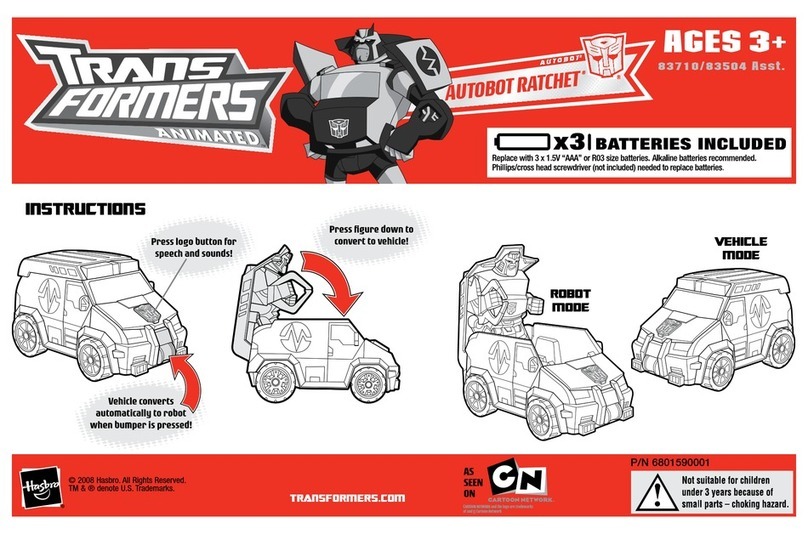
Hasbro TRANSFORMERS CYBERVERSE POWER OF THE SPARK DECEPTICON... User manual

Hasbro

Hasbro TRANSFORMERS CYBERVERSE POWER OF THE SPARK DECEPTICON... User manual

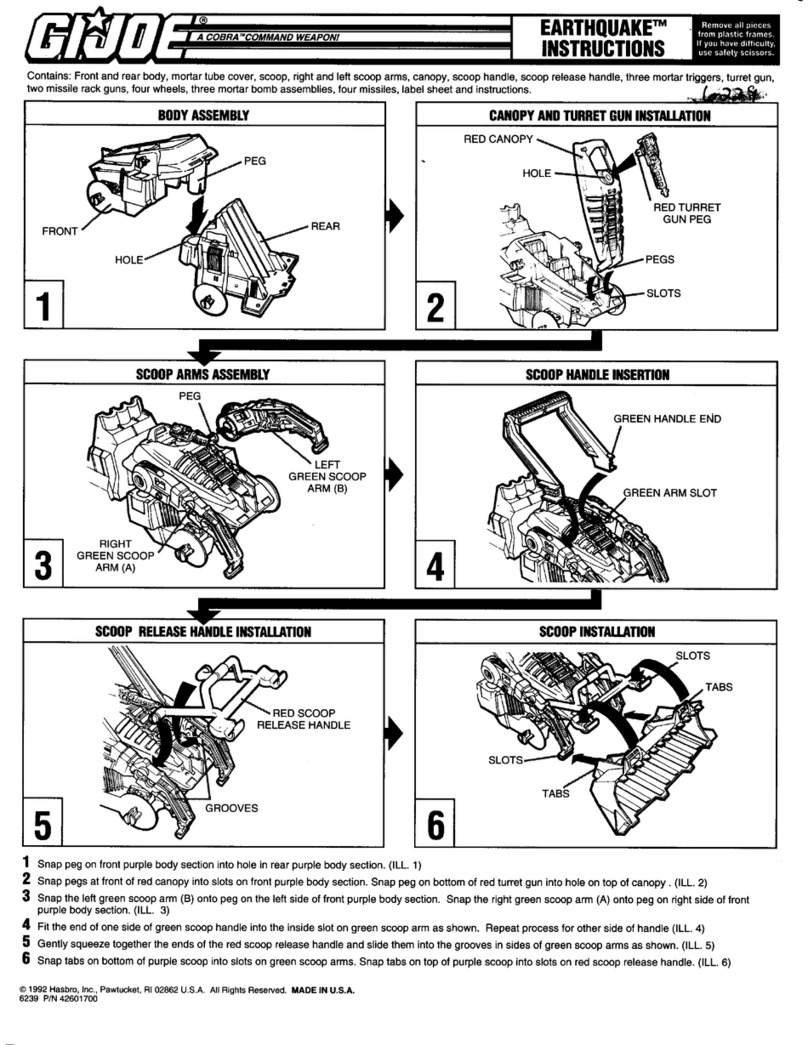
Hasbro G.I.Joe Patroit User manual

Hasbro

Hasbro G.I.Joe Patroit User manual

Hasbro NETFLIX SUPER MONSTER E5224 User manual

Hasbro

Hasbro NETFLIX SUPER MONSTER E5224 User manual

Hasbro G.I.Joe Tiger Fish User manual

Hasbro

Hasbro G.I.Joe Tiger Fish User manual

Hasbro My Little Pony Mini World Magic F3875 User manual

Hasbro

Hasbro My Little Pony Mini World Magic F3875 User manual

Hasbro Transformers Bumblebee Cyberverse Adventures Action Attackers Warrior Class Hammerbyte Action... User manual

Hasbro

Hasbro Transformers Bumblebee Cyberverse Adventures Action Attackers Warrior Class Hammerbyte Action... User manual

Hasbro Transformers Cyberverse Battle for Cybertron... User manual

Hasbro

Hasbro Transformers Cyberverse Battle for Cybertron... User manual

Hasbro Gijoe A.W.E. Striker 57768 User manual

Hasbro

Hasbro Gijoe A.W.E. Striker 57768 User manual

Hasbro Cybertron Defense Scattorshot 80287 User manual

Hasbro

Hasbro Cybertron Defense Scattorshot 80287 User manual

Hasbro Nerf Elite 2.0 Flipshots Flip-32 User manual

Hasbro

Hasbro Nerf Elite 2.0 Flipshots Flip-32 User manual

Hasbro Disney Star Wars The Black Series Obi-Wan Kenobi Ep1 Force FX... User manual

Hasbro

Hasbro Disney Star Wars The Black Series Obi-Wan Kenobi Ep1 Force FX... User manual

Hasbro Xevoz Storm Wing 85524/85500 User manual

Hasbro

Hasbro Xevoz Storm Wing 85524/85500 User manual

Hasbro KRE-O CityVille INVASION SKYSCRAPER MAYHEM... User manual

Hasbro

Hasbro KRE-O CityVille INVASION SKYSCRAPER MAYHEM... User manual

Popular Toy manuals by other brands

FUTABA GY470 instruction manual

FUTABA

FUTABA GY470 instruction manual

LEGO 41116 manual

LEGO

LEGO 41116 manual

Fisher-Price ColorMe Flowerz Bouquet Maker P9692 instruction sheet

Fisher-Price

Fisher-Price ColorMe Flowerz Bouquet Maker P9692 instruction sheet

Little Tikes LITTLE HANDIWORKER 0920 Assembly instructions

Little Tikes

Little Tikes LITTLE HANDIWORKER 0920 Assembly instructions

Eduard EF-2000 Two-seater exterior Assembly instructions

Eduard

Eduard EF-2000 Two-seater exterior Assembly instructions

USA Trains EXTENDED VISION CABOOSE instructions

USA Trains

USA Trains EXTENDED VISION CABOOSE instructions

Modellbau Laffont Z1601 Assembly instructions

Modellbau Laffont

Modellbau Laffont Z1601 Assembly instructions

NOCH 12905 instruction manual

NOCH

NOCH 12905 instruction manual

Eduard Ki-61-Id quick start guide

Eduard

Eduard Ki-61-Id quick start guide

Viessmann Vollmer 45616 Mounting instruction

Viessmann

Viessmann Vollmer 45616 Mounting instruction

Vollmer 42004 Mounting instruction

Vollmer

Vollmer 42004 Mounting instruction

Phoenix Model CLASSIC-EP instruction manual

Phoenix Model

Phoenix Model CLASSIC-EP instruction manual

H-KING Sopwith Camel British WW1 Fighter instruction manual

H-KING

H-KING Sopwith Camel British WW1 Fighter instruction manual

MODSTER Predator 4x4 Crawler user manual

MODSTER

MODSTER Predator 4x4 Crawler user manual

DHK Hobby 8136 User instruction manual

DHK Hobby

DHK Hobby 8136 User instruction manual

THUNDER TIGER Raptor 50 V2 kit manual

THUNDER TIGER

THUNDER TIGER Raptor 50 V2 kit manual

Timberkits Skateboarder instructions

Timberkits

Timberkits Skateboarder instructions

Hangar 9 Funtana 125 Assembly manual

Hangar 9

Hangar 9 Funtana 125 Assembly manual

manuals.online logo
manuals.online logoBrands
  • About & Mission
  • Contact us
  • Privacy Policy
  • Terms and Conditions

Copyright 2025 Manuals.Online. All Rights Reserved.

AGES 4+
87436
*
*
Product and colors may vary.
© 2007 Lucasfilm Ltd. & ® or TM
where indicated. All rights reserved.
®* and/or ™* & © 2007 Hasbro,
Pawtucket, RI 02862 USA. All Rights
Reserved.
TM & ® denote U.S. trademarks.
P/N 6844080000
Press button to activate sounds
and light. Light will be green
when spikes are closed.

To replace baTTeries:
Using a Phillips/cross head screwdriver (not included), loosen screw in
battery compartment door (screw remains attached to door). Remove door.
Insert 3 x 1.5V “AA” or R6 size batteries. Alkaline batteries recommended.
Replace door and tighten screw.
Press button to reveal Sith spikes. Blade color
will change to red when spikes are extended.
x3
BATTERIES REQUIRED
1.5V AA/R6 size
Alkaline batteries recommended.Phillips/cross
head screwdriver (not included) needed to
insert batteries.
NOT INCLUDED
THE FORCE UNLEASHED LIGHTSABER™
Flick wrist to extend blade.
Not suitable for children
under 3 years because of
small parts — choking hazard.
Note: If during play the spikes become out of alignment, the spring-open
feature will not work properly. To reset the feature:
1. Manually adjust all the spikes so that they are all in the fully open position.
2. Manually close the spikes (moving one spike will cause all to move at the
same time).
3. Press the button; the spikes should open again with their normal function.
Note: Color-changing
feature works at
optimal efficiency
only when spikes are
functioning normally.
FCC Statement:
This equipment has been tested and found to comply with the limits for a Class B digital device, pursuant to part 15 of the FCC Rules. These limits are designed to provide
reasonable protection against harmful interference in a residential installation. This equipment generates, uses and can radiate radio frequency energy, and, if not installed
and used in accordance with the instructions, may cause harmful interference to radio communications. However, there is no guarantee that interference will not occur in a
particular installation. If this equipment does cause harmful interference to radio or television reception, which can be determined by turning the equipment off and on, the
user is encouraged to try to correct the interference by one or more of the following measures:
- Reorient or relocate the receiving antenna.
- Increase the separation between the equipment and receiver.
- Consult the dealer or an experienced radio/TV technician for help.
WARNING: Changes or modifications not expressly approved by the party responsible for compliance could void the user’s authority to operate the equipment.
1. Be sure to insert the batteries correctly and always follow the
toy and battery manufacturers’ instructions.
2. Do not mix old batteries and new batteries or alkaline, standard
(carbon zinc) or rechargeable (nickel-cadmium) batteries.
3. Always remove weak or dead batteries from the product.
CAUTION: TO AVOID BATTERY LEAKAGE
1. Always follow the instructions carefully. Use only batteries specified and be sure to insert item correctly by matching the + and – polarity markings.
2. Do not mix old batteries and new batteries or standard (carbon-zinc) with alkaline batteries.
3. Remove exhausted or dead batteries from the product.
4. Remove batteries if product is not to be played with for a long time.
5. Do not short-circuit the supply terminals.
6. Should this product cause, or be affected by, local electrical interference, move it away from other electrical equipment. Reset (switching off and
back on again or removing and re-inserting batteries) if necessary.
7. RECHARGEABLE BATTERIES: Do not mix these with any other types of batteries. Always remove from the product before recharging. Recharge
batteries under adult supervision. DO NOT RECHARGE OTHER TYPES OF BATTERIES.
CAUTION:
IMPORTANT:BATTERY INFORMATION
Please retain this information for future reference.
Batteries should be replaced by an adult.