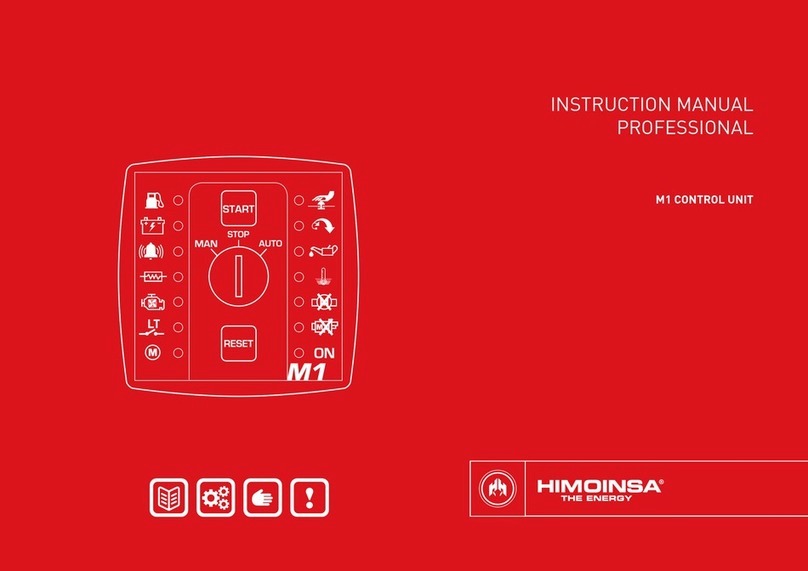
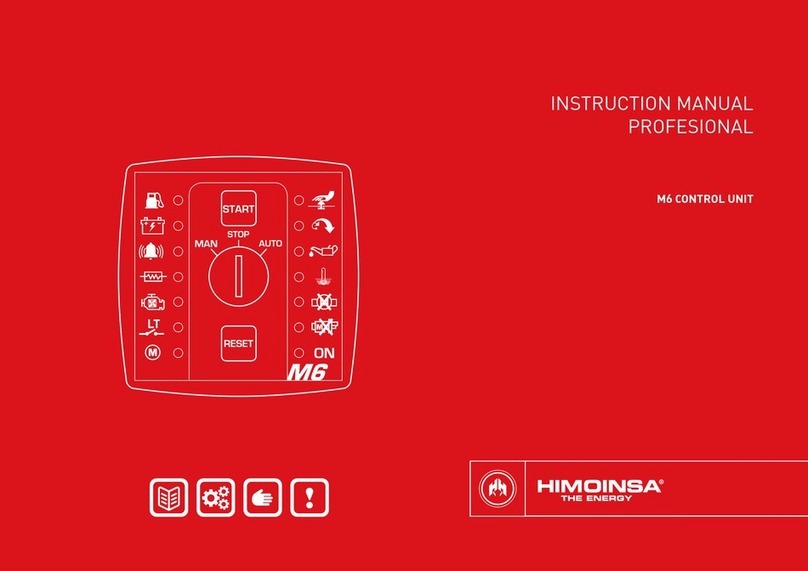
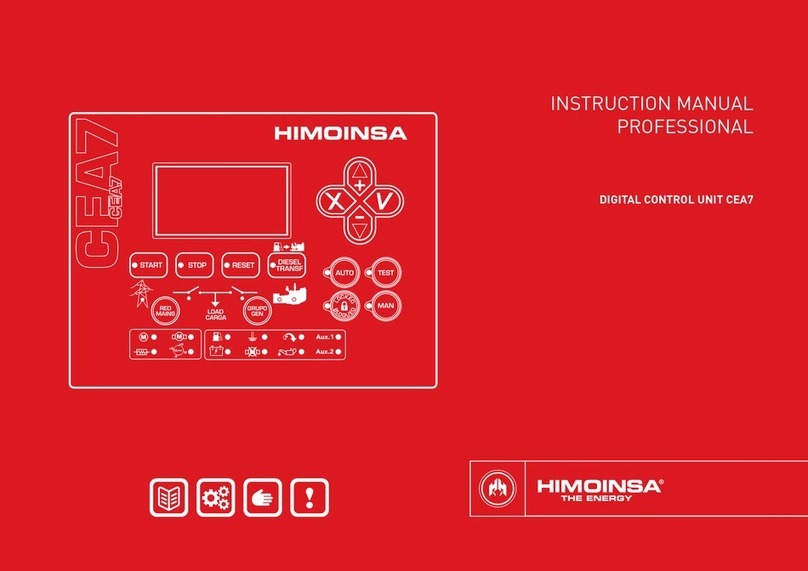
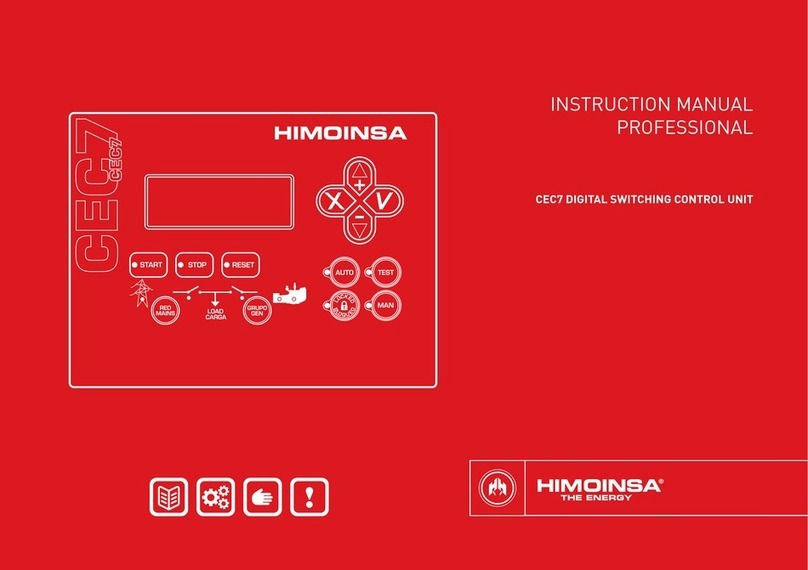
FRONT OF THE DISPLAY MODULE | PAGE 7
2.1.2 CONTROL UNIT COMMAND BUTTONS
Engine start button (only in manual mode)
Controls the start up with a single push.
Lit LED: Engine started.
Engine stop button (only in manual mode)
The rst press stops the engine following a cooling cycle. The
second press stops the engine immediately.
Lit LED: Engine stopping (with or without cooling)
Alarms reset button. Allows acoustic signals to be eliminated
and the user to report the alarms.
LED flashing: Pending notication alarms.
Lit LED: Alarms active.
Fuel transfer pump button.
In manual mode, this button activates the fuel transfer pump
if the fuel level is below the programmed limit.
Lit LED: Fuel transfer pump active.
2.1.3 DISPLAY BUTTONS
Confirm (V). Enter the menus and conrm the data
entered.
Cancel (X). Leave the menus and cancel the data entered.
Up (+). Advance through the selection on display screens,
the selection in maintenance menus and increase the
programming settings.
Down (-). Go back through the selection on display screens,
the selection in maintenance menus and decrease the
programming settings.
1. Backlit display 4 lines by 20 digits.
NOTE
The display goes into low power mode (backlight off) after 10 minutes have
passed without any keystroke.
2. Control unit buttons
•Buttons for control unit operating mode
•Control unit command buttons
•Display buttons
•Genset contactor activation button (only CEM7P module)
3. Status LEDs
•ENGINE status LEDs
•ALARMS LEDs
•CONTACTORS status LEDs
2.1 CONTROL UNIT BUTTONS
2.1.1 BUTTONS FOR CONTROL UNIT OPERATING MODES
Automatic mode: The control unit
monitors the status of the genset and
manages its operation and the
programmable inputs.
Manual mode: The control unit is
commanded by the user.
Lit LED: Automatic
mode active
LED flashing:
Automatic mode
blocked
LED off: Manual
mode active