manuals.online logo
Brands
  1. Home
  2. •
  3. Brands
  4. •
  5. HobbyZone
  6. •
  7. Toy
  8. •
  9. HobbyZone Firebird Commander User manual

HobbyZone Firebird Commander User manual

Other HobbyZone Toy manuals
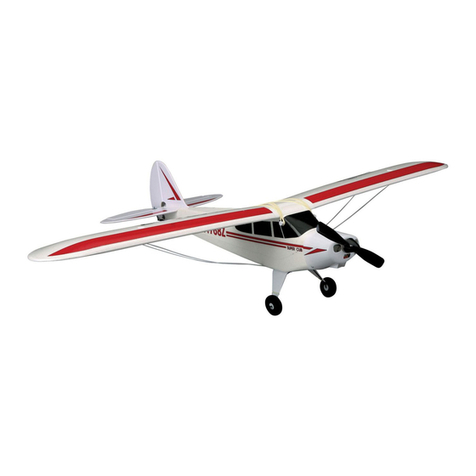
HobbyZone Firebird Phantom User manual

HobbyZone

HobbyZone Firebird Phantom User manual

HobbyZone FireBird Freedom User manual

HobbyZone

HobbyZone FireBird Freedom User manual

HobbyZone Carbon Cub S+ 1.3M User manual

HobbyZone

HobbyZone Carbon Cub S+ 1.3M User manual

HobbyZone Zig Zag Racer User manual

HobbyZone

HobbyZone Zig Zag Racer User manual

HobbyZone Firebird Outlaw User manual

HobbyZone

HobbyZone Firebird Outlaw User manual

HobbyZone HBZ7600 Glasair Sportsman User manual

HobbyZone

HobbyZone HBZ7600 Glasair Sportsman User manual

HobbyZone Carbon Cub S+ 1.3M User manual

HobbyZone

HobbyZone Carbon Cub S+ 1.3M User manual

HobbyZone Firebird II st User manual

HobbyZone

HobbyZone Firebird II st User manual

HobbyZone AeroScout S RTF User manual

HobbyZone

HobbyZone AeroScout S RTF User manual

HobbyZone Firebird Scout User manual

HobbyZone

HobbyZone Firebird Scout User manual

HobbyZone Zig Zag Racer ZZ3 User manual

HobbyZone

HobbyZone Zig Zag Racer ZZ3 User manual

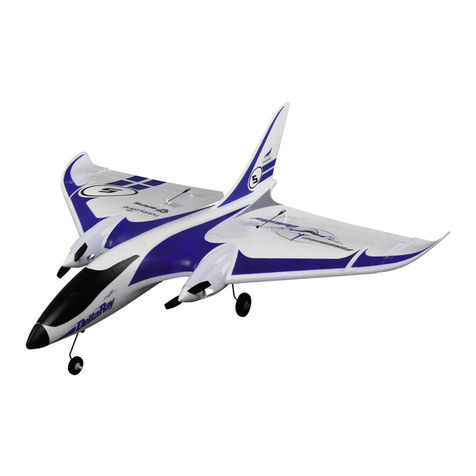
HobbyZone Firebird DeltaRay User manual
HobbyZone

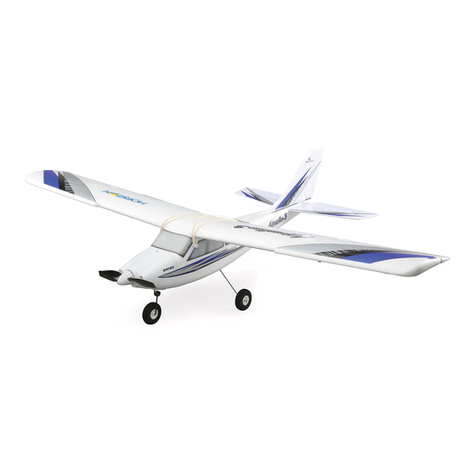
HobbyZone Firebird DeltaRay User manual

HobbyZone Aerobird Xtreme User manual

HobbyZone

HobbyZone Aerobird Xtreme User manual

HobbyZone FireBird Freedom User manual

HobbyZone

HobbyZone FireBird Freedom User manual

HobbyZone HobbyZone User manual

HobbyZone

HobbyZone HobbyZone User manual

HobbyZone AeroScout S User manual

HobbyZone

HobbyZone AeroScout S User manual

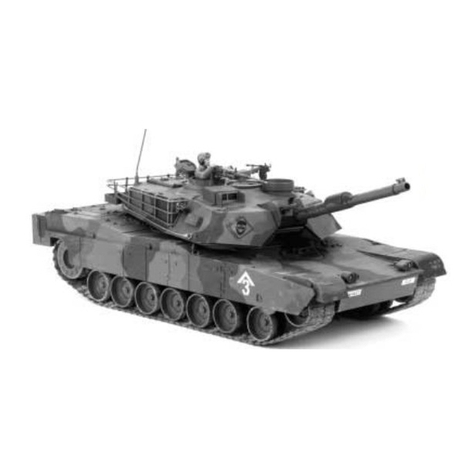
HobbyZone M1A1 Abrams User manual

HobbyZone

HobbyZone M1A1 Abrams User manual
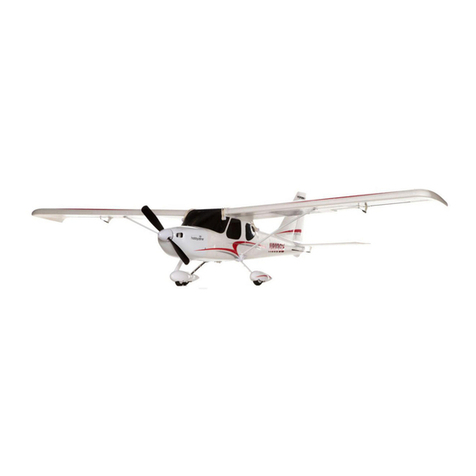
HobbyZone UM T-28 Trojan S User manual
HobbyZone

HobbyZone UM T-28 Trojan S User manual

HobbyZone APPRENTICE S User manual

HobbyZone

HobbyZone APPRENTICE S User manual

HobbyZone ZIG ZAG RACER 2 User manual

HobbyZone

HobbyZone ZIG ZAG RACER 2 User manual

HobbyZone Sportsman S Plus User manual

HobbyZone

HobbyZone Sportsman S Plus User manual

HobbyZone Super Cub DSM User manual

HobbyZone

HobbyZone Super Cub DSM User manual
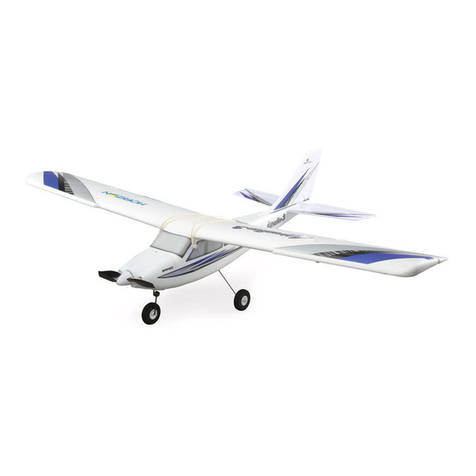
HobbyZone Conscendo S User manual

HobbyZone

HobbyZone Conscendo S User manual

HobbyZone F4U Corsair S User manual

HobbyZone

HobbyZone F4U Corsair S User manual

Popular Toy manuals by other brands

FUTABA GY470 instruction manual

FUTABA

FUTABA GY470 instruction manual

LEGO 41116 manual

LEGO

LEGO 41116 manual

Fisher-Price ColorMe Flowerz Bouquet Maker P9692 instruction sheet

Fisher-Price

Fisher-Price ColorMe Flowerz Bouquet Maker P9692 instruction sheet

Little Tikes LITTLE HANDIWORKER 0920 Assembly instructions

Little Tikes

Little Tikes LITTLE HANDIWORKER 0920 Assembly instructions

Eduard EF-2000 Two-seater exterior Assembly instructions

Eduard

Eduard EF-2000 Two-seater exterior Assembly instructions

USA Trains EXTENDED VISION CABOOSE instructions

USA Trains

USA Trains EXTENDED VISION CABOOSE instructions

Modellbau Laffont Z1601 Assembly instructions

Modellbau Laffont

Modellbau Laffont Z1601 Assembly instructions

NOCH 12905 instruction manual

NOCH

NOCH 12905 instruction manual

Eduard Ki-61-Id quick start guide

Eduard

Eduard Ki-61-Id quick start guide

Viessmann Vollmer 45616 Mounting instruction

Viessmann

Viessmann Vollmer 45616 Mounting instruction

Vollmer 42004 Mounting instruction

Vollmer

Vollmer 42004 Mounting instruction

Phoenix Model CLASSIC-EP instruction manual

Phoenix Model

Phoenix Model CLASSIC-EP instruction manual

H-KING Sopwith Camel British WW1 Fighter instruction manual

H-KING

H-KING Sopwith Camel British WW1 Fighter instruction manual

MODSTER Predator 4x4 Crawler user manual

MODSTER

MODSTER Predator 4x4 Crawler user manual

DHK Hobby 8136 User instruction manual

DHK Hobby

DHK Hobby 8136 User instruction manual

THUNDER TIGER Raptor 50 V2 kit manual

THUNDER TIGER

THUNDER TIGER Raptor 50 V2 kit manual

Timberkits Skateboarder instructions

Timberkits

Timberkits Skateboarder instructions

Hangar 9 Funtana 125 Assembly manual

Hangar 9

Hangar 9 Funtana 125 Assembly manual

manuals.online logo
manuals.online logoBrands
  • About & Mission
  • Contact us
  • Privacy Policy
  • Terms and Conditions

Copyright 2025 Manuals.Online. All Rights Reserved.

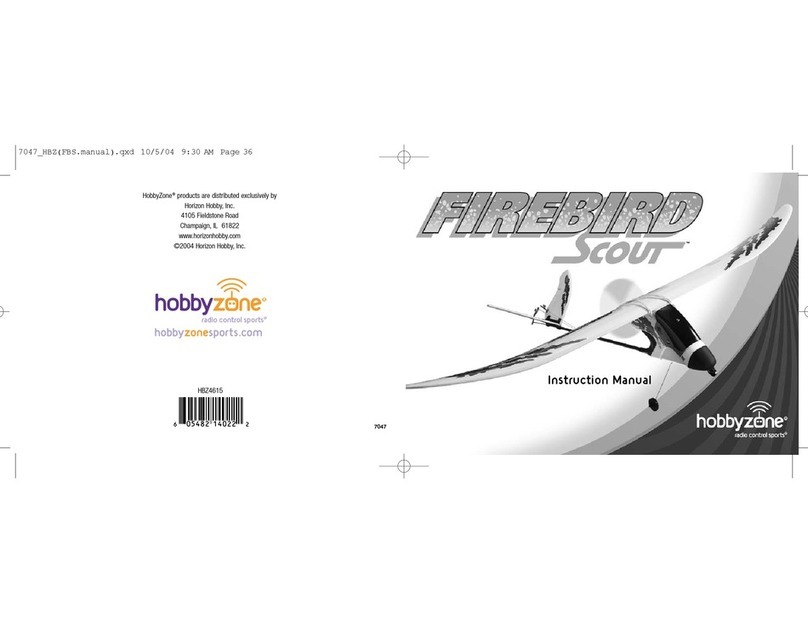
HobbyZone®products are distributed exclusively by
Horizon Hobby, Inc.
4105 Fieldstone Road
Champaign, IL 61822
©2003 Horizon Hobby, Inc.
5611
hobbyzonesports.com
605482 16024 4
HBZ2515
Instruction Manual
™
5611_5(fbcmdr manual) 3/12/03 2:16 AM Page 36
W
elcome
to the World of
Crash damage is not covered
under the warranty.
Be sure to read the warranty
on page 30 and "Warnings and
Safety" on page 27 before you
proceed to Step 1.
Once you’re more experienced, you can enter Expert Mode,
allowing you to have full control at all times for tighter turns
and spirals, as well as other dramatic maneuvers. This extra
maneuverability comes in handy when using the X-port. This
HobbyZone exclusive port allows the attachment of exciting
accessories, including the Sonic Combat Module (SCM) for
air-to-air and air-to-ground fighting, and the Aerial Drop
Module (ADM), which allows items such as parachutes and
streamers to be dropped.
Our mission at HobbyZone is to make sure you have success
with the Firebird Commander-to have safe fun and learn a few
things along the way.
Congratulations! You have the world's first radio control air-
plane that can take you from a complete beginner, all the way
to Air Combat—the Firebird Commander™ from HobbyZone.
The Firebird Commander is equipped with revolutionary soft-
ware: Smart-Trak™. When Smart-Trak is in Standard Mode, it
automatically recognizes mistakes beginners make (such as
over-control,) and compensates for them, while also in-
creasing control during gliding with the motor off to maintain
positive control. This software makes the Firebird Commander
one of the easiest planes to fly.
5611_5(fbcmdr manual) 3/12/03 2:16 AM Page 2
2. Secure the wing in place by attaching two
rubber bands across the middle and one on
each side as shown. Locate the rubber bands
on the peg hooks as close as possible to the
fuselage sides.
3. Before each flight, make sure the front and
trailing edges of the wing are exactly centered
on the fuselage.
Step 2
5
Step 1
4
Mounting the Landing Gear
1. Insert the landing gear into the slot on bottom
of the fuselage.
Note: When flying without X-port modules and
landing on grass, it is not necessary to have the
landing gear installed.
Attaching the Wing
1. Center the wing on the fuselage by aligning
the center dot on the wing with the fuselage
top seam and by centering the half circle on
the wings trailing edge over the fuselage
center.
1. Remove the transmitter back cover by pushing
down with thumbs, as indicated by the arrows.
2. Install the batteries. Use fresh 1.5V "AA"
batteries only.
3. Watch polarity. Replace the cover.
4. To test, switch on the transmitter. The LED
should glow brightly.
5. Replace the batteries when you hear the low-
battery alarm (beeping sound).
ON OFF
Needed for Step 1
"AA" Heavy-Duty Batteries
(x8 - included)
Transmitter
Needed for Step 2
Rubber Bands (x4)
Main Landing Gear
Wing and Landing Gear Attachment
5611_5(fbcmdr manual) 3/12/03 2:16 AM Page 4
Important: Charge the battery shortly before
flying. If you charge the battery 12–48 hours
before flying, charge again for 30 minutes right
before you fly. Stop charging immediately when
the battery becomes warm, indicating it is fully
charged.
Step 4
7
Charging the Aircraft Battery
Step 3
6
Note: Never charge a hot battery or a battery
that is already charged. Always discharge before
every charge. See Step 3 for instructions on
discharging.
See "Warnings and Safety" on page 27.
1. The charger supplied with the Firebird
Commander has a built-in timer. Plug the
battery into the charger, and then plug the
charger into the wall. The LED indicator should
glow constantly. After about 3 hours, the LED
will turn off. At this time, the battery is charged
and ready to use.
2. To charge another battery, the charger must
first be unplugged from both the wall and the
battery to reset the timer.
ON OFF
ON OFF
Adult Supervision Required
WARNING: Keep everything clear of the propeller
and hold the plane securely. A moving propeller
can cause severe injury.
1. Turn the transmitter on.
2. Install the battery in the fuselage slot and plug
in the connector.
3. Move the transmitter's left stick all the way
down and hold for one second. This will arm
the motor.
4. Move the transmitter's left stick up. Since most
batteries come partially charged, the prop
should spin at high speed. (If the motor does
not run, proceed to charging the battery.)
5. In order to fully discharge the battery, run the
motor at high speed until it shuts off. If there is
not enough charge in the battery to power the
propeller, then proceed to Step 4.
6. When finished with the motor test, be sure to
disconnect the battery first then turn off the
transmitter.
Motor Test and Battery Discharging
5611_5(fbcmdr manual) 3/12/03 2:16 AM Page 6
Step 5
9
Tail Control Test continued
Step 5
8
Tail Control Test WATCH OUT! Be sure to keep everything clear of
the propeller before starting the control test, in
the event that you accidentally turn on the motor.
1. Switch on the transmitter. Check the LED.
Do not touch the sticks for 2 seconds while
the transmitter automatically calibrates the
controls.
2. Install the battery in the fuselage slot and plug
in the connector.
3. Move the right stick side to side. The flaps
should move as on the following page. If each
flap is not level with the rest of the tail surface
when the right stick and trim lever are cen-
tered, adjust the control lines so they are level
(see page 20).
Note: The small levers under or beside the con-
trol sticks are called trim levers and are used to
adjust the "neutral" point of your control stick. It's
very important that these levers are centered
when switching on the transmitter and performing
the control test.
View from Rear
Moves Up
Moves Up
View from Rear
5611_5(fbcmdr manual) 3/12/03 2:16 AM Page 8
Step 7
11
Choose a Calm Day
Step 6
10
Choose a Large, Open Grassy Field
You want to fly! If you wait until the day is right,
you will have a successful flight. On your first
flights, do not fly if the wind is more than 5 mph!
1. Tie the included red flag to the end of your
transmitter antenna.
2. Hold the transmitter flat so the antenna is
parallel to the ground and note how much the
flag moves in the wind. If the flag hangs down,
you're good to fly. If the angle between the
antenna and the flag is less than 20˚, it's too
windy for beginning pilots to fly.
•Alarge, open grass field is required. Your
Firebird Commander flies approximately
20 mph, so it covers ground fast. The bigger
the field, the better!
•It is absolutely essential to have a minimum of
600 feet of clear space in all directions from
the pilot. If you ignore this direction, you will
regret it.
IMPORTANT: Do not fly over or near people,
buildings, power lines, highways, train tracks,
vehicles, trees, water, pavement, gravel, any hard
surface or any object you don't want to crash into.
Please take this warning seriously to keep people,
property and your Firebird Commander safe. Crash
damage is NOT covered by the warranty.
SUCCESS TIP: Be smart! Follow this tip and pro-
tect your Firebird Commander—you'll be glad you
did. For beginners, flying in too much wind is by
far the #1 reason for crashes and/or lost planes.
5611_5(fbcmdr manual) 3/12/03 2:16 AM Page 10
Step 8
13
Range Test continued
Step 8
12
Range Test
You will need two people to do the range test:
one to hold the transmitter and one to hold the
airplane.
1. One person holds the transmitter; the other
person walks 100 paces away with the air
plane.
2. Extend the transmitter antenna completely and
turn the transmitter on.
3. Plug in the airplane battery and close the hatch
cover.
4. Pull the throttle stick back to arm the motor.
5. As the first person moves both of the trans-
mitter controls at the same time, the other
person watches to be sure the airplane's motor
and tail controls operate smoothly.
6. If an X-port accessory is attached, test it by
pulling down on the left stick to check that it
operates correctly.
WATCH OUT! The person holding the airplane
should hold it so that the propeller does not come
in contact with any part of their body.
If model does not range test correctly, do not fly.
Call Horizon Hobby Product Support Staff toll-
free at 1-877-504-0233 for directions on how
to proceed.
5611_5(fbcmdr manual) 3/12/03 2:16 AM Page 12
Step 9
15
Runway Takeoff
Step 9
14
Hand Launch
Hand Launch
1. On first flights, have a second person
(adult recommended) launch the Firebird
Commander™ while the pilot controls with the
transmitter. Adult assistance is always recom
mended with pilots 12 years of age or younger.
2. Make sure the battery is fully charged.
3. While holding transmitter in one hand, push
throttle stick to full on (up) with thumb.
4. Take a couple of steps and launch the model
directly into the wind. Keep the wings level.
Use medium force. Do not throw it up or down.
Point it level with the ground when releasing.
Think of it as a javelin that you are throwing
20 feet away.
Runway Takeoff
(Not recommended for inexperienced pilots)
1. Stand behind the Firebird Commander™
and point it directly into wind on smooth
asphalt or concrete.
2. Apply full power and adjust the right control
stick as necessary to keep the Firebird
Commander headed directly into the wind.
3. If the battery is fully charged, the Firebird
Commander should lift off the ground in
approximately 35 feet.
WATCH OUT! Keep the spinning propeller away
from your hair, head and hands or injury may
occur.
IMPORTANT: Before launching, determine the
wind direction by watching which way the red
transmitter ribbon is blowing.
5611_5(fbcmdr manual) 3/12/03 2:16 AM Page 14
Step 10
17
Flying
Step 10
16
Flying
Important: Be careful when holding the right
stick full-over right or left for extended amounts
of time. In some cases, this can cause the model
to spiral dive, and if it does not have sufficient
altitude, to crash. If you see the Firebird
Commander™ beginning to enter a spiral, release
the right stick.
1. After launching, the model will begin climbing.
Keep the throttle full on.
2. Make right and left adjustments of the right
control stick to keep it flying straight into the
wind. Don't attempt a turn until model reaches
50 feet of altitude.
3. Control range is 2500 feet. Don't let the model
fly too far away. Keep upwind, especially if the
wind is over 10 mph, or the wind may carry
it away.
Turning
Hold the right stick in the direction you want the
model to turn.
Trimming
If the model always turns one direction, use the
trim control lever below the control stick to cor-
rect (see below). The model should fly straight
with the control stick at neutral. See page 20 if
additional adjustment is needed.
5611_5(fbcmdr manual) 3/12/03 2:16 AM Page 16
Step 12
19
Landing
Step 11
18
Throttle Adjustment
Full Throttle Full Throttle
Approx. 50% Throttle
Reduced Throttle
1. Climb to an altitude of 100 feet or more with
full throttle.
2. To achieve a level "cruising" altitude, reduce
power by moving the throttle stick down to
approximately 50% of full-on.
3. To reduce altitude, reduce throttle.
4. To increase altitude, increase throttle.
WATCH OUT! If you're flying with the motor off
or at a low speed, allow the Firebird Commander a
bit more area for turns.
When you notice that the Firebird Commander™
no longer climbs well under full power (normally
after approximately 12 to 16 minutes), the battery
is getting low, and it's time to land. Line the
model up, heading directly into the wind toward
the desired landing spot. At 10 feet of altitude,
gradually reduce the throttle stick to turn off the
motor. The Firebird Commander will glide in for a
landing.
Auto Cut-Off Feature: When your motor battery
gets low enough, this feature will automatically
shut off the motor and save enough battery to
power the radio and tail control so you can land
safely. If the motor cuts off, prepare to land
immediately.
WARNING: Do not attempt to catch the airplane
or injury may result. Also, be sure to turn motor
off before you touch down or damage can occur
to your wing and propeller. Remember to always
land directly into the wind.
Expert tip: As you get more experienced at flying,
try adding a small "blip" of power just before
touchdown. With some practice, you'll be able to
land it right on target.
Reduce power at 10 feet
5611_5(fbcmdr manual) 3/12/03 2:16 AM Page 18