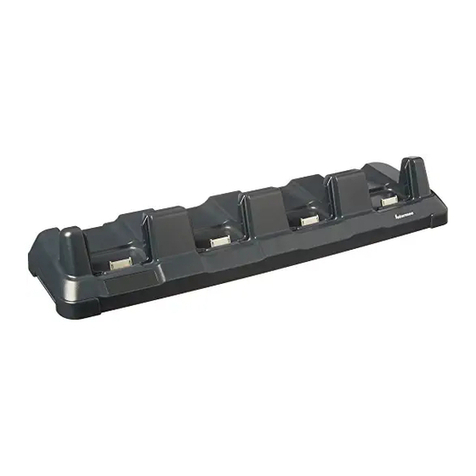
Dolphin CT40 Display Dock i
TABLE OF CONTENTS
Customer Support ........................................................................................................................ iii
Technical Assistance ............................................................................................................. iii
Product Service and Repair ................................................................................................ iii
Limited Warranty .................................................................................................................... iii
Chapter 1 - About the Display Dock .............................................................. 1
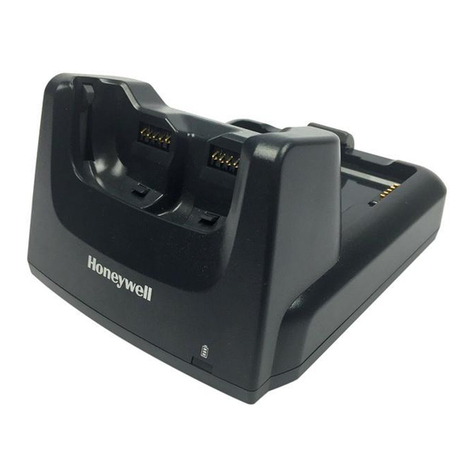
About the Dolphin CT40 Display Dock .................................................................................. 1
Out of the Box............................................................................................................................ 1
Features of the Dock............................................................................................................... 1
About the Dock Status LED ................................................................................................. 2
About the Dock Connectors .......................................................................................................2
Connect to Power..................................................................................................................... 2
Connect to Monitor................................................................................................................. 2
Connect to an Ethernet Network ....................................................................................... 3
Connect to an USB Device ................................................................................................... 3
Chapter 2 - Use the Display Dock...................................................................5
Check Software on Computer ................................................................................................... 5
Install DisplayLink Software...................................................................................................... 5
Download the APK................................................................................................................... 5
Install the Software ................................................................................................................. 6
Insert CT40 Computer into the Dock ..................................................................................... 6
Chapter 3 - Configure the Display App.........................................................9
How to Configure the Display Dock Settings...................................................................... 9