Copyright © Hornche Corporation. All Rights Reserved.
Information in this document is subject to change without notice and is not to be reproduced, transmitted or disclosed to others for any purpose without express written permission from Hornche Corporation.
Minimum requirements for synchronization and
general use with a PC or NB:
Microsoft Windows XP OS (V1.0 trial version)
Microsoft Outlook 2000 or later
Microsoft Internet Explorer 4.01 SP1 or later
Microsoft Office 2007, 2003, 2000, XP or later
Microsoft ActiveSync 4.5 or later (for PC; included on HP iPAQ
Getting Started CD)
12 to 65 MB hard disk
2 pcs of USB port
CD-ROM/DVD drive
VGA-capable monitor
Keyboard and Mouse
Minimum requirements for RFID Patrol Management
Program and general use with a PC or NB:
Easylube MQL Software with calculation Formula V1.0 or later (for
PC; included on Easylube Patrol Management Kit Getting Started CD)
Easylube Guardwatch Software V1.0 or later (for PDA; included on
Easylube Patrol Management Kit Getting Started CD)
2 pcs of Easylube Smart Lock
Easylube RWD145B-EL RFID reader
Easylube RFID lubricators or RFID microchip tag
Standard Operating Procedure (SOP) of RFID Patrol
Management Program: Page
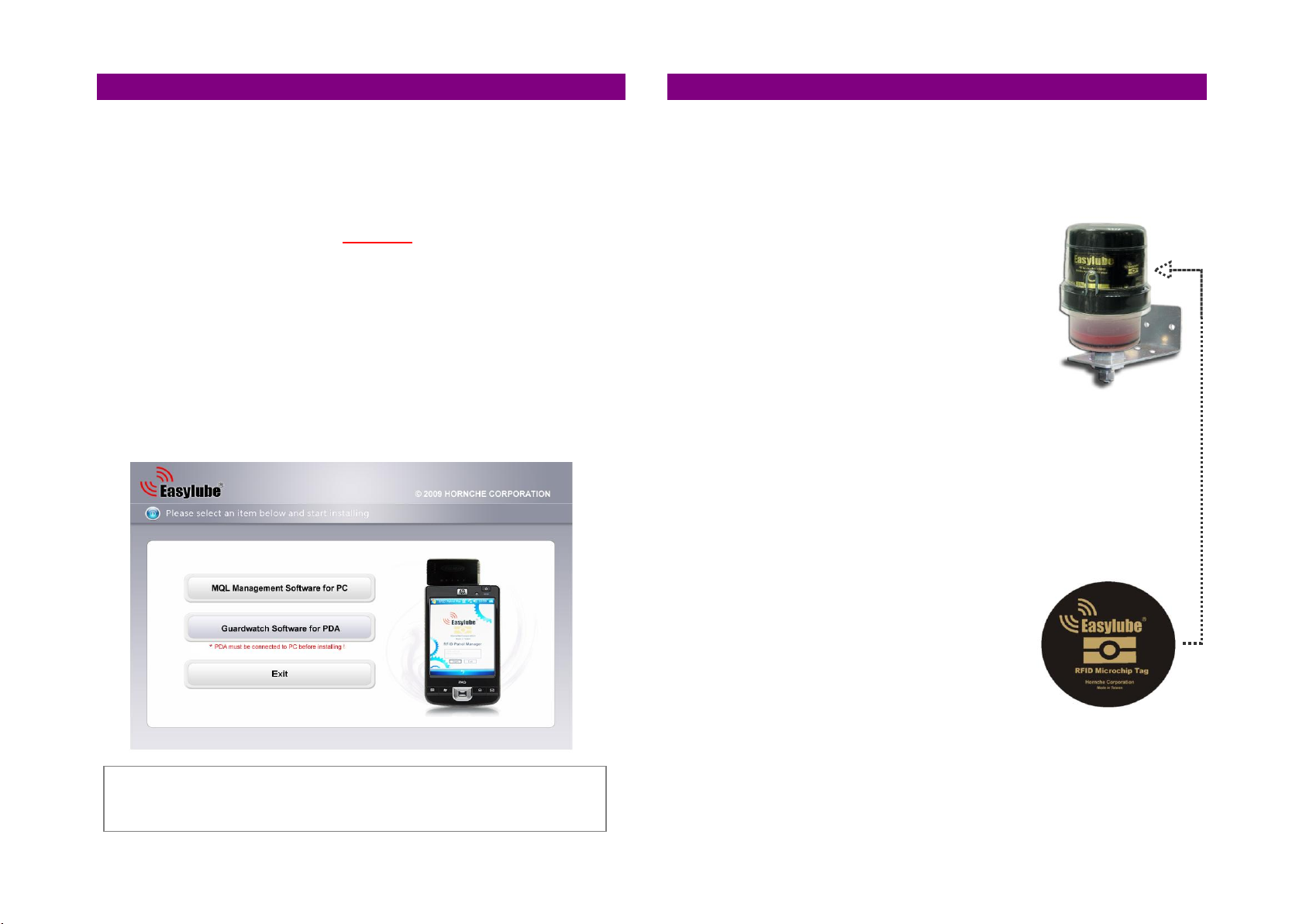
Step 1. Software install ................................................................... 4
Step 2. Inspection route setup ......................................................... 4
Step 3. Transmit lube point data using PDA ........................................ 5
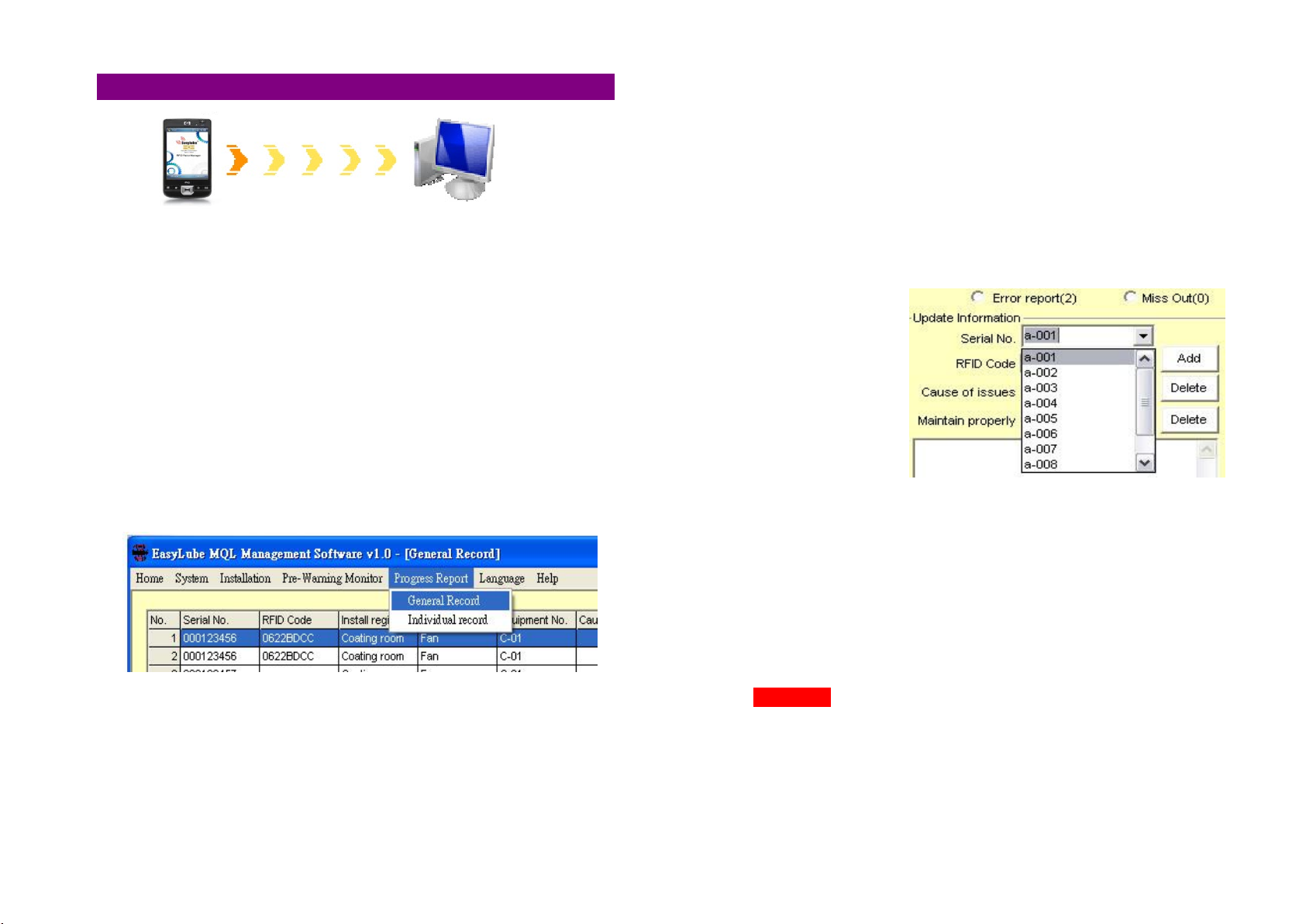
Step 4. Transfer PDA data to MQL software ........................................ 6
Register Procedure ........................................................... 7
MQL Calculation ................................................................ 8
Step 5. Keep an up-to-data report to PDA .......................................... 9
Routine Inspection Patrol
Step 6. Inspection Route Report ....................................................... 10
Progress Report
Addendum:
zInspection Route chart .................................................... 11
zProgress Report chart «««««««««««««««««««««« 11
zPre-Warning Monitor Center ««««««««««««««««««. 11
Lubricator Installation Guide
Step 1. Preparation/Maintenance ...................................................... 12
Step 2. Position the Press Plate of device ........................................... 12
Step 3. Test Easylube before installation ................................ 12-13
Step 4. Set/Change the Dispense Period ............................................ 13
Step 5. Start the Lubricator .............................................................. 13
Step 6. Installation ...................................................................... 14
Preparation Work
Direct Mounting procedures
Remote Mounting procedures
Addendum:
Table 1. DIP switch setting for Dispense Period ...................... 15
Table 2. Easylube Lubricator Specifications ............................ 16
Table 3. Direct Mounting Accessories ..................................... 17
Table 4. Remote Mounting Accessories «««««««««««««« 17
Table 5. Troubleshooting Chart of Lubricator .......................... 18