manuals.online logo
Brands
  1. Home
  2. •
  3. Brands
  4. •
  5. HP
  6. •
  7. Controllers
  8. •
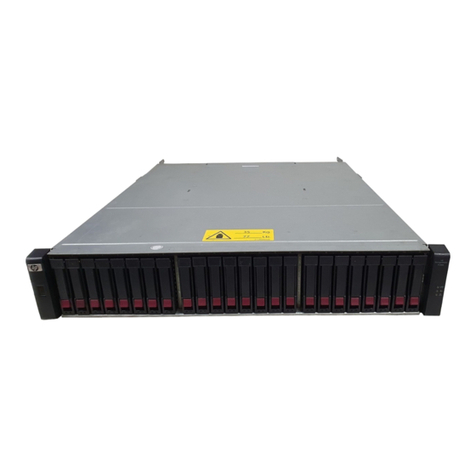
  9. HP StorageWorks 2312 User manual

HP StorageWorks 2312 User manual

This manual suits for next models

1

Other HP Controllers manuals

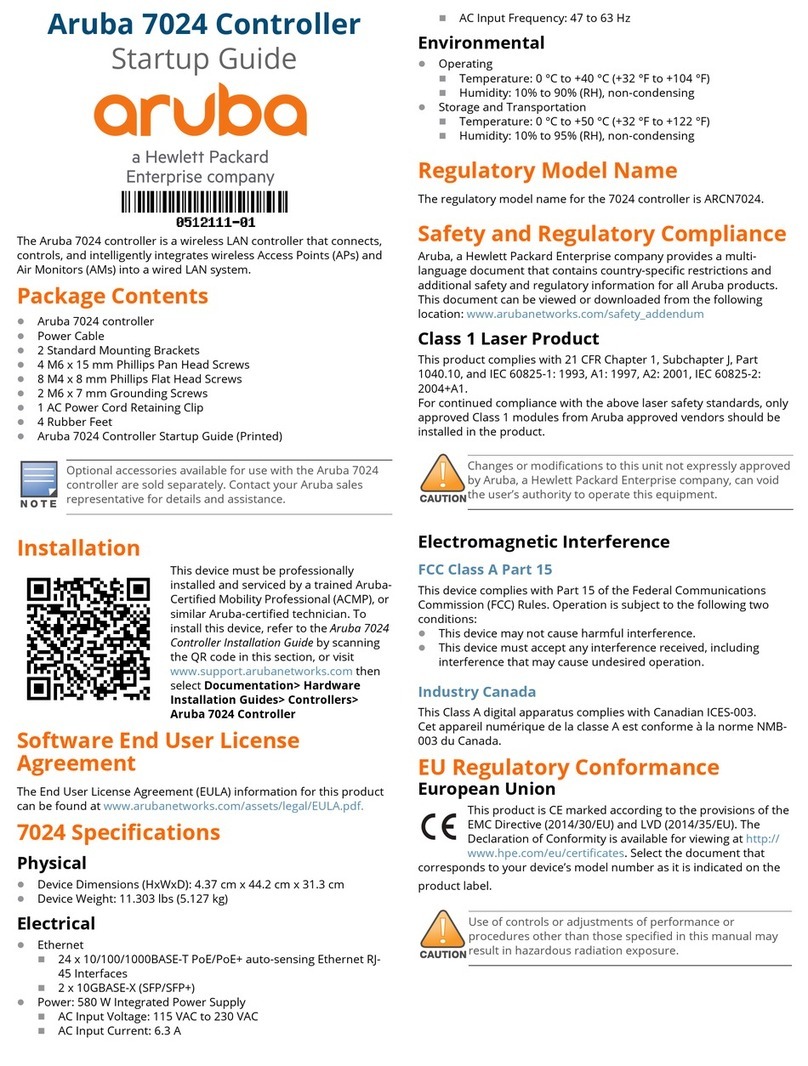
HP Aruba 7024 User guide

HP

HP Aruba 7024 User guide

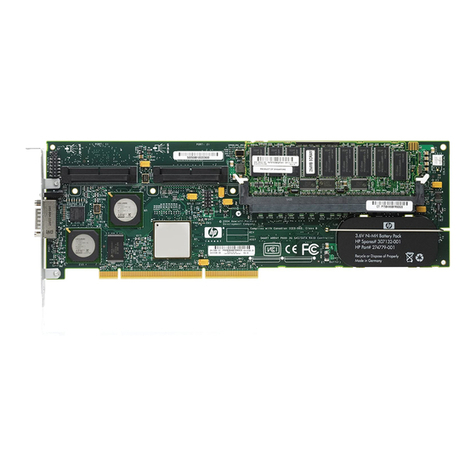
HP Smart Array P712m User instructions

HP

HP Smart Array P712m User instructions

HP HSG80 - StorageWorks RAID Array Controller User manual
HP

HP HSG80 - StorageWorks RAID Array Controller User manual

HP Surestore Disk Array 12h - And FC60 User manual

HP

HP Surestore Disk Array 12h - And FC60 User manual

HP ProCurve MSM710 User manual

HP

HP ProCurve MSM710 User manual
HP Smart Array P800 User manual

HP

HP Smart Array P800 User manual

HP B120i User manual

HP

HP B120i User manual

HP HSG80 - StorageWorks RAID Array Controller Manual

HP

HP HSG80 - StorageWorks RAID Array Controller Manual

HP 3100ES - Smart Array RAID Controller User manual

HP

HP 3100ES - Smart Array RAID Controller User manual

HP MSM7XX User manual

HP

HP MSM7XX User manual

HP ProCurve MSM765zl User manual

HP

HP ProCurve MSM765zl User manual

HP VXI Pentium Series User manual

HP

HP VXI Pentium Series User manual

HP P Class 450/500/550/600/650/700/750 User manual

HP

HP P Class 450/500/550/600/650/700/750 User manual

HP 8169A User manual

HP

HP 8169A User manual

HP MSM720 User manual

HP

HP MSM720 User manual

HP StorageWorks P2000 User manual

HP

HP StorageWorks P2000 User manual
HP Smart Array P830 User manual

HP

HP Smart Array P830 User manual

HP 30242 Manual

HP

HP 30242 Manual

HP MR Gen10 Plus User manual

HP

HP MR Gen10 Plus User manual

HP MSM720 User manual

HP

HP MSM720 User manual

HP D5970A - NetServer - LCII User manual

HP

HP D5970A - NetServer - LCII User manual

HP MSM7XX User manual

HP

HP MSM7XX User manual

HP E-MSM720 User manual

HP

HP E-MSM720 User manual

HP ProCurve MSM765zl User manual

HP

HP ProCurve MSM765zl User manual

Popular Controllers manuals by other brands

Sunricher SR-ZV9003T3-RGBW-US Installation

Sunricher

Sunricher SR-ZV9003T3-RGBW-US Installation

Ksenia intro Installation and configuration manual

Ksenia

Ksenia intro Installation and configuration manual

Inovance CAN200 Series manual

Inovance

Inovance CAN200 Series manual

Gauzy LC6 FLEX Controller Installation and operation guide

Gauzy

Gauzy LC6 FLEX Controller Installation and operation guide

Viking SLP-1 Technical practice

Viking

Viking SLP-1 Technical practice

CKD KBX-30E-U Series instruction manual

CKD

CKD KBX-30E-U Series instruction manual

Sharp Energy Sun Flux User manual & installation guide

Sharp Energy

Sharp Energy Sun Flux User manual & installation guide

Yamaha RCX40 user manual

Yamaha

Yamaha RCX40 user manual

AB Quality PowerFlex 400 Frames D-H Service bulletin

AB Quality

AB Quality PowerFlex 400 Frames D-H Service bulletin

Yamaha MJC8 owner's manual

Yamaha

Yamaha MJC8 owner's manual

AL-KO ATC operating instructions

AL-KO

AL-KO ATC operating instructions

Savant SmartControl 2 Deployment guide

Savant

Savant SmartControl 2 Deployment guide

GameSir T3S user manual

GameSir

GameSir T3S user manual

Kostal inveor operating manual

Kostal

Kostal inveor operating manual

Emerson Yarway 20-55 Operating and safety instructions

Emerson

Emerson Yarway 20-55 Operating and safety instructions

CoCo ACM-LV24 Quick installation guide

CoCo

CoCo ACM-LV24 Quick installation guide

Brooks SLA5810/20 Installation and operation manual

Brooks

Brooks SLA5810/20 Installation and operation manual

SIGMA TEK SR 011 Technical manual

SIGMA TEK

SIGMA TEK SR 011 Technical manual

manuals.online logo
manuals.online logoBrands
  • About & Mission
  • Contact us
  • Privacy Policy
  • Terms and Conditions

Copyright 2025 Manuals.Online. All Rights Reserved.

HP StorageWorks 2312/2324
Modular Smart Array controller
installation instructions
© Copyright 1999, 2008 Hewlett-Packard Development Company,
L.P.
First edition: November, 2008
The informationinthisdocumentissubjecttochangewithout
notice.
Printed in the China
www.hp.com
508933-001
About this document
This document describes procedures for installing a controller into an
HP StorageWorks 2312/2324 Modular Smart Array.
Before you begin
CAUTION:
When upgrading an existing operational system with a second
optional controller, removing the air management blank impacts
the airflow and cooling ability of the device. To avoid possible
overheating, insert the controller as quickly as possible. If the
internal temperature exceeds acceptable limits, the enclosure may
overheat and automatically shut down or restart.
CAUTION:
Parts can be damaged by electrostatic discharge. Use proper
anti-static protection.
•Keep the replacement component in the ESD bag until needed.
•Wear an ESD wrist strap grounded to an unpainted surface
of the chassis.
•If an ESD wrist strap is unavailable, touch an unpainted surface
of the chassis before handling the component.
•Never touch connector pins.
Installing a controller (single or dual) for
the first time
Remove the air management blank(s)
NOTE:
For clarity, only relevant details are shown in these illustrations.
1. Turn the thumbscrews until the screws disengage from the blank.
1—Lat
ch 2—Thu
mbscrew
2. Press both latches downward.
Page 1
3. Pull the blank straight out of the enclosure.
Install controller(s)
NOTE:
For clarity, only relevant details are shown in these illustrations.
1. Loosen the thumbscrews; press the latches downward.
2. Slide the controller into the enclosure as far as it will go (1).
3. Press the latches upward to engage the controller (2); turn the
thumbscrews finger-tight.
4. Connect cables according to a supported configuration. See the
user guide.
Upgrading an existing single controller
system to a dual controller
If you have an existing single controller system and you are adding a
second controller, the new controller automatically begins to initialize
when it is installed. If the firmware versions differ between the two
controllers, Partner Firmware Upgrade feature brings the older firmware
to the later firmware level.
Verifying Partner Firmware Upgrade is
enabled
By default the storage system’s Partner Firmware Upgrade feature is
enabled, so when you upgrade a controller the system automatically
ensures that both controllers have the more recent version.
•Log in to the command-line interface (CLI) and run the following
command to verify that Partner Firmware Upgrade is enabled.
show advanced-settings
If Partner Firmware Upgrade is disabled, enable it by running the
command:
set advanced-settings partner-firmware-upgrade
enabled
Verifying controller status
Once the controller completes initializing and is online:
•Verify that the heartbeat LED on the front of the enclosure is green.
•Verify that the OK LED on the back of the controller is green.
NOTE:
If the OK LED is blinking, the controller is still initializing.
Additional information
See the MSA web site: http://www.hp.com/go/msa.
Page 2