manuals.online logo
Brands
  1. Home
  2. •
  3. Brands
  4. •
  5. HTC
  6. •
  7. Test Equipment
  8. •
  9. HTC DIT-90 User manual

HTC DIT-90 User manual

This manual suits for next models

5

Other HTC Test Equipment manuals

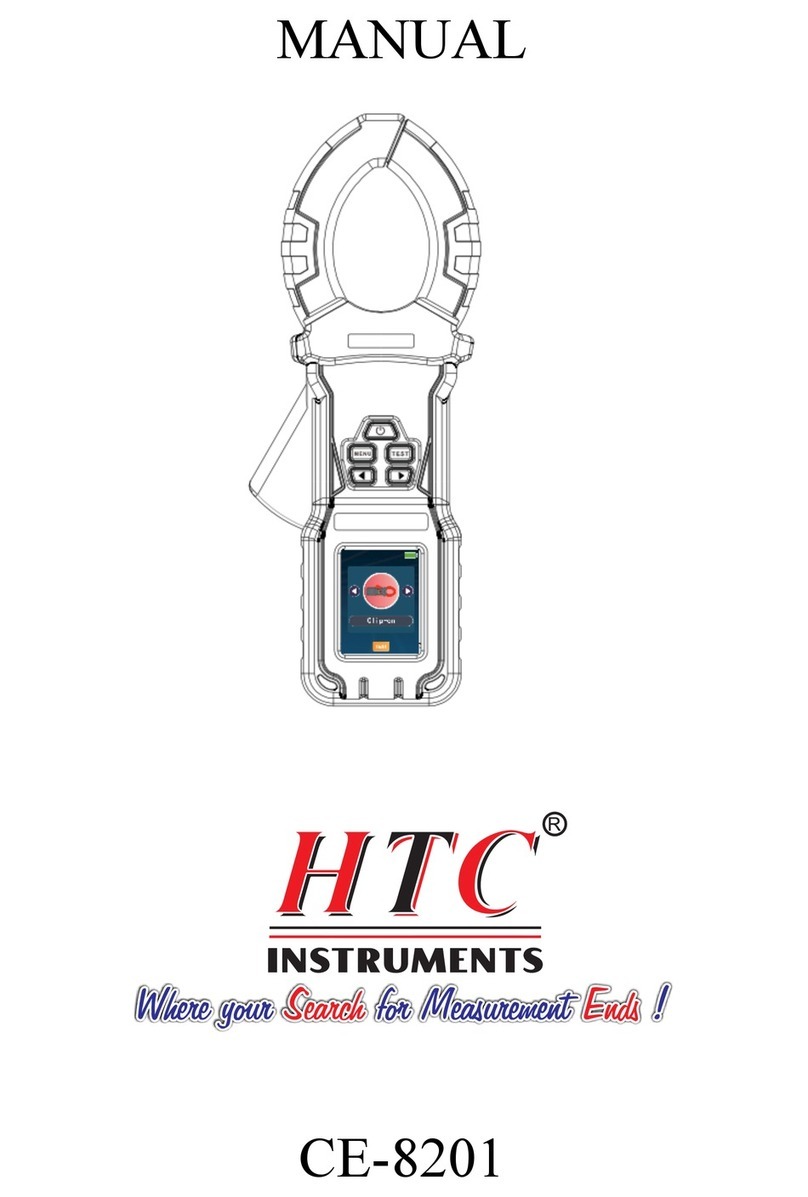
HTC CE-8201 User manual

HTC

HTC CE-8201 User manual

HTC 7250IN User manual

HTC

HTC 7250IN User manual

HTC DIT90A User manual

HTC

HTC DIT90A User manual

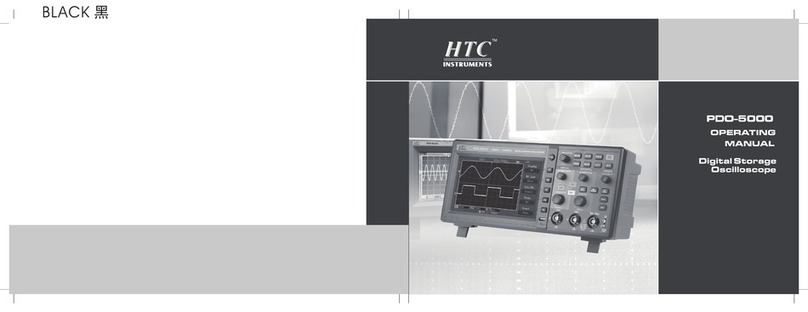
HTC PDO-5000 User manual

HTC

HTC PDO-5000 User manual

HTC CE8200 User manual

HTC

HTC CE8200 User manual

HTC CE8200 User manual

HTC

HTC CE8200 User manual

HTC 5252 User manual

HTC

HTC 5252 User manual

Popular Test Equipment manuals by other brands

SMART KANAAD SBT XTREME 3G Series user manual

SMART

SMART KANAAD SBT XTREME 3G Series user manual

Agilent Technologies BERT Serial Getting started

Agilent Technologies

Agilent Technologies BERT Serial Getting started

Agilent Technologies N3280A user guide

Agilent Technologies

Agilent Technologies N3280A user guide

Lifeloc R.A.D.A.R. quick start guide

Lifeloc

Lifeloc R.A.D.A.R. quick start guide

Fluke T5-600 Service information

Fluke

Fluke T5-600 Service information

Mercury TSL01 user manual

Mercury

Mercury TSL01 user manual

MAHA MBT Series Original operating instructions

MAHA

MAHA MBT Series Original operating instructions

Fuji Electric P-61 instruction manual

Fuji Electric

Fuji Electric P-61 instruction manual

ETC SealerAtor user manual

ETC

ETC SealerAtor user manual

Skyfine ETHYWAY V2 user manual

Skyfine

Skyfine ETHYWAY V2 user manual

Appion G5 Twin Operation manual

Appion

Appion G5 Twin Operation manual

PCB Piezotronics 8159-0112A Installation and operating manual

PCB Piezotronics

PCB Piezotronics 8159-0112A Installation and operating manual

BW Technologies MicroDock II user manual

BW Technologies

BW Technologies MicroDock II user manual

Sun Nuclear 1027 user guide

Sun Nuclear

Sun Nuclear 1027 user guide

Biomark HPR LITE READER user manual

Biomark

Biomark HPR LITE READER user manual

Hioki 3169-20 instruction manual

Hioki

Hioki 3169-20 instruction manual

Ashcroft ATE-100 operating manual

Ashcroft

Ashcroft ATE-100 operating manual

Rohde & Schwarz RTA4000 user manual

Rohde & Schwarz

Rohde & Schwarz RTA4000 user manual

manuals.online logo
manuals.online logoBrands
  • About & Mission
  • Contact us
  • Privacy Policy
  • Terms and Conditions

Copyright 2025 Manuals.Online. All Rights Reserved.

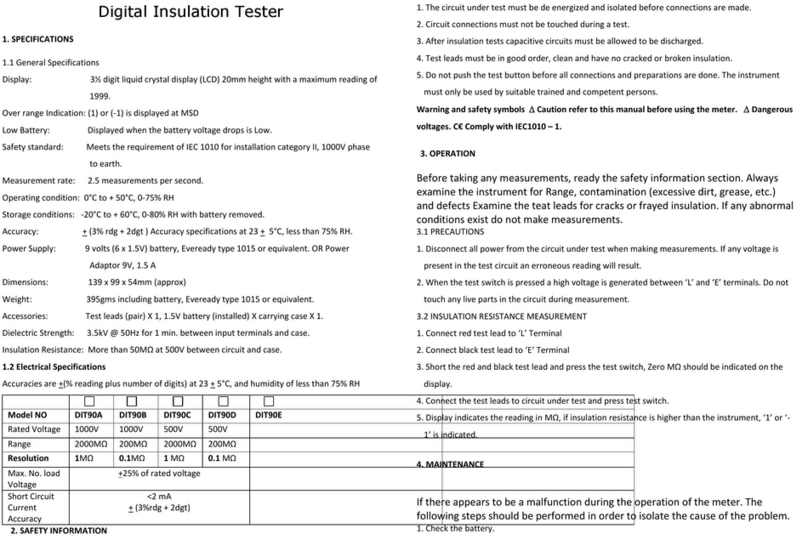
1. SPECIFICATIONS
1.1 General Specifications
Display: 3 ½ digit liquid crystal display (LCD) 20mm
height with a maximum reading of 1999.
Over range Indication : (1) or (-1) is displayed at MSD
Low Battery : Displayed when the battery voltage drops is low.
Safety standard : Meets the requirement of IEC 1010 for installation
category II, 1000V phase to earth.
Measurement rate: 2.5 measurements per second.
Operating condition : 0°C to + 50°C, 0-75% RH
Storage conditions : -20°C to + 60°C, 0-80% RH with battery removed.
Accuracy : ±(3% rdg + 2dgt ) Accuracy specifications at 23±
5°C, less than 75% RH.
Power Supply : 9 volts (6 x 1.5V) battery, Eveready type 1015 or
equivalent. OR Power Adaptor 9V, 1.5 A
Dimensions: 139 x 99 x 54mm (approx)
Weight : 395gms including battery, Eveready type 1015 or
equivalent.
Accessories : Test leads (pair) X 1, 1.5V battery (installed) X
carrying case X 1.
Dielectric Strength : 3.5kV @ 50Hz for 1 min. between input terminals
and case.
Insulation Resistance : More than 50MΩ at 500V between circuit and case.
1.2 Electrical Specifications
2. SAFETY INFORMATION
1. The circuit under test must be de energized and isolated before
connections are made.
2. Circuit connections must not be touched during a test.
3. After insulation tests capacitive circuits must be allowed to be
discharged.
4. Test leads must be in good order, clean and have no cracked or
broken insulation.
5. Do not push the test button before all connections and preparations
are done. The instrument must only be used by suitable trained and
competent persons.
Warning and safety symbols Caution refer to this
manual before using the meter. Dangerous
voltages. C€ Comply with IEC1010 – 1.
Digital Insulation Tester
Model: DIT-90
1
Accuracies are ±(% reading plus number of digits) at 23 ± 5°C, and
humidity of less than 75% RH
Model NO.
1000V
□DIT-90A □DIT-90B □DIT-90C □DIT-90D □DIT-90E
1000V 500V 500V
2000MΩ 200MΩ 2000MΩ 200MΩ
1MΩ 0.1MΩ 1 MΩ 0.1 MΩ
100V
200MΩ
0.1 MΩ
Rated Voltage
Range(MAX.)
Resolution
Max. No. load
Voltage ± 25% of rated voltage
<2 mA
± (3%rdg + 2dgt)
Short Circuit
Current
Accuracy
3. OPERATION
Before taking any measurements, ready the safety information section.
Always examine the instrument for Range, contamination (excessive
dirt, grease, etc.) and defects Examine the teat leads for cracks or
frayed insulation. If any abnormal conditions exist do not make
measurements.
3.1 PRECAUTIONS
1. Disconnect all power from the circuit under test when making
measurements. If any voltage is present in the test circuit an erroneous
reading will result.
2. When the test switch is pressed a high voltage is generated between
‘L’ and ‘E’ terminals. Do not touch any live parts in the circuit
during measurement.
3.2 INSULATION RESISTANCE MEASUREMENT
1. Connect red test lead to ‘L’ terminal
2. Connect black test lead to ‘E’ terminal
3. Short the red and black test lead and press the test switch, Zero MΩ
should be indicated on the display.
4. Connect the test leads to circuit under test and press test switch.
5. Display indicates the reading in MΩ, if insulation resistance is higher
than the instrument, ‘1’ or ‘-1’ is indicated.
4. MAINTENANCE
If there appears to be a malfunction during the operation of the meter.
The following steps should be performed in order to isolate the cause of
the problem.
1. Check the battery.
2. Review the operating instruments for possible mistakes in
operating procedure.
3. Inspect and test the Test Probes for a broken or intermittent
connection.
4.1 BATTERY REPLACEMENT
To prevent electrical shock hazard, disconnect the test leads before
removing the battery cover. Also ensure that the test switch is not
pressed.
1. Remove the cover of battery case at the rear.
2. Remove the old batteries from the meter and replace with new
batteries. Replace all the same time.
4.2 Power Adaptor
1. While Using Power Adaptor, Remove the battery for better Battery
life.
2. Use Adaptor with 9V, 1.5 A Rating
2
CERTIFICATE OF CALIBRATION
We hereby certify that this product hasbeenz
calibrated and found to be in accoradance with the
applicable SPECIFICATION. Accuracies of the
standard equipment used in this calibration are
traceable to the international standards.