
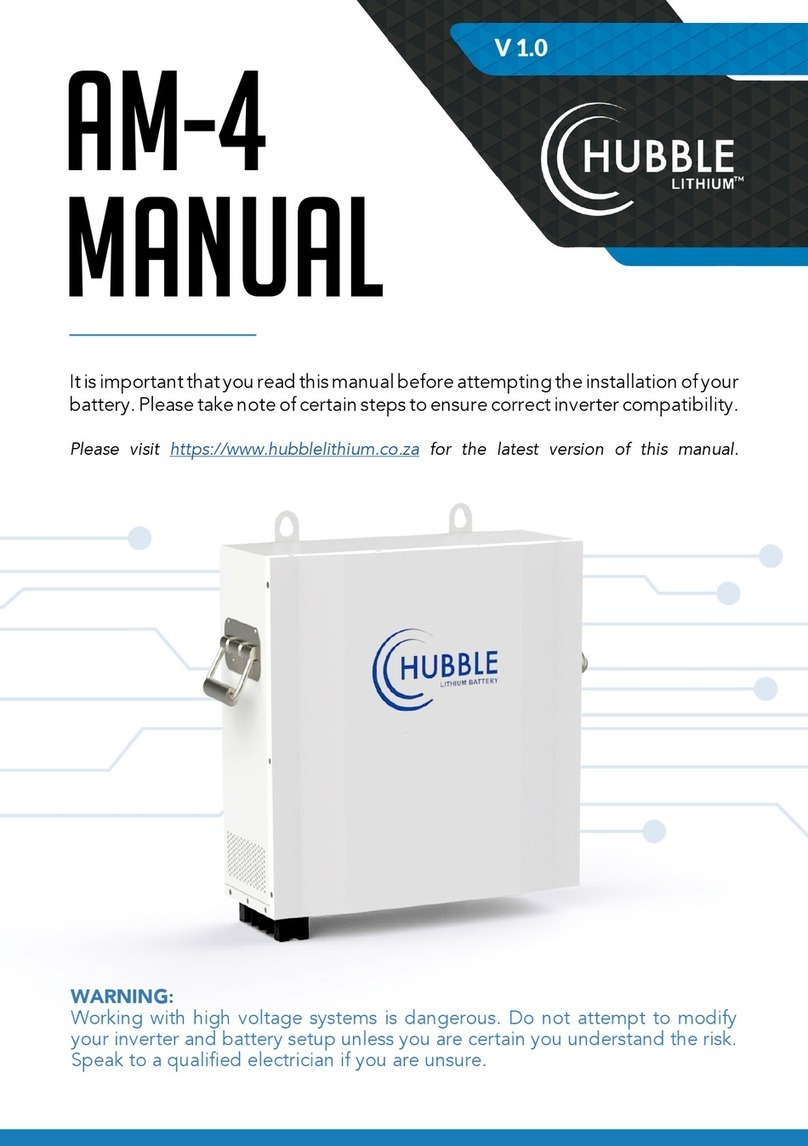
Hubble AM-10 User manual

AM-10
MANUAL
It is important that you read this manual before attempting the installation of your
battery. Please take note of certain steps to ensure correct inverter compatibility.
Please visit www.hubblelithium.co.za for the latest version of this manual.
V 1.0
WARNING:
Working with high voltage systems is dangerous. Do not attempt to modify
your inverter and battery setup unless you are certain you understand the risk.
Speak to a qualied electrician if you are unsure.

1
Product
description
SMART
Every module is
equiped with an
independent BMS
system.
EASY
INSTALLATION
Just plug & play.
SAFE
Safe litium iron
phosphate battery
cell.
CERTIFIED
CE IEC
UN38.3 MSDS.
MODULAR
Modular expansion
LONGER
LIFETIME
6000 cycles, 15
years design life.
Lithium battery systems are widely used in residential energy storage systems, such as solar energy storage systems
and UPS. The power wall LiFeP04 battery pack adopts the international advanced lithium iron phosphate battery
application technology and BMS control technology.
TECHNICAL SPECIFICATIONS
Model AM-10
Battery Type LiFePO4 (LFP)
Norminal Voltage (V) 51.2V
Norminal Energy (KWH) 10KWH
Design Capacity 200AH
Design Years 15 Years
PRODUCT SIZE
Size 673*618*193mm
Weight 89kg
TECHNICAL PARAMETER
Cycle Life ≥6000 80% DOD
Operating Voltage Range 40V-58.4V
Charging Voltage DC 58.4V
Charge/Discharge Current(A) Same Port 100A
lntermal Resistance ≥30mΩ
BMS PARAMETERS
Self-Consumption ≥2W
Rated Voltage 51.2V
Balance Current 30-65(MA)
Communication Method CAN/RS485/RS232
Intelligent Current Limiter 20A
AMBIENT TEMPERATURE
Operating Temperature -10C ~ 50C
Storage Temperature 10C ~ 50C
Humidity 15%-75%

INTERFACE
& SIZE
2
1. POWER SWITCH
2. DRY CONTACT
3. RESET
4. ADDRESS
5. RS485
6. CAN
7. RS232
8. BATTERY LINK
9. BATTERY +
10. BATTERY -

PARALLEL
CONNECTION OF BATTERIES
3
SOLUTION DIAGRAM:
Connect the positive pole and positive pole in parallel, and the negative pole and
negative pole in parallel, as shown in the gure below:
INVERTER

installation
notes
1. As shown in the gure below, press the mounting structure on the wall surface, use a
marker to draw the installation positioning hole of the xed pendant, remove from wall and drill the
holes.
2. As shown in the gure below, x the attached six expansion bolts in the opening of the
mounting structure, and tighten the nuts on the bolts.
3. Lift up the AM-10 battery carefully and hook it into position securely onto the wall mount bracket.
4
WALL POSITION PUNCHING *6PCS
BOX PENDANT OPENING POSITION
FIXED PENDANT
AFTER COMPLETION AS SHOWN IN
THE FIGURE

TABLE 1 LED WORKING STATUS INDICATION
TABLE 2 CAPACITY INDICATION INSTRUCTIONS
TABLE 3 LED FLASH INSTRUCTIONS
5
Note: can enable or prohibit LED indicator light alarm through the upper machine, the factory default is enabled.
STATUS NORMAL / ALARM
/ PROTECTION
RUN ALM SOC INDICATION LEDS
REMARK
POWER OFF Dormancy OFF OFF OFF OFF OFF OFF All off
STANDBY Normal Fash 1 OFF According to the electricity instruction Standby state
Alarm Flash 1 Flash 3 Cell low voltage
CHARGE
Normal Lighting OFF According to the electricity instruction
(Power level indicates maximum LED
ash 2)
Alarm when
overvoltage light
is off
Alarm Lighting Flash 3
Overcharge
Protection Lighting OFF Lighting Lighting Lighting Lighting
If there is no
charging the LED
light is in standby
state
Temperature
Over-current
Protection
OFF Lighting OFF OFF OFF OFF Stop charging
DISCHARGE
Normal Flash 3 OFF According to the electricity instruction.
Alarm Flash 3 Flash 3
Undervoltage
protection OFF OFF OFF OFF OFF OFF Stop discharge
Temperature
Overcurrent
Short-circuit
Reverse connection
Failure protection
OFF Lighting OFF OFF OFF OFF
Stop discharge
FAIL OFF Lighting OFF OFF OFF OFF Stop charging and
discharging.
STATE CHARGE DISCHARGE
Capacity Indicator Light L4 L3 L2 L1 L4 L3 L2 L1
Battery Power (%)
0 ~ 25% OFF OFF OFF Flash 2 OFF OFF OFF Lighting
25 ~ 50% OFF OFF Flash 2 Lighting OFF OFF Lighting Lighting
50 ~ 75% OFF Flash 2 Lighting Lighting OFF Lighting Lighting Lighting
75 ~ 100% Flash 2 Lighting Lighting Lighting Lighting Lighting Lighting Lighting
FLASH MODE ON OFF
FLASH 1 0.25 S 3.75 S
FLASH 2 0.5 S O.5 S
FLASH 3 0.5 S 1.5 S

6
ADDRESS CODES THE SWITCH POSITION
#1 #2 #3 #4
1 OFF OFF OFF OFF
2 ON OFF OFF OFF
3 OFF ON OFF OFF
4 ON ON OFF OFF
5 OFF OFF ON OFF
6 ON OFF ON OFF
7 OFF ON ON OFF
8 ON ON ON OFF
9 OFF OFF OFF ON
10 ON OFF OFF ON
11 OFF ON OFF ON
12 ON ON OFF ON
13 OFF OFF ON ON
14 ON OFF ON ON
15 OFF ON ON ON
16 ON ON ON ON
table 4 dual switch position

7
interface
denition
DIAGRAM OF THE COMMUNICATION INTERFACE
RS232 communication port denition:
RS 485-1 / CAN COMMUNICATION INTERFACE DEFINITON:
INTERFACE DEFINED DECLARATION
RJ12, RS232 pin layout
PIN 1 NC (empty)
PIN 2 NC (empty)
PIN 3 TX protection board sends data (computer
receiving data foot)
PIN 4 RX protection board receives data (computer
sends data)
PIN 5 Ground signal ground
PIN 6 NC (empty)
INTERFACE DEFINED DECLARATION DEFINED DECLARATION
X1
Communication
port denition
RJ45
CAN pin
layout
PIN 1 CANL
RJ45,
RS485 pin
layout
PIN 1 RS485-B1
PIN 2 CGND PIN 2 RS485-A1
PIN 3 NC (empty) PIN 3 RS485-GND
PIN 4 CANH PIN 4 RS485-B1
PIN 5 CANL PIN 5 RS485-A1
PIN 6 NC (empty) PIN 6 RS485-GND
PIN 7 CGND PIN 7 NC (empty)
PIN 8 CANH PIN 8 NC (empty)
8
RS485-2 COMMUNICATION INTERFACE DEFINITION:
DRY CONTACT DESCRIPTION
INTERFACE DEFINED DECLARATION DEFINED DECLARATION
Battery
link ports
A part
RS-485-2
Interface
PIN 1 RS485-B2
B part
RS-485-2
Interface
PIN 1 RS485-B2
PIN 2 RS485-A2 PIN 2 RS485-A2
PIN 3 RS485-GND PIN 3 RS485-GND
PIN 4 NC (empty) PIN 4 NC (empty)
PIN 5 NC (empty) PIN 5 NC (empty)
PIN 6 RS485-GND PIN 6 RS485-GND
PIN 7 RS485-A2 PIN 7 RS485-A2
PIN 8 RS485-B2 PIN 8 RS485-B2
This BMS can provide one channel of dry contact signal, all dry contact signals are passive switch-
es, regardless of polarity.
KRY 1 (2P terminal)
BMS STATE DESCRIPTION REMARK
Normal Operation 1/2 pin is disconnected
BMS Alarm 1/2 pin is connected Output when SOC alarm,
under voltage and over
voltage alarm and BMS
protection state, such as
under voltage protection,
over voltage protection or
short circuit protection;
DRY CONTACT
Table of contents
Other Hubble Batteries Pack manuals
Popular Batteries Pack manuals by other brands



IOGear
IOGear GBP24V Series user manual
Inventus Power
Inventus Power PROTRXion S-12V100-TRX-HD user manual
Clas Ohlson
Clas Ohlson PW-290A quick start guide
EINHELL
EINHELL MULTI-Ah Power X-Change Plus Original operating instructions

Samsung
Samsung EB-U3300 quick start guide

ECTIVE
ECTIVE LC Series instruction manual