Calibration / Setup Procedures Concept
The ED2-EPT Series SkidWeigh systems calibration/setup procedures are very simple and
consist of a two steps to complete the automatic calibration of the empty forks and loaded forks
with known load weight being lifted.
Note: At any point if you make a mistake, for whatever reason, turn the power to the system “off”
and start all over. All calibration values will be automatically stored after the calibration/setup
procedure is finished.
•The ED2-EPT system has to be calibrated with a known load weight
•Use the customer’s floor scale or find a known load weight within the operating facility
•Keep that known load weight nearby to complete the calibration
•For best results, use at least 30% to 50 % known load weights of the particular lift truck’s
lifting capacity.
•Example: For 3000 pounds lifting capacity of the vehicle, use at least 1500 pounds or
close to that load weight.
•Note: If you want the system to show load weight in pounds; use the known load weight
in pounds and enter that value accordingly. The same would apply if you want the weight
display to show in kilograms. Use a known load weight in kilograms and enter that value
into the system accordingly.
Starting Point
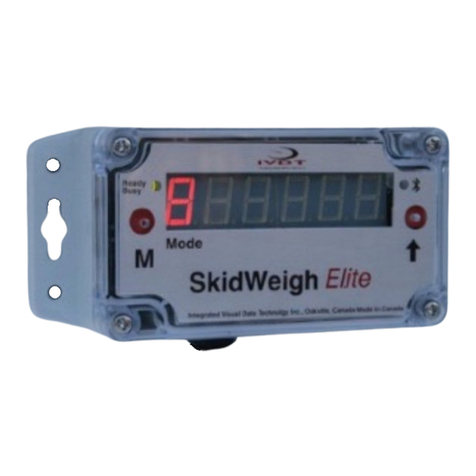
Every time the power is turned on, the software version will be displayed on the right hand
side of the display for a brief moment. When forks are lowered to the ground, the digital
display will show number 8 in the mode window.
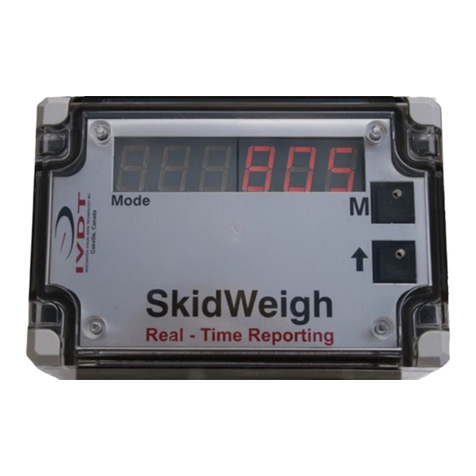
MODE
Five Digits Load Weight Readout Display