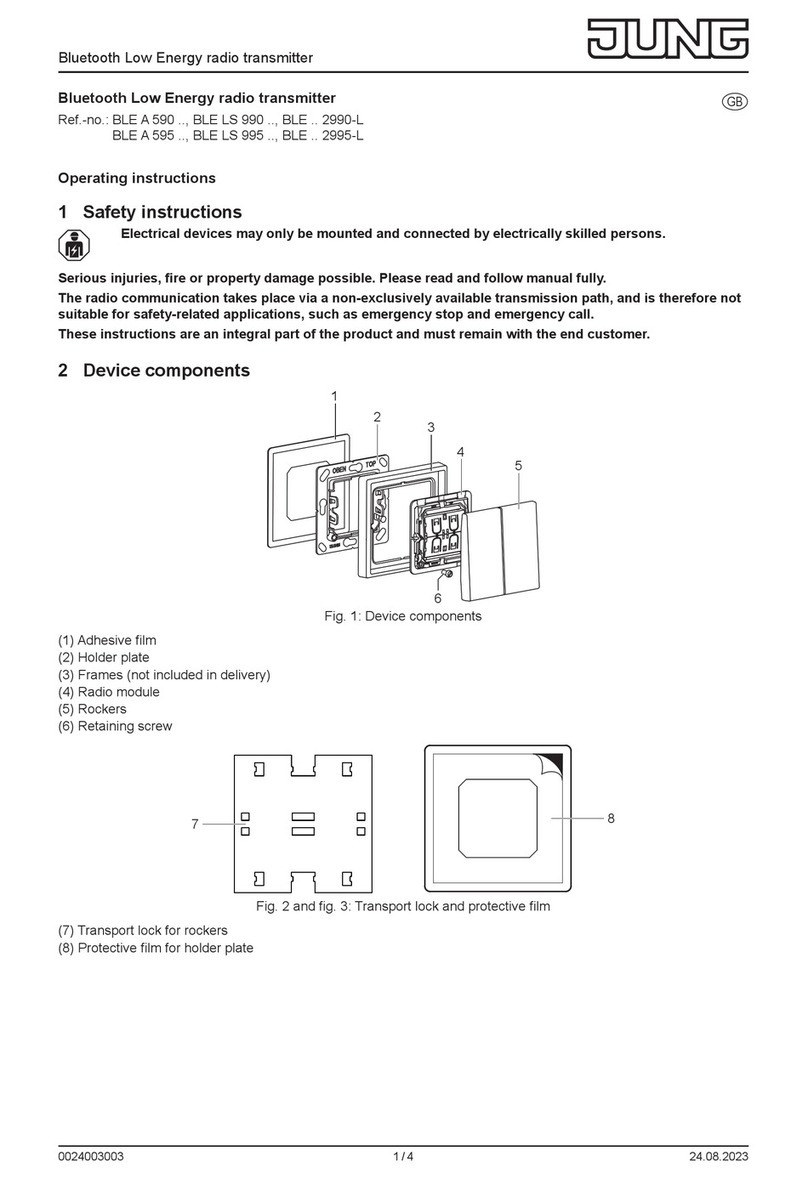
C2: Function of the right menu button, context-dependent
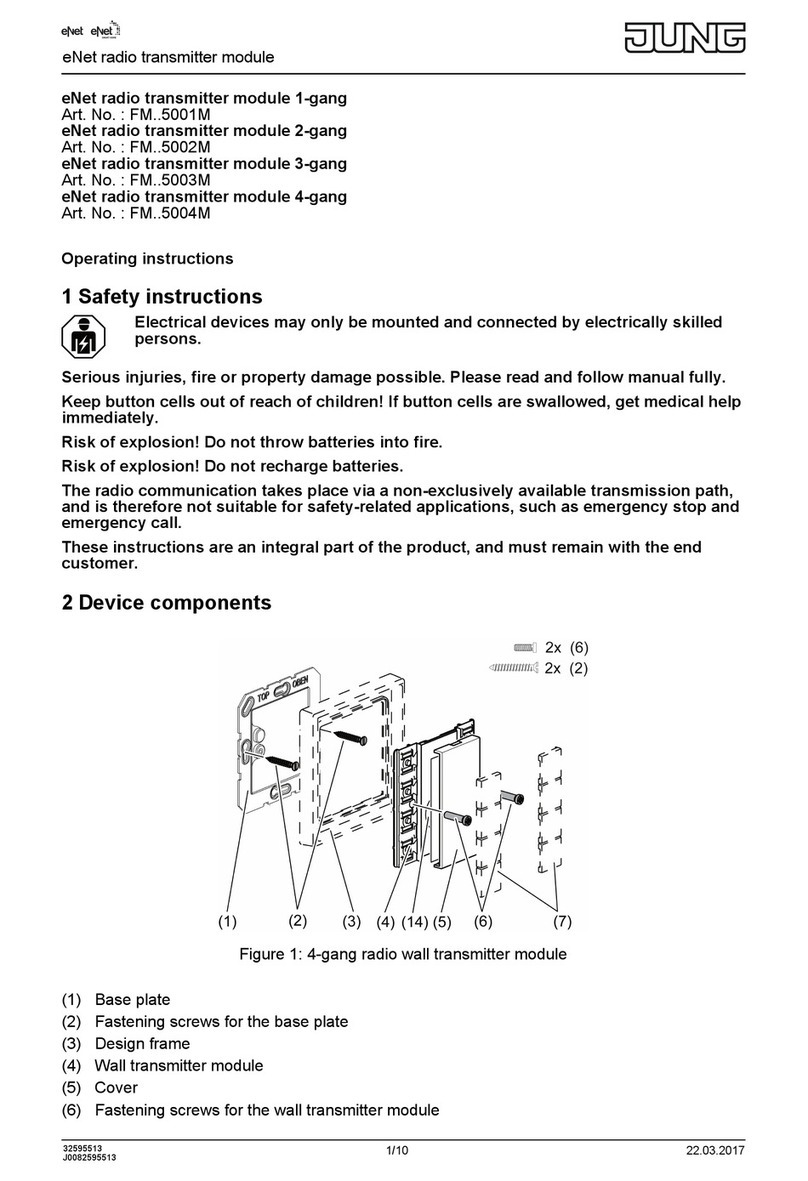
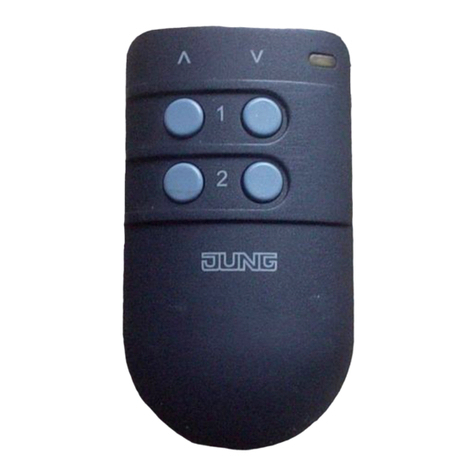
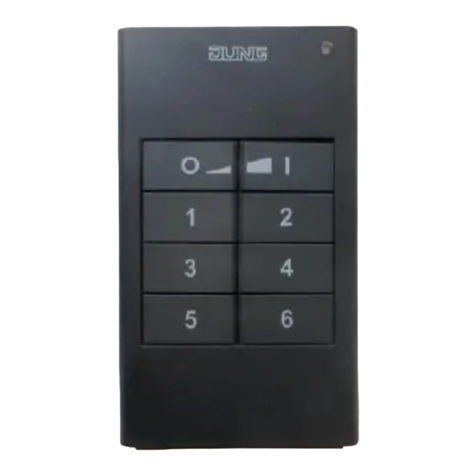
The hand-held transmitter is operated using the buttons (4) or via the menu structure in the
display using the navigation buttons (3) n, o, }, ~ and OK.
4.1 First steps
iBefore using the hand-held transmitter, it must be connected to the switching, dimmer and
Venetian blind actuators that are to be operated in the system. These steps are
documented in the section "Commissioning".
Caution! Only electrically skilled people may perform work on electrical systems.
Inserting the battery
Before first commissioning, the enclosed battery must be inserted in the device.
iOnly use the prescribed battery type. Do not insert any other button cells.
Keep the contacts of batteries and device free of grease.
oOpen the battery compartment (6) on the rear side.
oApply the battery to the positive contact of the battery holder. Observe polarity: The
positive pole of the battery must be at the top.
oPress gently on the battery to snap it in.
oClose battery compartment.
Charging the battery
Use a device with a USB-A connection for charging, e.g. on a PC, or use a standard USB
charging device.
The enclosed battery has been inserted in the device.
oConnect the hand-held transmitter with the USB device using the enclosed USB cable.
During a charging operation, the charging display (A3) displays a progress bar. Once a
battery symbol appears here, the battery has been charged.
iThe charging cradle can also be used to charge the battery (accessory).
Switching on the hand-held transmitter
oPress any button on the hand-held transmitter.
iTo activate the hand-held transmitter from Standby mode, it is sufficient to move it or shake
it lightly.
Switching off the hand-held transmitter
oOpen the main menu.
oSelect "Programming" and press OK.
oSelect "Settings" and press OK.
oSelect "Turn OFF device" and press OK.
iThe hand-held transmitter cannot be switched off during charging. The message "Mains
operation" appears in the footer.
4.2 Basic functions
Navigation and selection
The hand-held transmitter is operated using the function keys (4) or via the menu structure in
the display using the navigation buttons (3) and menu buttons (2):
n moves the cursor upwards.
o moves the cursor downwards.
}, ~ allow the adjustment of values.
OK selects a highlighted menu item.
Main menu
The following submenus are available in the main menu:
- "Channels": Operation of individual hand-held transmitter channels.
3/18
82582333
J0082582333 29.03.2017
eNet radio hand-held transmitter with display, 24-gang