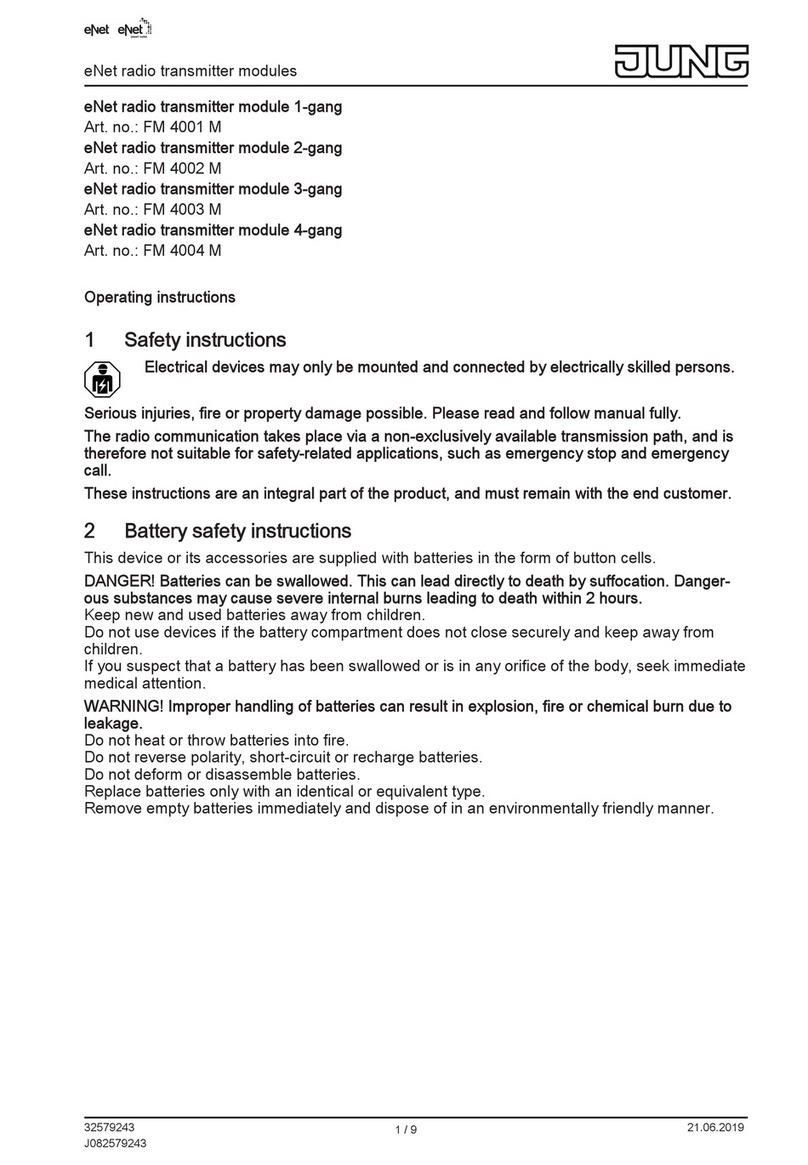
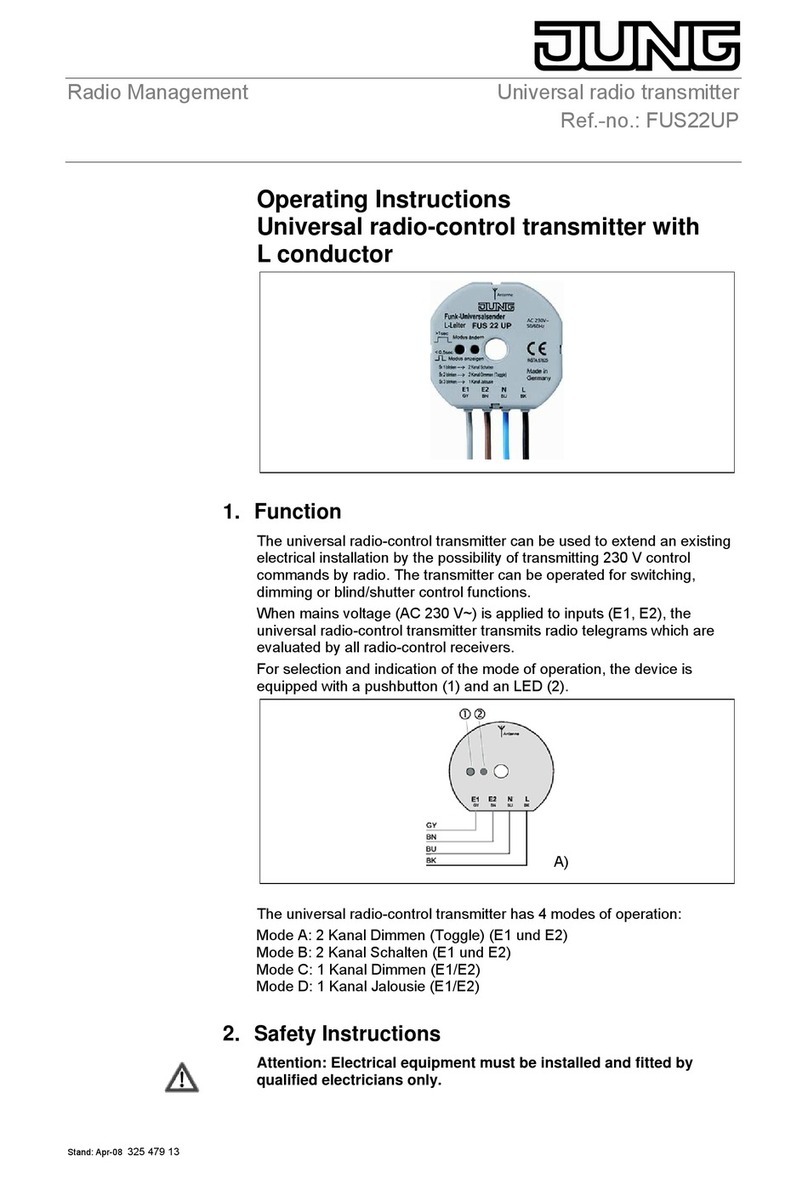
3.5 Setting the color temperature Ƒ
oSelecting a luminaire, see Chapter 3.1.
oSetting warm white: briefly press the Ƌ button.
The color temperature is set to approx. 2700 K, which is typical for light bulbs.
oSetting cold white: briefly press the ƌ button.
The color temperature is set to approx. 4500 K, which is typical for fluorescent lamps.
oSetting individual color temperatures: press the Ƌ or ƌ button until the desired color
temperature is set.
The color temperature increases or decreases to the respective final value that the lumi-
naire supports.
4 4 Commissioning
4.1 Basic commissioning procedure
Prerequisite 1:
During commissioning, the respective devices must have a distance of 10 to 50 cm to each oth-
er.
Prerequisite 2:
Each device can only be part of one network.
The luminaire should be operated using a Philips Hue Bridge or an Osram Lightify Gate-
way and transmitters
oUp-to-date information on this is always available on our website.
The luminaire should be operated exclusively using a transmitter without connection to a
Philips Hue Bridge or Osram Lightify Gateway.
The luminaire has default settings.
oConnect the luminaire to a transmitter, see Chapter 4.2
or the luminaire belongs to another network.
oReset luminaire, see Chapter 4.5.
oConnect the luminaire to a transmitter, see Chapter 4.2.
iRepeat the corresponding steps for another luminaire.
The lamp should be operated with several transmitters without a connection to a Philips
Hue Bridge or Osram Lightify Gateway.
Prerequisite:
The luminaire is already connected to a transmitter, see Chapter 4.2.
oAdd a new transmitter to the network, see Chapter 4.3.
6/15
ZigBee radio hand-held transmitter
82595215
J0082595215 28.06.2017