24 D0304S40_01
KTD-304 Controller Keypad Installation and Operations Guide
Engaging uto Focus on CyberDomes
To engage auto focus on CyberDo es, press . Use
near
focus
or
focus
far
to disengage.
To find a preset, select the desired ca era, press
set
and use
0
through
9
to enter the
preset nu ber. The entry ay be one or two digits depending on the largest preset position
progra ed in the keypad setup.
Exa ple: To find preset 6, press
set
,
6
.
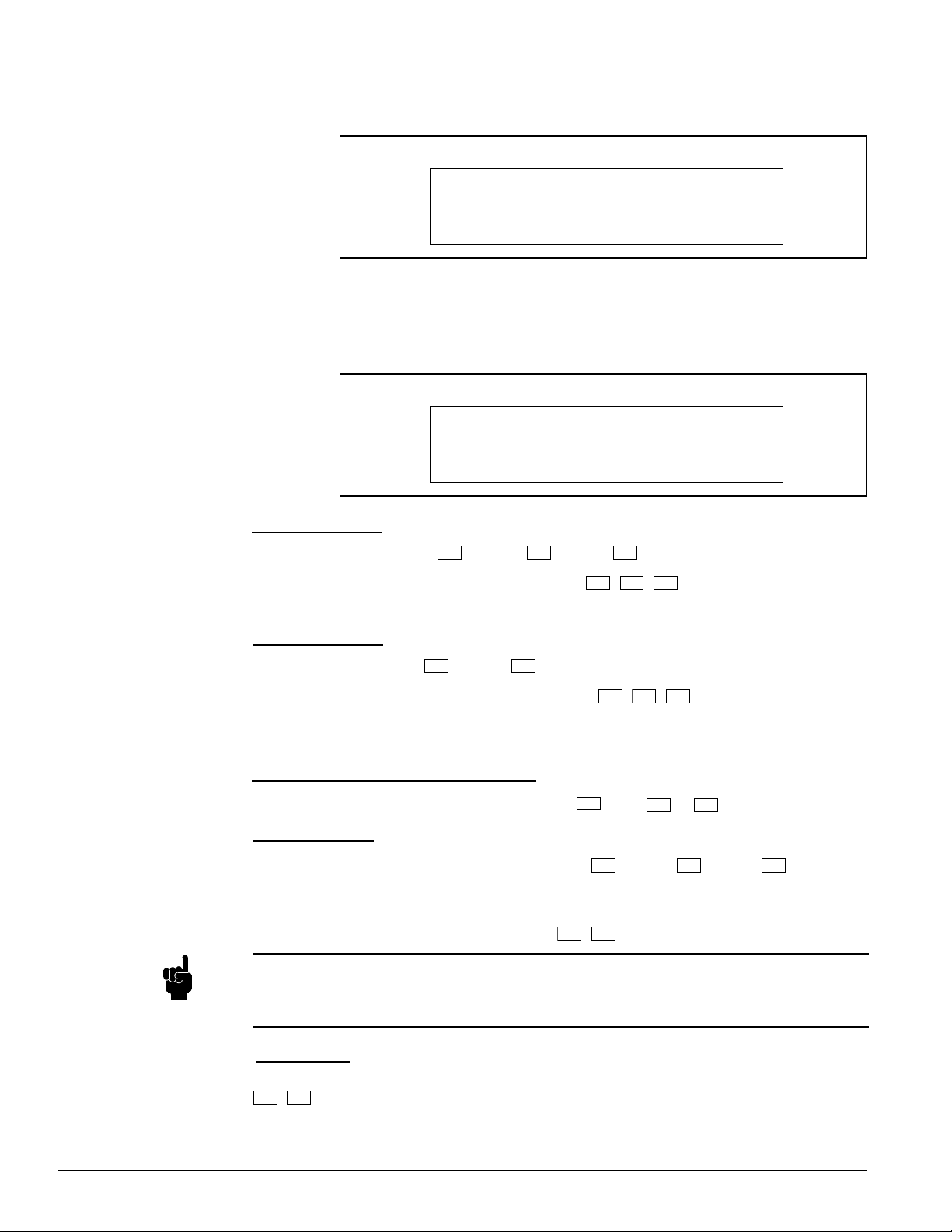
Keypad Operation When power is first supplied to a KTD-304 series keypad, the LCD display will briefly display
the Kalatel na e and then appear as shown below:
Fro this display and by observing the syste s onitors, the operator uses the function
keys for control.
The preset option referred to in this chapter will function only if activated during KTD-304
setup.
NOTE:
To activate a ca eras preset tours or ShadowTour, select the desired ca era and press
set
,
auto
, and the tour nu ber (1-4). On older odels of the CyberDo e, only one preset
tour could be progra ed. Entering any tour nu ber will activate the preset tour.
To deactivate the tour, nudge the joystick.
Preset Tours
Monitor Selection
Finding a Preset
Camera Selection
If the annunciation feature has been activated, the display will also show an e pty call-in
queue.
To select a onitor, press
mon
and use
0
through
9
to enter the desired nu ber.
Exa ple: To select Monitor 12, press
mon
,
1
,
2
All video switching operations will now be perfor ed on the selected onitor.
To select a ca era, use
0
through
9
to enter the desired nu ber.
Exa ple: To select Ca era 345, press
3
,
4
,
5
auto
focus
The ca era associated with the site will appear on the selected onitor, and all keys
applicable to that site will beco e operational (e.g., pan, tilt, zoo , etc.).
Figure 47: KTD-304s Nor al Operating Display with Annunciation
CAM 000 1ST 2ND 3RD
MON 01
Figure 46: KTD-304s Nor al Operating Display
CAMERA 000
MONITOR 01