Update Guide
2
On page 109, change “5–1J: Copy Measure”to read as follows.
Measures of musical data from the track specified in the dialog box will be cop-
ied to the measures that were specified in the tab 1 page.
When the Copy Measure operation is executed, musical data will be copied to
the measures specified in the tab 1 page, allowing you to easily create repetitive
musical sections such as refrains within a song. Be aware than when the Copy
Measure operation is executed, the musical data will change as follows:
•If measures containing no musical data are copied, the copy destination mea-
sures will be blank.
•Musical data in the copy destination will be erased, and overwritten by the
data that is copied.
•Musical data that is copied will playback according to the time signature of
the copy destination.
On page 110, change “5–1K: Move Measure”to read as follows.
Measures of musical data in the track specified in the dialog box will be moved
to the measure specified in the tab 1 page.
Be aware that when the Move Measure operation is executed, the musical data
will change as follows:
•Data following the move source measures will be moved forward to fill the
gap.
•Data following the move destination will be moved backward to make room.
1
In the tab 1 page, specify the copy destina-
tion track and Start Measure.
2
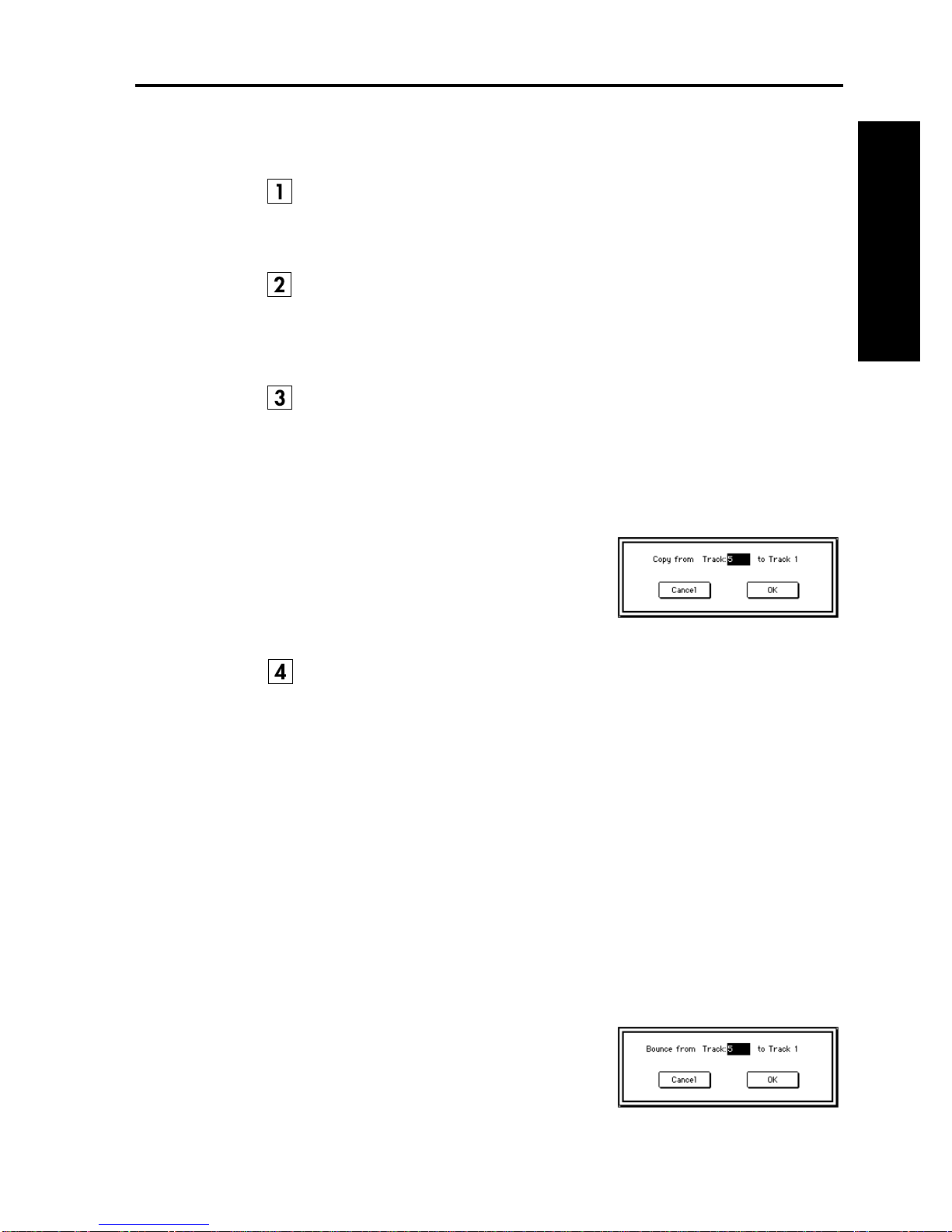
When this command is selected, the dialog
box shown at right will appear.
3
Specify the copy source track. If you wish
to copy the musical data of all tracks
including the master track,
check
All
Tracks.
4
Specify the desired first and last measure of
the copy source track.
5
To execute the Copy Measure command, press the
OK button
. To cancel
without executing, press the
Cancel button
.
1
In the tab 1 page, specify the track and Start Measure of the move destination.
2
When this command is selected, the dialog
box shown at right will appear.
3
Specify the move source track. If you wish
to move the musical data of all tracks
including the master track,
check
All
Tracks.
4
Specify the desired first and last measure of
the move source track.
5
To execute the Move Measure command,
press the
OK button
. To cancel without
executing, press the
Cancel button
.