DIP-31M – Contents iii
Figures
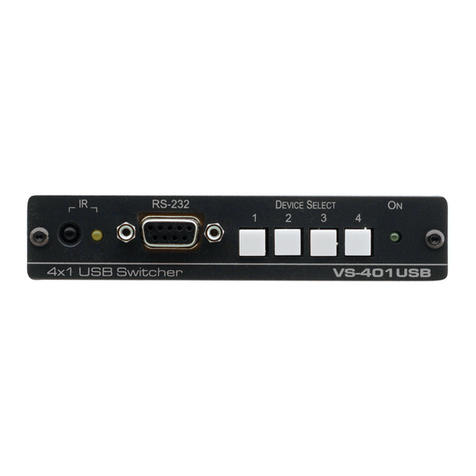
Figure 1: DIP-31M Front Panel 6
Figure 2: DIP-31M Rear Panel 7
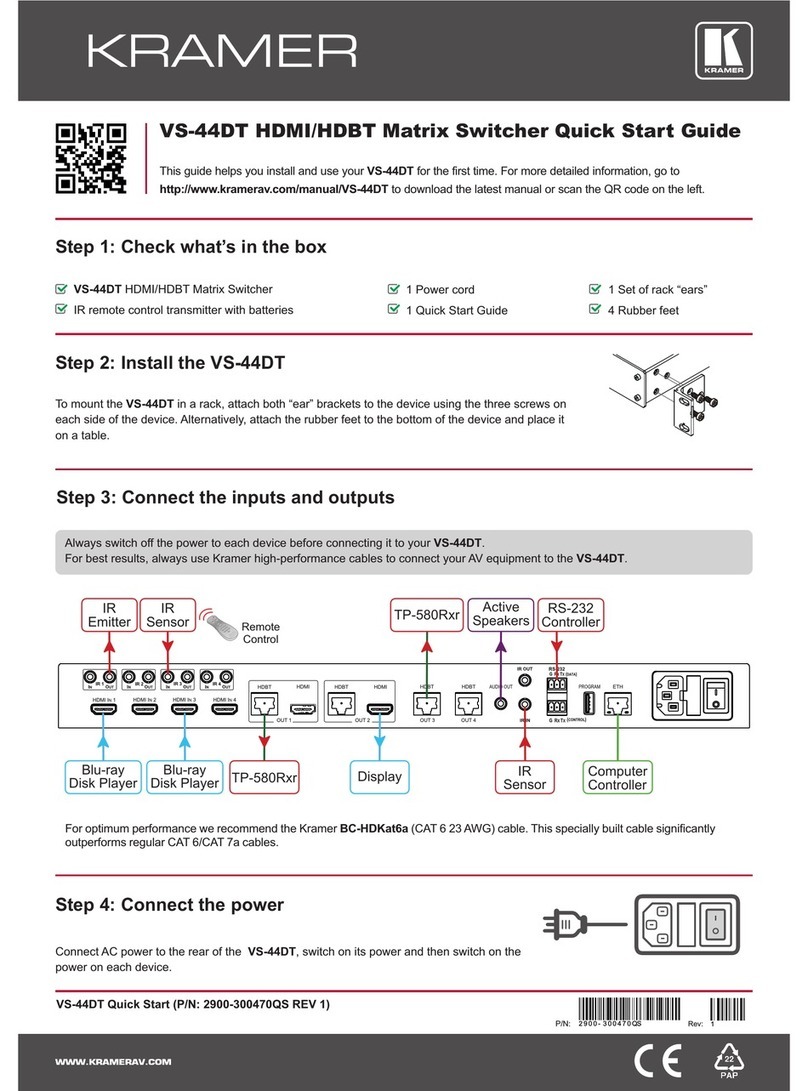
Figure 3: Connecting the DIP-31M 8
Figure 4: Remote Switches Terminal Block 10
Figure 5: TP PINOUT 11
Figure 6: Configuration DIP-switch 17
Figure 7: Entering Logon Credentials 20
Figure 8: Opening Web Page 21
Figure 9: Switching Page 22
Figure 10: Device Settings Page 23
Figure 11: Control Settings Page 26
Figure 12: Video and Audio Settings Page 28
Figure 13: Authentication Page 29
Figure 14: EDID Management Page 30
Figure 15: Firmware Upgrade Page 32
Figure 16: About Us Page 33
Figure 17: Configuring an RS-232 Port 35
Figure 18: Configuring an Ethernet Port 36
Figure 19: Creating a Command 37
Figure 20: Entering a Command Database 39
Figure 21: Connecting to a Command Database 40
Figure 22: Find Command on Kramer Network Server Window 41
Figure 23: Device-Specific Commands Available in the Database 42
Figure 24: Adding a Command from the Database 42
Figure 25: Free Searching in the Database 43
Figure 26: Adding a Wake on LAN Command 44
Figure 27: Dragging a Command to an Action 45
Figure 28: Adding a Delay 47
Figure 29: Testing an Action Command 48
Figure 30: Setting a Trigger 50
Figure 31: Example Room Control Scenario 52
Figure 32: Configuring the Lights Ethernet Port 53
Figure 33: Screen Down Command in Protocol 3000 54
Figure 34: Barco Projector Command List 55
Figure 35: Projector On Command 56
Figure 36: RB-6 Command List 57
Figure 37: Lights Off Command 57
Figure 38: Adding a Delay to the Action Command List 58
Figure 39: Specifying a Trigger for the Action 59