-4-
Table of Contents
1. Introduction...................................................................................................................................6
1.1 Features................................................................................................................8
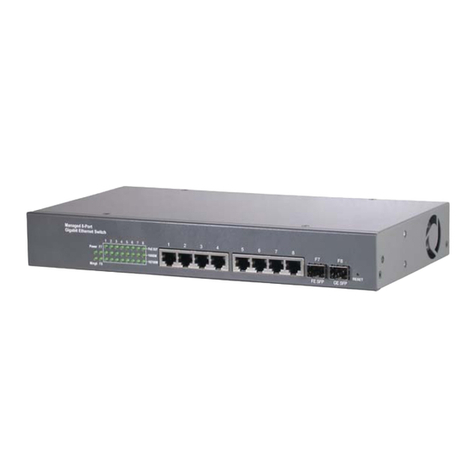
1.2 Product Panels......................................................................................................9
1.3 LED Indicators ....................................................................................................10
1.4 Specifications......................................................................................................10
2. Installation...................................................................................................................................13
2.1 Unpacking...........................................................................................................13
2.2 Safety Cautions...................................................................................................13
2.3 Mounting the Switch............................................................................................ 14
2.4 AC Power Supply................................................................................................16
2.5 DC Power Supply................................................................................................16
2.6 Reset Button .......................................................................................................17
3. Making Connections and Configuring IP Address .................................................................18
3.1 Making UTP Connections ...................................................................................18
3.2 Making Fiber Connection....................................................................................19
3.3 LED Indication.....................................................................................................21
3.4 Configuring IP Address and Password for the Switch.........................................22
4. Web Management.......................................................................................................................23
4.1 Abbreviation........................................................................................................23
4.2 Web Interface......................................................................................................24
4.3 Start Browser Software and Making Connection ................................................24
4.4 Login to the Switch Unit ......................................................................................24
4.5 Main Management Menu .................................................................................... 25
4.6 System Configuration..........................................................................................27
4.7 Port Configuration...............................................................................................29
4.8 Port Mirroring ......................................................................................................31
4.9 Bandwidth Control...............................................................................................32
4.10 Broadcast Storm Control...................................................................................34
4.11 VLAN Mode.......................................................................................................35