TA112MX3-E - 3 / 18 - 07-01-25
FUNCTIONS
The following functions are implemented:
− Start-stop for diesel and gas engine with checking of preliminary start-enable conditions,
− Monitor for generator voltage, frequency and rotating field (asymmetry),
− Generator current monitor: Over-current, short-circuit, unbalanced currents and thermal overload (bimetal
relay),
− 44 alarm signals, 19 of them can be configured by the customer (text and triggering),
− Battery monitor and two analogue inputs for direct connection of VDO sensors,
− Two alarms are possible for each analogue input,
− Potential-free analogue output for direct actuation of a speed controller,
− Parameterisation via optical fibre or directly via the keys and the display.
BASIC OPERATION OF THE CONTROL UNIT
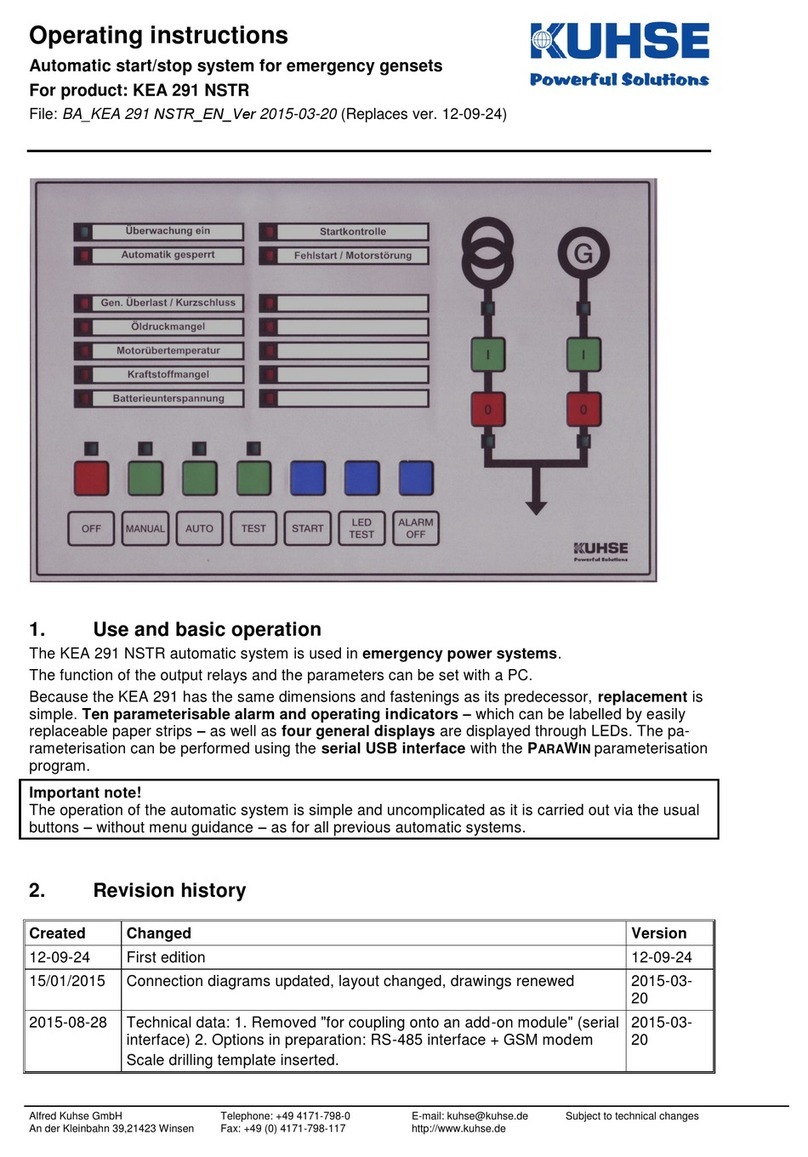
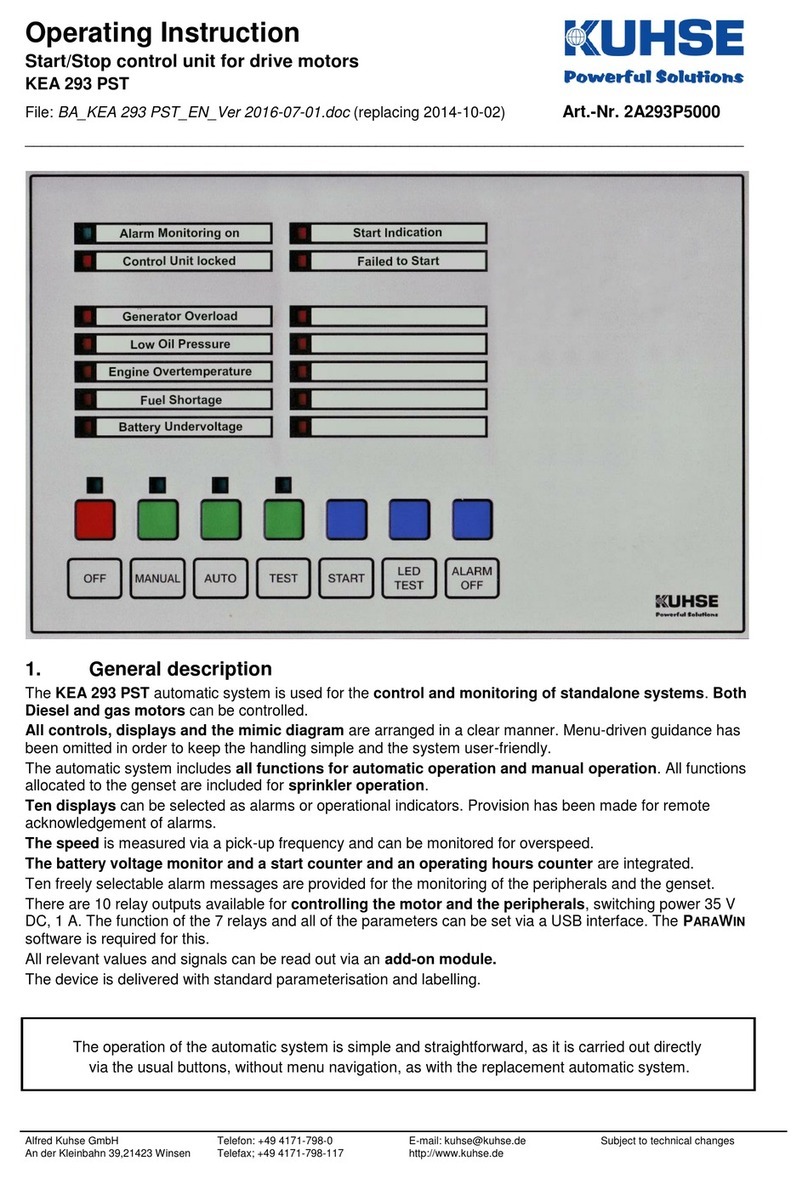
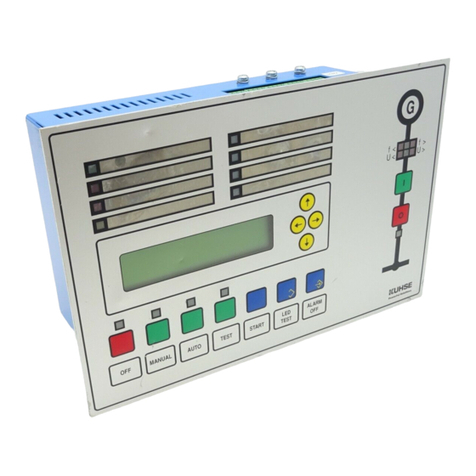
The control unit is simple to operate by the push buttons and without menu navigation as all previous
KUHSE models. The operation mode is selected via four keys. In MANUAL and TEST modes, the generator
supply is executed using the buttons that are arranged in the mimic diagram.
The START button can be used for a manual start in MANUAL mode. The LED TEST and ALARM OFF buttons
are self-explanatory.
In normal operation, the display must only be used for showing current alarms and actual values. The menu
is easy to use: select the required group (alarms or actual values) with the [→] and [←]buttons, then view
the required actual value or current alarm with the [↑] and [↓] buttons.
OPERATION OF THE DISPLAY
Values or parameters are selected, as you would read a book. The further down listed groups are arranged as
'pages'. You can scroll forwards and backwards through these groups by pressing the [→] and [←]keys. The
entries of each group can be read from top to bottom like lines of a text. Select a line by pressing the keys [↓]
(down) and [↑] (up). The selection starts again with the other end of the 'page', when the top or bottom of the
'page' is reached.
Hold down the LED TEST button and press [←] to select directly the ACTUAL VALUES group, hold down
LED TEST and press [→] to display the group CURRENT ALARMS.
To modify a parameter, first enter the relevant IDENT-NUMBER. However, parameters of group 0, -GENERAL
PARAMETERS-, can be modified without entering this number. Parameters are modified as follows:
1. Select the required parameter group with the [←] and [→] buttons. One or two parameters are displayed.
2. Press OFF and LED TEST (function: PARA ON or PARA OFF) together. This opens parameterisation mode
as can be seen by the specific cursor [█]. The selection of the group cannot be changed now.
3. Select the required parameter line (if two are displayed) with the [↓] and [↑] buttons.
4. Press OFF and ALARM OFF (ENTER function) together to select the parameter line. The shape of the cursor
confirms the selection, as it underscores (e.g. 196) now the part of the parameter that is to be modified.
The chosen parameter cannot be deselected now.
5. Select the figure or letter of the parameter that you want to modify with the [←] and [→] cursor keys.
Numerical parameters can be increased or decreased by increments of 1 with the [↑] and [↓] buttons.
Press the same buttons to negate parameters that are displayed with a letter (+/- signs, alarm coding etc.).
6. Press OFF and ALARM OFF together to store the displayed parameter. Press OFF and LED TEST instead of
OFF and ALARM OFF to abort parameterisation.
Display contrast setting
Hold down LED TEST and press key [↑] to increase the display contrast (makes the display darker) or LED
TEST and key [↓] to lower it (makes the display lighter).
Changes without further notice reserved.